AI Tools for Video Generation

Discover the best Video Generation AI tools to enhance your productivity and creativity.

Page 26 of 28 β€’ 333 total tools
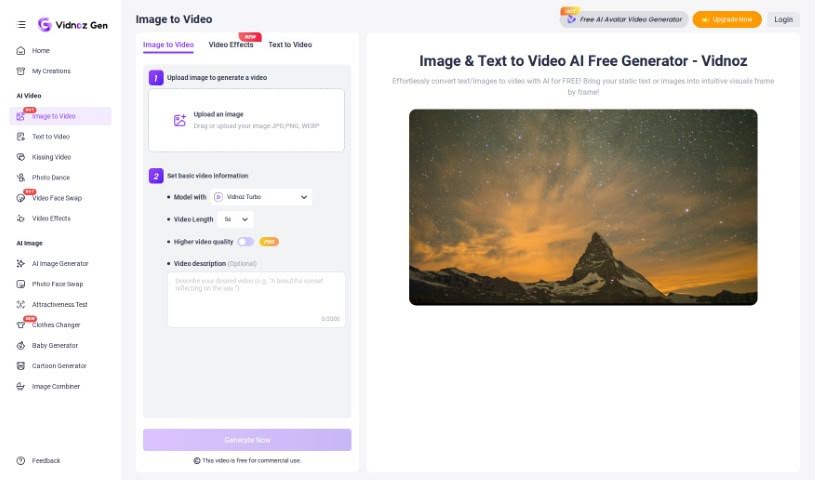
Screenshot of Vidnoz AI Image to Video

Vidnoz AI Image to Video

Freemium

Vidnoz AI Image to Video is a really handy tool that makes it simple for anyone to turn their pictures into dynamic videos, all thanks to AI. It's a pretty neat solution packed with features that let you tweak your videos for different social media platforms. You can easily trim, crop, resize, and even add extras like music and text to make your videos pop. Plus, with over 30 different styles available, you can create something that looks exactly how you want it – whether that's classic, modern, or something a bit more playful. What's great is that Vidnoz AI Image to Video promises high-quality, smooth video effects without a steep learning curve, making it super user-friendly and efficient for crafting eye-catching visual content.

Video Generation View Tool β†’
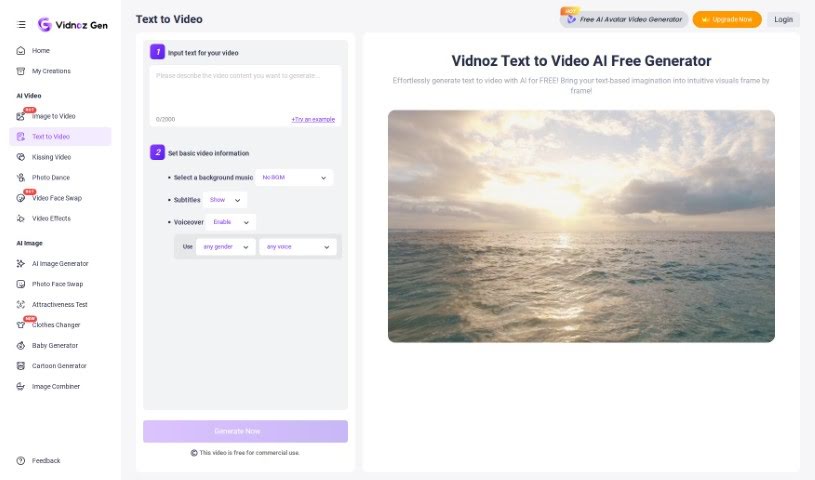
Screenshot of Vidnoz AI Text to Video

Vidnoz AI Text to Video

Freemium

Text to Video is a way to turn your written words into a video, all thanks to artificial intelligence. Tools like Vidnoz AI's text-to-video generator can take a simple text prompt or an idea you have and automatically create visuals, write a script, record a voiceover, and even pick out background music. It’s pretty neat! You can feed it text from all sorts of places – like blog posts, PDFs, or even website links. Then, you can give it specific instructions to fine-tune the video, and it can whip up something in just minutes. Plus, these tools let you personalize things like the voiceover and subtitles, offering a wide selection of AI-generated voices in different languages and accents. Essentially, Text to Video tools make creating video content much simpler and more engaging for all sorts of uses.

Video Generation View Tool β†’
Screenshot of Vidyard

Vidyard

Freemium

Vidyard is a platform that offers video messaging and asynchronous communication tools specifically designed for go-to-market teams. It really helps users personalize their video messages, create custom demos, and share sales videos with ease. Vidyard even includes AI-powered features, like an AI Script Generator, to make video creation smoother and boost how prospects engage. Plus, the platform provides video hosting services, letting businesses manage, analyze, and fine-tune their video content to get the most out of viewer engagement and conversions. Essentially, Vidyard aims to help businesses connect with prospects more effectively and generate more revenue by harnessing the power of video and AI.

Video Generation View Tool β†’
Screenshot of Vision Dub

Vision Dub

Freemium

Vision Dub is a service designed to help content creators overcome language barriers with its video dubbing and translation capabilities. It offers a range of features, including multi-language video dubbing, the ability to use multiple speakers, and audio cloning to keep the original voice's feel. Plus, it handles transcribing and translating your content. Essentially, Vision Dub helps creators connect with audiences worldwide while keeping their unique voice and style intact. It's all about making the viewer experience better and streamlining your workflow.

Video Generation View Tool β†’
Screenshot of VisionStory

VisionStory

Freemium

VisionStory is a really neat AI tool that lets you create your own unique dance videos. You can pick from different music genres – think remix, funk, or pop – and then choose a cool visual style, like cinematic, anime, pixel art, or even watercolor. It's all about letting you express your creativity and artistic ideas by generating personalized dance videos. Plus, VisionStory cares about your privacy; they have a clear cookie policy that puts you in control of your online experience, letting you decide whether to accept or deny cookies. All in all, VisionStory offers a straightforward way for anyone who wants to make imaginative dance videos to share with friends or just for fun.

Video Generation View Tool β†’
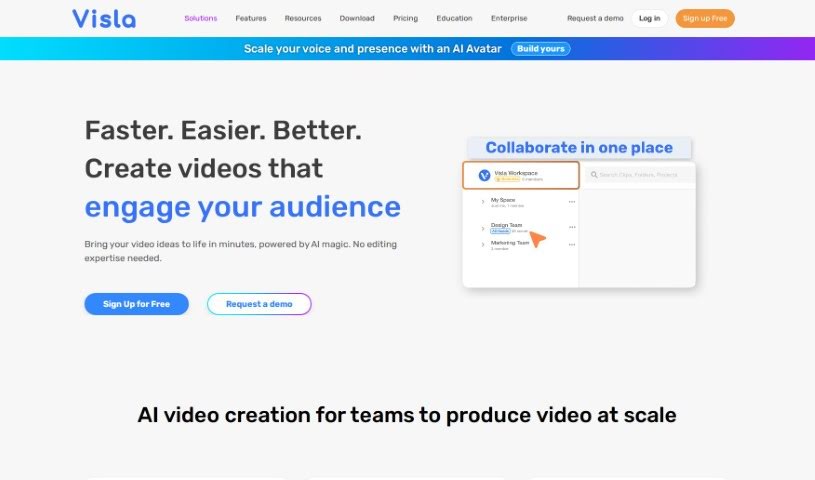
Screenshot of Visla

Visla

Freemium

Visla's AI Video Generator is a really smart tool designed to make creating videos much simpler. It uses artificial intelligence to help you turn all sorts of media into great-looking videos without a lot of hassle. Here are some of the cool things this AI Video Generator can do:

Video Generation View Tool β†’
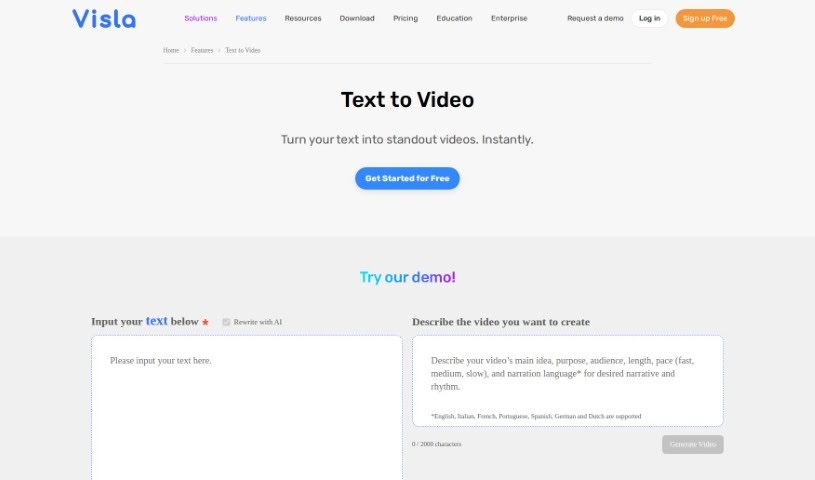
Screenshot of Visla Text to Video

Visla Text to Video

Freemium

Text to video is a neat trick that turns your written words into lively videos. Basically, you feed it text – maybe an article, a blog post, or even a script – and it whips it into a dynamic, engaging video. These platforms usually come with handy features like voiceovers, cool animations, and ready-made templates to make video creation a breeze. It’s super useful for all sorts of things, whether you're doing digital marketing, teaching something, or just making videos for fun. Plus, it’s a huge time-saver compared to traditional video production, and it really grabs people's attention because videos are just more visually appealing and easier to digest.

Video Generation View Tool β†’
Screenshot of viStud

viStud

Freemium

ViStud is an online video editor that really shines when it comes to creating music visualization videos. It's designed to be quick and easy to use, so you can get your music looking as good as it sounds. You can upload your music, then dive into customizing the visuals – think colors, shapes, how things move, and all sorts of effects. Plus, you can add your own background images, text, and even cool elements like particles to really make it pop. The platform also offers ready-made templates to get you started, a free plan if you want to try it out with some limitations, and paid plans that unlock more features like higher resolution exports and cloud storage.

Video Generation View Tool β†’
Screenshot of Vizard AI

Vizard AI

Freemium

Vizard AI is a smart platform that uses artificial intelligence to help you analyze and visualize data. It's really good at understanding complicated datasets, spotting patterns, and then showing you what it finds in a way that's easy to see and understand. Basically, Vizard AI helps you get a clearer picture from your data so you can make smarter decisions. It uses machine learning and cool visualization tools to make looking at and sharing your data findings much simpler. If you work with data in any industry and want to make your analysis smoother and your decisions sharper, this platform is designed for you.

Video Generation View Tool β†’
Screenshot of Vmake

Vmake

Freemium

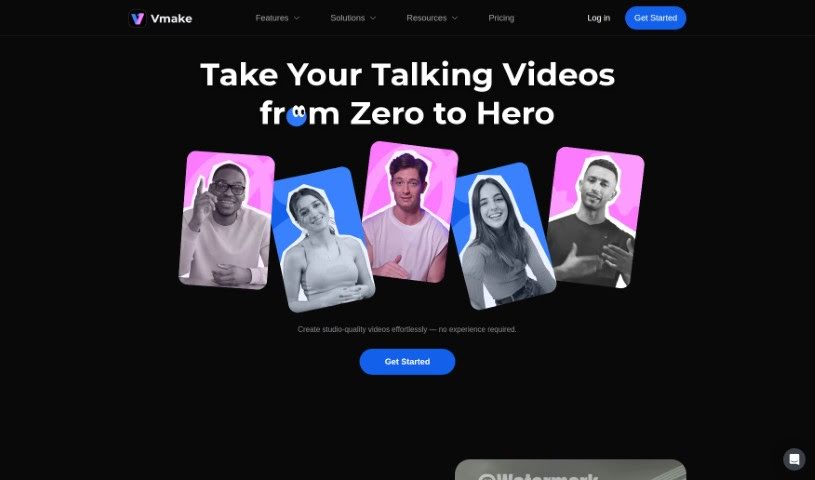
Vmake is a software tool designed to help you create, manage, and deploy virtual machines. It's built with a user-friendly interface, making it simple for anyone to configure and customize their virtual machine settings. With Vmake, you can easily set up virtual machines precisely how you need them – think about choosing the operating system, how much memory it gets, and how much storage space it needs. This really simplifies the whole process of creating virtual machines, making it accessible even if you're not a tech wizard. Beyond creation, Vmake also makes managing these virtual machines a breeze. You can keep an eye on their performance, make tweaks when necessary, and securely deploy them wherever you need them to run. All in all, Vmake is a fantastic tool for making virtual machine operations smoother and boosting productivity across different computing setups.

Video Generation View Tool β†’
Screenshot of Vmaker AI AI Video Background Remover

Vmaker AI AI Video Background Remover

Freemium

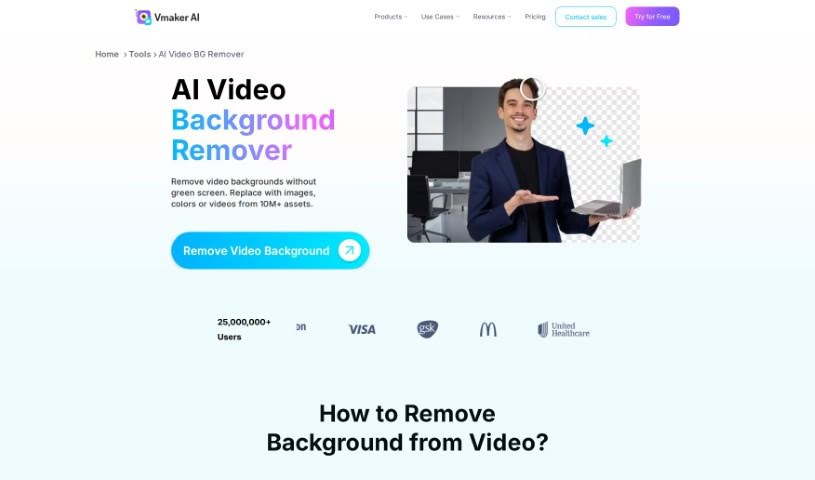
An AI Video Background Remover is a smart tool that uses artificial intelligence to automatically cut out the background from your videos. It's super quick, usually just needing a few clicks. Vmaker AI's version, specifically, is really good at spotting the main subject and the background in a video. This means it can remove backgrounds precisely, even if you don't have a green screen. The best part? It leaves no trace of the old background, so your video quality stays top-notch. You can use this for all sorts of videos, whether it's someone talking directly to the camera or live-action footage. It's really versatile for professional work, and it also has strong privacy and security features built-in. Plus, no green screen needed makes it incredibly convenient, no matter where you're filming.

Video Generation View Tool β†’
Screenshot of Vrew

Vrew

Freemium

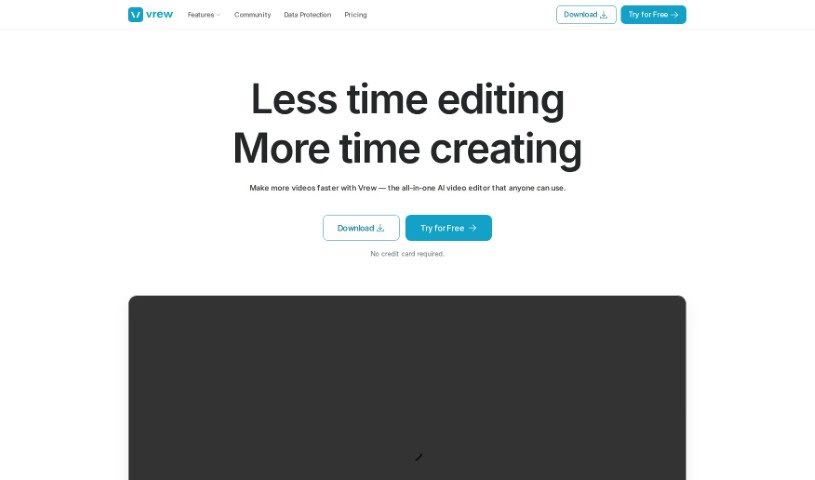
Vrew is an AI-powered video editing software designed to make creating professional-looking videos much simpler. It is your smart assistant for video production. It’s packed with features like automatic subtitle generation that uses speech recognition, making it super easy to add text to your videos. You also get quick cut editing, a whole library of free stock images, videos, and music, and a handy interface that works like a document. Plus, it runs on Mac, Windows, and Ubuntu, so it's pretty accessible. Whether you're making YouTube videos, short clips, company promos, or educational content, Vrew can help.

Video Generation View Tool β†’

Stay Updated with AI Tools

Get weekly updates on the latest AI tools, trends, and insights delivered to your inbox

Join 25,000+ AI enthusiasts. No spam, unsubscribe anytime.