AI Tools for Teachers

Discover the best Teachers AI tools to enhance your productivity and creativity.

Page 5 of 9 • 108 total tools

Teaching is tough, and lately, it feels like educators are juggling even more. Between planning lessons, grading papers, and supporting all sorts of student needs, it’s easy for teachers to feel swamped. Thankfully, technology is here to lighten that load a bit.

AI tools made just for teachers are becoming real helpers in the classroom. They can assist with personalized learning, take care of administrative tasks, and generally make both teaching and learning better.

Whether you’re looking for new ways to get students excited or want to make your daily tasks easier, there’s an AI tool that can help. I’ve looked at a lot of options and tested them out, and I’ve put together a list of the best AI tools for teachers that really make a difference.

Let’s get into the best resources available and see how these new technologies can change your teaching and help your students grow.

The Best AI Teacher Tools

  1. Gradescope: Automates grading and feedback for assignments.
  2. Smodin: Offers feedback on students’ writing skills.
  3. Magic School AI: Helps streamline lesson creation and management.
  4. Study Fetch: Provides automated grading and feedback for assessments.
  5. Quizgecko: Efficiently creates classroom quizzes.
  6. Formative: Turns PDFs into auto-graded quizzes.
  7. Revisely: Gives personalized feedback on essays.
  8. Microsoft Reading Coach Preview: Improves reading engagement in the classroom.
  9. Wasitai: Aids classroom engagement and lesson planning.
  10. Brisk Teaching: Customizes curriculum for different learners.
  11. Twee: Creates adaptable lesson plans for various topics.
  12. Lumos Learning: Makes class assignments effortless.
  13. ClassPoint: Easily turns slides into quiz questions.
  14. To Teach AI: Streamlines lesson planning using AI tools.
  15. Curipod: Boosts lesson planning efficiency.

How Do AI Teacher Tools Work?

AI teaching tools use large language models (LLMs) and smart algorithms to make learning personal. Think of them like AI writing assistants; they look at what a student does and how they’re progressing, then adjust the teaching to fit their specific needs and how they learn best. This technology uses huge amounts of data—like textbooks, educational materials, and real-time feedback—to create content just for them.

When a student uses an AI teaching tool, it processes what they input and figures out the context. The tool then guesses the best way to respond or what materials to offer to guide the student. This flexibility is key because it leads to a more engaging and effective learning experience, helping students remember things better and understand them more deeply.

Plus, many of these AI platforms include game-like features and interactive quizzes, making learning more fun. They can explain complicated ideas simply and offer immediate feedback, which helps fill in knowledge gaps. This quick feedback reinforces what’s learned and builds student confidence.

AI tools for education can also keep track of progress over time, giving insights to both teachers and students. By looking at performance data, these tools can point out what a student is good at and where they could improve, allowing for teaching strategies based on actual data.

All in all, the mix of personalized interaction, instant feedback, and data analysis makes AI teaching tools valuable in today’s education. They’re meant to help teachers do their jobs better and make the learning environment richer for students, not to replace teachers.

Our Top AI Teacher Tools at a Glance

RankNameBest ForPlans and PricingRating
1GradescopeAutomating assignment grading and feedbackN/A4.86 (28 reviews)
2SmodinFeedback on student writing skillsPaid plans start at $63/month.4.33 (9 reviews)
3Magic School AIStreamlined lesson creation and managementN/A4.79 (24 reviews)
4Study FetchAutomated grading and feedback for assessmentsN/A4.72 (65 reviews)
5QuizgeckoCreating classroom quizzes efficientlyN/A4.75 (67 reviews)
6FormativeTurns PDFs into auto-graded quizzesN/A4.84 (25 reviews)
7ReviselyProviding personalized feedback on essays.N/A4.73 (11 reviews)
8Microsoft Reading Coach PreviewEnhances classroom reading engagementN/A4.67 (30 reviews)
9WasitaiClassroom engagement and lesson planning.N/A2.50 (6 reviews)
10Brisk TeachingCustomizes curriculum for diverse learnersN/A4.81 (27 reviews)
11TweeCustomizable lesson plans for diverse topicsN/A4.78 (23 reviews)
12Lumos LearningStreamlines class assignments effortlesslyN/A4.71 (14 reviews)
13ClassPointTurns slides into quiz questions easily.N/A4.75 (28 reviews)
14To Teach AIStreamlines lesson planning with AI tools.Paid plans start at $6/month.4.75 (12 reviews)
15CuripodStreamlines lesson planning efficiencyN/A4.67 (6 reviews)
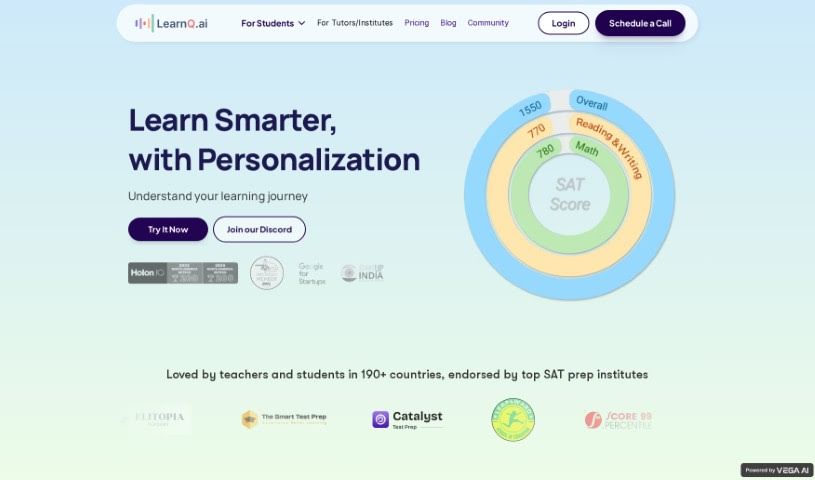
Screenshot of Learnq

Learnq

Freemium

LearnQ.ai is a smart learning platform that uses AI to make learning better for both students and teachers. It offers personalized learning advice, real-time feedback on how you're doing, and methods based on data. You'll also find tools for ongoing education, full-length SAT practice tests, and fun learning games. For students, it means diagnostic tests to see where they stand, an AI tutor named Mia for one-on-one help, and engaging games. Teachers get powerful tools that provide actionable insights right away, giving them a clear view of how each student is progressing. Essentially, LearnQ aims to change how we learn by using personalized strategies and AI tools, making education more effective and enjoyable for everyone.

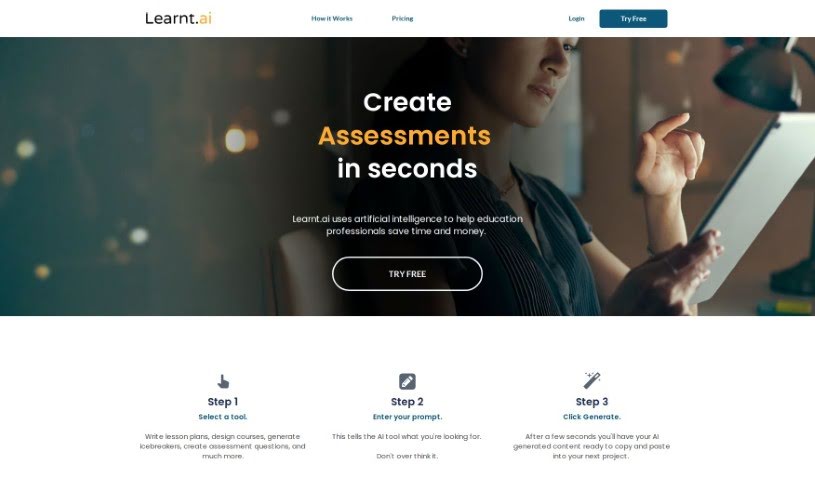
Screenshot of Learnt.ai

Learnt.ai

Freemium

Learnt.ai is a platform built specifically for education professionals. Its main goal is to help you save both time and money by using the power of artificial intelligence. It is your AI assistant for all sorts of teaching tasks. It offers a wide range of tools designed to help with things like creating lesson plans, designing entire courses, coming up with fun icebreakers, and so much more. Essentially, Learnt.ai is here to make your job as an educator easier and more impactful. It automates the creation of high-quality resources, like detailed lesson plans and clever assessment questions, freeing you up to focus on what really matters: delivering engaging and memorable lessons to your students. Learnt.ai works right alongside you, offering over 110 different tools and AI sidekicks to really speed up how you create content.

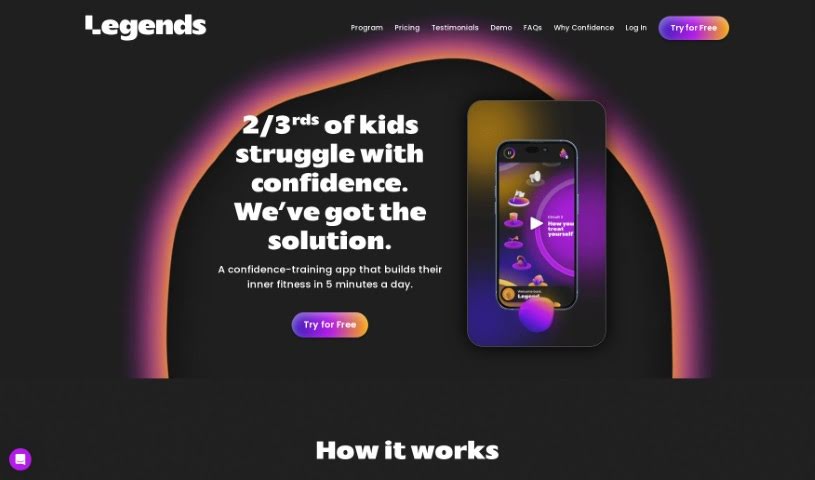
Screenshot of Legends

Legends

Freemium

Legends Lab is a non-profit organization focused on making programs that help assess and build confidence in children more widely known and accessible. Their team brings together folks with backgrounds in child development, education, design, and various creative areas. They're really tackling the issue of declining confidence in kids, pointing out just how crucial confidence is for children in so many parts of their lives. Importantly, they emphasize that confidence isn't something you're just born with; it's something that can absolutely be learned and nurtured over time.

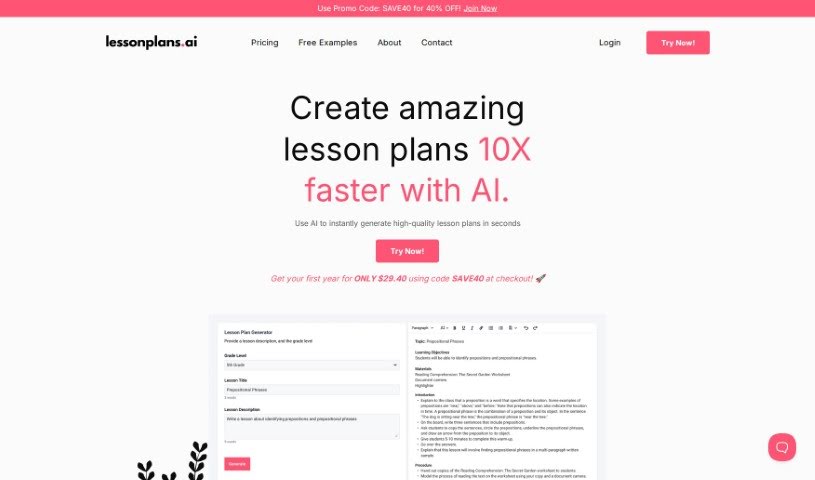
Screenshot of Lesson Plan AI

Lesson Plan AI

Freemium

LessonPlans.ai is a smart tool designed specifically for teachers, using AI to help create lesson plans. Its main goal is to make the whole process of planning lessons much easier and more efficient for educators. Plus, it aims to provide really good, engaging content for students. The AI behind LessonPlans.ai is always learning and updating itself, so the lesson plans it generates stay relevant and current. The platform is built to boost teachers' productivity by offering a smooth, user-friendly experience that can be adjusted for any classroom's unique needs. It's important to remember that while AI can certainly help with things like grading and planning, it can't completely take over a teacher's role. The personal connection and emotional understanding that teachers bring to the classroom are irreplaceable.

Screenshot of LitGrades

LitGrades

Freemium

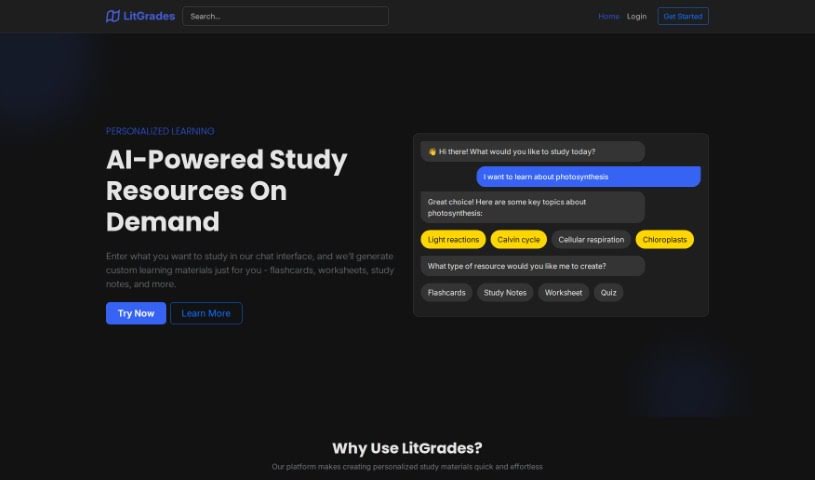
LitGrades is a really smart flashcard tool that uses AI to help students study more effectively. It is a way to learn smarter, not just put in more hours. It covers a bunch of different subjects, from Math and Language Arts to History and General Knowledge. What's cool is that it creates personalized flashcards, making your learning much more efficient. Teachers can also get a lot out of it, as they can create their own educational content to make teaching even better. Getting started is easy – you can register and log in quickly to access tons of resources designed for effective teaching strategies. LitGrades offers features like AI-Powered Flashcards, a wide variety of subjects, a platform that's easy for teachers to use, the ability to study anytime and anywhere, and a handy save and revisit function. Basically, it's all about changing how we traditionally study.

Screenshot of Lumos Learning

Lumos Learning

Freemium

Lumos Learning is a company that's been dedicated to education since 2007. Their main goal is to create learning experiences that really connect with people and help them reach their full potential. They've made a big impact, serving over 60,800 schools, more than 169,300 teachers, and over 1.3 million students. They also work with many public libraries and businesses. Lumos Learning provides personalized learning solutions, including high-quality content, assessments, and programs designed with empathy, all of which lead to clear, measurable results. They're well-known for their technology solutions, which are customized for all sorts of organizations, from K-12 schools to corporations, associations, and nonprofits. Educators and parents often turn to Lumos Learning's programs, which are aligned with educational standards, for things like test preparation, improving reading and writing skills, summer learning, and getting ready for high school and college. The aim is always to boost student performance on standardized tests.

Screenshot of Magic School AI

Magic School AI

Freemium

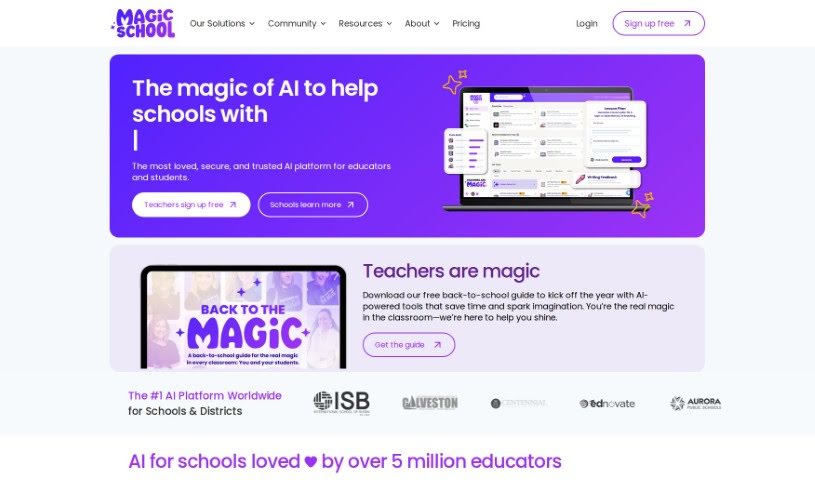
MagicSchool.ai is a really handy AI tool built specifically for teachers. It's designed to make your teaching life easier and your classroom experience better. It is your AI assistant for all sorts of tasks. It offers a whole bunch of features, like helping you plan lessons super efficiently, making it easier to tailor your teaching to different students, creating assessments, and even putting together Individualized Education Programs (IEPs). Plus, it helps you communicate clearly with students and parents, generate fresh educational content, adapt materials to what each student needs, give feedback that actually helps them learn, and it's all done with a strong focus on keeping things safe and private.

Screenshot of Magicform App

Magicform App

Freemium

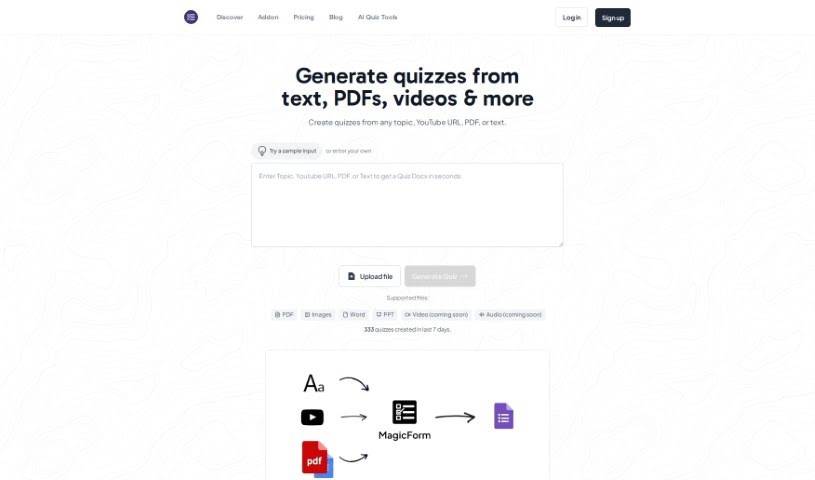
MagicForm App is a smart, AI-powered tool designed to make creating quizzes and tests a breeze. It quickly generates quiz questions from all sorts of text content – think web pages, Wikipedia articles, PDF books, and more. It's a real time-saver for anyone who needs to create assessments efficiently, whether you're a teacher, a student, part of an HR team, a publisher, or an edtech company. You just input your content, tell it how many questions you want and what kind, and the AI does the rest. It even supports multiple languages! Plus, there are three pricing options: Free, Pro, and Premium, each offering different features like unlimited quiz questions and varying question limits per quiz.

Screenshot of Meiro

Meiro

Freemium

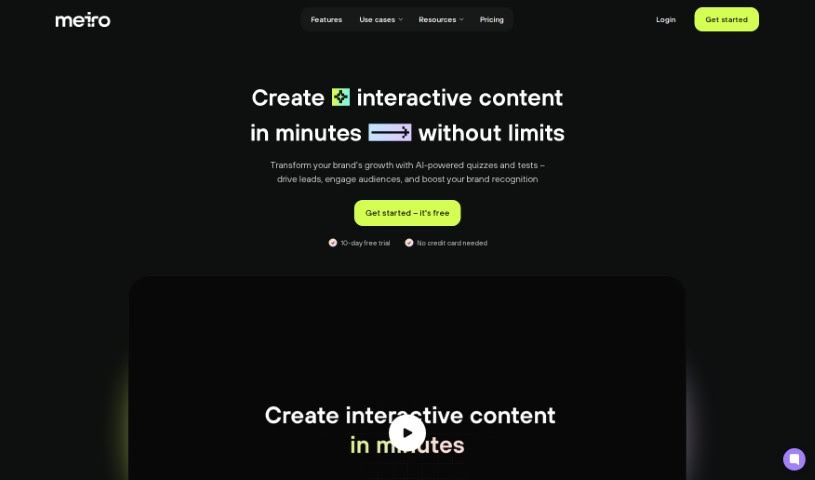
Meiro is a really neat platform that's changing how we create content, especially for things like educational tests, quizzes, and text-based games. It uses artificial intelligence to make building interactive content super simple. You can whip up engaging and effective tests and quizzes in just minutes. This AI-powered tool is perfect for anyone creating content, whether you're an educator, a marketer, or just someone who loves making fun stuff. It offers an easy way to create content that really grabs people's attention, whether for learning or just for a good time. Meiro's interface is super user-friendly, and its AI makes creating interactive experiences a breeze, fitting perfectly for both learning and entertainment.

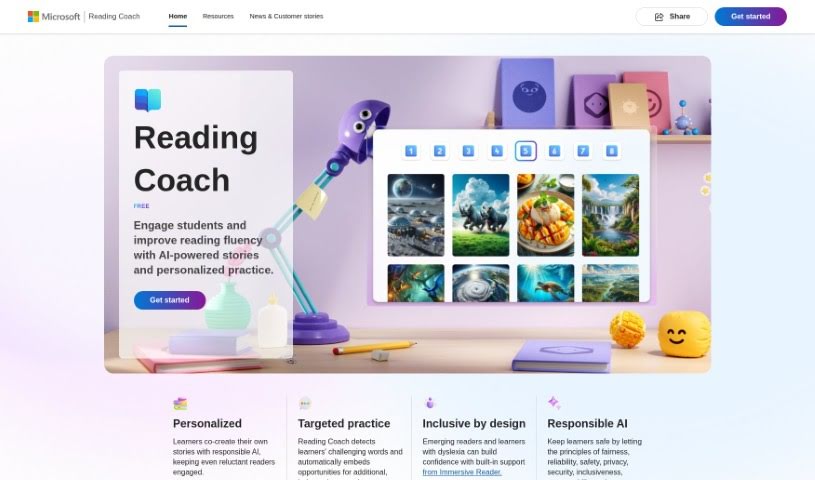
Screenshot of Microsoft Reading Coach Preview

Microsoft Reading Coach Preview

Freemium

Microsoft Reading Coach Preview is a neat AI tool from Microsoft designed to make reading more engaging for students. It uses AI-powered stories and personalized practice to help kids get better at reading. It is a digital reading buddy! It lets students co-create stories with AI, which is pretty cool. It also helps identify words they find tricky, offering extra practice. Plus, it includes Immersive Reader, which is a big help for learners with dyslexia. The tool keeps track of progress, celebrates reading wins, and is built with safety and privacy in mind, following principles like fairness and reliability. You can use Reading Coach either through a web browser or a special Windows app, making it handy for learning at home or in the classroom. It's really meant to support all sorts of learning needs.

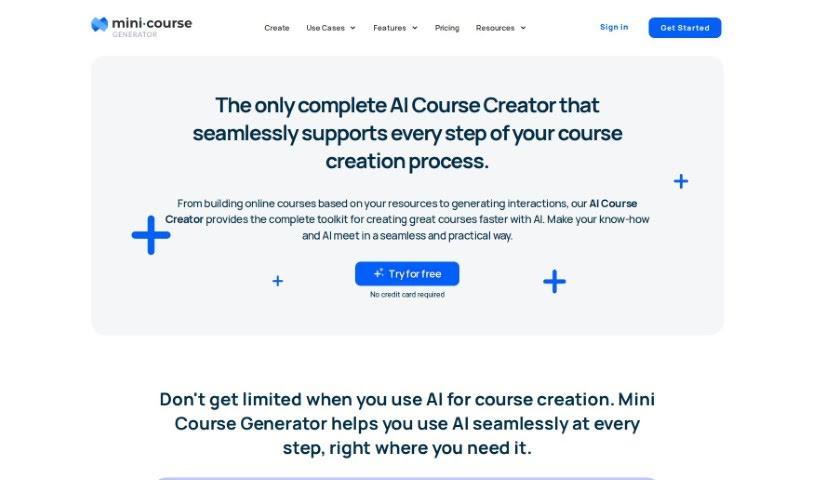
Screenshot of Mini Course Generator AI Assistant

Mini Course Generator AI Assistant

Freemium

The AI Assistant is a smart tool that helps you create detailed and accurate mini-courses with ease. You just give it a description, and the AI will suggest titles and outlines for your mini-course. It's designed to save you time and effort by quickly generating engaging and unique mini-courses. You can even add things like questions, images, and videos to make them more interesting. It is an all-in-one place to build and share your educational materials, and you can easily tweak them to match your own style and brand. Plus, you can add interactive bits like quizzes and surveys to keep learners involved and get their feedback.

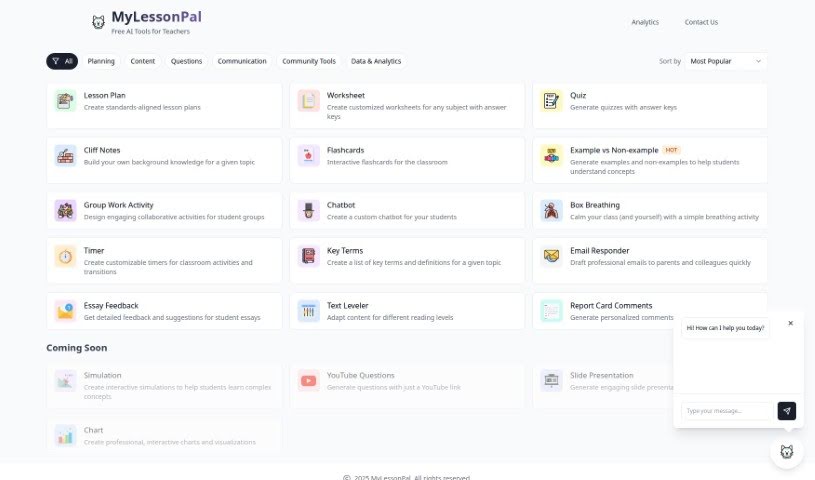
Screenshot of MyLessonPal

MyLessonPal

Freemium

MyLessonPal is a tool built specifically for teachers, making it much easier to create classroom resources. It is an AI assistant that gives you personalized recommendations and ideas to help you craft engaging and effective lessons. The whole point is to save teachers precious time by simplifying the lesson creation process. It uses smart technology and machine learning to do this. Plus, its interface is really easy to use, so you can quickly organize your content, add multimedia, and boost student engagement by including interactive materials.

Stay Updated with AI Tools

Get weekly updates on the latest AI tools, trends, and insights delivered to your inbox

Join 25,000+ AI enthusiasts. No spam, unsubscribe anytime.