AI Tools for Summarizers

Discover the best Summarizers AI tools to enhance your productivity and creativity.

Page 5 of 11 • 126 total tools

In today’s world, we’re swimming in information. Being able to pull out the most important bits is crucial. With so many articles, reports, and documents available, trying to read everything can feel overwhelming. That’s where AI summarizers step in, working hard to turn long texts into quick overviews.

You no longer need to scan every single line for key takeaways. The latest AI summarizers offer a smarter way to get through content, giving you the main points in seconds, not minutes. These tools don’t just save you reading time; they actually help you understand things better by clearly presenting the most relevant information.

I’ve spent a good amount of time testing different summarization tools, and I’ve put together a list of the best ones for you. Whether you’re a student trying to get a handle on tough subjects, a professional who needs quick insights, or just someone who wants to stay informed without feeling swamped, there’s an AI summarizer out there that’s perfect for you.

Here’s a closer look at some of the best AI summarizers that can help you keep up with your reading while saving you precious time.

The best AI Summarizers

  1. NoteGPT: Great for summarizing articles quickly and effectively.
  2. QuillBot AI Text Summarizer: Ideal for condensing long articles for quick reads.
  3. Summarizer: Perfect for rapidly condensing research papers into briefs.
  4. Kome AI: Helps you quickly digest lengthy video content.
  5. Smry: Good for condensing lengthy articles into their key points.
  6. Recall
  7. Scribbr Text Summarizer: Useful for creating academic paper summaries.
  8. Answerthis: Handy for quickly condensing research papers for reviews.
  9. Scholarcy: Generates concise article summaries.
  10. Summarize.tech: Useful for quickly condensing research papers for study.
  11. YouTube Summarized: Helps you quickly digest long video content.
  12. Otio: Offers efficient podcast summarizations.
  13. SciSummary: Provides quick insights from scientific articles.
  14. Summarize: Efficiently digests complex video lectures.
  15. Sourcely: Quickly generates concise article summaries.

How do AI summarizers work?

AI summarizers analyze text and distill it down to its essential points. Essentially, they use smart algorithms that understand language patterns and context to pinpoint key information. The main goal is to present a shorter version of the original content while keeping its meaning and relevance intact.

Most AI summarizers use deep learning techniques, especially natural language processing (NLP). By learning from huge amounts of data, these models get good at spotting important sentences, phrases, and themes in text, which lets them extract or create summaries effectively.

There are generally two main ways summarization happens: extractive and abstractive. Extractive summarization picks out existing sentences from the original text. Abstractive summarization, on the other hand, involves rephrasing and creating new sentences that capture the core ideas. Both methods aim to give you clear and informative summaries.

AI summarizers depend on a lot of training data, including articles, research papers, and other written materials. By studying this data, the models learn different writing styles and contexts, which helps them produce summaries that are both logically sound and fitting for the situation.

In practice, these tools can really help professionals, students, and anyone dealing with lots of text. By automating summarization, they save time and boost productivity. This lets users focus on the most important information without having to read through pages of text.

If you’re curious about how this technology works, looking into NLP and the algorithms used in summarization can give you a deeper understanding of how these tools function and the finer points of what they produce.

Our best AI summarizers at a glance

RankNameBest forPlans and PricingRating
1NoteGPTSummarizing articles quickly and effectively.Paid plans start at $2.08/month.4.81 (42 reviews)
2QuillBot AI Text SummarizerCondensing long articles for quick reads.N/A4.79 (62 reviews)
3SummarizerRapidly condensing research papers for briefs.N/A4.64 (11 reviews)
4Kome AIQuickly digesting lengthy video content.Paid plans start at $5.99/Month.4.17 (12 reviews)
5SmryCondensing lengthy articles into key points.N/A4.00 (12 reviews)
6RecallN/A4.91 (45 reviews)
7Scribbr Text SummarizerAcademic paper summary creationN/A4.55 (11 reviews)
8AnswerthisQuickly condensing research papers for reviewsN/A4.74 (46 reviews)
9ScholarcyGenerating concise article summariesN/A4.79 (14 reviews)
10Summarize.techQuickly condensing research papers for study.N/A4.70 (33 reviews)
11YouTube SummarizedQuickly digesting long video content.N/A4.73 (55 reviews)
12OtioEfficient podcast summarizationsN/A5.00 (32 reviews)
13SciSummaryQuick scientific article insightsN/A4.75 (12 reviews)
14SummarizeEfficiently digesting complex video lectures.Paid plans start at $2.49/Month.4.08 (12 reviews)
15SourcelyQuickly generating concise article summaries.Paid plans start at $9/month.4.78 (68 reviews)
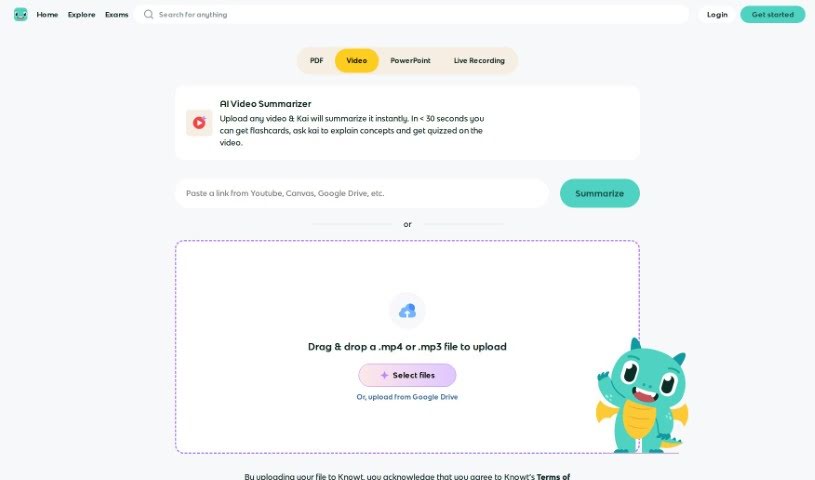
Screenshot of Knowt AI Video Summarizer

Knowt AI Video Summarizer

Freemium

The Knowt AI Video Summarizer is a smart assistant that can take long videos and boil them down into shorter, easy-to-understand summaries. It uses advanced AI, specifically machine learning, to pinpoint the most important moments, main ideas, and key information within any video. This means you can get the gist of a video really quickly. It works by analyzing everything – the audio, what you see on screen, and any text – to pull out the essential details. This makes it a fantastic tool for anyone who works with videos, like content creators, researchers, or businesses, because it saves so much time and effort. The process itself involves spotting the crucial parts, writing up a brief summary, and then putting it all together in a way that makes sense. Essentially, it makes understanding videos much simpler, letting you grasp the main points without having to sit through the whole thing.

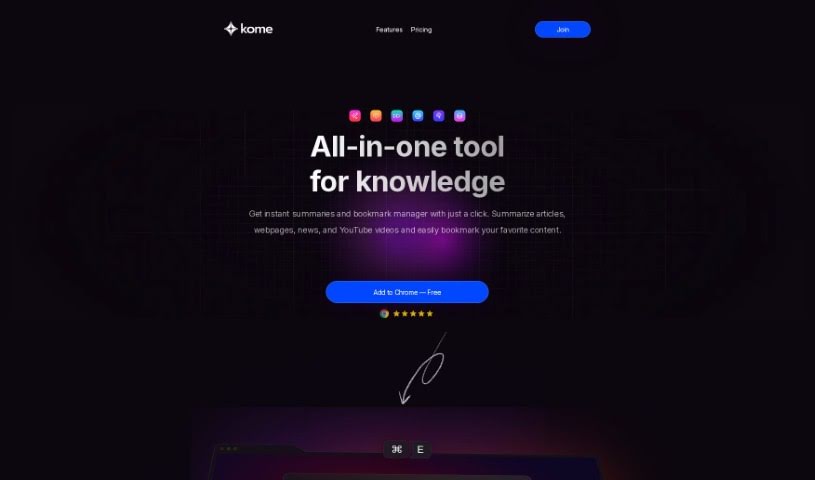
Screenshot of Kome AI

Kome AI

Freemium

Kome AI is a handy browser extension powered by artificial intelligence, built to make your online browsing way more productive. It is your digital assistant for the web! It's packed with features like instantly summarizing news articles, web pages, and even YouTube videos. Plus, it lets you bookmark content, use smart compose to draft emails and tweets based on your saved links, easily copy email addresses, pull color palettes right from websites, scroll automatically, and search for URLs. It works with most major browsers – Chrome, Firefox, Edge, Opera, and Brave. They're also planning to add Safari support soon. You can try out a free version with the basics, or go for the premium subscription for extra perks like self-organizing bookmarks, AI writing help, email extraction, and color tools.

Screenshot of Learnsmarter.ai

Learnsmarter.ai

Freemium

LearnSmarter.ai is your personal AI learning companion. It's built to help you grow, both in your career and in your personal life, by offering some really smart tools and resources. You can get AI-powered book recommendations, quick summaries of complex texts, key takeaways to remember, and even action plans to put what you learn into practice. There's also a cool feature to compare books and an 'Explain Like I'm Five' option for those tricky concepts. Plus, you can chat with their AI BookGuru or interact with AI Characters to make learning more engaging and spark new ideas. Essentially, LearnSmarter.ai wants to make learning smoother, give you tailored support, and completely change how you connect with books, so you can learn faster, smarter, and in a way that's just right for you.

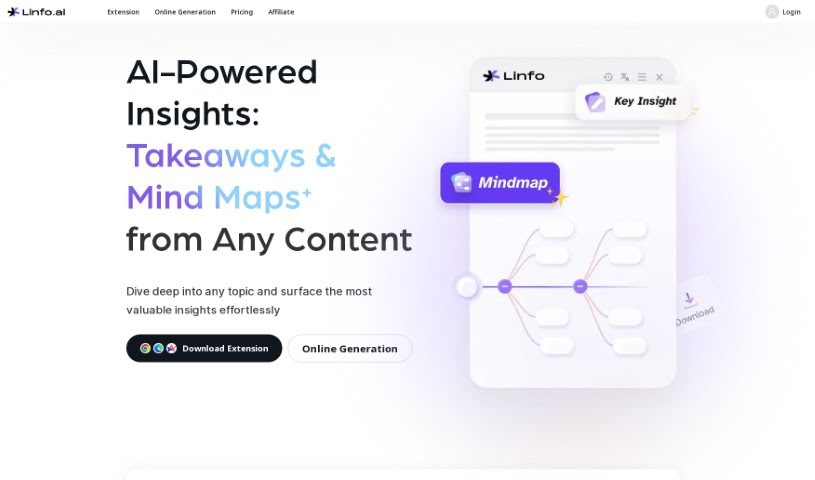
Screenshot of Linfo

Linfo

Freemium

Linfo.ai is designed to be your AI-powered content companion, aiming to completely change how you interact with and use information. Unlike typical summarization tools, Linfo.ai offers a whole suite of features to make exploring content a much richer experience. One standout feature is "Linfo Chat." Think of it as your own personal AI interface, built to help you dive deeper into content with insights tailored just for you. You can take long articles and turn them into neat, concise summaries with just one click, making it super easy to digest information quickly. Plus, the tool lets you navigate through web content in a really intuitive way, which helps make your browsing much more efficient. You can even gather and organize your thoughts by reacting to key points with emojis, essentially building your own personal knowledge base. Linfo.ai also plays nicely with multimedia content, pulling in insights from videos and audio for a truly seamless way to consume information. They offer different service levels, including a free option with some usage limits, and premium plans (Linfo + and Linfo Pro) that come with extra features, so there's something for everyone.

Screenshot of Locus

Locus

Freemium

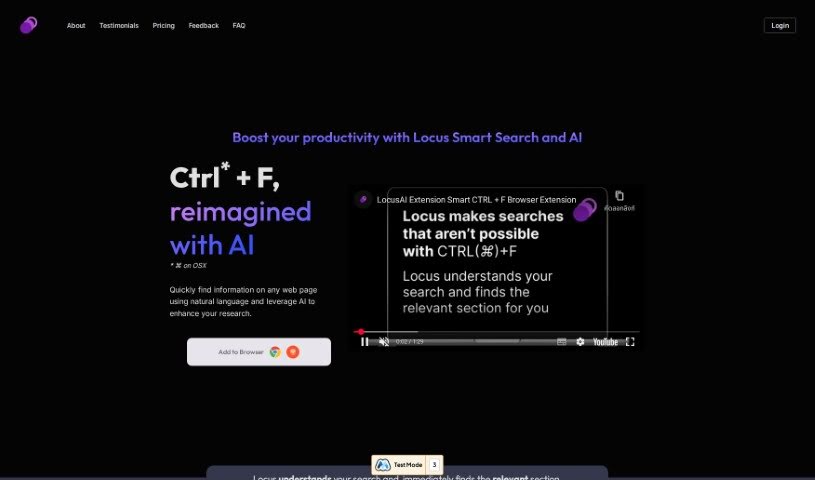
Locus is an AI-powered tool designed to help you make sense of information. It uses advanced language models (LLMs) to assist with a variety of tasks. It is your smart assistant for synthesizing information, creating content, summarizing web pages, coming up with research ideas, studying with digital note cards, and even memorizing answers. Many users have found that Locus really helps them tackle dense academic papers more easily. It's great for quickly spotting the most important parts of articles, textbooks, and other documents. Locus offers features like Smart Search, helpful AI assistants, a way to save your favorite items, and professional plans with even more capabilities.

Screenshot of Melon

Melon

Freemium

Melon is your personal AI learning buddy. Its main goal is to help you build a 'digital twin' of your brain. How? By taking all the information you learn from different places online and feeding it into the AI. You can then chat with this AI companion to turn what you've learned into clear, understandable conclusions. Plus, you get personalized lessons designed to help you remember things better and make new connections in your thinking. Melon even adds little touches like daily 'brain moods' and inspiring quotes to make learning more engaging. Essentially, Melon wants to tackle information overload and boost how we think, all thanks to AI.

Screenshot of NewsAI

NewsAI

Freemium

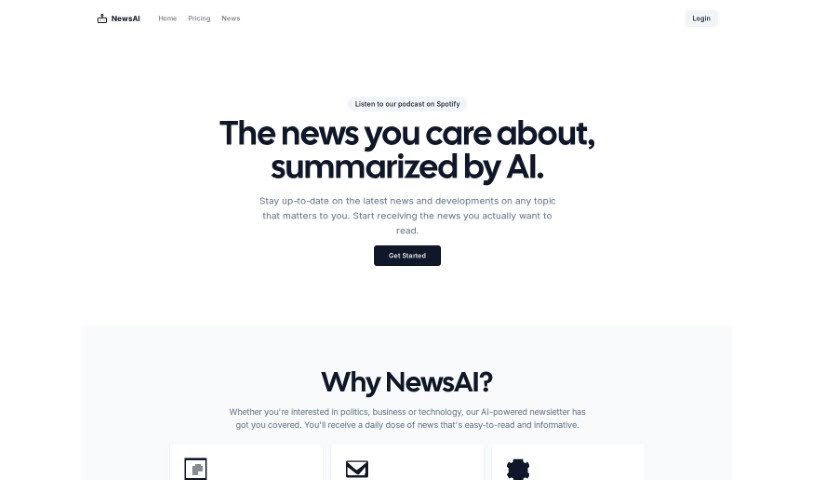
NewsAI.me is a neat AI tool designed to give you news summaries that are just for you, based on what you're interested in. You can pick topics like politics, business, or technology, and NewsAI will send you short, informative summaries right to your inbox. It’s a real time-saver because it pulls together popular news stories into easy-to-read digests, so you don't have to scroll through tons of articles. Plus, NewsAI lets you customize your newsletter – you can decide how often you want updates, and you can even access the service on Spotify and Substack. Christian Esmann created it with the simple goal of making it easier to get your news and improving how you experience it.

Screenshot of NoteGPT

NoteGPT

Freemium

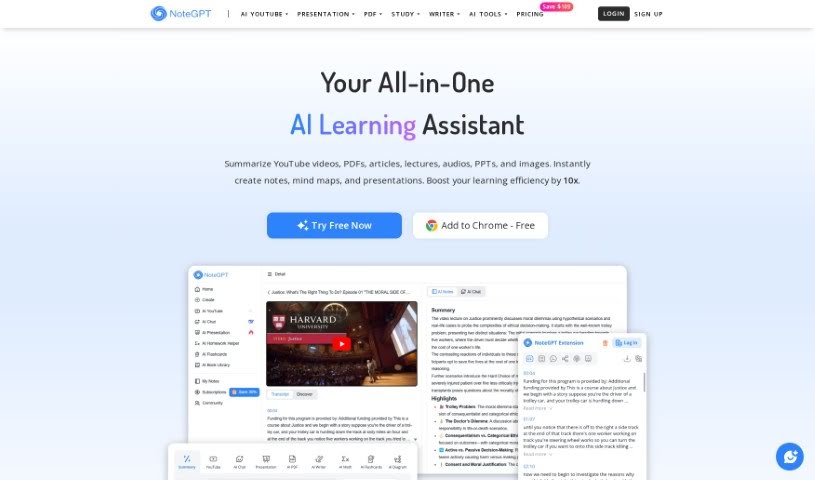
NoteGPT is a smart learning tool that uses advanced AI to help you create notes and summarize text and videos. It is your AI-powered study buddy! It's packed with features like AI summarization for both text and videos, a handy "Smart Tab" to gather and summarize links, an AI Flashcard library to help you memorize things, and a timestamp feature so you can easily track specific moments in videos. Plus, you can manage all your notes with folders and even generate shareable links that include your screenshots, notes, summaries, and timestamped transcripts. This makes collaborating with others a breeze. Essentially, NoteGPT is designed to make learning and understanding information much smoother and more efficient.

Screenshot of Nutshell Summaries

Nutshell Summaries

Freemium

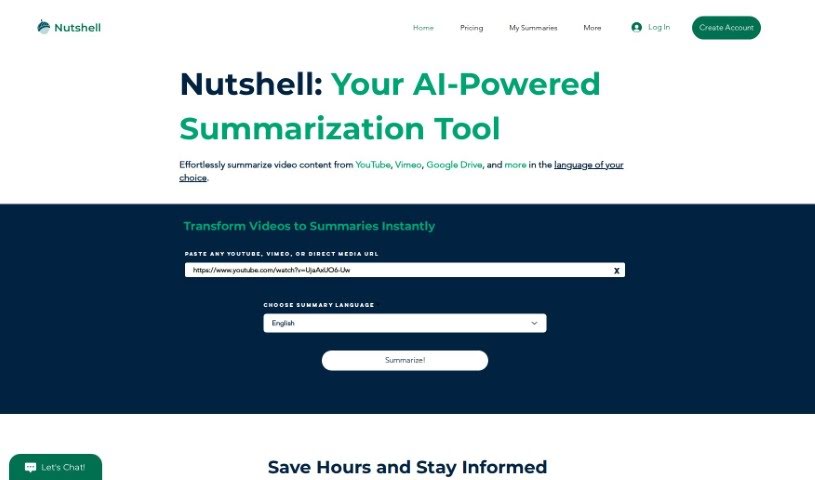
Nutshell Summaries is a smart tool, powered by AI, that comes from ProximoAI. Its main job is to create summaries that are both short and accurate, focusing on the key parts of videos. This means you can get the main ideas without having to sit through the whole video. You can give it a video by pasting a URL or by uploading the file directly. They're also planning to go beyond just YouTube, so you'll be able to summarize things like Zoom meetings and screen recordings soon. Plus, it handles multiple languages and offers a free trial, along with API services for developers. They've got big plans for expanding the platform even further.

Screenshot of Otio

Otio

Freemium

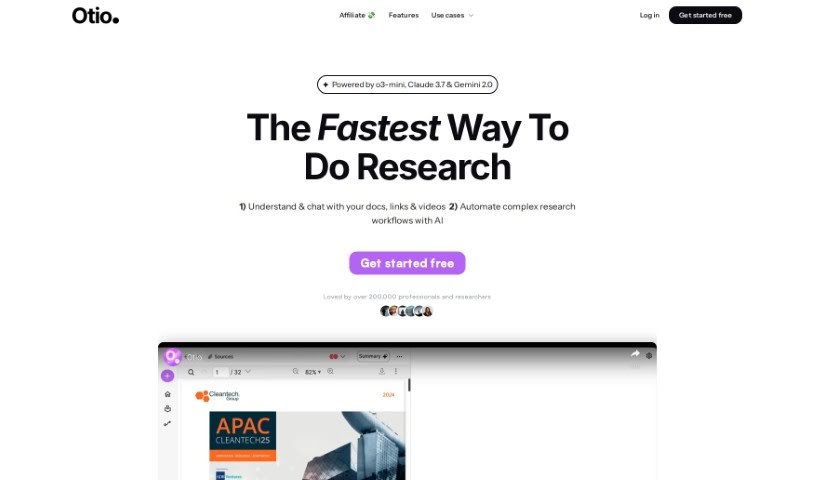
Otio is a tool that's become a favorite for over 50,000 researchers and students. It's designed to help you manage all sorts of information. You can import sources like PDFs, Word documents, links to blog posts, and even YouTube videos, and Otio will automatically create summaries for you. Plus, you can actually chat with your documents to dig deeper and uncover insights. It also includes an AI text-editor that helps with writing, editing, and paraphrasing. Many users have found Otio incredibly effective for pulling out the main points from research papers, videos, and podcasts. They often mention its user-friendly interface, finding it much easier to navigate than other AI tools like ChatGPT. It's also been called a lifesaver for keeping track of large collections of bookmarks, open tabs, and research resources. If you need to summarize podcasts or videos quickly, Otio really shines.

Screenshot of PDF2Gpt

PDF2Gpt

Freemium

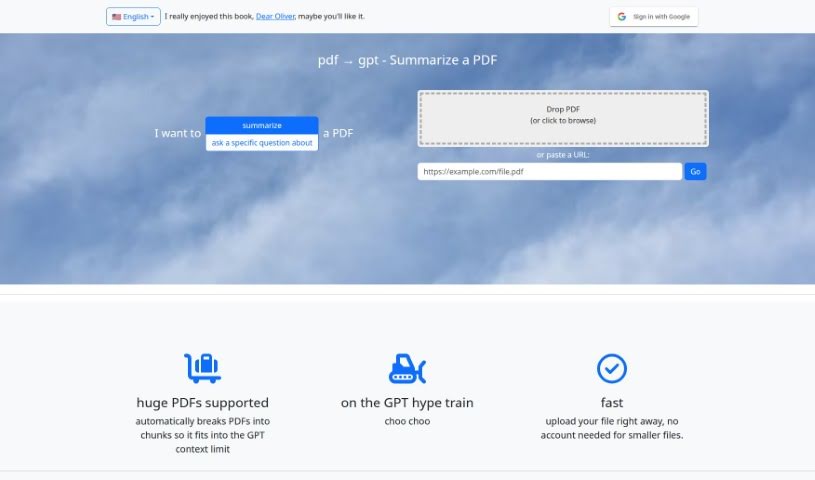
PDF2Gpt is a handy AI tool that uses the power of GPT models to summarize long PDF documents. It is your personal assistant for tackling dense PDFs. It helps you pull out the most important information and key takeaways without you having to read through every single page. The tool smartly breaks down your PDF into smaller, digestible chunks. Then, it generates an overall summary, plus detailed summaries for each specific section, all while keeping the original context intact.

Screenshot of PDFConvo

PDFConvo

Freemium

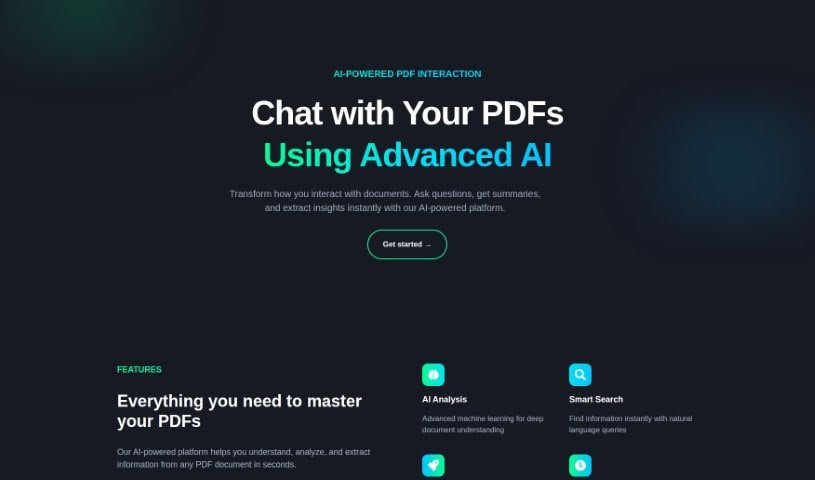
PDFConvo is your personal AI assistant for any PDF document. It lets you have a conversation with your files, asking questions and getting answers just like you would with a person. It's designed with your privacy in mind, meaning it securely handles your documents without storing them on the platform. This way, your information stays confidential. You can use it to quickly get summaries, find specific details, or extract key insights from your PDFs. Plus, it's super accessible – you can use it right in your web browser, no downloads or extra software needed.

Stay Updated with AI Tools

Get weekly updates on the latest AI tools, trends, and insights delivered to your inbox

Join 25,000+ AI enthusiasts. No spam, unsubscribe anytime.