AI Tools for Automation

Discover the best Automation AI tools to enhance your productivity and creativity.

Page 25 of 40 • 478 total tools

Automation isn’t just a trendy term anymore; it’s fundamentally changing how we work digitally. As businesses and individuals look for ways to be more efficient, the demand for solid automation tools has exploded. These tools promise to transform our operations, from simplifying workflows to cutting down on repetitive tasks.

Just a few years back, automation felt like something only tech experts could handle. But now, there’s a whole host of easy-to-use AI-powered options available. Not only do these tools save you time, but they can also improve the quality of your work by reducing mistakes that humans sometimes make.

As I looked into the best AI automation tools, I explored many different options that fit various needs and situations. Whether you’re running a small business or just a busy professional, there’s definitely a tool out there to make your life simpler.

The world of automation is always changing, so keeping up is key. Here’s a list I’ve put together of some of the most effective AI automation tools you can find right now. They’ll help you work smarter, not just harder. Let’s dive into these game-changers.

The Best AI Automation Tools

  1. Databricks: Great for automating data pipeline workflows.
  2. Cal.ai: Makes scheduling tasks easy.
  3. UiPath: Automates invoice processing.
  4. Glean: Automates insights with custom AI bots.
  5. Kaiber: Streamlines video editing.
  6. Text Blaze: Helps you breeze through repetitive tasks.
  7. Phantom Buster: Automates LinkedIn outreach campaigns.
  8. God of Prompt: Streamlines repetitive tasks effectively.
  9. MyMind: Automates capturing and organizing notes.
  10. SlidesGPT.com: Automates presentation creation.
  11. Carepatron: Streamlines medical documentation.
  12. HiPDF: Automates splitting PDFs by page ranges.
  13. HARPA AI: Automates email replies and notifications.
  14. Fibery: Streamlines task workflows efficiently.
  15. Tome: Streamlines reporting workflows efficiently.

How Do AI Automation Tools Work?

AI automation tools make tasks easier by essentially copying how humans make decisions, using algorithms and machine learning. At their heart, these tools look at data, learn from patterns they see, and then take action based on specific rules you set. You can set them up to handle repetitive jobs that would normally need someone to do them, which really boosts efficiency and productivity.

The technology behind these tools often involves connecting different kinds of data. They can link up with APIs, databases, and various software platforms to grab information and start workflows. This connection allows information to flow smoothly between systems, cutting down the time you’d spend manually entering data or managing processes.

Machine learning is a big part of making automation better. As these tools work with more data, they fine-tune their algorithms, getting smarter and more adaptable over time. For example, they can improve marketing campaigns, manage inventory, or analyze customer feedback with more and more detailed accuracy.

Developers often use platforms like Zapier or Microsoft Power Automate to build custom automations without needing to write a lot of code. By setting up specific triggers and actions, users can automate tasks across different apps and services. This makes complicated workflows manageable and efficient.

Ultimately, AI automation tools save businesses time and money while also reducing human errors. As they keep developing, their uses are growing, making them essential for companies today that want to stay competitive in this fast-paced world.

Our Top AI Automation Tools at a Glance

RankNameBest ForPlans and PricingRating
1DatabricksAutomating data pipeline workflowsN/A4.82 (11 reviews)
2Cal.aiAutomating scheduling tasks effortlesslyPaid plans start at $15/month.4.33 (6 reviews)
3UiPathInvoice processing automation systemN/A4.00 (18 reviews)
4GleanAutomating insights with tailored AI botsN/A4.33 (12 reviews)
5KaiberStreamlining video editing processesPaid plans start at $5/month.4.62 (13 reviews)
6Text BlazeStreamlining repetitive tasks effortlesslyN/A4.76 (25 reviews)
7PhantomBusterAutomating LinkedIn outreach campaignsN/A3.80 (5 reviews)
8God of PromptStreamlining repetitive tasks effectivelyN/A4.00 (11 reviews)
9MyMindAutomating note capturing and organizationPaid plans start at $6.99/month4.69 (39 reviews)
10SlidesGPT.comAutomating presentation creation tasksN/A4.72 (25 reviews)
11CarepatronStreamlined medical documentation processPaid plans start at $12/Month4.78 (81 reviews)
12HiPDFAutomating PDF splitting by page rangesN/A4.73 (22 reviews)
13HARPA AIAutomating email replies and notificationsPaid plans start at $12/month4.27 (11 reviews)
14FiberyStreamlining task workflows efficientlyN/A4.64 (11 reviews)
15TomeStreamlining reporting workflows efficientlyN/A4.82 (11 reviews)
Screenshot of Olle

Olle

Freemium

Olle is a handy desktop toolbar app built to make your work smoother and boost your productivity. It packs a bunch of AI-powered features right into a convenient toolbar, letting you jump between websites and apps without missing a beat. It is your AI assistant, ready to help you write emails, answer tricky questions, or even come up with AI-driven responses. Plus, Olle has a neat offline prompt library where you can securely save your favorite prompts right on your computer. You can even customize how Olle responds to match your personal style. What's really great is that Olle puts your privacy and security first – all your conversations and data stay right there on your device. Essentially, Olle is all about making your workflows more efficient, sparking your creativity, and giving you personalized AI content, all while keeping your data safe.

Screenshot of Omnipilot

Omnipilot

Freemium

Omnipilot is a really smart AI copilot built just for Mac users. Its main goal is to help you get more done and make your daily tasks flow much smoother. It fits right into your macOS system, offering intelligent autocompletion and automation across all sorts of apps where you do a lot of typing. It is your personal assistant that can help you draft emails, run complicated commands in the terminal, and much more. It's designed to understand what you're doing on your screen, so it can cut down on all those repetitive actions. You can download Omnipilot right away to instantly make your Mac experience better and start enjoying its helpful features. By using AI, Omnipilot really helps you be more productive with things like smart autocompletion, automating your workflows, giving you help based on what you're working on, fitting in perfectly with macOS, and being super easy to install.

Screenshot of OneAI

OneAI

Freemium

OneAI is a platform designed to bring human-level language AI into our daily lives. It essentially offers generative AI capabilities as a service, making it super easy for businesses to deploy their own custom AI solutions quickly. What's really cool is that it supports multiple languages for text, audio, and video inputs. Plus, they really focus on making things transparent, building trust, and managing risks. OneAI's solutions are built with businesses in mind, aiming to hit specific goals and deliver consistent, predictable results that match your source materials. For developers, it's pretty neat too, offering structured, machine-readable output, skills that can be stacked and combined, and straightforward ways to integrate it all into your products. Ultimately, OneAI is all about making human-level language AI a natural part of our everyday world through dedicated research and smart technology integration.

Screenshot of Onehouse

Onehouse

Freemium

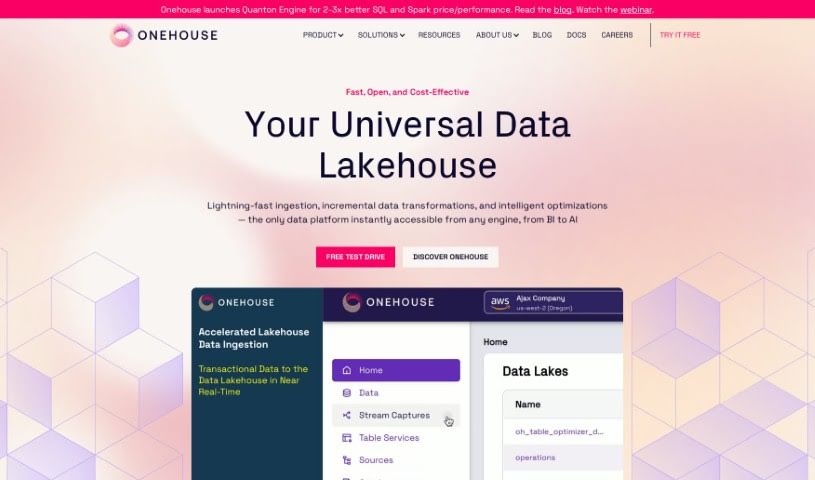
Onehouse offers a really smart Universal Data Lakehouse. It is the go-to solution for managing your data in a way that's integrated, scalable, and just plain efficient. It's built from the ground up to make open storage easy, keep your data pipelines running smoothly, and automatically handle optimizations no matter what table formats, engines, or cloud environments you're using. By using great technologies like Apache Hudi, Delta Lake, and Apache Iceberg, Onehouse makes sure everything works together and your data setup is ready for the future. Businesses can really tap into their full potential for business intelligence, data science, and AI/ML thanks to Onehouse. It simplifies things with Continuous Data Delivery and what they call 'Automagic Data Infrastructure.' Essentially, Onehouse champions true interoperability, meaning you're not tied to any single vendor, and it helps you save money and time as your data needs grow. It's a really complete platform for managing data smartly.

Screenshot of Onereach

Onereach

Freemium

Onereach is an AI tool that uses what they call Intelligent Digital Workers, or IDWs. These IDWs are pre-trained transformers, kind of like digital assistants, that work with other technologies to get a variety of jobs done. They're designed to have shared skills across teams and even entire organizations, which really helps with hyperautomation. Plus, they can chat in different languages and use various channels to actually carry out tasks. Essentially, Onereach is all about boosting productivity, making team collaboration smoother, automating repetitive tasks, and integrating with other AI technologies.

Screenshot of OnlyPans

OnlyPans

Freemium

OnlyPans is your personal kitchen assistant, all wrapped up in a handy meal planning app. It crafts personalized weekly dinner plans, specifically designed around what you like to eat and what fits your budget. The goal here is pretty straightforward: help you get better at cooking, cut down the time you spend planning meals, waste less food, and generally make your kitchen life easier. It's like having a sous-chef right there with you! How does it do this? Well, it remembers meals you've enjoyed before, takes into account your likes and dislikes, automatically creates grocery lists, and even suggests smart ways to use up leftovers. Plus, it's great for handling dietary needs, allergies, and different family sizes, all while helping you expand your culinary horizons and discover new tastes.

Screenshot of Onu

Onu

Freemium

Onu is a platform designed to make turning your scripts into internal tools incredibly simple. You don't need any frontend coding skills at all. It really smooths out the process of creating applications that are easy for people to use, straight from your scripts. It is a way to build useful tools without needing to be a coder or designer. Onu is great for automating those tasks that eat up your time, like digging into data, putting together reports, or keeping track of tasks. It helps your team work more efficiently and get more done. Plus, it makes it easier for everyone to work together and communicate, thanks to features like interactive dashboards, ways to visualize your data, and simple forms for collecting information. A big plus for Onu is that it lets you use the scripts you already have, cutting down on the need for a lot of new coding and getting your tools ready much faster.

Screenshot of Opnform

Opnform

Freemium

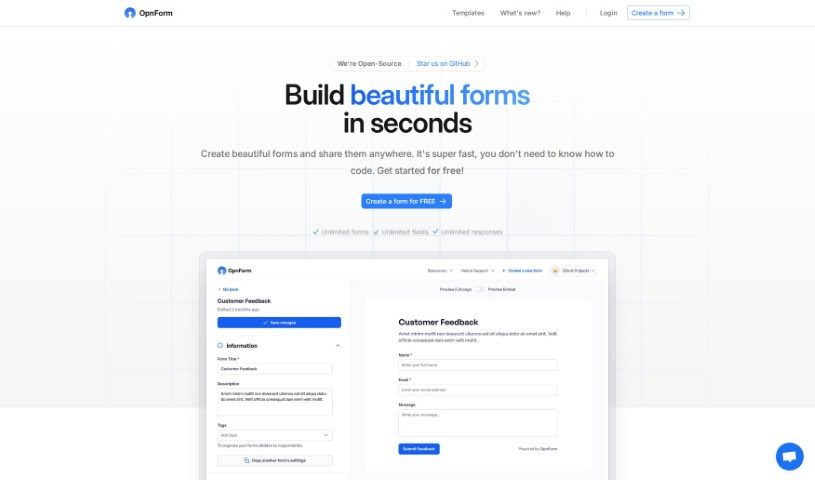
OpnForm is a really neat open-source tool that lets you build custom electronic forms pretty quickly. The best part? You don't need to be a coding wizard to use it. You can create forms with as many fields and submissions as you need, tweak the look and feel – like themes, text, and colors – and then share them easily with a unique link. It also handles things like file uploads, gives you insights with form analytics, and offers handy features such as form logic, pre-filling URLs, hidden fields, and webhooks. There's a free version to get you started, and you can unlock even more powerful features with the Pro plan. This includes things like sending confirmation emails after a form is submitted, handling bigger file uploads, using your own custom domain, and getting rid of the OpnForm branding. If you decide to go with the Pro plan, you can even get discounts if you pay annually, and there are special deals for nonprofits and students. OpnForm also gives you the freedom to change your plan – upgrade, downgrade, or cancel whenever you need to.

Screenshot of Orygo AI

Orygo AI

Freemium

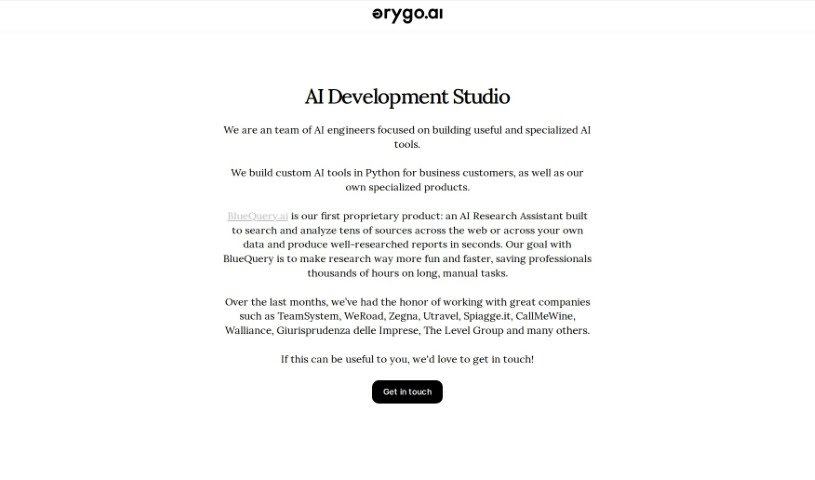
OrygoAI is a smart AI tool built to help teams work better together and share knowledge more easily. You can customize its skills, make onboarding new employees a breeze, and give your team a personal AI Assistant. This assistant is trained on your company's own knowledge, documents, and codebases. By using advanced AI, OrygoAI helps everyone understand your specific business processes and how things get done around here. It is an extra team member who can help with tasks, find information, and even help with decisions. A really neat part of OrygoAI is how well it connects with the tools you already use, like your internal knowledge bases, CRM software, project management apps, and communication platforms. This creates one central spot for all your information and teamwork. The tool also makes tasks simpler by automating things, creating reports, analyzing data, and suggesting what to do based on what the data shows. Plus, OrygoAI speeds up how new hires get up to speed, offering step-by-step help and real-time support to shorten the learning curve. We take data security and privacy very seriously, making sure your sensitive information is protected with encryption, access controls, and data anonymization. Let OrygoAI help your team collaborate better, be more productive, and get better results.

Screenshot of Oto Work

Oto Work

Freemium

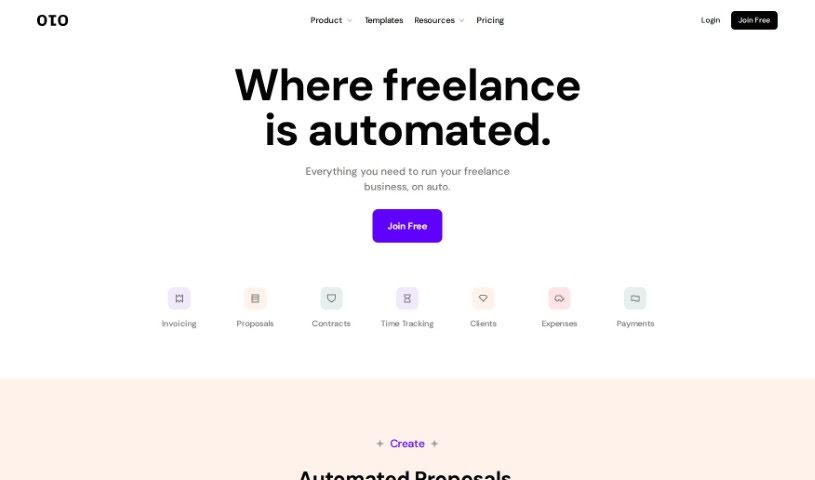
Oto Work is a really handy financial tool built specifically for freelancers. It bundles together a bunch of useful features like creating invoices, tracking your time, managing expenses, keeping tabs on your clients, and even setting up online contracts. Basically, it's designed to automate a lot of the day-to-day stuff that comes with freelancing. You can easily manage all your different clients, keep track of the hours you're actively working on projects, sort out your spending, and generally make your accounting much simpler. Plus, Oto lets you get instant approvals on proposals and create, sign, send, and track contracts that are already made, complete with e-signature capabilities.

Screenshot of OtterTune

OtterTune

Freemium

OtterTune really changes the game when it comes to fine-tuning database performance, all thanks to its smart AI technology. It's built specifically for PostgreSQL and MySQL databases, especially those running on AWS Aurora and RDS. What it does is automate the process of tweaking configuration settings. By intelligently handling this tuning automatically, OtterTune can make your databases run significantly faster and even cut down your AWS operational costs by as much as 50%! You'll get helpful recommendations on configuration settings and how to make your SQL queries more efficient. Plus, it gives you vital health scores to keep an eye on things and lets you set up custom tuning schedules to fit whatever your business needs. Basically, OtterTune lets you concentrate on building things instead of getting bogged down in database administration. It’s a much smoother, more efficient way to tune your databases, complete with tailored charts and reports for a deep dive into the data.

Screenshot of PaletteBrain

PaletteBrain

Freemium

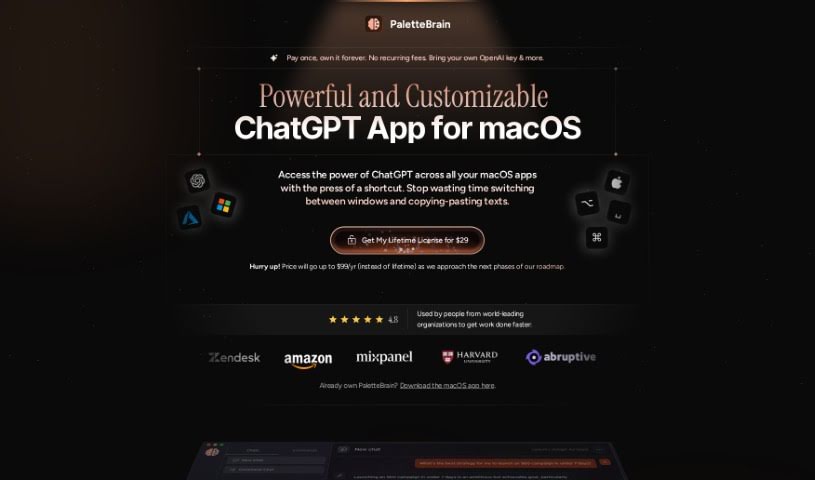
PaletteBrain is a handy productivity tool built specifically for macOS. Its main goal is to make your work more efficient and help you get through tasks faster. Imagine being able to tap into ChatGPT's power directly from almost any app on your Mac, all with a simple keyboard shortcut. That's what PaletteBrain does – it cuts out the annoying back-and-forth between windows and the endless copy-pasting. You can even set up your own custom templates to automate things you do often, like fixing grammar mistakes, summarizing long articles, or even rewriting code. You get complete control over how it works, from choosing which ChatGPT model to use to adjusting how creative it gets. It really makes integrating ChatGPT into your favorite Mac apps feel seamless, saving you a ton of hassle. Plus, they offer flexible pricing, with options for individuals all the way up to enterprise solutions, and the best part? It's a one-time purchase with lifetime access and updates. Essentially, PaletteBrain is all about giving Mac users a super convenient and efficient way to tap into ChatGPT's capabilities right within their everyday workflow.

Stay Updated with AI Tools

Get weekly updates on the latest AI tools, trends, and insights delivered to your inbox

Join 25,000+ AI enthusiasts. No spam, unsubscribe anytime.