AI Tools for Audio

Discover the best Audio AI tools to enhance your productivity and creativity.

Page 39 of 40 • 471 total tools

We’re really entering a new age for creating and changing audio, thanks to AI. You know, those days of needing tons of skills and pricey gear for good audio are pretty much over. Now, with smart AI audio tools, anyone can make professional-sounding audio for podcasts, music, or any cool audio project.

These tools aren’t just for making music; they can create voiceovers, improve sound quality, and even help with sound design. It’s amazing how much AI is changing the audio world, and the ways we can use it are endless.

After spending a lot of time trying out different platforms and features, I’ve put together a list of the top AI audio tools out there. Whether you’re just starting out and need something simple, or you’re a pro looking for powerful options, there’s definitely something here to help you make your audio sound even better.

So, if you’re ready to see what AI can do for sound, let’s jump into the best tools that will totally change how you work with audio.

The Best AI Audio Tools

  1. ElevenLabs: Great for making multilingual video voiceovers if you’re a creator.
  2. Suno: Perfect for creating custom soundscapes to help you relax.
  3. BandLab: Lets you mix and master tracks smoothly.
  4. TurboScribe: Helps improve audio for clearer transcriptions.
  5. Voicemod: Lets you change your voice for creative projects.
  6. Adobe Podcast: Enhances audio with simple, one-click AI tools.
  7. Transkriptor: An automated tool for transcribing lectures.
  8. Speechify: Makes it easy to listen to articles and documents.
  9. NaturalReader: Good for creating voiceovers for your video content.
  10. Riffusion: Offers real-time audio manipulation for creators.
  11. Narakeet: Converts subtitles into synchronized audio.
  12. PlayHT: Useful for voiceovers in audio editing.
  13. Lalal.ai: Lets you remove vocals seamlessly for remixes.
  14. Ttsmaker: Effortlessly create voiceovers for videos.
  15. Udio: Craft unique sounds using its audio tools.

How Do AI Audio Tools Work?

AI audio tools work a lot like AI writing software. They use advanced models that have been trained on huge amounts of data. Many of these tools use deep learning to analyze and create sound patterns, which lets them generate or change audio. You’ll often see them used for making speech, composing music, and sound design, all thanks to the vast libraries of audio samples and language data they learn from.

Basically, these tools use neural networks that are designed to process sound much like we do. They look at audio input, find patterns, and then predict the best sound to produce based on what they’ve learned. This means they can create a wide range of outputs, from voices that sound really real to music that feels both familiar and new.

When it comes to making voices, the process usually involves feeding a neural network thousands of hours of spoken audio. This teaches it subtle things like intonation and how to vary speech. Then, when you type something in, the model uses its training to create speech that matches the tone and context you’re going for. The result? Voices that sound lifelike and can deliver text with emotion and clarity.

In a similar way, AI music tools study huge collections of music to understand what makes a good hook, rhythm, or harmony. By breaking down existing songs, these models learn how to create new music that sounds like popular styles or even comes up with completely new soundscapes. You can tell the AI what genre or mood you want, and it’ll tailor the results to your taste.

Beyond just creating content, AI audio tools can also improve existing sounds. Things like reducing noise, fixing pitch, and adding effects are all powered by algorithms that have learned from the details in audio files. This lets you make your recordings sound better or create entirely new sound experiences without much effort.

If you’re curious about the technical side, there are plenty of resources that explain how audio processing and machine learning work in sound. All in all, AI audio tools are really changing how we create and interact with sound, opening up amazing possibilities for musicians, podcasters, and audio engineers.

Our Best AI Audio Tools at a Glance

RankNameBest ForPlans and PricingRating
1ElevenLabsMultilingual video voiceovers for creatorsN/A4.83 (29 reviews)
2SunoCreate custom soundscapes for relaxationN/A4.82 (11 reviews)
3BandLabMix and master tracks seamlessly.N/A4.75 (44 reviews)
4TurboScribeEnhance audio for clear transcriptionPaid plans start at $10/month.4.80 (5 reviews)
5VoicemodTransform your voice for creative projectsN/A4.78 (27 reviews)
6Adobe PodcastEnhance audio with one-click AI toolsN/A4.67 (12 reviews)
7TranskriptorAutomated lecture transcription tool.N/A.4.31 (13 reviews)
8SpeechifyListen to articles and documents.N/A4.80 (54 reviews)
9NaturalReaderCreate voiceovers for video contentN/A4.75 (44 reviews)
10RiffusionReal-time audio manipulation for creatorsN/A4.18 (11 reviews)
11NarakeetConvert subtitles to synchronized audioN/A4.72 (18 reviews)
12PlayHTVoice over for audio editingN/A4.59 (27 reviews)
13Lalal.aiSeamless vocal removal for remixesN/A4.64 (11 reviews)
14TtsmakerCreate voiceovers for videos effortlessly.N/A4.60 (5 reviews)
15UdioCraft unique sounds with audio toolsN/A4.18 (11 reviews)
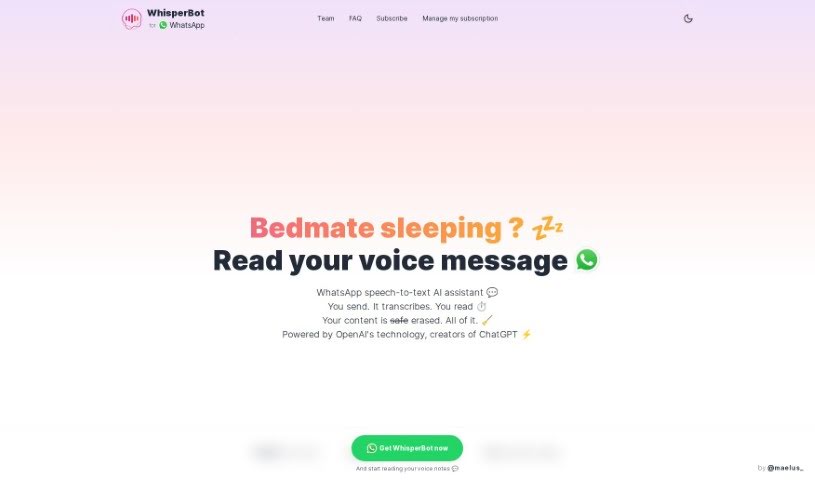
Screenshot of WhisperBot

WhisperBot

Freemium

WhisperBot is a handy AI service that turns your WhatsApp voice messages into text. It uses OpenAI's powerful technology, which means it can handle over 57 languages and even pull out the main points from your messages. The best part? It works right inside WhatsApp, making it super convenient and really accurate. Plus, WhisperBot is built with WhatsApp's end-to-end encryption, so your data is safe. They delete both the audio files and the text after transcribing them. You can try out the basic features for free, or if you want more, there's a one-time payment option or a subscription for extra goodies.

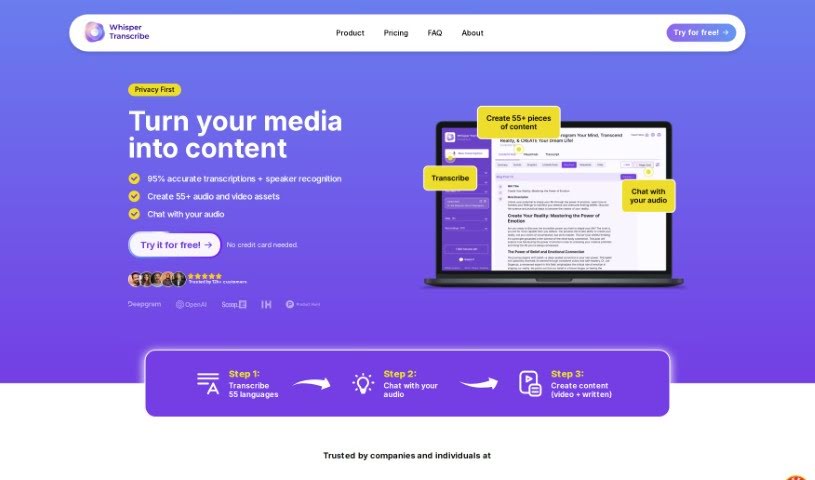
Screenshot of WhisperTranscribe

WhisperTranscribe

Freemium

WhisperTranscribe is a handy app that turns your audio into written text with impressive accuracy. It can transcribe audio in over 54 languages, hitting more than 95% accuracy. But it's not just about transcription; this tool lets you create summaries, show notes, titles, social media posts, and even blog posts from your audio files. If you're a podcaster, marketer, or work in media, it's a real game-changer for repurposing your audio content and reaching more people. The process is straightforward: upload your audio, get a super accurate transcript, and then create whatever content you need. Plus, WhisperTranscribe offers a free trial, and hundreds of users already trust it.

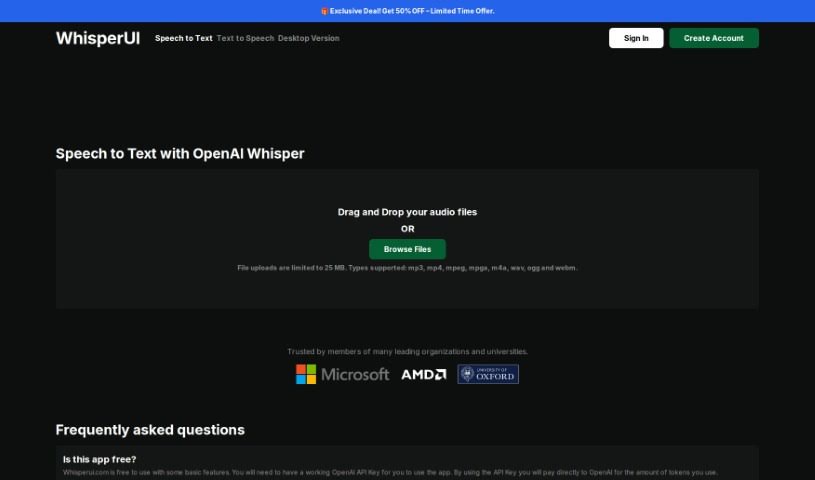
Screenshot of Whisperui

Whisperui

Freemium

WhisperUI is a Speech to Text service that runs on OpenAI's Automatic Speech Recognition (ASR) system, known as Whisper. It is a handy tool that lets you turn audio files into either plain text or SRT subtitle files. This is super useful if you're involved in transcription services, need to create subtitles for videos, or are doing any kind of linguistic analysis. WhisperUI plays nice with a bunch of different audio file types, including MP3, MP4, MPEG, MPGA, M4A, WAV, and WEBM. Just keep in mind there's a 25MB limit for file size. What's really neat is that it can transcribe speech in many languages and even translate those languages into English. The reason WhisperUI is so good at handling different accents and background noise is because it's been trained on a really extensive dataset. To use WhisperUI, you'll need an active OpenAI API Key. You'll be charged based on the number of tokens your usage consumes, especially for the more advanced features offered through premium services.

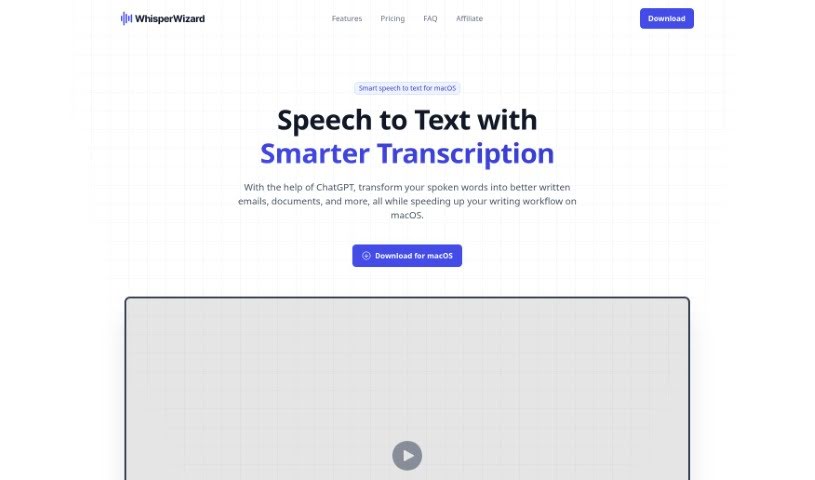
Screenshot of Whisperwizard

Whisperwizard

Freemium

WhisperWizard is a handy tool built specifically for macOS. It uses artificial intelligence to turn spoken words into text, which really speeds up writing tasks like drafting emails or creating documents. You can simply record your voice, and the software quickly and accurately converts it into written text. It's powered by ChatGPT technology, so you can count on accurate transcriptions and better text outputs. Plus, WhisperWizard takes your privacy seriously – it doesn't keep any of your data or voice recordings. It works directly with OpenAI's servers, meaning no user activity logs or custom templates are stored on their end.

Screenshot of Wideo Text to Speech

Wideo Text to Speech

Freemium

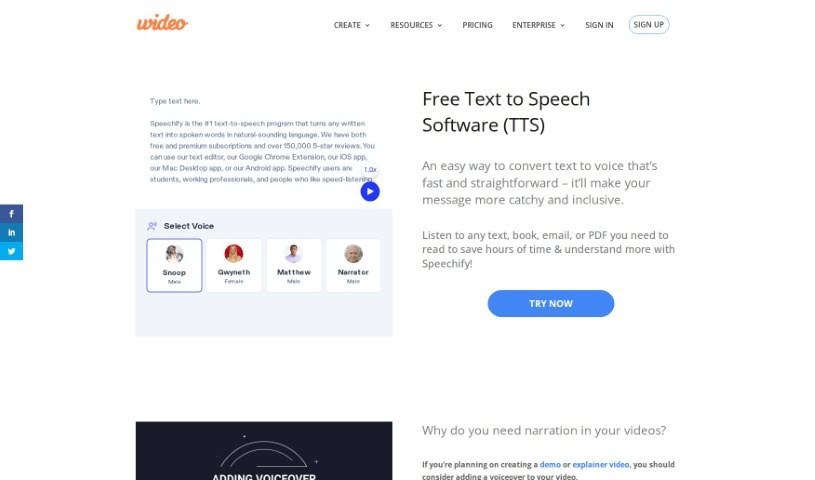
Text to Speech, or TTS, is a really neat technology that turns written words into spoken audio. It like having a narrator for anything you write! It's super handy for lots of things, like creating voiceovers for your videos or helping people who have trouble seeing to access written content. You can just type in what you want to say, or even upload a text file. Then, you pick the voice you like best, give it a listen to make sure it sounds right, and download the final audio, usually is an mp3. Tools like Google Text to Speech can even be plugged into other services through APIs. And the great thing is, options like Wideo Text to Speech are often free to use! It’s a straightforward way to make content more accessible, help with creating videos, and support all sorts of users really efficiently.

Screenshot of WiredVibe

WiredVibe

Freemium

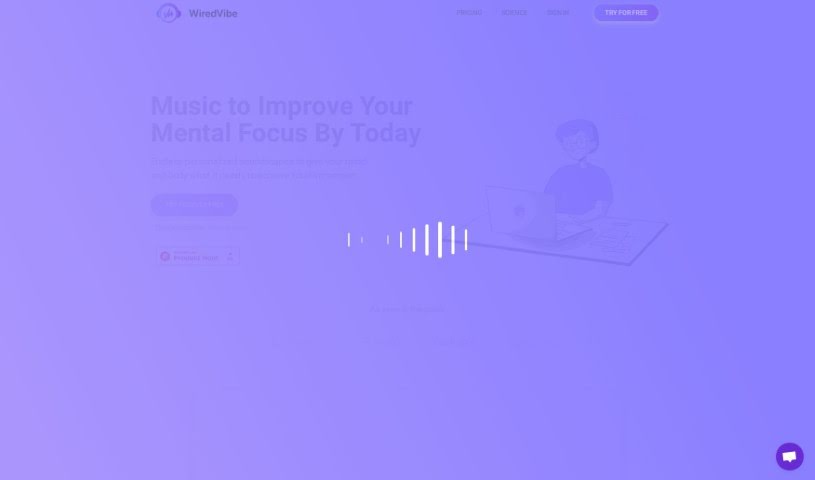
WiredVibe is a really neat tool that uses artificial intelligence to create custom soundscapes. It is personalized music designed to help you focus better, relax, or even sleep more soundly. What's cool is that it actually changes the music on the fly, adapting to things like the time of day, the weather outside, and even your own heart rate. The main idea behind WiredVibe is to help people deal with everyday mental health challenges like stress, anxiety, feeling overwhelmed by too much information, or struggling with sleep. It offers a free trial that gives you full access to everything, so you can try creating your own soundscapes for focus, relaxation, or sleep without needing a credit card. A paid membership likely unlocks even more features, like those real-time adjustments based on your personal data.

Screenshot of Wiz Write

Wiz Write

Freemium

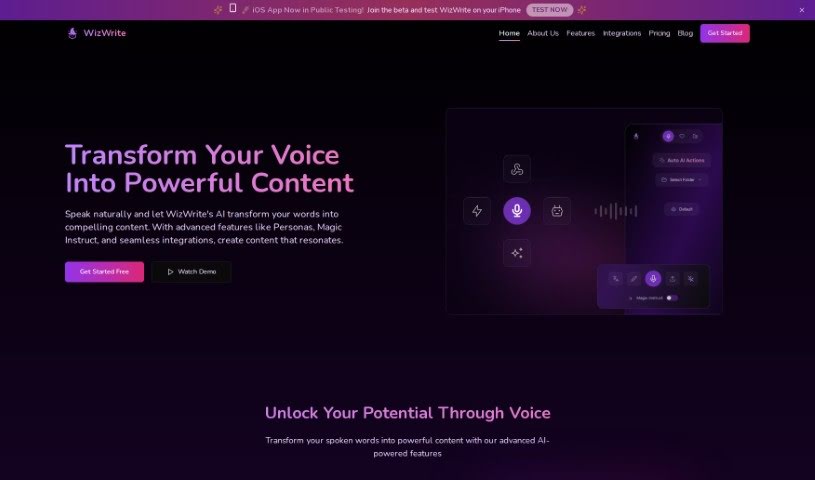
Wiz Write is an AI assistant designed to make content creation a breeze. It quickly and accurately turns your spoken ideas into written content. It is your personal writing partner! It features a conversational interface, helpful AI actions to polish your text, and connects with tools you already use, like Chrome and Zapier. You can pick a pricing plan that suits you best, with options for custom AI actions, translation, and different transcription limits. Essentially, Wiz Write harnesses the power of AI voice technology to help you work smarter, not harder, by making content creation much more efficient, especially if you prefer speaking your thoughts rather than typing them.

Screenshot of Wondera

Wondera

Freemium

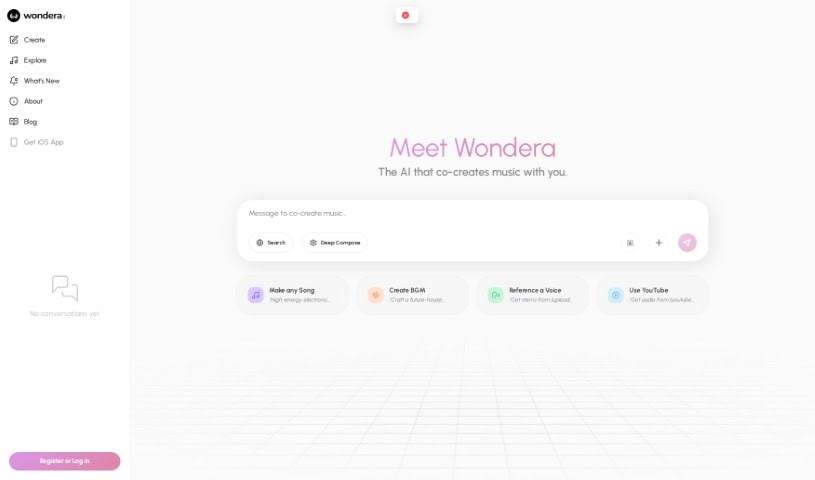
WONDERA is a really cool platform built to change how we experience music. It helps you explore your singing voice and easily share what you create. It is a way to make your singing dreams a reality, no matter your natural talent. WONDERA uses advanced tech to improve your voice and help you make music. Its interface is super user-friendly, so both beginners and pros can jump right in, making music creation open to everyone. You get features like better vocal abilities, an interactive interface, easy ways to share on social media, and the power to create and tweak your vocal performances. Basically, WONDERA uses technology to make singing more accessible for everyone and shake up how we create and share music online.

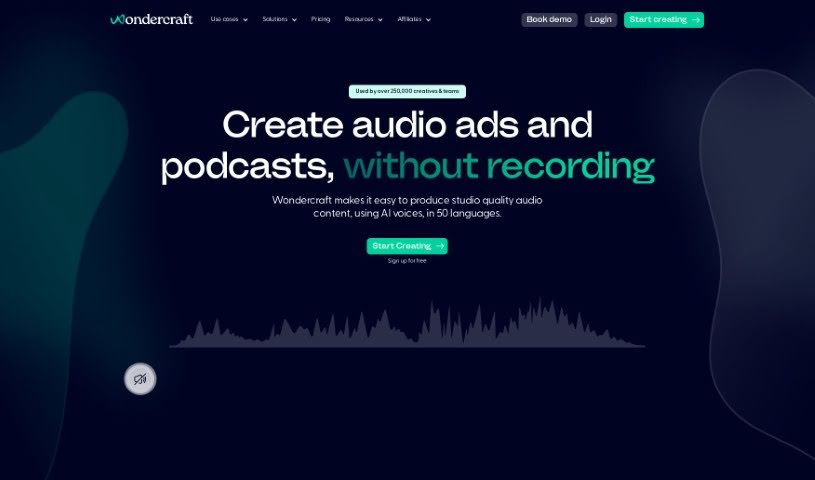
Screenshot of Wondercraft AI

Wondercraft AI

Freemium

Wondercraft AI is a really user-friendly and enjoyable platform that lets you create professional, studio-quality audio. You can use it for all sorts of things, like making podcasts, audiobooks, ads, or even company communications. The best part? You can go from just an idea to finished, engaging audio in just minutes. No need for microphones, fancy expensive editing software, or endless back-and-forth feedback loops. The platform offers different subscription plans, each with its own set of features. These can include things like an AI Script Assistant, standard voices in lots of different languages, music tracks, sound effects, voice cloning options, video and MP3 exports, premium music, and many other tools to really make your audio content shine. You can even generate custom sound effects, work with your team on projects, and translate your content easily for a global audience. People who've used Wondercraft AI have said great things, especially about how effective it is for podcast production thanks to its AI technology.

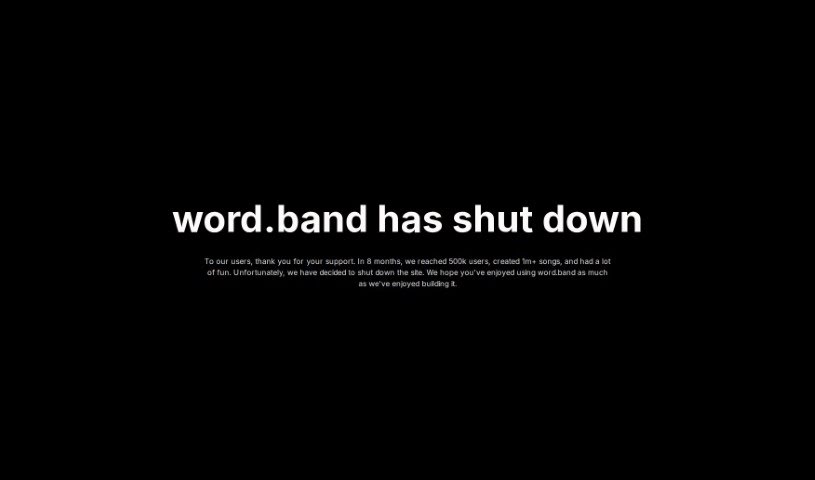
Screenshot of wordband

wordband

Freemium

Wordband is a really cool AI tool that lets you create your own music. You can dive into different genres and styles, find songs and playlists others have made, or even come up with your own music just by typing in a few ideas. The AI then takes your prompts and generates music, letting you tweak it with specific moods or styles. It's packed with genres like rap beats, lofi, cartoon sounds, anime themes, jazz, rock, and EDM. Basically, it's a fantastic way to explore your creativity and make music, whether you're looking to relax, find inspiration, or nail a specific genre.

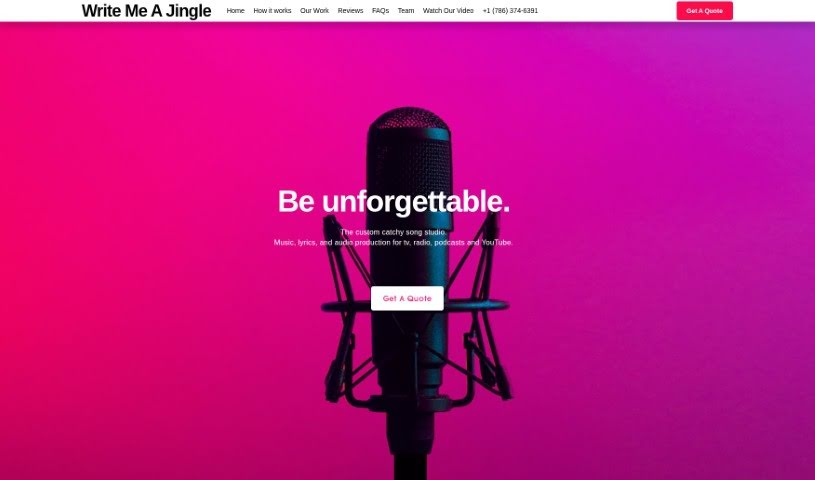
Screenshot of Write Me A Jingle

Write Me A Jingle

Freemium

Write Me A Jingle is a specialized studio that creates catchy songs, jingles, theme music, and other audio productions for all sorts of media, like TV, radio, podcasts, and YouTube. Their main goal? To make businesses and brands truly memorable through music and lyrics. The team behind it is a fantastic group of writers, producers, performers, musicians, and engineers. They all work together to really capture and express what a brand is all about, using music.

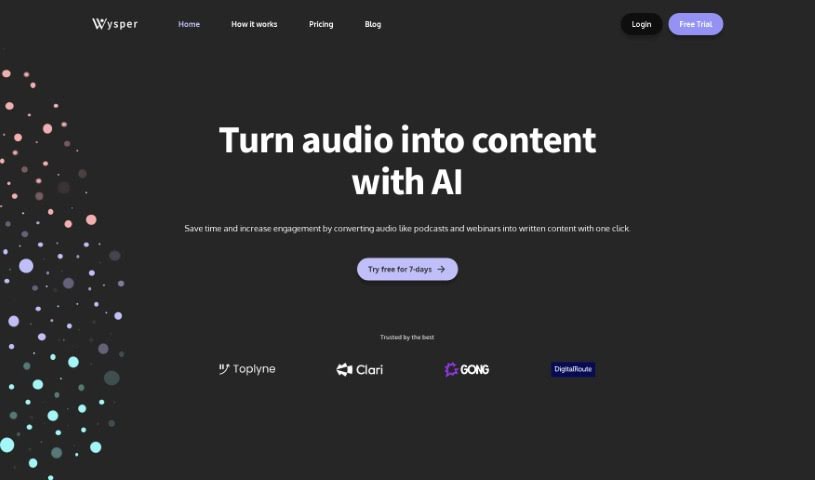
Screenshot of Wysper

Wysper

Freemium

Wysper is essentially a Podcast Content Engine. It is a smart tool that takes your audio, like podcast episodes, and turns it into all sorts of other content. This includes things like detailed show notes, quick summaries, full transcripts, and even time stamps. The main idea is to help businesses and podcasters get way more mileage out of their audio content by automating a lot of the creation process. Wysper can handle a bunch of different audio file types, such as mp3, mpeg, mpga, m4a, wav, MP4, MOV, and AVI. The transcriptions it provides are really accurate – we're talking 99% accuracy – and it even separates speakers, which is super handy. Plus, it supports multiple languages like English, Spanish, French, German, Italian, Dutch, and Portuguese. On top of that, Wysper has features for automating your post-production workflow, creating content tailored for different platforms, and even translating your content into over 95 languages using AI. You can also edit the content it generates, and they offer different subscription plans depending on how much you plan to use it.

Stay Updated with AI Tools

Get weekly updates on the latest AI tools, trends, and insights delivered to your inbox

Join 25,000+ AI enthusiasts. No spam, unsubscribe anytime.