AI Tools for Audio

Discover the best Audio AI tools to enhance your productivity and creativity.

Page 17 of 40 • 471 total tools

We’re really entering a new age for creating and changing audio, thanks to AI. You know, those days of needing tons of skills and pricey gear for good audio are pretty much over. Now, with smart AI audio tools, anyone can make professional-sounding audio for podcasts, music, or any cool audio project.

These tools aren’t just for making music; they can create voiceovers, improve sound quality, and even help with sound design. It’s amazing how much AI is changing the audio world, and the ways we can use it are endless.

After spending a lot of time trying out different platforms and features, I’ve put together a list of the top AI audio tools out there. Whether you’re just starting out and need something simple, or you’re a pro looking for powerful options, there’s definitely something here to help you make your audio sound even better.

So, if you’re ready to see what AI can do for sound, let’s jump into the best tools that will totally change how you work with audio.

The Best AI Audio Tools

  1. ElevenLabs: Great for making multilingual video voiceovers if you’re a creator.
  2. Suno: Perfect for creating custom soundscapes to help you relax.
  3. BandLab: Lets you mix and master tracks smoothly.
  4. TurboScribe: Helps improve audio for clearer transcriptions.
  5. Voicemod: Lets you change your voice for creative projects.
  6. Adobe Podcast: Enhances audio with simple, one-click AI tools.
  7. Transkriptor: An automated tool for transcribing lectures.
  8. Speechify: Makes it easy to listen to articles and documents.
  9. NaturalReader: Good for creating voiceovers for your video content.
  10. Riffusion: Offers real-time audio manipulation for creators.
  11. Narakeet: Converts subtitles into synchronized audio.
  12. PlayHT: Useful for voiceovers in audio editing.
  13. Lalal.ai: Lets you remove vocals seamlessly for remixes.
  14. Ttsmaker: Effortlessly create voiceovers for videos.
  15. Udio: Craft unique sounds using its audio tools.

How Do AI Audio Tools Work?

AI audio tools work a lot like AI writing software. They use advanced models that have been trained on huge amounts of data. Many of these tools use deep learning to analyze and create sound patterns, which lets them generate or change audio. You’ll often see them used for making speech, composing music, and sound design, all thanks to the vast libraries of audio samples and language data they learn from.

Basically, these tools use neural networks that are designed to process sound much like we do. They look at audio input, find patterns, and then predict the best sound to produce based on what they’ve learned. This means they can create a wide range of outputs, from voices that sound really real to music that feels both familiar and new.

When it comes to making voices, the process usually involves feeding a neural network thousands of hours of spoken audio. This teaches it subtle things like intonation and how to vary speech. Then, when you type something in, the model uses its training to create speech that matches the tone and context you’re going for. The result? Voices that sound lifelike and can deliver text with emotion and clarity.

In a similar way, AI music tools study huge collections of music to understand what makes a good hook, rhythm, or harmony. By breaking down existing songs, these models learn how to create new music that sounds like popular styles or even comes up with completely new soundscapes. You can tell the AI what genre or mood you want, and it’ll tailor the results to your taste.

Beyond just creating content, AI audio tools can also improve existing sounds. Things like reducing noise, fixing pitch, and adding effects are all powered by algorithms that have learned from the details in audio files. This lets you make your recordings sound better or create entirely new sound experiences without much effort.

If you’re curious about the technical side, there are plenty of resources that explain how audio processing and machine learning work in sound. All in all, AI audio tools are really changing how we create and interact with sound, opening up amazing possibilities for musicians, podcasters, and audio engineers.

Our Best AI Audio Tools at a Glance

RankNameBest ForPlans and PricingRating
1ElevenLabsMultilingual video voiceovers for creatorsN/A4.83 (29 reviews)
2SunoCreate custom soundscapes for relaxationN/A4.82 (11 reviews)
3BandLabMix and master tracks seamlessly.N/A4.75 (44 reviews)
4TurboScribeEnhance audio for clear transcriptionPaid plans start at $10/month.4.80 (5 reviews)
5VoicemodTransform your voice for creative projectsN/A4.78 (27 reviews)
6Adobe PodcastEnhance audio with one-click AI toolsN/A4.67 (12 reviews)
7TranskriptorAutomated lecture transcription tool.N/A.4.31 (13 reviews)
8SpeechifyListen to articles and documents.N/A4.80 (54 reviews)
9NaturalReaderCreate voiceovers for video contentN/A4.75 (44 reviews)
10RiffusionReal-time audio manipulation for creatorsN/A4.18 (11 reviews)
11NarakeetConvert subtitles to synchronized audioN/A4.72 (18 reviews)
12PlayHTVoice over for audio editingN/A4.59 (27 reviews)
13Lalal.aiSeamless vocal removal for remixesN/A4.64 (11 reviews)
14TtsmakerCreate voiceovers for videos effortlessly.N/A4.60 (5 reviews)
15UdioCraft unique sounds with audio toolsN/A4.18 (11 reviews)
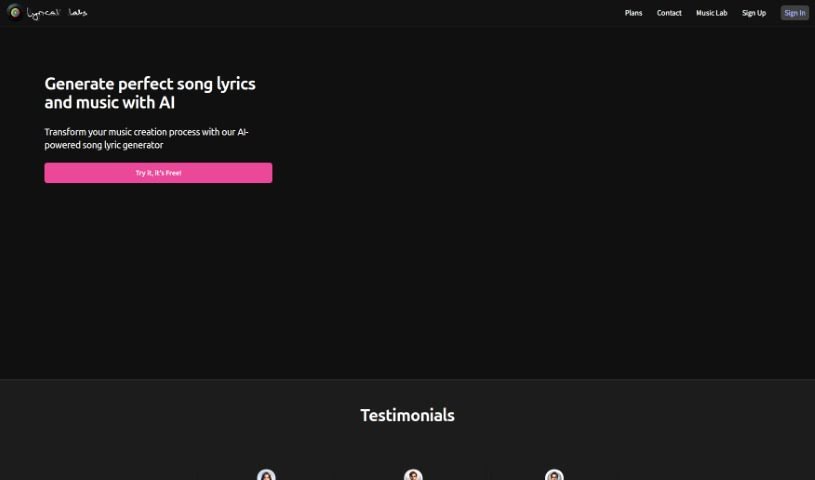
Screenshot of Lyricallabs

Lyricallabs

Freemium

Lyricallabs is a platform designed to help songwriters like you. It's packed with features to get your creative juices flowing, whether you're battling writer's block, looking for fresh ideas, or just need a little help finishing a line. It is your songwriting partner. It offers a smart dictionary to suggest related words, provides feedback, and really encourages you to experiment. It's a fantastic tool for anyone who writes songs, no matter your experience level. It helps you write faster, sparks your creativity, and can even help you refresh lyrics you've already written. Plus, and this is a big one, you keep full rights to everything you create on Lyricallabs – it's completely royalty-free. The platform also supports many languages and works across different music genres, so it can help you bring any musical idea to life.

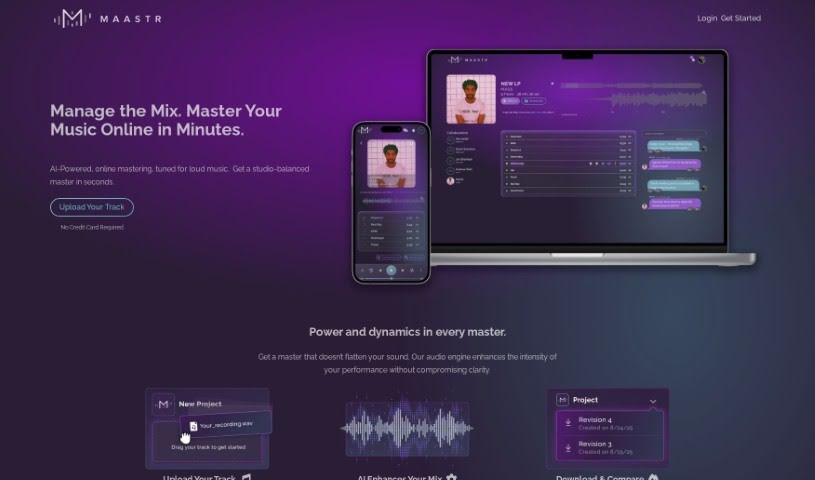
Screenshot of Maastr

Maastr

Freemium

Maastr is an online audio mastering platform that uses an AI-powered engine to automatically enhance your tracks. It's designed to give you professionally polished audio in just minutes. You simply upload your audio files, let Maastr work its magic on the sound, and then you get a mastered version back really quickly. This platform is built to handle all sorts of music genres and styles, so it offers tools to refine your mixes no matter what kind of music you're making. Plus, Maastr makes it super easy to work with others and gather feedback. Clients and collaborators can easily leave detailed notes about the mix, allowing for precise adjustments. It also keeps track of every single revision you make to your tracks, so you can easily compare, access, and play them back. This is fantastic if you're a perfectionist who really wants the absolute best sound possible. Both seasoned sound engineers and musicians can find a lot of value in Maastr. It helps speed things up, makes communication smoother, and cuts out the need for expensive and time-consuming manual mastering.

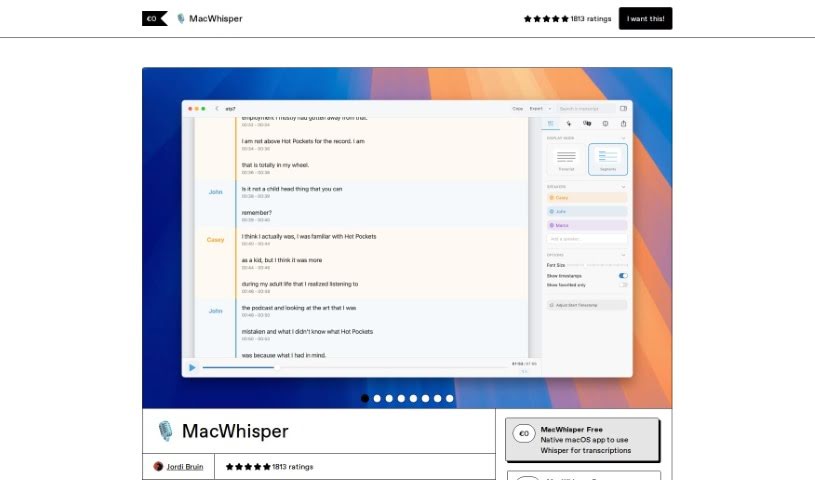
Screenshot of Macwhisper

Macwhisper

Freemium

I couldn't find any specific details about "MacWhisper" within the provided documents. It appears this particular term isn't mentioned in the files I have. If you have more information or specific sources related to MacWhisper, please share them, and I'll be happy to help further.

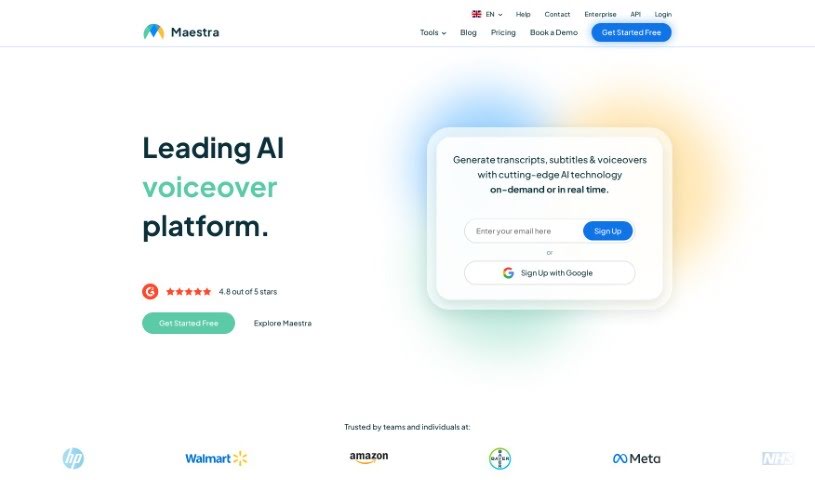
Screenshot of Maestra AI

Maestra AI

Freemium

Maestra AI is a really smart artificial intelligence platform built to help businesses run more smoothly. It is a powerful AI tool that can analyze your operations, automate tasks, and help you make better decisions. It uses machine learning to give you predictions and insights, so your company can make choices based on solid data, leading to better efficiency and results. Plus, it's designed to be easy to use and can be adjusted for your specific needs. This makes Maestra AI a great fit for all sorts of industries, helping them simplify how they work, spot important trends, and ultimately grow their business. In short, Maestra AI helps organizations really make the most of their data and stay ahead of the curve.

Screenshot of Magenta Studio

Magenta Studio

Freemium

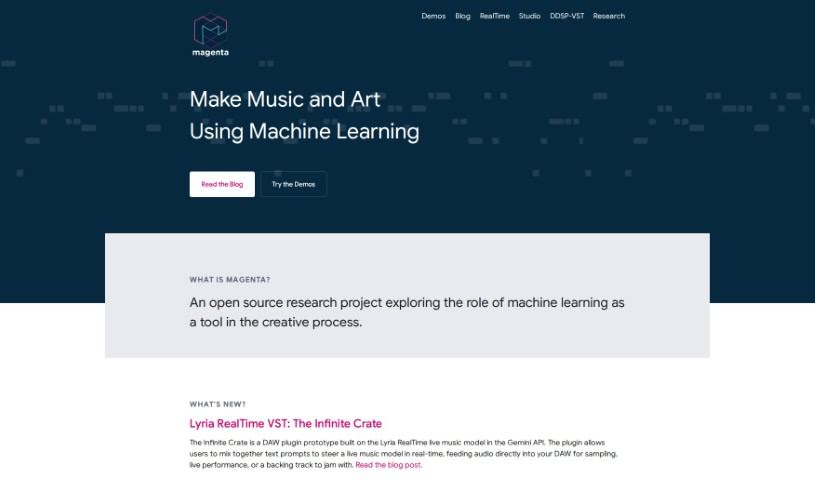
Magneta Studio is a really neat MIDI plugin built specifically for Ableton Live. It is a toolkit packed with helpful features like Continue, Groove, Generate, Drumify, and Interpolate. What's cool is that these tools let you apply Magenta's AI models directly to your MIDI clips, right from Ableton Live's Session View. It uses some pretty advanced machine learning to help create music, which is fantastic for musicians and producers who want to bring a bit of AI-powered creativity into their work. To get it up and running, you'll need Ableton Live 10.1 Suite or a newer version. If you're on an older version, you'll need to use a separate version of Max 8.

Screenshot of Malloy

Malloy

Freemium

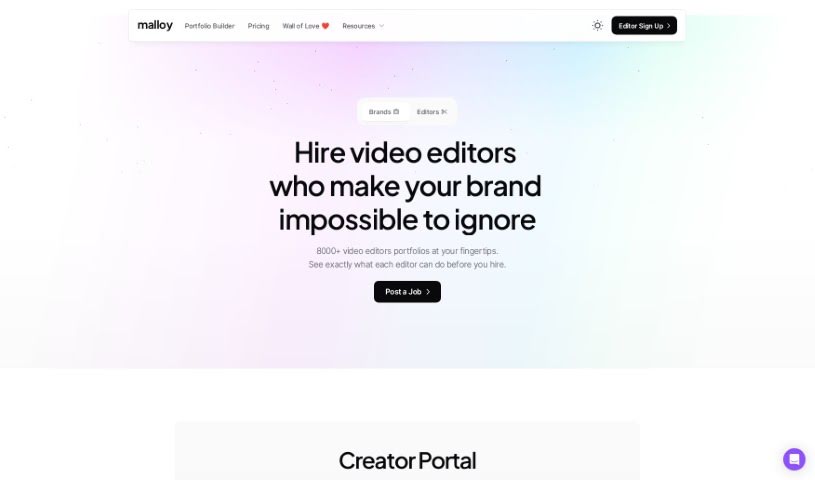
Malloy is a platform designed to make your life easier, especially when it comes to video transcription. It is your go-to tool for turning spoken words into text with impressive accuracy. It really digs into the nuances of language, meaning it gets what people are saying, even with slang, different accents, or industry-specific terms. You can also make manual corrections, which helps ensure the transcript truly captures the essence of your content. It's built to be user-friendly, streamlining your workflow and saving you valuable time. Plus, it's known for being cost-effective and has a high customer satisfaction rate. They even offer a trial with no strings attached, so you can see for yourself how it works.

Screenshot of MatchTune

MatchTune

Freemium

MatchTune is a really interesting tool from a company called MatchTune, which is all about music technology. It was actually founded back in 2017 by André Manoukian, who's a well-known jazz musician, and Philippe Guillaud, an entrepreneur. This software is part of their "Music Simplified™" product line, and its main gig is creatively changing how long songs are. It is a smart way to adjust music to fit your needs perfectly.

Screenshot of Media.io Vocal Remover

Media.io Vocal Remover

Freemium

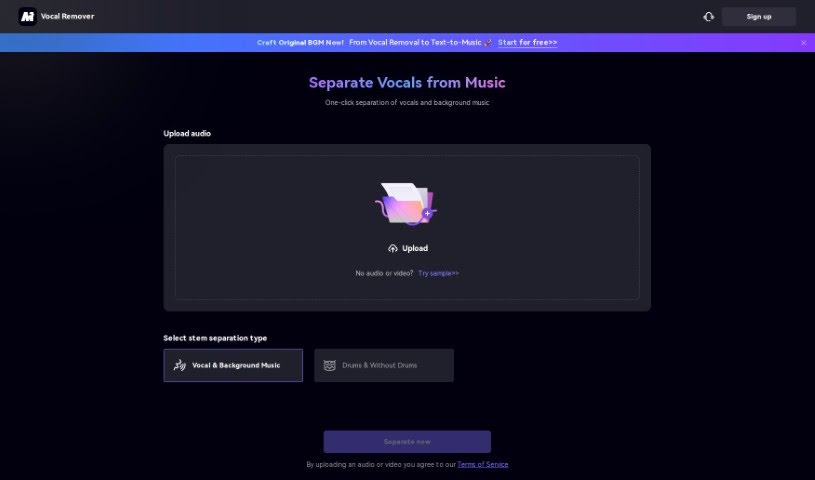
Media.io offers a really easy-to-use, free online tool called the AI Vocal Remover. It's designed to help you effortlessly separate vocals from music tracks. This smart tool uses advanced artificial intelligence to precisely pull out vocals, instrumentals, and acapellas. It’s a fantastic option for DJs, musicians, and anyone who loves music and wants to create karaoke tracks or remixes. The Vocal Remover is super versatile, simple to use, and works for all sorts of music editing tasks. It really lets you extract vocals or instrumentals from any song with great accuracy. Why not explore the magic of Media.io's Vocal Remover today and boost your music editing skills?

Screenshot of Meetra AI

Meetra AI

Freemium

Meetra AI is a platform that really digs into human conversations and interactions. It is a powerful service you can use either through the cloud (Platform as a Service, or PaaS) or installed directly on your own systems (on-premise). It offers a bunch of cool features, like insightful conversation analysis, tools for teams to collaborate better, and it's built with a focus on using AI responsibly within companies. Essentially, Meetra AI helps you uncover a treasure trove of insights from all the conversations happening in your organization, making it a great choice if you're looking to get more out of how people talk to each other.

Screenshot of MeetSteno

MeetSteno

Freemium

MeetSteno is a really neat tool that uses artificial intelligence to turn what you say into text, and the best part? You don't need to activate it. It just starts transcribing your speech automatically, thanks to advanced AI like ChatGPT, which makes it super accurate. Steno works in real-time, so it can keep up with even fast talkers without missing a beat. It’s a typing-free way to send messages, boosting your productivity because you won't need to rewrite anything. Plus, it fits right into your workflow with other apps and platforms, letting you work without interruption and get more done.

Screenshot of Melobytes

Melobytes

Freemium

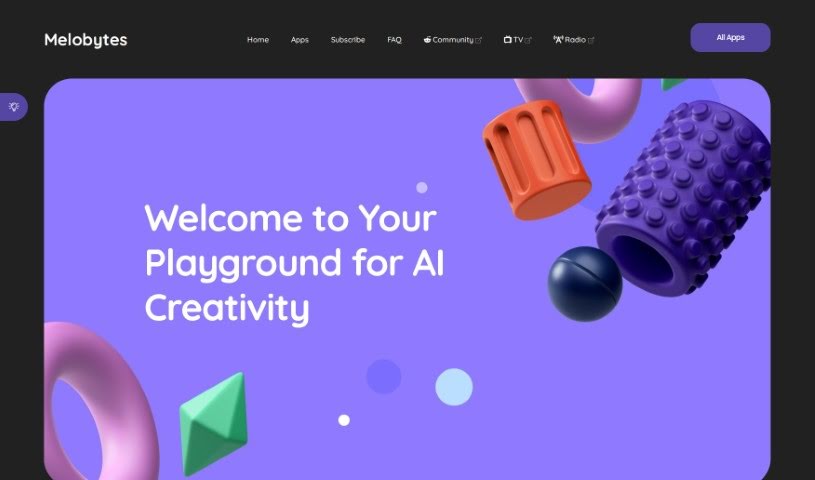
Melobytes is a collection of AI-powered tools designed specifically for creating music and sound. It's a really neat platform where you can use different features to spark your creativity and even build entire music tracks, whether you're starting with text, other prompts, or even a picture! You don't need any prior music experience to jump in and start creating. For instance, one of its cool features lets you upload a photo, and the AI will then compose a music track inspired by that image. While many of its tools are available for free, there are some limits, and free users might notice they have a lower priority in the queue for processing.

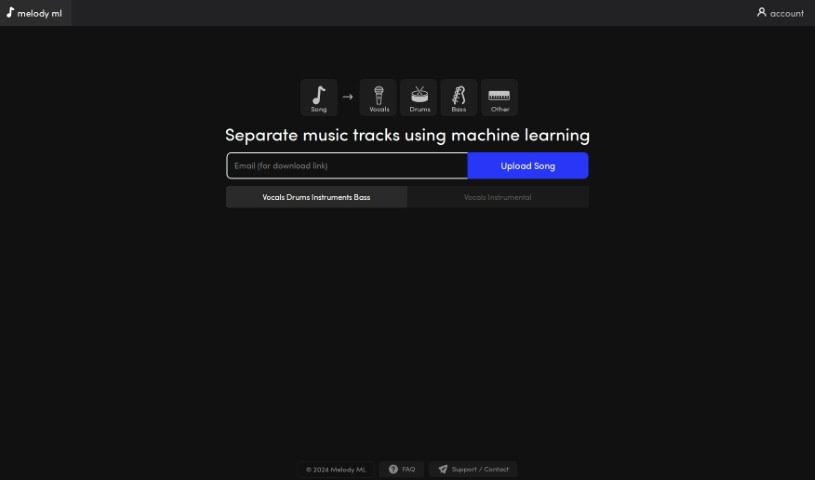
Screenshot of Melody Ml

Melody Ml

Freemium

Melody ML is a really neat platform that uses Machine Learning to split your music tracks into separate parts – think vocals, drums, bass, and other instruments. It's perfect if you're looking to remix songs or create something entirely new. You can just upload your tracks to Melody ML's easy-to-use interface. It then uses the smart Demucs processing model to give you professional-quality stems for your music projects. Plus, it works with common audio formats like MP3, WAV, FLAC, and Ogg/Vorbis, so you won't have any trouble getting your music in there. Melody ML also makes sure to respect your privacy and your rights to your own content. Getting started is simple: the first two songs are free, and after that, it's just $0.50 per track.

Stay Updated with AI Tools

Get weekly updates on the latest AI tools, trends, and insights delivered to your inbox

Join 25,000+ AI enthusiasts. No spam, unsubscribe anytime.