AI Tools for Writing

Discover the best Writing AI tools to enhance your productivity and creativity.

Page 8 of 13 • 156 total tools

In today’s super-fast digital world, writing something great isn’t just about having a good idea—it’s often a race against the clock. That’s where AI writing tools come in. They’ve really changed how we create content. Whether it’s marketing copy or a creative story, these tools promise to boost your productivity and spark your imagination.

There are so many options out there now, it can feel overwhelming trying to pick the right one for you. Big names like Microsoft and Google, along with newer startups, are all trying to get your attention. What started as a cool new thing has become a must-have in our writing toolkit.

As I looked into the best AI writing tools, I went through a lot of them, checking out what they can do. The trick to really using them well is knowing how to use them effectively. These tools can make your voice stronger and your writing smoother, but you’re still the one guiding the final result.

If you’re ready to improve your writing and find tools that make your process simpler, you’ve come to the right place. Let’s explore the best AI writing tools that can help you turn your ideas into content that makes an impact.

The Best AI Writing Tools

  1. Chat Blackbox: For smart writing help and corrections.
  2. Ahrefs AI Writing Tools: Great for making SEO articles better.
  3. Copyleaks: Helps content creators check for plagiarism.
  4. Tiny Wow: Lets you easily create engaging paragraphs.
  5. Merlin AI: Useful for outlining engaging blog posts.
  6. Sudowrite: Perfect for brainstorming creative story ideas.
  7. Hyper Write AI: Makes content creation simple and efficient.
  8. Novelcrafter: Helps you easily organize character and lore details.
  9. Voila: Enhances your writing with smart suggestions.
  10. Copy.ai: Creates content effortlessly in just seconds.
  11. GPT for Work: Crafts engaging blog post outlines.
  12. Type AI: Offers real-time writing enhancement tools.
  13. Compose AI: Speeds up script writing.
  14. Typli.ai AI Text Generator: Creates content for blogs and articles.
  15. Handwrytten: Makes personalized notes for clients.

How Do AI Writing Tools Work?

AI writing tools mainly use large language models (LLMs). Think of these as really smart computer programs trained to guess what text should come next based on what you give them. When you type in a prompt, the model looks at all the information it’s learned—from books, articles, and stuff online—to create a response that makes sense.

These models, like OpenAI’s GPT and others, basically learn how humans write by looking at massive amounts of text. This helps them understand context, tone, and style, so they can produce writing that sounds natural and interesting.

Most AI writing tools you see are built on these core LLMs. Often, they add their own special features to stand out. But since many use the same basic technology, you’ll find similar abilities across different platforms.

Plus, companies are keen to add AI writing features to their existing products, like Microsoft Word and Google Docs. By partnering with companies that already provide LLMs, they avoid the huge task of building their own models and can quickly improve their software.

In practice, using AI writing tools is as easy as typing in a prompt and letting the model generate text. What’s really powerful is how the model can understand and connect ideas, making it useful for all sorts of writing tasks—whether you’re writing essays, drafting emails, or even coming up with creative stories.

As this field keeps advancing, AI writing tools will only get better. As they evolve, we can expect even smarter text generation, which will open up more uses and change how we work with them.

Our Best AI Writing Tools at a Glance

RankNameBest ForPlans and PricingRating
1Chat BlackboxSmart writing help and correctionsN/A4.67 (12 reviews)
2Ahrefs AI Writing ToolsContent optimization for SEO articlesN/A4.75 (28 reviews)
3CopyleaksPlagiarism detection for content creatorsN/A4.58 (12 reviews)
4TinyWowEffortlessly craft engaging paragraphsPaid plans start at $5.99/month4.36 (11 reviews)
5Merlin AICrafting engaging blog post outlinesPaid plans start at $19/month4.33 (12 reviews)
6SudowriteCreative brainstorming for story ideasPaid plans start at $10/month4.79 (28 reviews)
7HyperWrite AIContent creation made easy and efficientPaid plans start at $192/year4.76 (17 reviews)
8NovelcrafterEasily organize character and lore detailsN/A4.73 (11 reviews)
9VoilaEnhance your writing with smart suggestionsN/A4.83 (12 reviews)
10Copy.aiEffortless content creation in secondsN/A4.17 (6 reviews)
11GPT for WorkCrafts engaging blog post outlinesN/A4.17 (6 reviews)
12Type AIReal-time writing enhancement toolsPaid plans start at $23/month4.18 (11 reviews)
13Compose AISpeed up script writingN/A4.18 (11 reviews)
14Typli.ai AI Text GeneratorContent creation for blogs and articlesN/A4.64 (33 reviews)
15HandwryttenPersonalized note creation for clientsPaid plans start at $3.25/card4.75 (8 reviews)
Screenshot of Momentary

Momentary

Freemium

Momentary is an AI tool designed to help with your mental health and personal growth by acting as a voice-activated journaling companion. It is your personal diary, but powered by AI. It lets you capture your thoughts and feelings as they happen each day, just by speaking. You can then revisit these recorded "moments" whenever you like, which is great for reflecting on your progress and remembering happy times. It also helps you focus on what you appreciate, understand your emotions better, and build self-awareness.

Text Generation View Tool →
Screenshot of Neurotale

Neurotale

Freemium

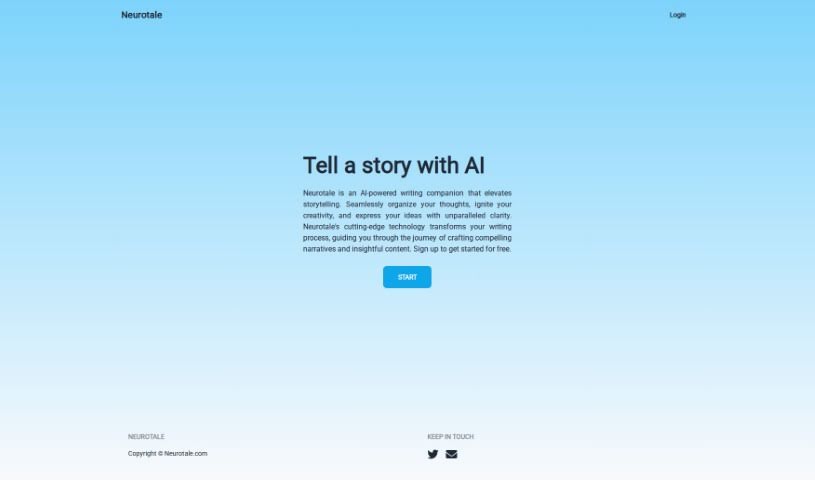
Neurotale is your AI writing buddy, specifically designed to make storytelling easier and more engaging. It helps you get your thoughts in order, sparks your creativity, and guides you step-by-step in crafting really compelling stories and insightful content. The goal here is to actually improve your writing skills, using smart algorithms and deep learning. It's packed with features like grammar and spelling checks, making it a great tool for all sorts of writing, from jotting down notes to writing full-blown fiction. You can use it right away through its easy-to-navigate web platform after a quick, free sign-up. Just a heads-up, though: it works online only, so you'll need an internet connection. It also doesn't support multiple languages or offline use yet. All in all, Neurotale offers a complete package for writing support, helping you draft better and faster, which is a real plus for bloggers and authors aiming to polish their craft.

Text Generation View Tool →
Screenshot of Newswriter.ai

Newswriter.ai

Freemium

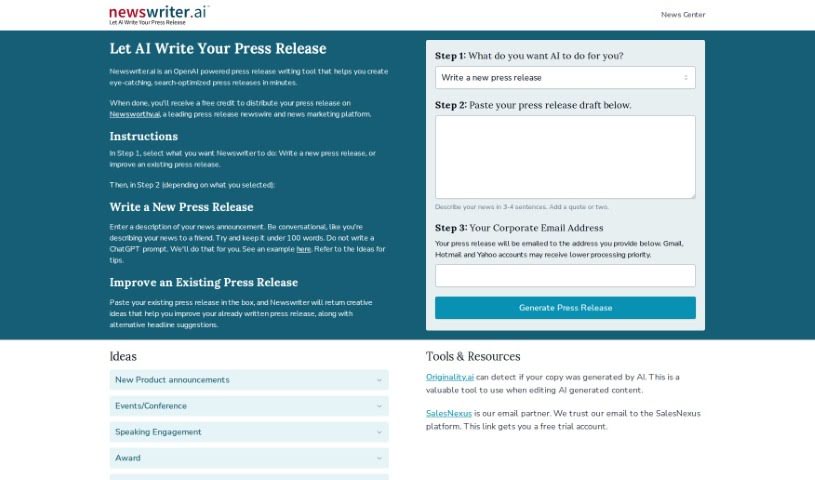
Newswriter.ai is a handy, free tool that uses AI, specifically GPT-3 from OpenAI, to help you write great press releases. It's designed to make creating eye-catching and effective press releases quick and easy. You can either start a brand new press release from scratch or get help improving one you've already written. By tapping into GPT-3's advanced abilities, Newswriter.ai helps you craft messages that really connect with your audience and grab their attention. It really simplifies the whole process, letting you draft high-quality content without a fuss.

Text Generation View Tool →
Screenshot of Novelcrafter

Novelcrafter

Freemium

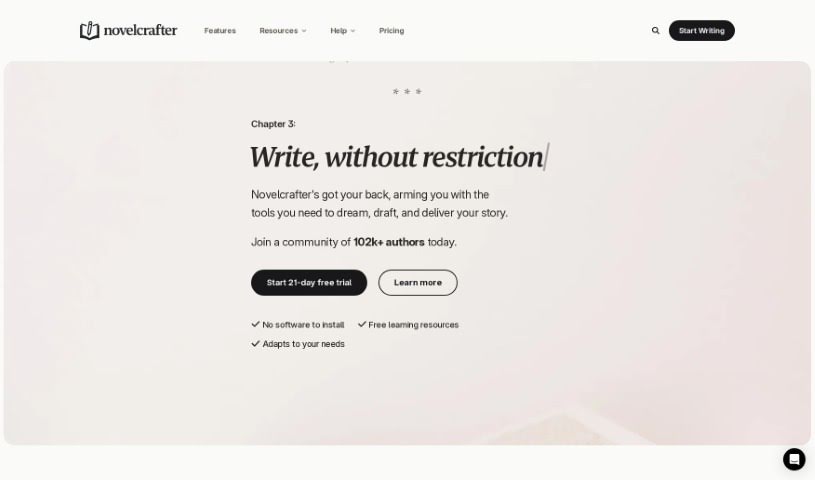
Novelcrafter is your personal Wiki for everything related to your story. It's a place to keep all your notes on characters, settings, objects, lore – you name it. What's really neat is how it handles references, letting you link entries across different books in a series, so you don't have to re-enter the same info. They also have fair pricing that grows with you, a 14-day free trial (no credit card needed!), and you can easily change your subscription – upgrade, downgrade, pause, or cancel whenever you need to. For collaborators, a paid plan is required to add or edit anything, but a free account is perfectly fine for just viewing the data.

Text Generation View Tool →
Screenshot of Opengrant

Opengrant

Freemium

OpenGrant is an AI tool designed to make the grant writing process much simpler and better. It provides an easy-to-use platform that uses advanced AI to help you create and submit grant applications more efficiently. The main thing OpenGrant does is help you write grants with AI. It offers suggestions and recommendations to improve the content, structure, and overall quality of your proposals. By automating some tasks, OpenGrant can really speed up finishing grant applications, potentially cutting down the time needed by as much as ten times compared to doing it the old way. The tool also lets you register for free, so you can try out its main features without paying anything upfront. This is great for anyone new to grant writing who wants to get a feel for the platform before deciding on a paid plan. Basically, OpenGrant wants to help you write grant proposals more effectively with its straightforward interface, AI tips for better content, and a quicker way to submit your applications.

Text Generation View Tool →
Screenshot of Orchard

Orchard

Freemium

Orchard was a writing app that aimed to help writers come up with ideas, refine their work, and be more creative. Sadly, the team behind Orchard has decided to close down the app. They explained that they didn't have enough attention or resources to develop it into the writing tool they envisioned. They've announced the service is ending, logins are disabled, but they're giving users a chance to export their data before the final shutdown. Many users appreciated Orchard for helping with their writing and creative projects, and the team wanted to thank everyone who was part of the platform's journey.

Text Generation View Tool →
Screenshot of Outline

Outline

Freemium

Outline is a collaborative document editor that's powered by AI. It really changes how we write by helping out with ideas, finishing tasks, and editing, all through AI commands and some pretty neat tools. You can use it to generate detailed outlines, get your content SEO-ready, and even get recommendations for what to write next, all based on what you usually do and what you like. Outline also makes creating content smoother with built-in grammar checkers, plagiarism detectors, and ways to connect with social media. It's a great fit for all sorts of people, like content creators, digital marketers, and folks running small businesses.

Text Generation View Tool →
Screenshot of PageBrain

PageBrain

Freemium

PageBrain, as detailed in the "lexeme.pdf" document, is an open-source chat text editor. It like SQL Workbench, but for writing! It's designed to give you a smooth, all-in-one workflow for brainstorming, writing, and rewriting, all with ChatGPT acting is your copilot right there in the same window. This means you can work with ChatGPT without constantly copying and pasting text back and forth. You can easily rewrite selected text, tailor your writing style to your preference, and use handy built-in prompts for common writing tasks. PageBrain really stresses how important it is to use system prompts effectively to guide what ChatGPT says. All in all, PageBrain is presented as a really strong tool for writing and collaborating with ChatGPT, offering cool features like selective context, prompts you can reuse, built-in action prompts, and system prompts for more advanced needs.

Text Generation View Tool →
Screenshot of ParagraphAI

ParagraphAI

Freemium

ParagraphAI is a sophisticated writing tool designed to really boost your writing experience. It uses artificial intelligence to offer suggestions for grammar, spelling, and style, helping you communicate more effectively. It is your personal writing coach! It doesn't just fix mistakes; it also explains why a change is recommended and gives examples, so you can actually learn and get better at writing over time. Plus, it supports over 40 languages with personalized settings. For businesses, ParagraphAI offers advanced editing tools, the ability to customize your brand's voice, and round-the-clock support. Whether you're a seasoned writer, a student tackling essays, or just someone who wants to write with more confidence and accuracy, ParagraphAI is here to help.

Text Generation View Tool →
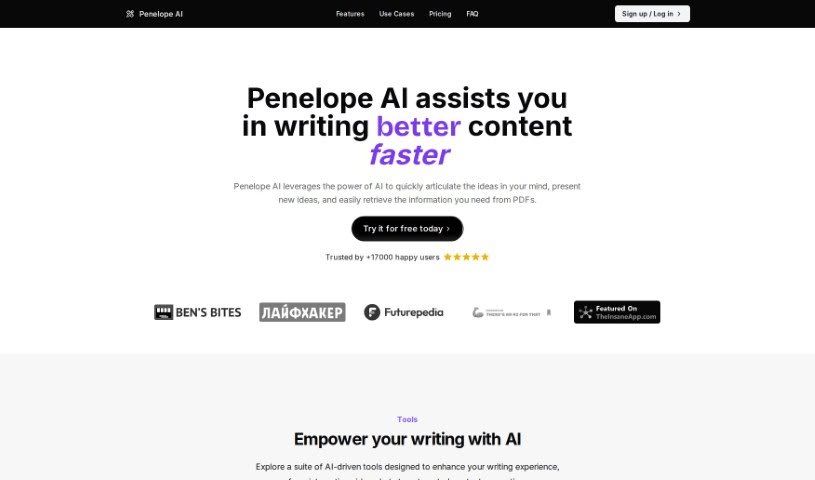
Screenshot of Penelope Ai

Penelope Ai

Freemium

Penelope AI is essentially a markdown editor that's been supercharged with AI capabilities to help you write more efficiently. It is your smart writing assistant. It offers handy features like auto-completion (it guesses what you want to type next!), paraphrasing (to rephrase sentences), summarizing (to condense long texts), and even story generation. You can use it for all sorts of writing projects – whether you're working on a thesis, drafting an email, creating a blog post, or even whipping up a tweet. The main goal here is to speed up your writing, help you come up with fresh ideas, and make composing different kinds of content, like emails and blog posts, a breeze.

Text Generation View Tool →
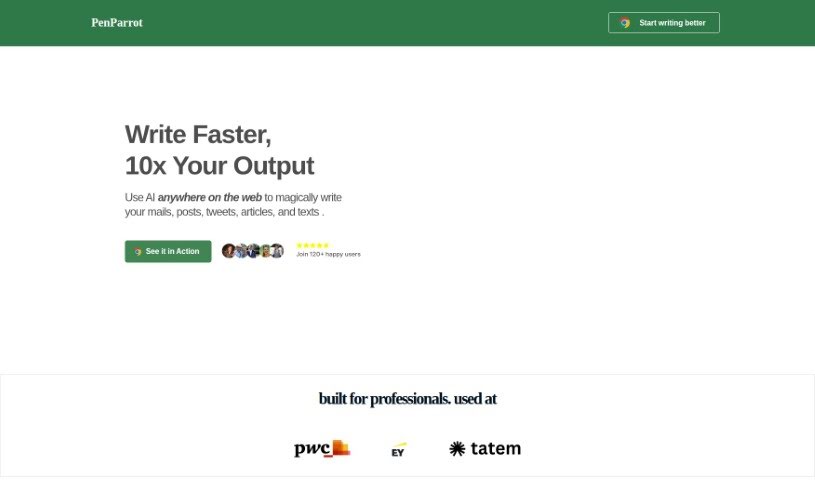
Screenshot of PenParrot

PenParrot

Freemium

PenParrot is an AI tool designed to really boost your writing productivity and make things more efficient. It is a smart assistant that brings ChatGPT right into the web apps you already use. This means you can easily generate new text, polish existing content, expand on ideas, translate languages, summarize long pieces, and even change the tone of your writing. PenParrot comes with helpful presets for different AI agents, like a Marketer, Programmer, Copywriter, Analyst, Researcher, Designer, and Sales expert. These presets offer specific, targeted help for each of those roles. Plus, you can create your own custom shortcuts for the writing tasks you do most often, making it super quick to navigate and get things done.

Text Generation View Tool →
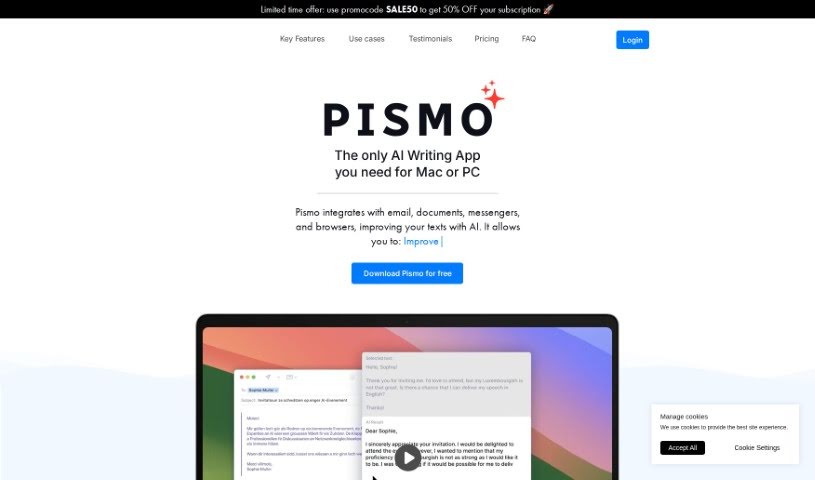
Screenshot of Pismo

Pismo

Freemium

Pismo is a smart writing assistant built for macOS. It is your go-to helper for making all sorts of writing better, whether it's for everyday chats, important work emails, or even those big academic papers. It can proofread your work, help you adjust text length, tweak the tone and style to fit just right, translate into many languages, and it works smoothly with pretty much any app on your Mac. What's really great is that Pismo takes your privacy seriously. It sends and stores your data securely, but it never keeps or processes your actual texts. This tool is designed to really boost your productivity. You get quick access to common tasks with hotkeys, language translation makes talking to people worldwide a breeze, and you can even set up custom prompts for specific jobs. Plus, people love how Pismo genuinely improves writing quality, makes communication more efficient, and helps you craft really engaging content, no matter if you're writing for work, school, or just for yourself.

Text Generation View Tool →

Stay Updated with AI Tools

Get weekly updates on the latest AI tools, trends, and insights delivered to your inbox

Join 25,000+ AI enthusiasts. No spam, unsubscribe anytime.