AI Tools for Text To Image

Discover the best Text To Image AI tools to enhance your productivity and creativity.

Page 10 of 10 • 116 total tools

Creating images from text prompts has become an exciting frontier in artificial intelligence. What once seemed like science fiction is now a reality, thanks to advanced AI tools. They empower users to conjure visual art with just a few words, bridging the gap between imagination and creation.

As text-to-image generators have evolved, so has the quality of their output. We’re no longer confined to basic interpretations—these tools now produce intricate images that can rival those made by skilled artists. From whimsical illustrations to photorealistic portraits, the possibilities feel endless.

I’ve spent considerable time exploring these innovative tools to find the best ones. Each tool offers unique strengths, catering to different artistic needs, styles, and user expertise. Whether you’re looking to create something fun or need high-quality visuals for professional work, there’s likely an ideal tool for you.

In this article, I’ll guide you through some of the top text-to-image AI tools available today. I’ll break down their features, how easy they are to use, and how they can help you unleash your creativity without much effort. So, if you’re ready to bring your ideas to life, let’s jump in!

The best AI Text To Image Tools

  1. Bing Image Creator for custom illustrations for creative projects.
  2. Yodayo for creating custom illustrations quickly.
  3. Night Cafe Creator for turning text prompts into stunning visuals.
  4. Artguru AI for anime-style character design.
  5. Deep AI AI Text to Image for creative visual content creation.
  6. Adobe AI Image Generator for storytelling visuals for social media posts.
  7. Freepik AI Image Generator for creating unique visuals for marketing materials.
  8. Craiyon for creating unique artwork from prompts.
  9. Getimg AI for turning words into stunning visuals.
  10. Stable Diffusion for crafting visuals from descriptive text prompts.
  11. Prompt Hero for creating custom visuals for client projects.
  12. Dezgo for creating images from text descriptions.
  13. Starry AI for book cover art design.
  14. Fotor AI Image Generator for creating art from written descriptions.
  15. Img Gen AI for creating custom book covers.

How do AI text to image tools work?

When you look for AI text-to-image tools, you’ll find a variety of platforms, each with its own features. However, many of these tools use similar underlying technologies. They primarily rely on generative models that use neural networks to create images. Tools like DALL-E and Midjourney use vast datasets of labeled images and text pairs to train their models, producing visuals from textual descriptions.

At their core, these models analyze your input text and find patterns within their training data. By understanding the connection between words and images, they generate new visuals that match your prompts. This process usually involves complex algorithms that transform text requirements into pixels, bringing your descriptions to life.

The training process needs massive computational resources and diverse datasets, including everything from photographs to art. By processing so much visual content, these models learn how to replicate various styles and perspectives. This allows them to create pictures that reflect your specified theme or mood.

As with any AI technology, the results can vary depending on the quality of your input. Clear and detailed prompts usually lead to better outcomes, guiding the model to produce images that more closely match your vision. Vague descriptions, on the other hand, might lead to unexpected or less cohesive results.

Explore how creators are using these tools for different applications, from marketing to art. As the technology keeps evolving, the potential for innovation in content creation is huge. Future advancements promise even more refined and expressive capabilities, making these tools invaluable for artists, designers, and marketers.

Our best AI text to image tools at a glance

RankNameBest forPlans and PricingRating
1Bing Image Creatorcustom illustrations for creative projects.N/A4.73 (11 reviews)
2Yodayocreating custom illustrations quickly.N/A4.33 (6 reviews)
3NightCafe Creatorturn text prompts into stunning visuals.Paid plans start at $15.99/month.4.63 (32 reviews)
4Artguru AIanime-style character designN/A4.58 (12 reviews)
5Deep AI AI Text to Imagecreative visual content creationN/A4.82 (11 reviews)
6Adobe AI Image Generatorstorytelling visuals for social media postsN/A4.92 (12 reviews)
7Freepik AI Image Generatorcreating unique visuals for marketing materials.N/A4.55 (11 reviews)
8Craiyoncreating unique artwork from promptsPaid plans start at $5/month.4.67 (6 reviews)
9Getimg AIturn words into stunning visuals.Paid plans start at $12/month.4.76 (21 reviews)
10Stable Diffusioncrafting visuals from descriptive text prompts.Paid plans start at $7/month.4.69 (13 reviews)
11PromptHerocreate custom visuals for client projects.N/A4.09 (11 reviews)
12Dezgocreate images from text descriptionsN/A4.79 (53 reviews)
13StarryAIbook cover art designN/A4.77 (43 reviews)
14Fotor AI Image Generatorcreating art from written descriptionsN/A4.77 (26 reviews)
15ImgGen AIcreating custom book coversN/A4.76 (29 reviews)
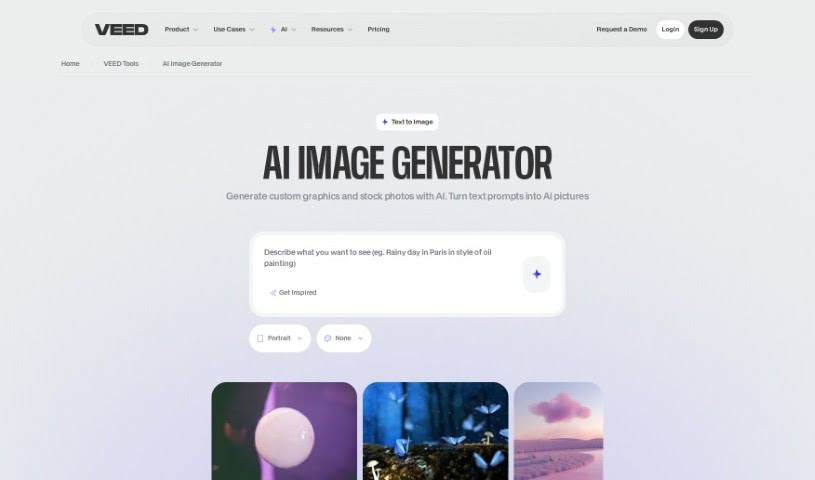
Screenshot of VEED AI Image Generator

VEED AI Image Generator

Freemium

VEED's AI Image Generator is a handy tool that uses smart software to create images right from your web browser, just by typing in a text description. You simply type what you want to see, hit 'Generate Image', and boom – you get images based on your words almost instantly. It's great for making AI art, drawings, or even text art in mere seconds. Plus, you can tweak your prompts to get the exact art style you're going for. What's really neat is that VEED's tool also lets you turn those generated images into videos using its built-in editor. This means you can do everything – create images and then make videos from them – all in one place, without needing any other apps. It's a really smooth, all-in-one creative experience right there in your browser.

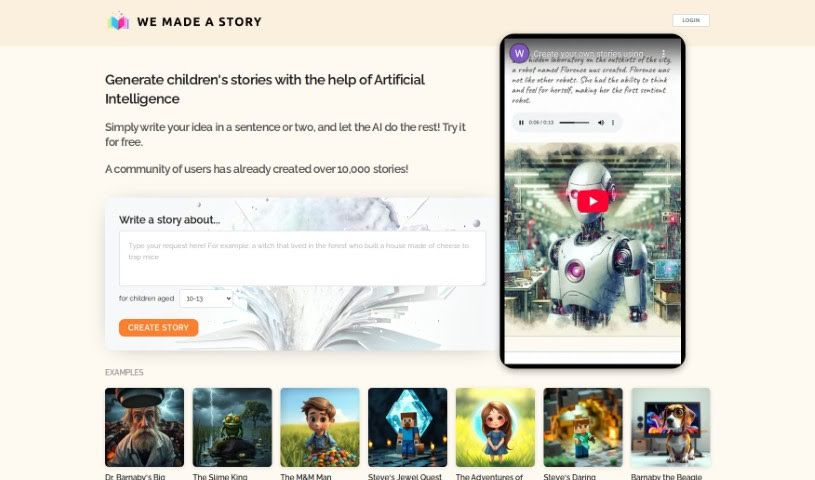
Screenshot of We Made A Story

We Made A Story

Freemium

"We Made A Story" is a really neat AI tool that helps you create children's stories, complete with their own special illustrations. You just give it a sentence or two with your story idea, and the AI does the rest, crafting a full story and generating high-quality pictures to go with it. It's free to use, which is fantastic for anyone looking to spark their imagination or get inspired to write their own tales. Parents and teachers will find it especially useful as a fun, educational activity for kids of all ages. Plus, your privacy is looked after, thanks to their Terms of Service and Privacy Policy. All in all, "We Made A Story" is a fantastic way to bring illustrated children's stories to life.

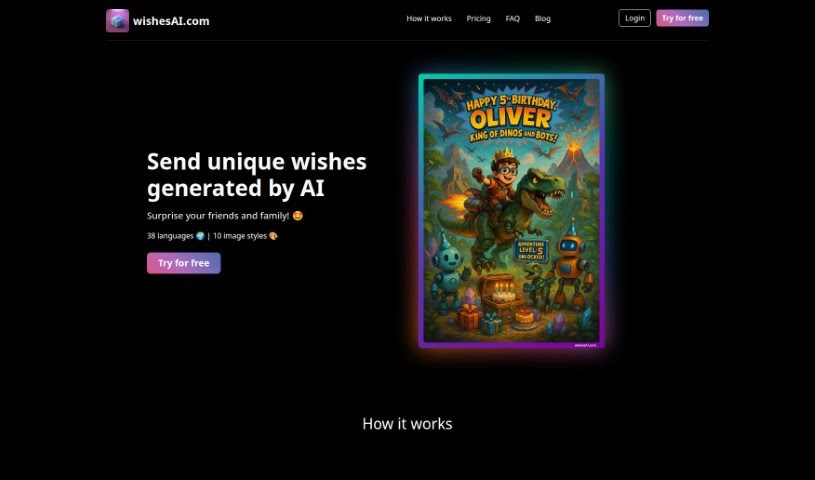
Screenshot of Wishes AI

Wishes AI

Freemium

Wishes AI is a really neat online tool that makes it super easy to create and send custom wishes for any event. You just start by telling it about the person and the occasion. Then, you can pick from lots of different image styles and text options to make your wish totally unique. It's pretty flexible too – it supports 38 languages and 10 image styles, so you're sure to create something special.

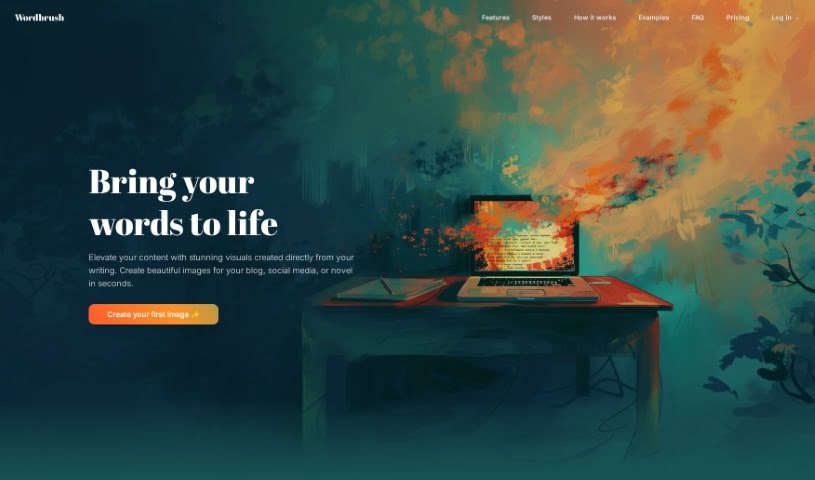
Screenshot of Wordbrush

Wordbrush

Freemium

Wordbrush is a really neat AI tool that helps you create unique, custom visuals straight from text. It is a way to bring your words to life visually. It uses smart machine learning to generate illustrations based on whatever text you give it. What's cool is you can pick from over 50 different art styles – everything from classic looks to modern vibes like Cyberpunk or Pop Art. You can also tweak details like the mood of the image or even specify exactly what you want included or left out. There's no word limit for your text, which is handy, and the whole process is super simple, broken down into just three steps.

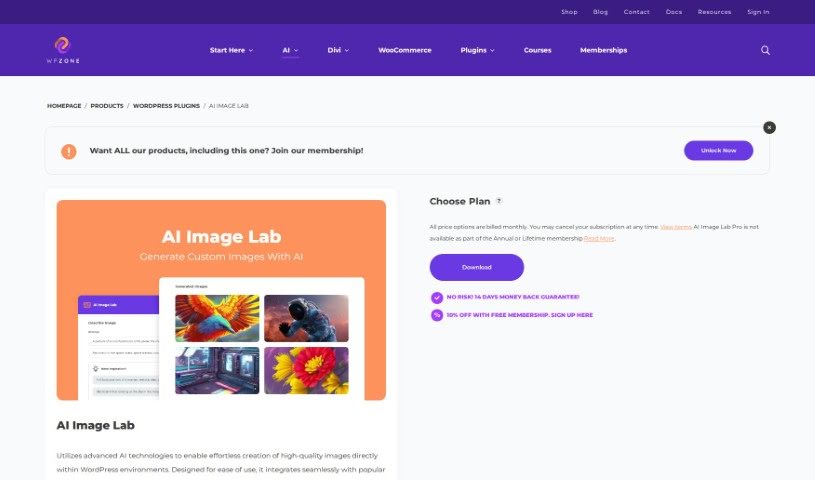
Screenshot of WP Zone AI Image Generator

WP Zone AI Image Generator

Freemium

WP Zone is a fantastic plugin for WordPress sites that uses artificial intelligence (AI) to help you create high-quality images easily. It's designed to be super user-friendly, fitting right into popular page builders like Divi and Gutenberg. This means you don't need to be a tech wizard to use it! The plugin lets you get really specific with your image creation thanks to its prompt weighting system. You can basically tell the AI exactly what you want. With WP Zone, you can make eye-catching, unique images for your website without needing design skills or paying for stock photos. Its precise image creation, that prompt weighting feature, and how well it works with page builders make WP Zone a really useful tool for bloggers, website owners, and anyone creating content who wants to make their WordPress sites look amazing.

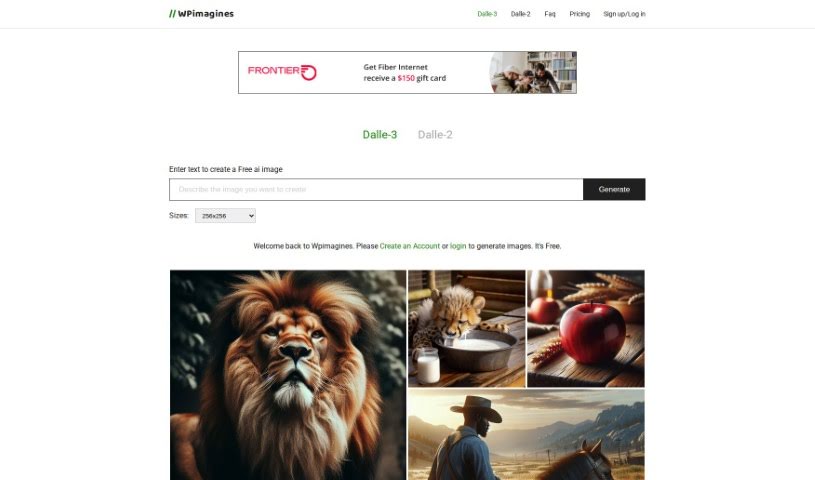
Screenshot of WPimagines AI Image Generator

WPimagines AI Image Generator

Freemium

WPimagines is a handy AI Image Generator that lets you create images just by typing in descriptions. You can then view and download these images in either 512x512 or 256x256 pixel sizes. What's neat is that it also lets you create collages from your generated images, or even remove images from those collages. Plus, you can generate two images at the same time! There's no limit to how many images you can download, and you'll have a full hour to grab them before the download link expires. You'll notice all the images on the homepage were actually made with this very generator. They're also working on some cool new features for the future, like offering more size options, letting you export images in different formats, and adding image editing tools.

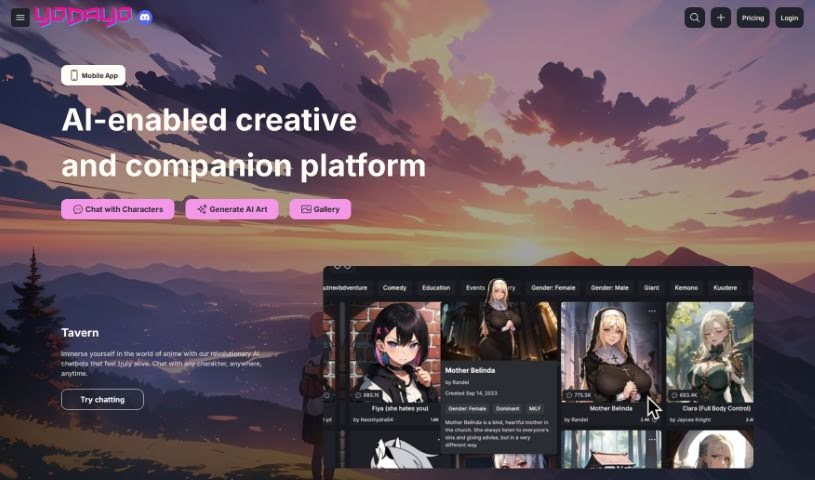
Screenshot of Yodayo

Yodayo

Freemium

It seems Yodayo isn't something we have specific documentation for in the files provided. That's okay, though! I can give you a general idea based on what's common knowledge.

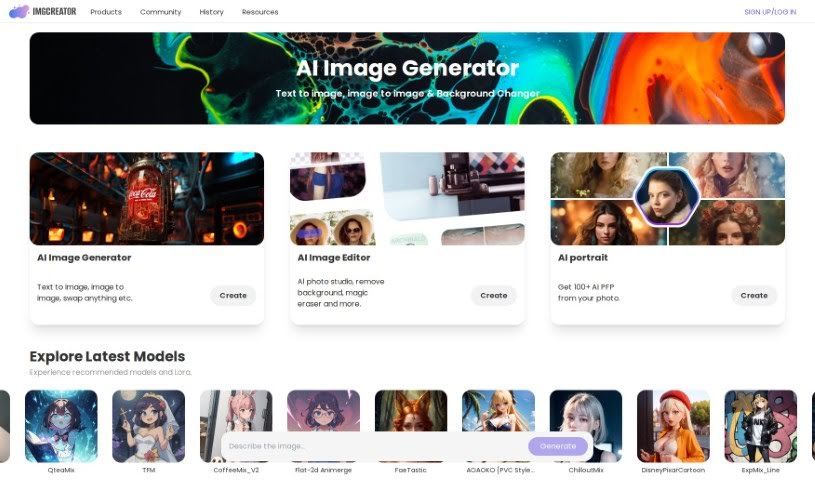
Screenshot of Zmo AI IMGCreator

Zmo AI IMGCreator

Freemium

IMGCreator is a really neat AI tool that turns your text descriptions into actual images. It's especially handy if you're looking to create illustrations, anime styles, or concept art. What's also cool is that you can upload an existing image and then tell IMGCreator what specific parts you want to change using text. It's almost like having a text-controlled Photoshop! When you first sign up, you get 30 free images to play with. If you need more, you can buy them, or you can even earn extra free images by inviting friends to the platform. The whole process is pretty straightforward: you pick the AI Image Generator tool, type in what you want, select a filter, generate the image, and then download your creation. Plus, there's a potential to make money from these AI images, either by selling them directly or using print-on-demand services like TeeSpring and RedBubble.

Previous 10 of 10 Next

Stay Updated with AI Tools

Get weekly updates on the latest AI tools, trends, and insights delivered to your inbox

Join 25,000+ AI enthusiasts. No spam, unsubscribe anytime.