AI Tools for Text To Image

Discover the best Text To Image AI tools to enhance your productivity and creativity.

Page 9 of 10 • 116 total tools

Creating images from text prompts has become an exciting frontier in artificial intelligence. What once seemed like science fiction is now a reality, thanks to advanced AI tools. They empower users to conjure visual art with just a few words, bridging the gap between imagination and creation.

As text-to-image generators have evolved, so has the quality of their output. We’re no longer confined to basic interpretations—these tools now produce intricate images that can rival those made by skilled artists. From whimsical illustrations to photorealistic portraits, the possibilities feel endless.

I’ve spent considerable time exploring these innovative tools to find the best ones. Each tool offers unique strengths, catering to different artistic needs, styles, and user expertise. Whether you’re looking to create something fun or need high-quality visuals for professional work, there’s likely an ideal tool for you.

In this article, I’ll guide you through some of the top text-to-image AI tools available today. I’ll break down their features, how easy they are to use, and how they can help you unleash your creativity without much effort. So, if you’re ready to bring your ideas to life, let’s jump in!

The best AI Text To Image Tools

  1. Bing Image Creator for custom illustrations for creative projects.
  2. Yodayo for creating custom illustrations quickly.
  3. Night Cafe Creator for turning text prompts into stunning visuals.
  4. Artguru AI for anime-style character design.
  5. Deep AI AI Text to Image for creative visual content creation.
  6. Adobe AI Image Generator for storytelling visuals for social media posts.
  7. Freepik AI Image Generator for creating unique visuals for marketing materials.
  8. Craiyon for creating unique artwork from prompts.
  9. Getimg AI for turning words into stunning visuals.
  10. Stable Diffusion for crafting visuals from descriptive text prompts.
  11. Prompt Hero for creating custom visuals for client projects.
  12. Dezgo for creating images from text descriptions.
  13. Starry AI for book cover art design.
  14. Fotor AI Image Generator for creating art from written descriptions.
  15. Img Gen AI for creating custom book covers.

How do AI text to image tools work?

When you look for AI text-to-image tools, you’ll find a variety of platforms, each with its own features. However, many of these tools use similar underlying technologies. They primarily rely on generative models that use neural networks to create images. Tools like DALL-E and Midjourney use vast datasets of labeled images and text pairs to train their models, producing visuals from textual descriptions.

At their core, these models analyze your input text and find patterns within their training data. By understanding the connection between words and images, they generate new visuals that match your prompts. This process usually involves complex algorithms that transform text requirements into pixels, bringing your descriptions to life.

The training process needs massive computational resources and diverse datasets, including everything from photographs to art. By processing so much visual content, these models learn how to replicate various styles and perspectives. This allows them to create pictures that reflect your specified theme or mood.

As with any AI technology, the results can vary depending on the quality of your input. Clear and detailed prompts usually lead to better outcomes, guiding the model to produce images that more closely match your vision. Vague descriptions, on the other hand, might lead to unexpected or less cohesive results.

Explore how creators are using these tools for different applications, from marketing to art. As the technology keeps evolving, the potential for innovation in content creation is huge. Future advancements promise even more refined and expressive capabilities, making these tools invaluable for artists, designers, and marketers.

Our best AI text to image tools at a glance

RankNameBest forPlans and PricingRating
1Bing Image Creatorcustom illustrations for creative projects.N/A4.73 (11 reviews)
2Yodayocreating custom illustrations quickly.N/A4.33 (6 reviews)
3NightCafe Creatorturn text prompts into stunning visuals.Paid plans start at $15.99/month.4.63 (32 reviews)
4Artguru AIanime-style character designN/A4.58 (12 reviews)
5Deep AI AI Text to Imagecreative visual content creationN/A4.82 (11 reviews)
6Adobe AI Image Generatorstorytelling visuals for social media postsN/A4.92 (12 reviews)
7Freepik AI Image Generatorcreating unique visuals for marketing materials.N/A4.55 (11 reviews)
8Craiyoncreating unique artwork from promptsPaid plans start at $5/month.4.67 (6 reviews)
9Getimg AIturn words into stunning visuals.Paid plans start at $12/month.4.76 (21 reviews)
10Stable Diffusioncrafting visuals from descriptive text prompts.Paid plans start at $7/month.4.69 (13 reviews)
11PromptHerocreate custom visuals for client projects.N/A4.09 (11 reviews)
12Dezgocreate images from text descriptionsN/A4.79 (53 reviews)
13StarryAIbook cover art designN/A4.77 (43 reviews)
14Fotor AI Image Generatorcreating art from written descriptionsN/A4.77 (26 reviews)
15ImgGen AIcreating custom book coversN/A4.76 (29 reviews)
Screenshot of Stable Diffusion

Stable Diffusion

Freemium

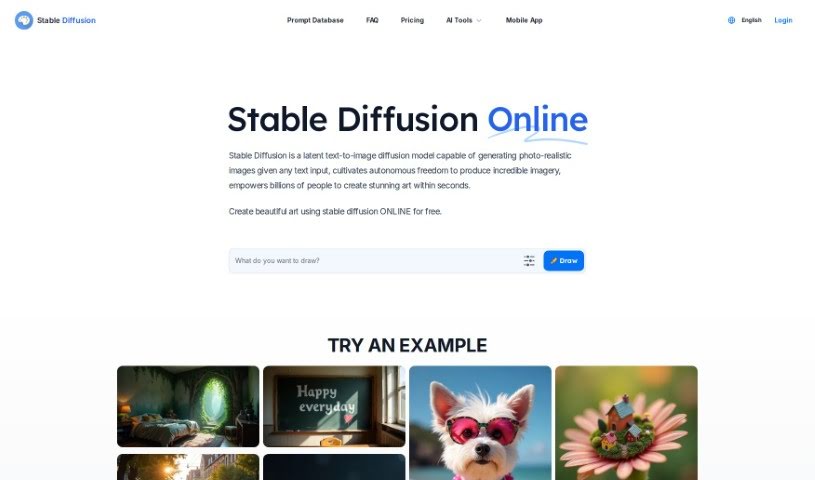
Stable Diffusion is a powerful deep learning model that's really good at turning text into images. It can create incredibly high-quality, photo-realistic pictures that look just like real photographs, all from a simple text description. The latest version, Stable Diffusion XL, actually uses a bigger UNet backbone network, which means it can produce even better images. What makes this model special is how much control you have over what it creates. You can guide it with all sorts of descriptive text, like specifying the style, the kind of shot, or even pre-set looks. Beyond just creating new images, Stable Diffusion can also change existing ones. Techniques like inpainting and outpainting let you add, swap out, or extend parts of an image. The model itself was trained using a subset of LAION 5b, specifically the 2b English language labels from that dataset. LAION 5b is a massive dataset compiled by a German charity from a general crawl of the internet.

Screenshot of Stable Diffusion API

Stable Diffusion API

Freemium

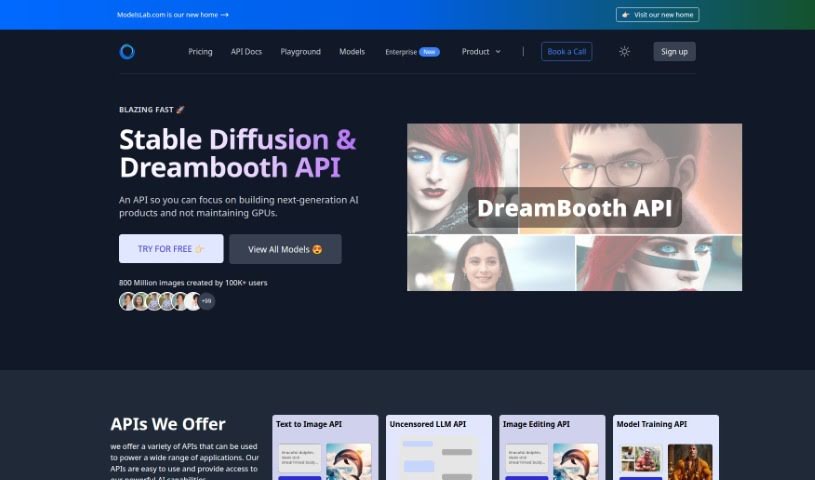
The Stable Diffusion API is a handy tool for creating and tweaking images using stable diffusion models. It is your direct line to powerful AI image generation. It gives you a straightforward way to generate and refine models, including those made with Dreambooth. You can easily upload and work with your own images, guiding the AI with specific text prompts and even telling it what not to include using negative prompts. Plus, you get to fine-tune details like the scale of the image, the number of processing steps, and a random seed for unique results. Once your image is ready, the API can even send you a notification via a Webhook URL. It covers a range of functions, from turning text into images (text-to-image) and modifying existing images (image-to-image) to filling in parts of an image (inpainting) and letting you grab images that are still being processed. You can also tweak PNG and JPG files directly, using Stable Diffusion and Dreambooth features for editing. The best part? You can use these generated images for commercial purposes, and you keep the copyright, meaning you're free to use or sell them however you like. They also offer different subscription plans with varying features and image generation limits, so you can pick what works best for your needs.

Screenshot of Stable Diffusion SDXL

Stable Diffusion SDXL

Freemium

Stable Diffusion XL Turbo, or SDXL Turbo for short, is a really impressive new text-to-image model. What makes it stand out is its ability to create realistic images directly from your text descriptions, and it does this in real-time. It uses a clever new technique called Adversarial Diffusion Distillation (ADD). Thanks to ADD, SDXL Turbo lets you generate high-quality images super quickly and easily, meaning you don't have to go through lots of steps to refine them. It's really setting a new bar for how fast and well text-to-image models can work, producing amazing visuals with hardly any fuss.

Screenshot of Stable Diffusion SDXL Turbo

Stable Diffusion SDXL Turbo

Freemium

SDXL Turbo, which is short for Stable Diffusion XL Turbo, is a really cool new text-to-image model. What makes it special is that it can create realistic images from your text descriptions almost instantly. It's setting a whole new bar for how fast and well text-to-image generation can work, thanks to something called Adversarial Diffusion Distillation technology. Basically, SDXL Turbo takes a big, powerful diffusion model and refines it using this special method. This allows it to quickly create images based on your text. You don't have to wait around for several steps to see your image develop; you just type what you want, and boom – you get your image right away. It’s a huge step forward for real-time image creation, offering amazing speed without sacrificing quality.

Screenshot of Stable Diffusion XL Stable Cascade

Stable Diffusion XL Stable Cascade

Freemium

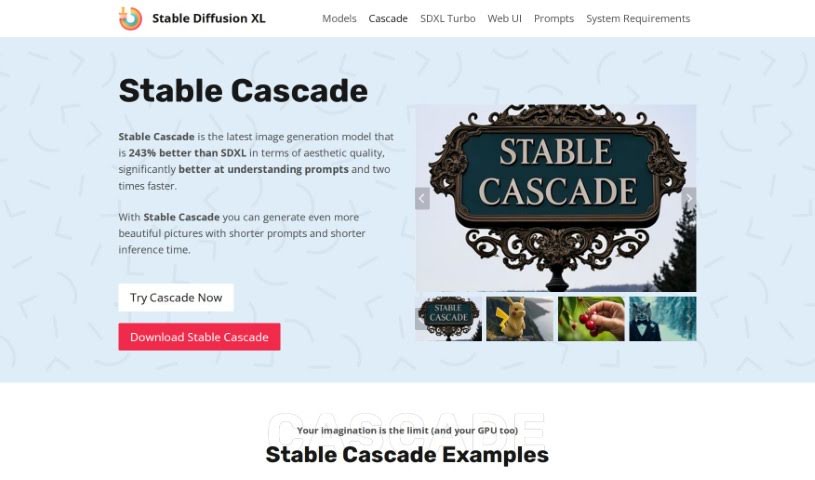
Stable Cascade is a really impressive new AI image generation model. Stability AI developed it, and it uses a clever architecture called Würstchen. What's great about this model is that it's surprisingly easy to use and can even be trained on regular computer hardware, which is a big plus. It's also quite cost-effective to train, yet it still produces high-quality images very quickly. Compared to the original Stable Diffusion, which shrinks images from 1024x1024 down to 128x128, Stable Cascade does an even better job with compression. It takes that same 1024x1024 image and shrinks it down to just 24x24 pixels. This advanced compression means it can generate images faster and costs less to train, making it a really appealing choice for anyone working with AI image generation.

Screenshot of StarryAI

StarryAI

Freemium

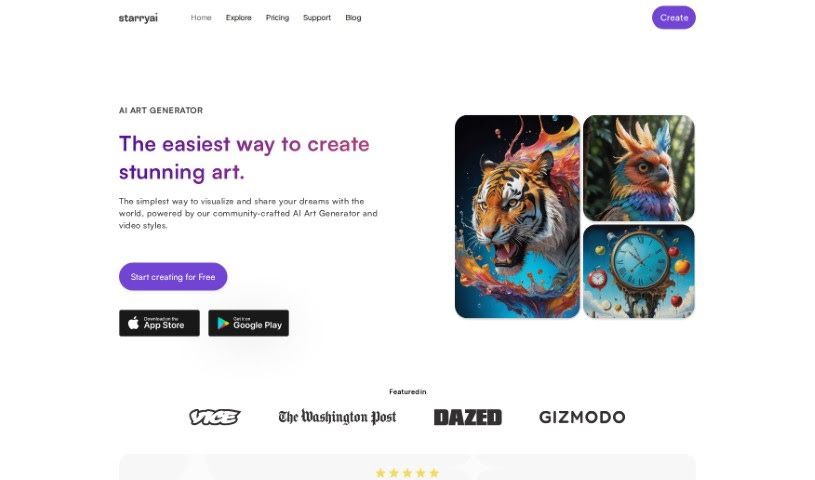
StarryAI is an app that lets you create amazing art just by typing what you want to see. It's an AI Art Generator, meaning it uses artificial intelligence to turn your text descriptions, or "prompts," into visually stunning pieces. The app is designed to be really easy to use, even if you've never made digital art before. You get a lot of control over your creations too – you can pick different styles, decide on the size and shape of your artwork (the aspect ratio), and even choose specific AI models to get the exact look you're going for.

Screenshot of Stockphotoai

Stockphotoai

Freemium

StockPhotoAI.net is a really neat platform that uses the latest AI, specifically OpenAI's Dall-E models, to create unique, professional photos just from your plain English descriptions. It is having a personal photographer who can whip up exactly what you need. These custom images are made to fit your specific requirements, your brand's look, and who you're trying to reach, making sure your visuals are totally original and stand out. A big plus with StockPhotoAI.net is that you get 'full royalty licensing rights.' This means you actually own the images you create and can use them however you like, wherever you like, without worrying about copyright. It's super handy for all sorts of things – sprucing up websites, making print materials look great, putting together slideshows, and so much more, whether it's for personal projects or your business. StockPhotoAI.net really simplifies getting the right stock photos by letting you create personalized visuals from your own ideas. No more endless scrolling through generic libraries! The platform aims to produce friendly, professional-looking images, and its unique AI process guarantees that the photos you get are original and high-quality, no matter what you need them for.

Screenshot of Text To Handwriting

Text To Handwriting

Freemium

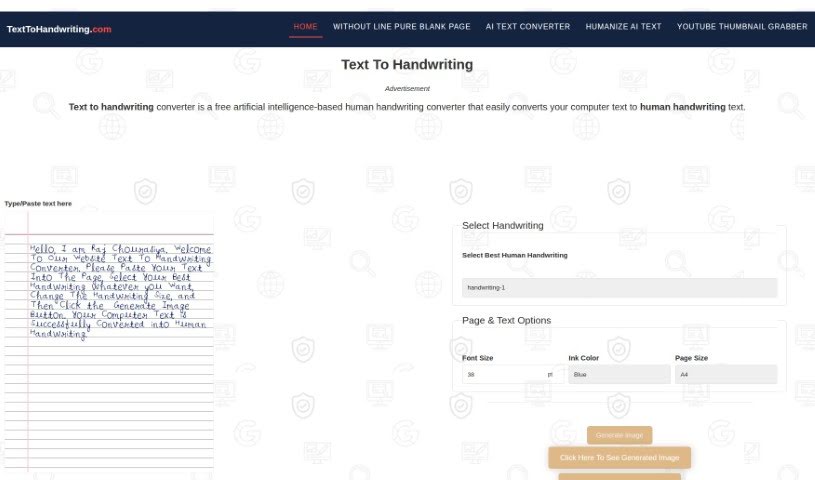
The Text To Handwriting Converter is a handy free online tool that quickly creates images of text that look like they were written by a real person. You can tweak the size of the writing, pick from different handwriting styles, choose your ink color, and then download the finished image. It’s a great way to add a personal, almost nostalgic feel to your digital messages. You can use it right in your browser without downloading anything, which makes it super convenient for all sorts of projects, like putting handwritten notes onto a blank page. The converter also supports different page sizes, which can make your school assignments more interesting and generally make your digital text look much nicer.

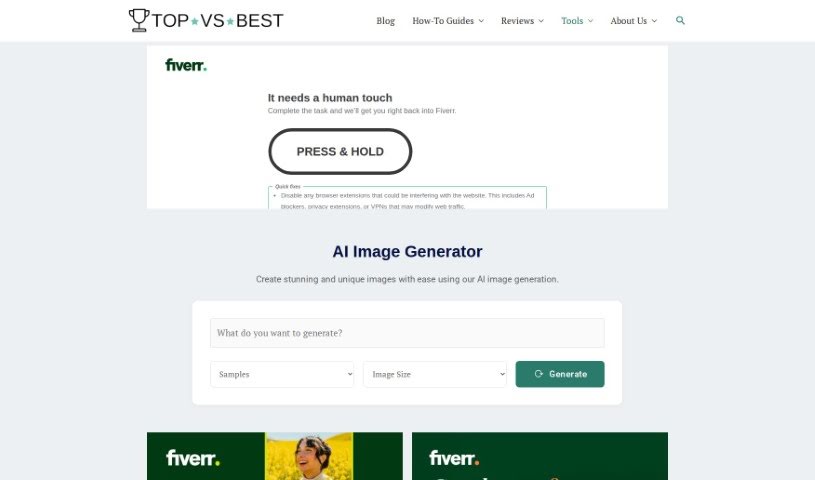
Screenshot of Topvsbest AI Image Creator

Topvsbest AI Image Creator

Freemium

The Topvsbest Free AI Image Creator is a really straightforward tool that makes it super easy to create unique, eye-catching images. You can tweak things, pick from tons of templates, and save a lot of time because the AI handles the image generation for you. Plus, the results are high-quality enough for professional work. It's ideal for graphic design, social media content, website visuals, and so much more. Basically, it offers a smooth experience for anyone wanting to get creative with images.

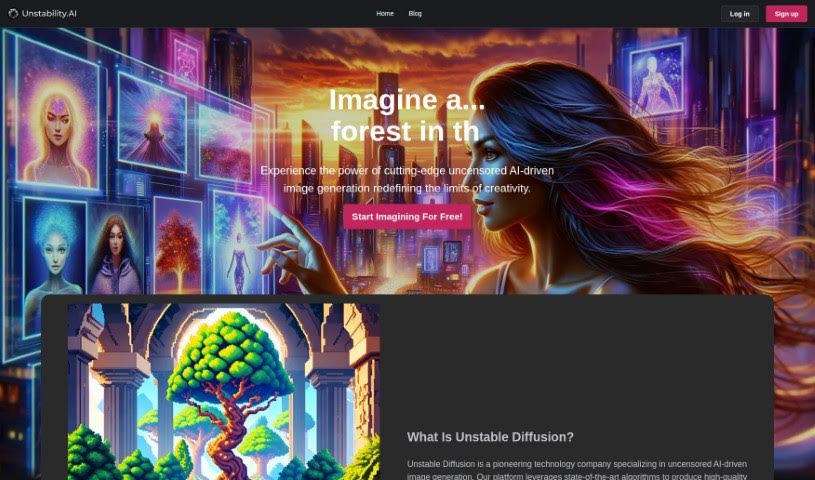
Screenshot of Unstable Diffusion

Unstable Diffusion

Freemium

Unstable Diffusion is a really cool platform that uses advanced AI to help you create unique visual content. It's designed to be super easy to use, no matter what device you're on, letting you bring your wildest ideas to life with its powerful image generation tools. The whole look is bright and engaging, with a fun pink color scheme. Whether you're a beginner or a seasoned artist, you can easily whip up one-of-a-kind images for anything from personal projects and digital art to commercial work, all through its simple, intuitive interface.

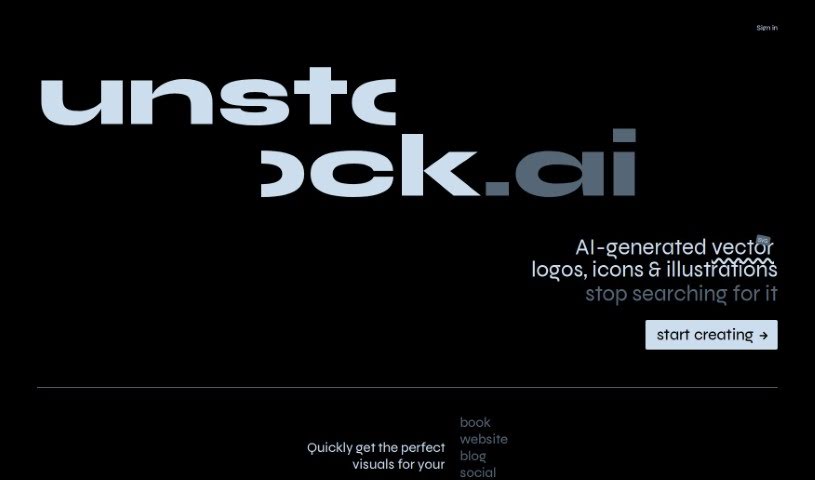
Screenshot of Unstock

Unstock

Freemium

Unstock.ai is a really handy, free tool that uses AI to create custom stock images and illustrations just for you. You can ask for visuals that match exactly what you have in mind, including your preferred style. It's powered by DALL·E 2, which is a super advanced AI for making images, developed by OpenAI. This means you don't have to spend ages searching for the right picture anymore. Instead, you can just focus on your creative work, getting high-quality images for things like books, websites, blogs, and social media. Unstock.ai is a fantastic resource if you need unique stock images and illustrations. Plus, it uses EmailOctopus to keep communication and email marketing running smoothly. By using DALL·E 2, Unstock helps you get great-looking visuals for your projects in no time. So, why search when you can create with Unstock.ai?

Screenshot of Usp

Usp

Freemium

USP.ai's main draw is its status as a cutting-edge AI tool built specifically for writers and creatives. It's designed to help you create high-quality, unique blog images quickly and without a fuss. Essentially, you give it a text description, and it uses advanced deep learning and text-to-image models to bring your vision to life. You've got options for different image ratios, styles, and even pre-set 'recipes' to guide your creation. Plus, it plays nicely with WordPress, letting you generate images right from your dashboard. There's a free plan with some limits, and then various paid plans that offer unlimited image generation and access to special features, including standard and enhanced image licenses.

Stay Updated with AI Tools

Get weekly updates on the latest AI tools, trends, and insights delivered to your inbox

Join 25,000+ AI enthusiasts. No spam, unsubscribe anytime.