AI Tools for Testing

Discover the best Testing AI tools to enhance your productivity and creativity.

Page 5 of 7 • 76 total tools

In today’s fast-paced digital world, making sure software works well can feel like a real challenge. As apps get more complicated, we need good testing tools more than ever. Old ways of testing often just don’t cut it for modern development. That’s where AI steps in.

AI testing tools are changing the game. They automate tricky testing steps and give us much deeper insights. These tools use machine learning to keep improving how they test, helping teams find problems before users do.

I’ve spent a good amount of time looking at different AI testing solutions, and I’ve picked out the top ones in this fast-moving field. Whether you’re an experienced developer or just starting with software testing, these tools can help make your work smoother and boost your productivity.

So, if you’re ready to improve your testing and make sure your software is top-notch, let’s dive into the best AI testing tools out there right now.

The best AI Testing Tools

  1. LangChain for validating LLM responses automatically
  2. Jam for automatic bug tracking and reporting
  3. Google Search Labs for evaluating new search features
  4. Testsigma for automating web app regression testing
  5. Gooey.ai for simplifying testing with AI-driven analytics
  6. VWO for A/B testing to optimize websites
  7. Applitools for visual regression testing on web apps
  8. Testim for AI-driven web testing automation
  9. Eden AI for testing voice commands in applications
  10. Layer AI for helping teams quickly test concepts
  11. Promptfoo for generating test cases automatically
  12. Keploy for automating API test case generation
  13. Mabl for automating UI tests for faster releases
  14. ACCELQ for smooth API and web test automation
  15. AgentOps for testing and optimizing agent performance

How do AI testing tools work?

AI testing tools use smart algorithms and machine learning to check software applications, making sure they work as expected. Basically, these tools automate the testing process, which used to take a lot of manual work. By using AI, they can learn from past test results and make smart guesses about where problems might pop up in software.

The main idea is to run various test cases in different situations. AI testing tools look at how the application responds to these tests, spotting bugs or slowdowns. They often use supervised learning, meaning they’re trained on data showing both successful and failed tests. This helps them get better at spotting patterns.

They might also use natural language processing (NLP). This lets the tools understand requirements written in plain English and turn them into test cases. This makes communication between developers and testers easier, improving the whole software development process.

Plus, AI testing tools can keep getting better over time. As they run more tests, their algorithms become more accurate and effective, finding new ways to catch issues. This ability to learn on its own means less constant human supervision, freeing up testers for more complex tasks.

When it comes to specific features, many AI testing tools offer predictive analytics. This can forecast potential failures before they even happen. By simulating different conditions, these tools help teams fix vulnerabilities early, rather than waiting until after the software is released.

Ultimately, AI testing tools are changing how we ensure software quality. Their ability to predict issues and automate tasks not only speeds up testing but also makes applications more reliable, leading to a better experience for everyone using them.

Our best AI testing tools at a glance

RankNameBest forPlans and PricingRating
1LangChainValidating LLM responses automaticallyPaid plans start at $39/month.4.20 (5 reviews)
2JamAutomatic bug tracking and reportingN/A4.00 (11 reviews)
3Google Search LabsEvaluating new search featuresN/A4.73 (11 reviews)
4TestsigmaAutomating web app regression testingN/A4.25 (28 reviews)
5Gooey.aiSimplifying testing with AI-driven analyticsPaid plans start at $20/month.4.80 (10 reviews)
6VWOA/B testing for website optimizationPaid plans start at $392/month.4.23 (13 reviews)
7ApplitoolsVisual regression testing on web appsN/A4.82 (22 reviews)
8TestimAI-driven web testing automationN/A4.60 (5 reviews)
9Eden AITesting voice commands in applicationsPaid plans start at $41/month.4.83 (12 reviews)
10Layer AIHelping teams quickly test conceptsN/A3.33 (6 reviews)
11PromptfooGenerating test cases automaticallyN/A4.98 (40 reviews)
12KeployAutomating API test case generationN/A4.72 (29 reviews)
13MablAutomating UI tests for faster releasesN/A4.83 (23 reviews)
14ACCELQSmooth API and web test automationN/A4.83 (12 reviews)
15AgentOpsTesting and optimizing agent performanceN/A4.00 (13 reviews)
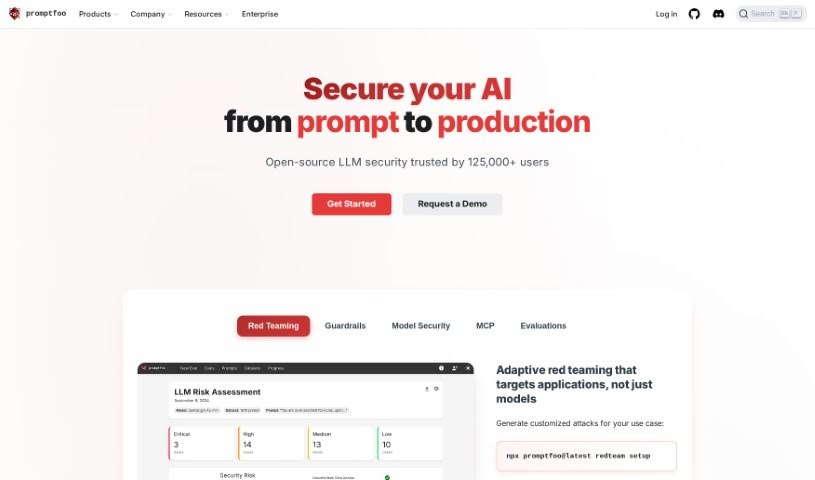
Screenshot of Promptfoo

Promptfoo

Freemium

Promptfoo is a really useful library for checking and testing prompts you use with Language Model Mathematics (LLM) models. It is a quality control tool for your AI prompts. It helps make sure you're getting the best possible results from your LLMs by running automatic evaluations based on clear, objective measurements. You can set up your own test cases, create specific ways to measure how well prompts are doing, and then easily compare different prompts and what the models say side-by-side. This helps take the guesswork out of tweaking your prompts, letting you test them with a good mix of real-world user inputs. It's pretty popular too – LLM applications serving over 10 million users rely on it, which really speaks to how much people trust it in the LLM world.

Web Development View Tool →
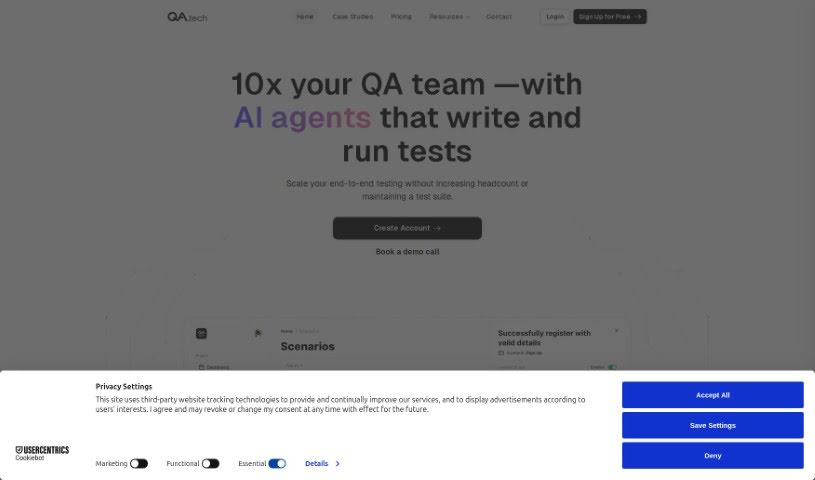
Screenshot of Qa.tech

Qa.tech

Freemium

QA.tech is an AI-powered solution for quality assurance (QA) testing. It's designed to really change how software testing is done by automating many of the QA processes using artificial intelligence. The big idea here is to save software development teams time and money. How? By cutting down on the need for manual testing and catching potential bugs before they ever make it to production.

Web Development View Tool →
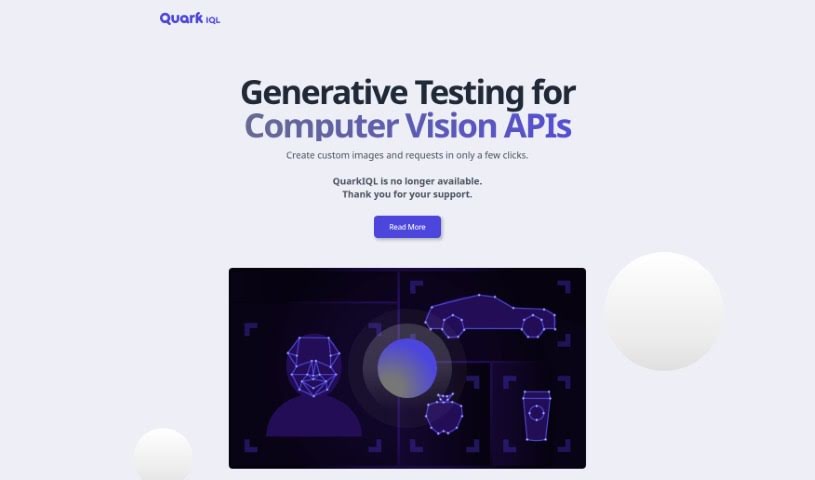
Screenshot of QuarkIQL

QuarkIQL

Freemium

QuarkIQL was a really neat tool designed to make testing Computer Vision APIs much simpler. It let users easily create their own custom test images. How did it do this? Well, it used powerful image diffusion models, which basically means it could generate images from text descriptions you provided, really speeding things up. While it was quite an innovative idea, QuarkIQL isn't available anymore. Some of its standout features included support for different kinds of API requests, like GET and POST, which were meant to help developers hit their goals faster. Plus, QuarkIQL kept a history of all the queries you made, so you could run lots of experiments without losing your work. The team behind it were software engineers with solid academic backgrounds in engineering and operations research.

Web Development View Tool →
Screenshot of Rawuser

Rawuser

Freemium

Want to really make your website shine? Rawuser is a smart, AI-powered tool that helps you do just that by making user interactions and performance better, dynamically. It is a way to boost how engaged your visitors are and grow your customer base. This tool is pretty neat because it creates personalized content, meaning it tailors the experience for each person who visits your site, leading to truly unique interactions. You can use it to test and fine-tune your products, making sure every visitor gets an experience that feels just right for them. With Rawuser, you can keep making user experiences better over time, little by little, which naturally increases engagement and satisfaction. It’s all about how personalization can totally change user engagement. You’ll see the real impact that tailored content has on keeping users happy and coming back. So, if you want to scale up, improve, and really succeed at making your website as engaging as possible, give Rawuser a try.

Web Development View Tool →
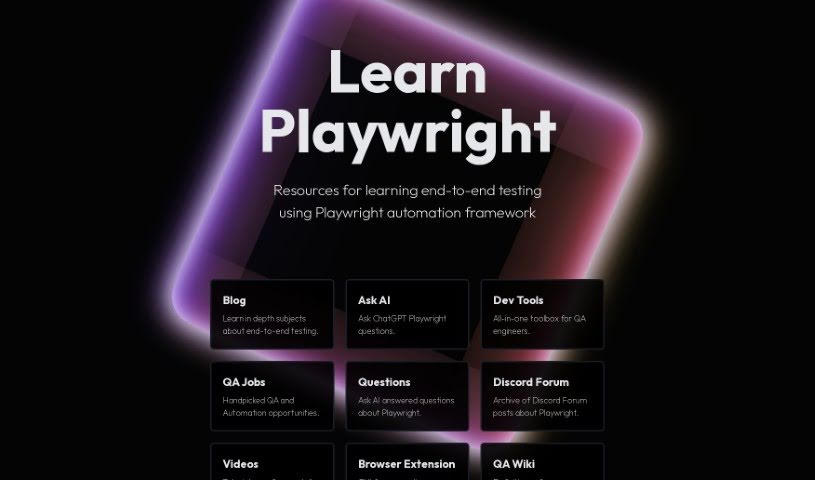
Screenshot of Ray Run

Ray Run

Freemium

Rayrun is a community hub for QA engineers, spearheaded by Luc Gagan. Luc's a senior software QA engineer who really knows his way around TypeScript and Playwright, especially when it comes to large-scale browser automation and orchestrating tests. Rayrun is basically Luc's playground where he tries out different technologies and then shares them freely with everyone. Right now, Luc's taking a year-long break to focus on how he can best contribute to the growing Playwright ecosystem. If you have any questions or want to share some thoughts, you can reach out to Luc at [[email protected]](/cdn-cgi/l/email-protection#026e77614270637b2c70776c). And if you'd like to support this project, donations are welcome at Luc's wallet address: 0x07b17b61D0d6D205ED4b1104258870739D7540F3. You can also find out more about Luc by checking out his GitHub (github.com/lucgagan), LinkedIn (linkedin.com/in/lucgagan), and Twitter (twitter.com/lucgagan) profiles.

Web Development View Tool →
Screenshot of Reapi

Reapi

Freemium

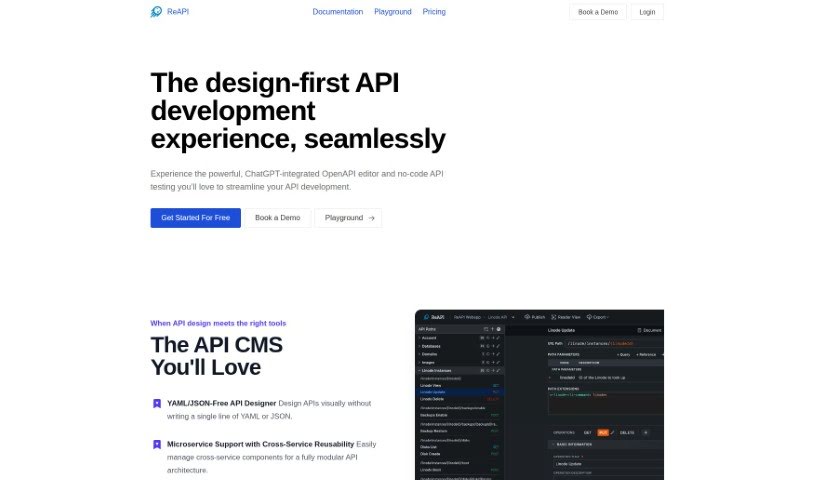
ReAPI is a really handy tool designed to make API development, documentation, and testing much smoother. It uses AI to speed up the whole API creation process, improving lots of different parts of it. You get a great visual editor that makes working with YAML much simpler. Plus, it automatically creates schemas, examples, and descriptions for you. It's also built for teamwork, letting you share easily and set up specific permissions for different people. ReAPI even works with ChatGPT to automate tasks and keep your documentation consistent.

Web Development View Tool →
Screenshot of Reflect

Reflect

Freemium

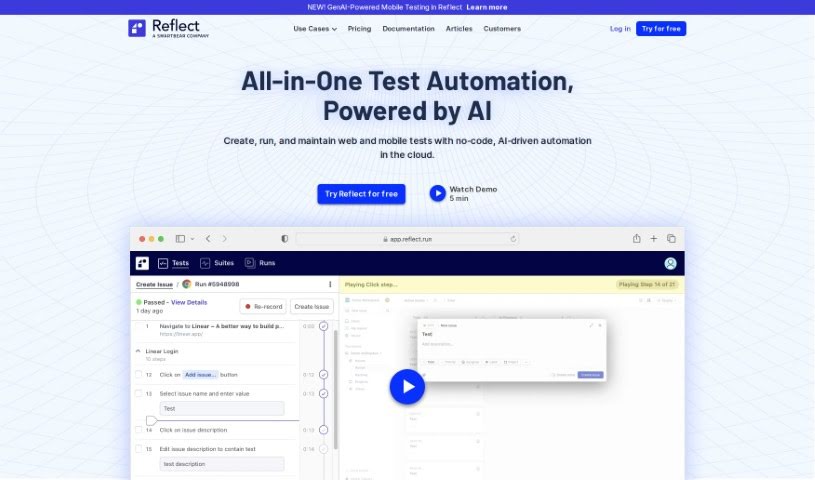
Reflect is an automated testing platform built for fast, efficient end-to-end web testing. It offers a no-code way to automate tests, meaning teams can create them without writing any code at all. Reflect uses Generative AI to understand and interact with web elements based on simple text instructions. This approach significantly cuts down on development time and reduces the effort needed for test maintenance. The platform also includes features for visual and API testing across different browsers, ensuring your tests cover all the bases. By streamlining the quality assurance process, Reflect helps teams deploy software faster and feel more confident about its quality. Plus, it makes it easy to turn manual tests into automated ones.

Web Development View Tool →
Screenshot of Regexer

Regexer

Freemium

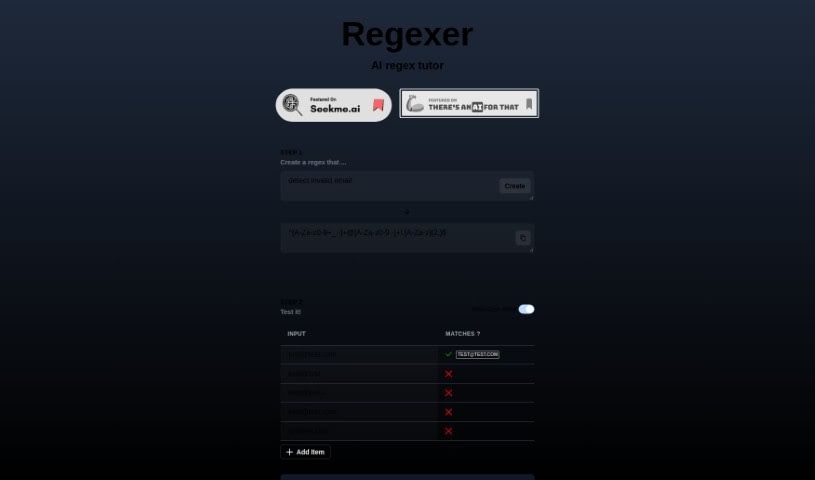
Regexer is a really helpful AI tutor designed specifically to help you get better at creating and testing regular expressions, or regex for short. It makes the whole process feel pretty straightforward. You can actually build your regex patterns right there in a Code Editor, which is super convenient for matching specific patterns within any text you're working with. What's great is that you get instant feedback – it'll tell you right away if your regex is valid and what matches you can expect when you test it against different inputs. You're totally free to tweak and play around with your regex patterns in the Code Editor, and you'll see the results, like any replacements or matched parts of the text, right there in the console. One of the things that makes Regexer stand out is that it uses a simpler way of writing regex operations, which really helps make things more accessible for everyone. Plus, if you ever get stuck or need a bit of a hand, you can even chat with tutor support in Step 3. It’s a genuinely practical and supportive tool for anyone looking to sharpen their regex skills.

Web Development View Tool →
Screenshot of Relicx AI

Relicx AI

Freemium

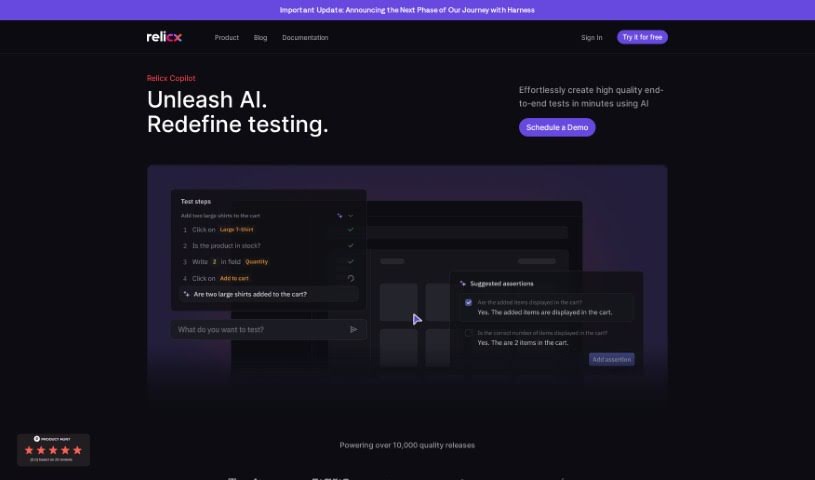
Relicx AI is a really smart software testing tool. What makes it stand out is its use of generative AI to write tests based on what you want them to do, all in plain language. This means you can create tests much faster and more easily. It comes with a handy feature called Test Copilot, which gives you AI prompts to help write test cases and assertions using simple text. Plus, it has self-healing capabilities, meaning your tests can automatically adjust if the user interface or workflow changes. Relicx AI also offers visual regression testing, detailed session replays for easier troubleshooting, and it's aiming to completely change how we approach testing. By using generative AI and focusing on intent-driven testing, it helps speed up the software development process and makes for a better customer experience.

Web Development View Tool →
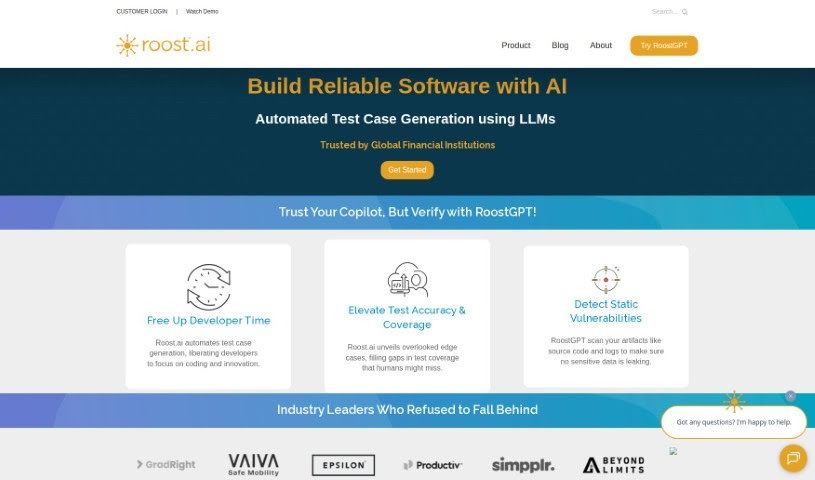
Screenshot of Roost AI

Roost AI

Freemium

Roost AI is a tool built to help developers be more productive. It uses Generative AI to create sophisticated test cases, and it's smart enough to automate testing in complex software environments. It is a helpful assistant that understands your software's context. It can do things like turn your user stories into test cases, automatically generate tests, automate contract testing, and speed up acceptance testing with preview URLs. Plus, it can spin up temporary test environments whenever you need them and works with various testing processes and frameworks. Roost AI also plays nicely with popular cloud services and DevOps tools, which really helps to smooth out the software testing process and improve the overall quality of your software. However, it's not perfect. Some things to keep in mind are that it needs you to input user stories and have access to code repositories. It also relies on CloudFormation or Terraform, can be a bit tricky for newcomers, needs your existing IaC scripts, and is heavily focused on cloud services. We also don't have cost information readily available, there's no offline mode, and you might run into some integration hiccups.

Web Development View Tool →
Screenshot of Segmed

Segmed

Freemium

Segmed offers a web-based demonstration tool called the De-Id Playground. It is a showcase for Segmed's de-identification service. It uses language models to help remove personally identifiable information from sample data. It's really important to remember that this tool is just for showing off what Segmed can do; you shouldn't use it to remove PHI in a real production environment. If you want to try it out, you can input your own sample data to see how well the de-identification works. Segmed assures users that they don't save or store any data after you're done testing. To make sure the De-Id Playground runs smoothly, you'll need to have JavaScript enabled in your browser. There's also a handy feature that lets you clean your data even further. If you're curious for more details about Segmed's de-identification services, you can always check out their website or send them an email directly at [[email protected]](/cdn-cgi/l/email-protection#b0d9ded6dff0c3d5d7ddd5d49ed1d9). The tool itself is quite interactive and easy to use – no installation is needed, and you can access it right from your web browser. Segmed built this website using Create-react-app, a popular JavaScript library, which helps create that interactive user interface. Segmed also really welcomes feedback or any questions you might have about the De-Id Playground.

Web Development View Tool →
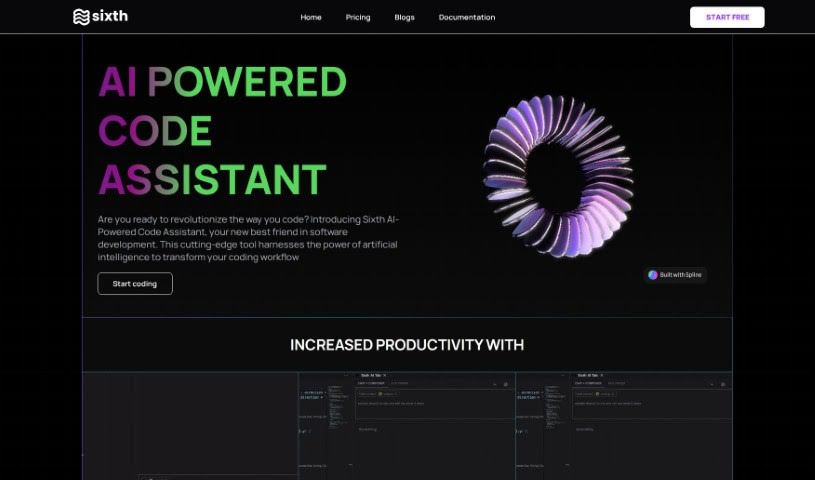
Screenshot of Sixth

Sixth

Freemium

Sixth is a really smart developer security platform designed to boost cybersecurity, especially for financial systems. It is a code and API security tool that's super friendly for developers. It uses AI-powered, real-time Static Application Security Testing (SAST). This means it gives you instant feedback as you code, helping you catch vulnerabilities right from the start of the development process. The goal here is to make your security stronger, cut down the time and money spent fixing security problems, and let you develop faster without making security a bottleneck. It’s packed with features like AI-powered SAST, a design that developers will appreciate, a complete solution for code and API security, better visibility so you can tackle vulnerabilities proactively, and strong protection for your applications.

Web Development View Tool →

Stay Updated with AI Tools

Get weekly updates on the latest AI tools, trends, and insights delivered to your inbox

Join 25,000+ AI enthusiasts. No spam, unsubscribe anytime.