AI Tools for Social Media

Discover the best Social Media AI tools to enhance your productivity and creativity.

Page 13 of 16 • 184 total tools

Social media has really changed. It’s not just for talking anymore; it’s a huge deal for businesses, influencers, and pretty much everyone online. Keeping up with creating content all the time, tracking engagement, and analyzing who’s looking at your stuff can feel like a lot. That’s where AI social media tools come in—they’re your new secret weapon for navigating the online world.

These tools have gotten much better, offering smarter ways to improve your online presence. From scheduling posts automatically to digging into audience insights, the latest AI platforms can really take your social media game up a notch. They’re not just basic add-ons anymore; they’re becoming key to building solid strategies.

I’ve spent a good chunk of time trying out different AI social media tools that are making a splash this year. Whether you own a small business, manage social media for a company, or just want to be more visible online, you’ll find options that fit what you need. Each tool offers something a bit different, promising a smoother and more engaging experience.

With so many choices out there, picking the right one can feel tough. But don’t worry! I’m here to help you sort through the best AI social media tools available right now. Let’s look at what these top picks offer and how they can really change your social media approach.

The Best AI Social Media Tools

  1. Opus Clip: Makes creating social media videos super easy.
  2. Streamlabs: Helps boost engagement with videos that are set up just right.
  3. Buffer: Simplifies planning your social media content.
  4. FlexClip: Great for making eye-catching videos for social media.
  5. Zeemo AI: Lets you create engaging captions for your social posts.
  6. Simplified: Helps you schedule social media content efficiently.
  7. Tubebuddy: Good for making YouTube thumbnails that get more clicks.
  8. Brandwatch: Offers a complete solution for managing all your social media.
  9. Favikon: Makes it easy to find influencers in specific niches.
  10. Taplio: Helps you boost engagement on LinkedIn without a lot of effort.
  11. Thread Creator: Lets you manage Twitter threads easily.
  12. Ocoya: Automates scheduling for your social media posts.
  13. Pikzels: Helps you create social media graphics that stand out.
  14. SocialBee: Simplifies scheduling and managing your posts.
  15. Circleboom: Effectively boosts your social media engagement.

How Do AI Social Media Tools Work?

AI social media tools mainly work by using smart algorithms to look at tons of data from different platforms. These tools often focus on figuring out what’s trending, how people behave online, and what gets the most engagement. This helps businesses improve how they show up online. The main technology often uses machine learning models that have learned from past data, so they can guess what kinds of content will connect with specific groups of people.

At their core, these tools use natural language processing (NLP). NLP lets the software understand sentiment, tone, and how effective a message is overall. This means AI can not only gather content but also suggest the best ways to phrase things to match current trends, making it really useful for marketers who want to create posts that grab attention.

Another key part of AI social media tools is automation. They can schedule posts for the best times to get engagement, check out what competitors are doing, and even come up with content ideas based on what’s worked before. This automation saves social media managers a lot of time, letting them focus on creative strategy instead of doing the same tasks over and over.

Plus, AI-powered analytics are super important for fine-tuning social media strategies. These tools can track engagement numbers like likes, shares, comments, and follows. By looking at this data, businesses can change their approach, create content that better fits what their audience likes, and make future posts more effective. Finally, many AI social media tools include social listening features. These keep an eye on mentions of your brand and what topics are trending. This lets businesses quickly connect with their audience and respond to feedback, leading to a more interactive and responsive social media presence. Basically, these tools combine smarts and automation to make managing social media a data-driven and efficient process.

Our Top AI Social Media Tools at a Glance

RankNameBest ForPlans and PricingRating
1Opus ClipEffortless social media video creationN/A4.82 (11 reviews)
2StreamlabsBoosting engagement with optimized videosN/A4.70 (23 reviews)
3BufferStreamlining social media content planning.Paid plans start at $100/month.4.64 (11 reviews)
4FlexClipEye-catching videos for social media.N/A4.74 (19 reviews)
5Zeemo AICreating captivating captions for social posts.N/A4.73 (11 reviews)
6SimplifiedEfficient social media content scheduling.N/A4.70 (10 reviews)
7TubebuddyOptimizing YouTube thumbnails for engagementPaid plans start at $3.75/month.4.80 (59 reviews)
8BrandwatchUnified social media management solutionN/A4.80 (30 reviews)
9FavikonDiscovering niche influencers effortlesslyN/A4.76 (25 reviews)
10TaplioEnhancing LinkedIn engagement effortlesslyPaid plans start at $199/mo.4.73 (11 reviews)
11Thread CreatorEffortlessly managing Twitter threads.Paid plans start at $15/month.4.64 (11 reviews)
12Ocoya: AIAutomating social media post scheduling.Paid plans start at $15/month.4.64 (11 reviews)
13PikzelsCreating eye-catching social media graphicsN/A4.82 (11 reviews)
14SocialBeeStreamlining post scheduling and managementPaid plans start at $29/month.4.73 (11 reviews)
15CircleboomBoosting social media engagement effectively.N/A4.80 (10 reviews)
Screenshot of Streamlabs

Streamlabs

Freemium

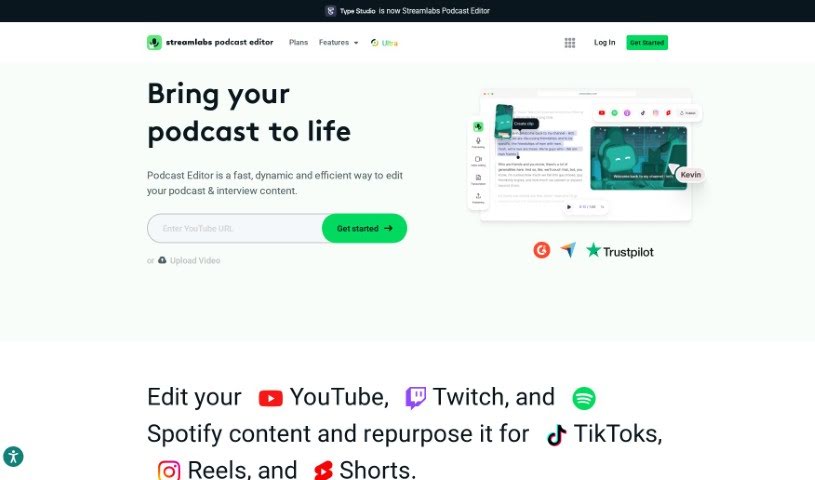
Streamlabs is a video editing tool that takes a really unique, text-based approach to editing videos. Instead of wrestling with traditional timelines, you can actually edit your videos by directly working with the transcribed text. It’s a pretty neat way to simplify the whole process, making it faster, more accurate, and just plain easier to use. You can take podcast recordings or any spoken content and turn them into polished videos simply by editing the text that’s generated. Beyond just making editing smoother, Streamlabs also helps with SEO optimization, letting you boost your video’s discoverability by adding in those all-important keywords. With an interface that’s easy for beginners but still powerful for experienced editors, Streamlabs gives you all sorts of video effects, transitions, and audio editing tools to create professional-looking videos without a fuss.

Screenshot of Supergrow

Supergrow

Freemium

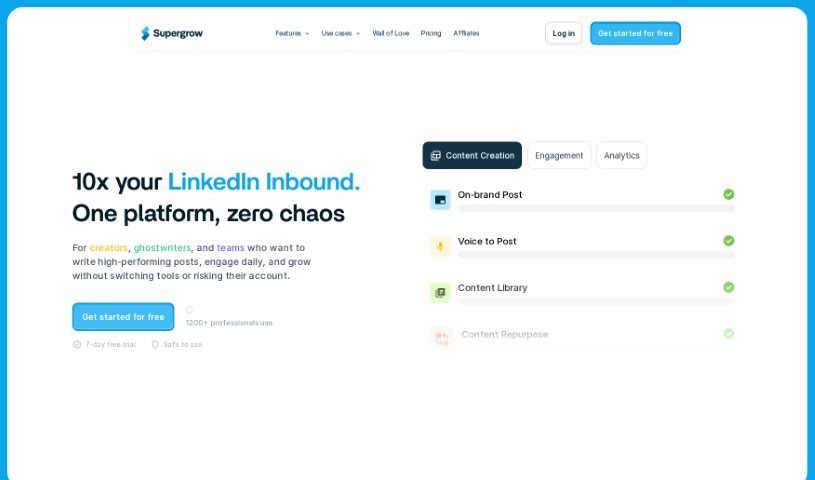
Supergrow is a handy tool designed to help you build your personal brand on LinkedIn. It offers a bunch of features to make creating and sharing content much easier. It is your go-to assistant for organizing content ideas, writing personalized posts, crafting eye-catching carousels, and even scheduling everything so it goes out at the right time. The main goal here is to help you grow your audience on LinkedIn by giving you a simple platform to create engaging content that sounds just like you – professional and authentic. It uses AI, specifically GPT-4, to help with writing, sparking new ideas, and scheduling, which really speeds up the whole content creation process for anyone using LinkedIn.

Screenshot of Supster

Supster

Freemium

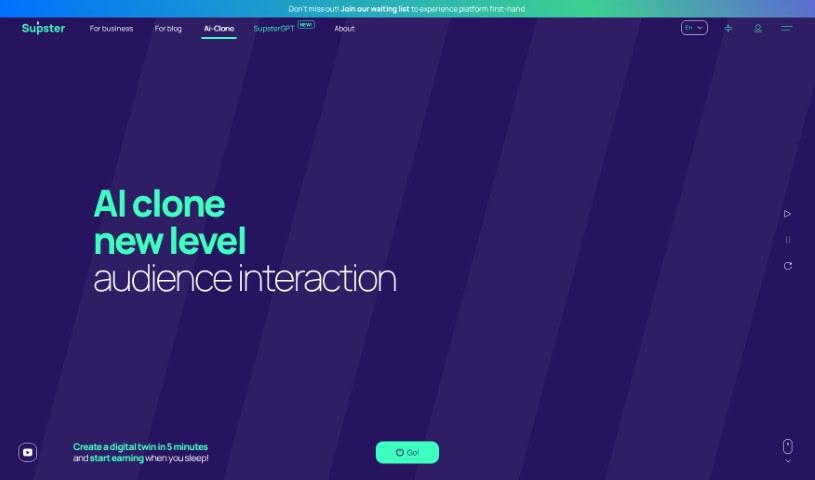
Supster is a really interesting platform designed to help famous people connect with their fans on a much larger scale. It does this by creating a personalized digital clone of them. It is an AI version that captures their unique way of thinking, their knowledge, their past experiences, their personality, and even their opinions. You can upload your own experiences, thoughts, and personality into the system, choosing to present it as a website, a bot, or a mobile app. The cool part? You can earn money through subscriptions from your fans. Essentially, Supster makes it possible for fans to have one-on-one interactions with celebrities and influencers by building these AI doubles from all sorts of data, like chats, emails, social media posts, and videos.

Screenshot of Sylphai

Sylphai

Freemium

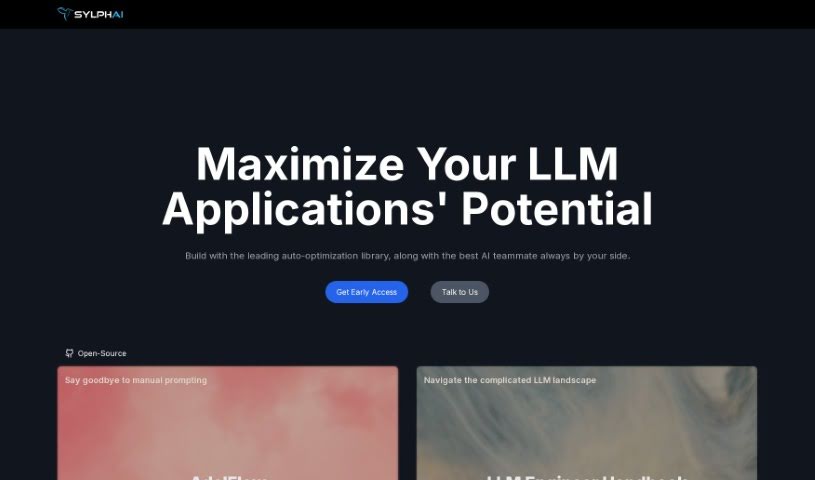
SylphAI introduces Gaia, a really smart AI copilot designed to make finding people much simpler and help you build genuine connections. It is your guide for navigating the digital world, especially on platforms like LinkedIn and Discord. Gaia uses advanced artificial intelligence to help bridge gaps between people, aiming to completely change how we network. With SylphAI's Gaia, you can look forward to more impactful interactions, making better connections one search at a time. It’s all about embracing the future of networking.

Screenshot of Tagalytics Pro

Tagalytics Pro

Freemium

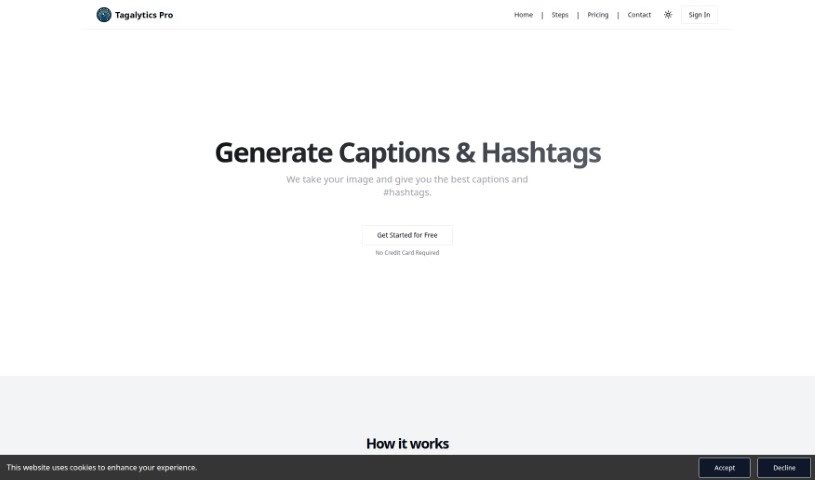
Tagalytics Pro is a smart AI tool designed to really boost your social media game. It helps you create eye-catching captions and hashtags for your posts. The platform analyzes your images and then comes up with content that's relevant for Instagram and TikTok, which is great for getting more people to interact with your posts. It's super easy to use: you just upload your media, and the AI generates hashtags and captions. You can then copy these straight into your social media posts, making content creation a breeze. As for pricing, it's straightforward. You can get 30 credits for $2.99, which is perfect if you don't use it all the time. Plus, new users get 5 free credits just for signing up, so you can try it out first.

Screenshot of Taggy

Taggy

Freemium

Taggy is a really smart social media tool that uses AI to automatically create engaging text and hashtags for your posts. All it needs are keywords that it finds in your photos. It's designed to make creating great social media content much simpler. How? By looking at the pictures you upload and suggesting text that'll make your posts stand out, hopefully boosting engagement and getting your brand noticed more. Plus, Taggy is built with SEO in mind, so your content should be easily found by both people and search engines. You can upload photos in common formats like JPG, JPEG, and PNG, as long as they're under 6MB. The team behind Taggy also welcomes feedback and feature suggestions, and you can even install it on your devices as a Progressive Web App (PWA) for easy access. Key features include AI-powered captions, image analysis to understand what's in your photos, SEO-friendly content, time-saving benefits, and a user-friendly interface that helps you create compelling social media content efficiently.

Screenshot of Taplio

Taplio

Freemium

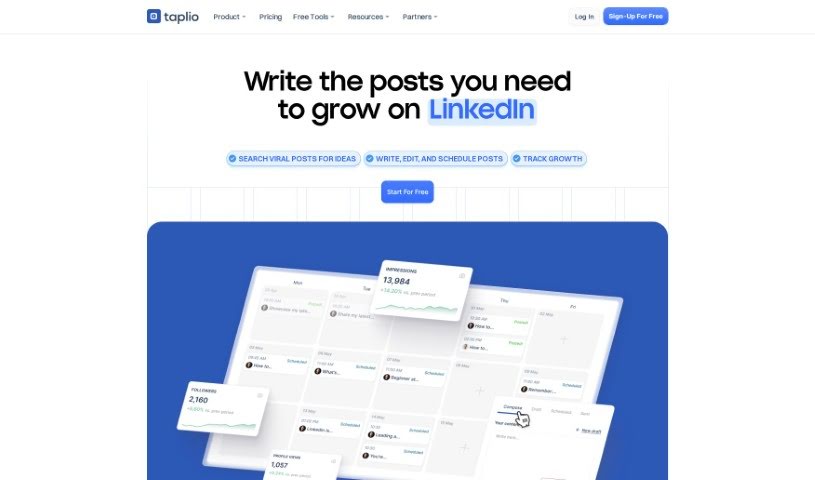
A LinkedIn carousel is a mini-presentation right on the platform. It's a series of slides you can click through, much like a PowerPoint deck. People really like them because they're a great way to keep viewers hooked and share longer pieces of content in a digestible format. This often leads to more engagement and makes your posts more visible on LinkedIn.

Screenshot of Teleport

Teleport

Freemium

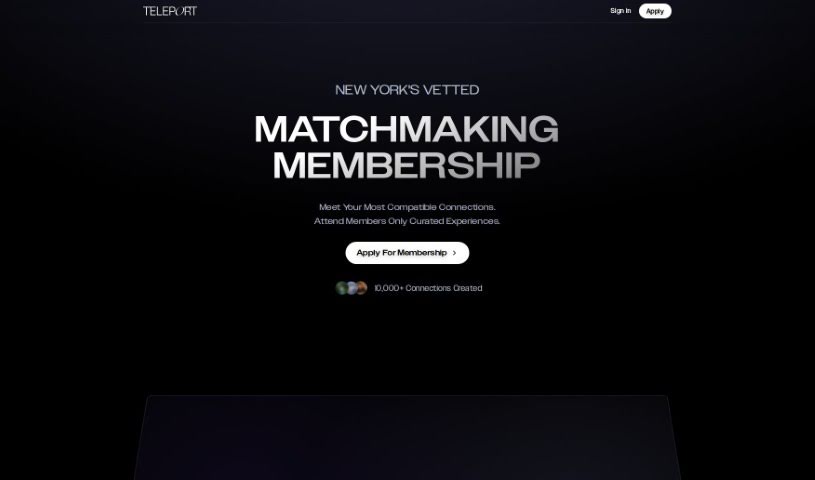
Teleport isn't just another dating app; it's a private matchmaking membership specifically for the ultra-eligible. It is a curated community where like-minded individuals naturally find each other. The whole idea is built around a philosophy of attraction – it's about drawing people to you, not chasing them. You'll find features like private matchmaking, a clear 'Attract, don't chase' approach, and membership based on shared values. Plus, it's designed to be a sophisticated dating experience and works smoothly on iOS devices.

Screenshot of Thread Creator

Thread Creator

Freemium

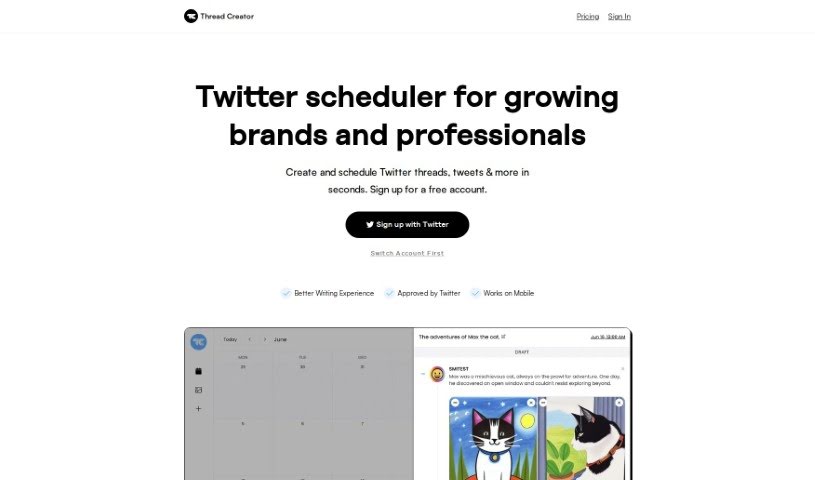
Thread Creator is your go-to Twitter scheduler, built specifically for brands and professionals looking to grow their presence. It's designed to be super user-friendly, making it a breeze to create and schedule your Twitter threads and individual tweets really fast. You can easily add pictures or videos, shuffle your content around until it looks just right, and even add numbering to make your threads pop and keep readers engaged. A really neat feature is that you can link up all your different Twitter accounts in one central spot, which makes managing them so much simpler. Plus, if you need to post a lot of media, you can upload and store it all in bulk, letting you whip up all sorts of posts in no time. Basically, Thread Creator offers a smooth and efficient way to schedule your tweets and handle your social media campaigns. Getting started is easy: you can sign up for a free account that lets you schedule up to 5 tweets each month. If you need more, there's always the option to upgrade for unlimited scheduling.

Screenshot of Thread Creator TwitterBio

Thread Creator TwitterBio

Freemium

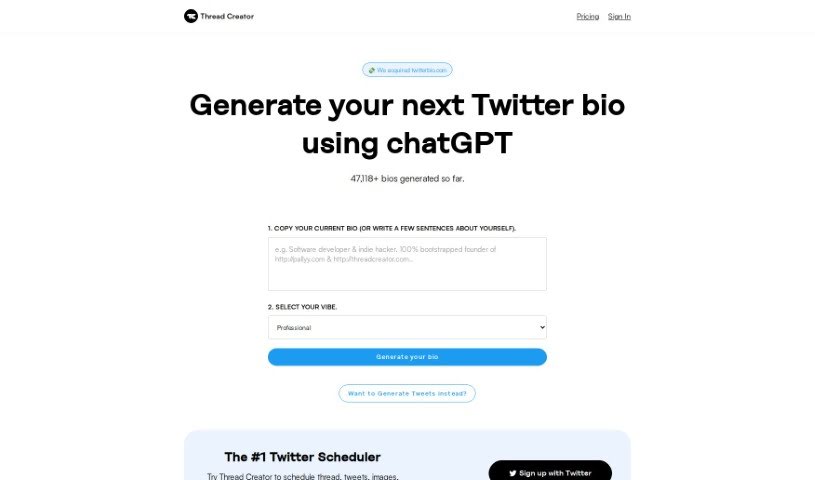
TwitterBio is a handy platform that lets you create your next Twitter bio using ChatGPT. It's designed to help you craft a great bio based on what you tell it. So far, over 47,000 bios have been generated using this service! You can either paste in your current bio or just write a few sentences about yourself. Then, pick the vibe you're going for – maybe professional, casual, or even funny – and let it generate a fresh new bio for your Twitter profile. Plus, if you're looking to create tweets, TwitterBio also points you towards Thread Creator, which they say is the top Twitter scheduler for planning out threads, tweets, images, videos, and much more.

Screenshot of Thumbly

Thumbly

Freemium

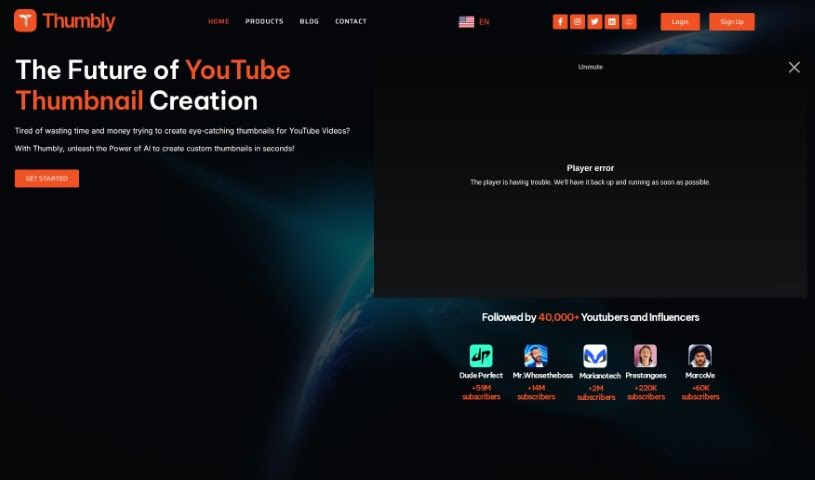
Thumbly is a handy website packed with tools for creators and anyone producing content, especially if you're focused on SEO. It offers a Thumbnail Generator, a Title Generator, and even a Free Thumbnail Rating Tool. These tools are designed to help you craft eye-catching thumbnails and compelling titles, which are key to grabbing viewers' attention and boosting your click-through rates. The Thumbnail Generator makes it super easy to customize your visuals using templates and various options. Need a great title? The Title Generator helps you brainstorm catchy ones based on your keywords. Plus, the Free Thumbnail Rating Tool lets you get real feedback from the community, giving you insights to make your thumbnails even better. Essentially, Thumbly is here to support content creators in boosting their online presence and drawing in more viewers, all with user-friendly tools and a solid focus on SEO.

Screenshot of TimeToTok

TimeToTok

Freemium

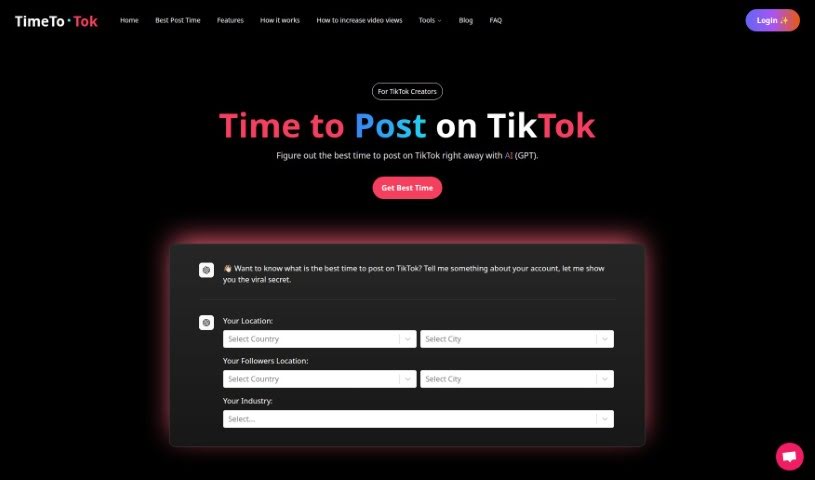
TimeToTok is a smart AI tool built specifically for TikTok creators. Its main job is to help you figure out the absolute best times to post your content on TikTok. How does it do this? Well, it uses AI, particularly advanced LLM technology, to sift through massive amounts of TikTok data. By looking at what makes content go viral, what works for different accounts, and other key insights, TimeToTok can suggest personalized ways to improve your posts and grow your TikTok presence. The team behind TimeToTok aims to offer really useful tools and products for anyone involved with social media and content platforms, blending big data with LLM AI. They offer various plans, whether you're just starting out or you're a seasoned pro, with features like analyzing your videos for optimization, keeping tabs on your TikTok account, and even an AI Copilot to help tackle any TikTok growth challenges you might face.

Stay Updated with AI Tools

Get weekly updates on the latest AI tools, trends, and insights delivered to your inbox

Join 25,000+ AI enthusiasts. No spam, unsubscribe anytime.