AI Tools for Search Engines

Discover the best Search Engines AI tools to enhance your productivity and creativity.

Page 2 of 9 • 105 total tools

Tired of sifting through tons of search results just to find what you need? You’re not alone. Traditional search engines often feel like a chore, making you navigate endless pages packed with ads, irrelevant links, and old information. It’s enough to make anyone want a different way to search.

That’s where AI search engines come in. These innovative tools use advanced AI technology to simplify your search experience. Instead of just giving you a list of links, they intelligently summarize content and provide direct answers to your questions. It’s like having a helpful assistant who cuts through the clutter to find exactly what you’re looking for.

The world of AI search is changing fast, with both big companies and new startups offering great tools. Each engine uses its own unique algorithms to make sure results are accurate and relevant, often improving the quality of the information you get.

After trying out several of these AI-powered search engines, I’ve put together a list of the most effective ones. Whether you need a quick answer or are doing in-depth research, these tools can really change how you search online. Let’s look at the best AI search engines and how they can make your life simpler.

The best AI Search Engines

  1. Perplexity for understanding your search queries better
  2. Facecheck Id for checking the authenticity of online profiles
  3. HIX.AI for automating SEO tasks to get more traffic
  4. Onfido for verifying identities for ad targeting
  5. Namelix for boosting SEO with catchy domain names
  6. Veriff for improving user verification for search results
  7. Andi Search for quickly finding and summarizing complex facts
  8. Google Teachable Machine for enhancing custom image searches
  9. Copyseeker for improving image search accuracy and relevance
  10. Nyckel for real-time news tagging in searches
  11. Shufti Pro for detecting fraud in search engine ads
  12. Movie Wiser for better film search results and filters
  13. Everypixel for an efficient stock image search solution
  14. How normal am I? for AI face assessment for search personalization
  15. Name Combiner for optimizing blog names for better SEO

How do AI search engines work?

AI search engines are smart systems designed to sift through huge amounts of information and deliver relevant results based on what you search for. Basically, these engines use advanced algorithms that analyze data gathered from websites, databases, and other digital sources. It all starts with web crawlers, which systematically browse the internet to collect content.

Once the data is collected, it’s indexed. Indexing means organizing and storing the information so it can be retrieved quickly and efficiently. The search engine’s algorithms look at various factors, like keywords and relevance, to make sure users get the most useful results for their searches.

When you type in a search term, the AI search engine processes it and compares it against its indexed content. It then uses machine learning techniques to figure out the best matches. Things like what you’re trying to do, where you are, and your past searches can affect how results are ranked, making the output more personal.

Natural language processing (NLP) is a big part of how these search engines understand your queries. NLP lets the engine grasp the context and nuances of language, so it can figure out complex or unclear search terms better. This helps deliver results that are exactly what you’re looking for.

Learning all the time is key to making search results more accurate and relevant. AI search engines look at how users interact with them and use that feedback to improve their algorithms over time. This ongoing learning process lets them adapt to new language, trends, and how people search.

So, to sum up, AI search engines use a mix of web crawling, indexing, algorithmic processing, machine learning, and natural language understanding. Together, these create a powerful tool that can navigate the vast digital world, helping users find information quickly and effectively.

Our best AI search engines at a glance

RankNameBest forPlans and PricingRating
1Perplexityunderstanding your search queries betterN/A4.70 (10 reviews)
2Facecheck Idchecking the authenticity of online profilesN/A4.42 (19 reviews)
3HIX.AIautomating SEO tasks to get more trafficN/A4.36 (11 reviews)
4Onfidoverifying identities for ad targetingN/A4.50 (12 reviews)
5Namelixboosting SEO with catchy domain namesN/A4.20 (10 reviews)
6Veriffimproving user verification for search resultsN/A4.81 (21 reviews)
7Andi Searchquickly finding and summarizing complex factsN/A4.77 (22 reviews)
8Google Teachable Machineenhancing custom image searchesN/A4.33 (6 reviews)
9Copyseekerimproving image search accuracy and relevanceN/A4.67 (21 reviews)
10Nyckelreal-time news tagging in searchesN/A4.67 (12 reviews)
11Shufti Prodetecting fraud in search engine adsN/A4.15 (26 reviews)
12MovieWiserbetter film search results and filtersPaid plans start at $6.6/month.4.73 (45 reviews)
13Everypixelan efficient stock image search solutionN/A4.73 (11 reviews)
14How normal am I?AI face assessment for search personalizationN/A4.80 (5 reviews)
15Name Combineroptimizing blog names for better SEON/A4.40 (5 reviews)
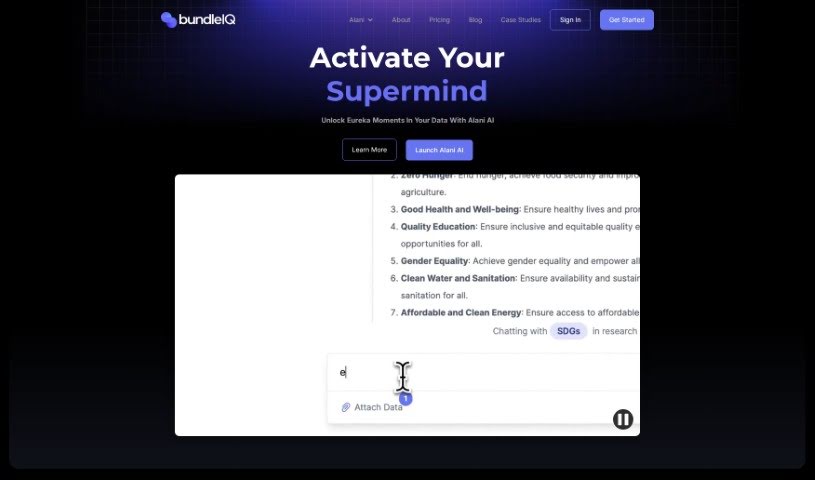
Screenshot of bundleIQ

bundleIQ

Freemium

BundleIQ is an AI-powered platform designed to help you manage your knowledge. It is a smart way to gather, analyze, and share information, making it much simpler for teams to work together. Its easy-to-use interface and natural language processing mean you can easily spot connections in your data and get valuable insights. The platform includes an AI assistant called ALANI. ALANI helps you ask questions, provides helpful answers, and supports your strategic decisions. It's really good at processing and analyzing your questions, which speeds up research and makes finding what you need much easier.

Screenshot of Chord.ooo

Chord.ooo

Freemium

Chord.ooo is a really interesting AI tool that gives you honest, organic recommendations on all sorts of things. It is a search engine with a twist – it's designed to be super intuitive. What makes it special is how it pulls together real discussions from the web, summarizing them into articles that feel like in-depth analyses. It sources information directly from these organic conversations related to what you're looking for, giving you detailed insights. You can even post your own questions on Chord, and other community members can jump in with answers, creating a great collaborative space for sharing knowledge. Plus, Chord keeps its results accurate and current by letting users contribute updates, making sure everything stays reliable.

Screenshot of Citizen Portal AI

Citizen Portal AI

Freemium

Citizen Portal AI is a platform designed to really boost democracy. It gives citizens access to well-researched information, powered by advanced AI and deep search capabilities. The goal? To support a government that looks beyond political parties and encourages everyone to get involved in building a more transparent political landscape. By using AI, Citizen Portal AI makes it easier to find important government information, helping you make smarter decisions and contribute to our shared future. It also aims to rebuild trust in government and get more people involved in a democracy that's open and accountable. With a leadership team that has 30 years of experience under their belts, Citizen Portal AI is attracting new users every day who are excited to help shape democracy's future.

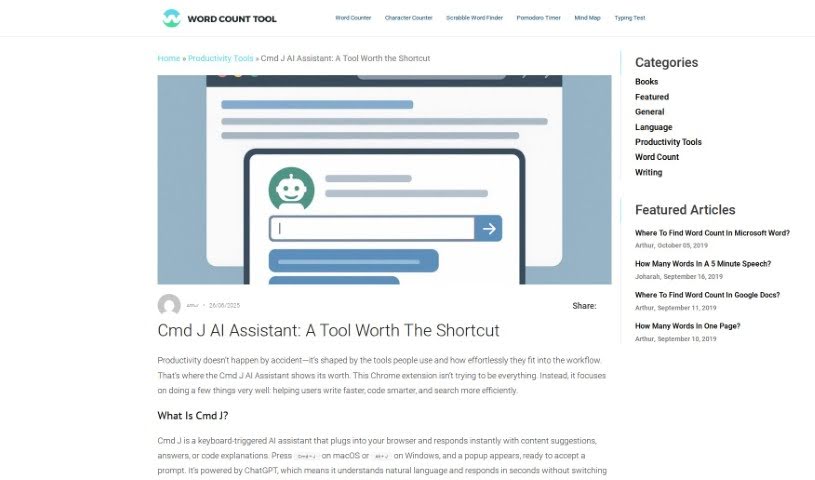
Screenshot of Cmd J

Cmd J

Freemium

Cmd J is a really neat Chrome extension that uses AI to help you be more productive. It is your personal assistant for writing, coding, and creating content. Just hit Cmd/Alt + J, and you can get instant help with things like checking your grammar and spelling, understanding code, drafting blog posts, or even getting quick answers from Google without digging through pages of results. It's especially handy if you want to polish your writing, quickly fix code bugs, or generate content for pretty much anything.

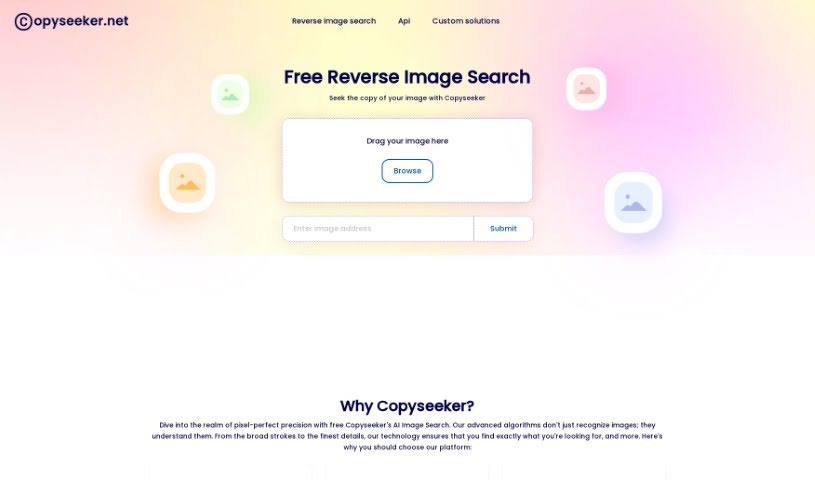
Screenshot of Copyseeker

Copyseeker

Freemium

Copyseeker is your digital guardian for images. It's a tool built to help you avoid accidentally using copyrighted material. How? By spotting duplicate images online. It uses AI to keep a constant watch over your visuals, checking the web for any exact matches to the images you upload. This really helps you steer clear of copyright trouble and potential legal headaches. Plus, they've made it super easy to use with a handy Chrome extension, making image searches quick, straightforward, and efficient.

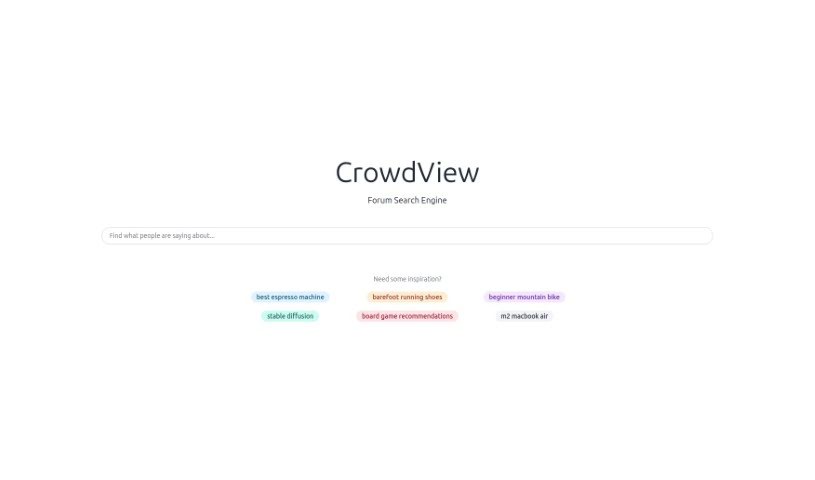
Screenshot of CrowdView

CrowdView

Freemium

CrowdView is a really smart search engine specifically for conversations. It helps you easily find and dive into discussions happening all over the internet, from different platforms and communities. It uses a clever algorithm and a super simple interface, making it a breeze to discover, join, and even add your own thoughts to conversations on just about any topic you can imagine. CrowdView pulls together discussions from popular social media sites, forums, and online groups, so you get a comprehensive way to keep up with what people are talking about. You can sort and filter your search results by what's most relevant, most popular, or newest, which makes finding recent and interesting chats really straightforward. Plus, you can bookmark and save discussions you want to revisit later. This is super handy for researchers, journalists, or anyone who wants to track how conversations are developing or connect with people who share their interests.

Screenshot of Dashworks

Dashworks

Freemium

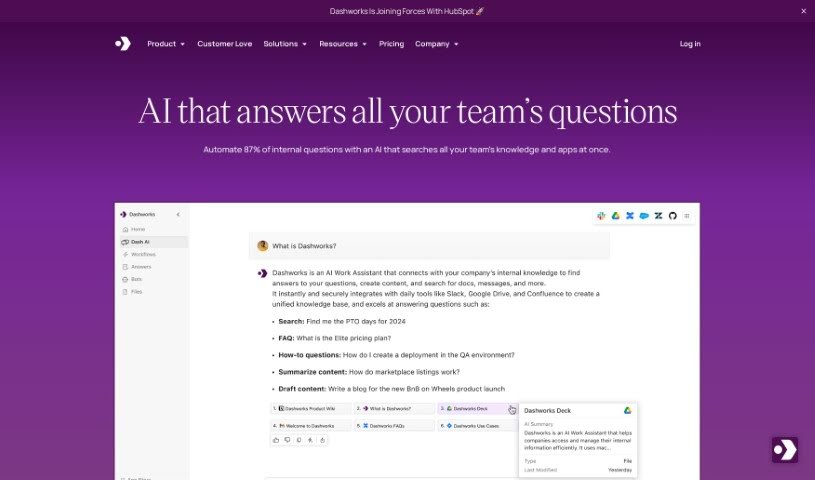
Dashworks for Slack is an AI Assistant that connects with Slack, giving you one place to search across all your apps. You can get answers right in Slack, or even set it as your team's browser homepage. What's really neat is that Dashworks is known for being accurate and provides references for its answers. Plus, it doesn't need to index your data for its AI models to work. You can also customize it to build bots for all sorts of things, like helping new hires get started or answering questions about your products. Essentially, Dashworks helps teams fill in the blanks by providing fast, precise answers about products, how things work, company policies, ongoing projects, and much more. The goal is to boost everyone's productivity by cutting down on how long it takes to get answers, making customers happier, and helping to sort out technical problems quickly.

Screenshot of Deeptab

Deeptab

Freemium

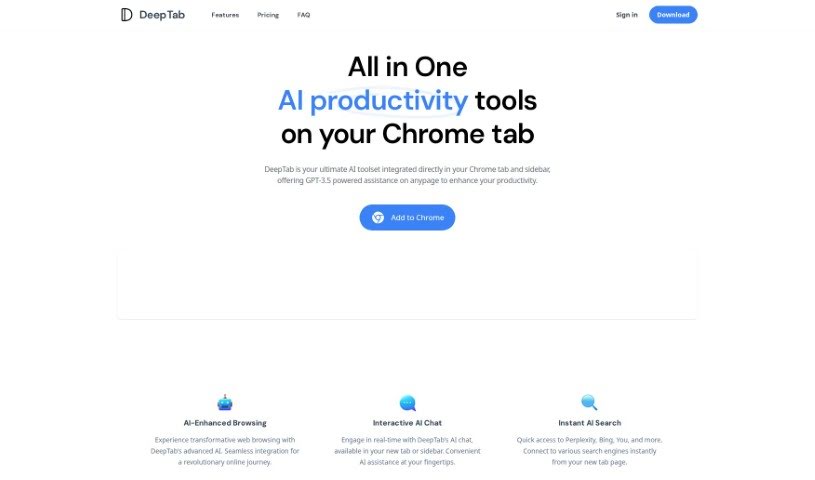
Deeptab is a smart toolkit built right into your web browser to make browsing much more productive. It's a Google Chrome extension that packs in several helpful features. You get GPT-3.5 powered AI assistance, the ability to search across multiple engines at once, an interactive AI chat, and even cool dynamic daily wallpapers to brighten your screen. Essentially, DeepTab helps you browse more efficiently and find information faster. It uses AI to give you instant help and quick access to searches on different platforms, making your whole online experience better.

Screenshot of Docubank

Docubank

Freemium

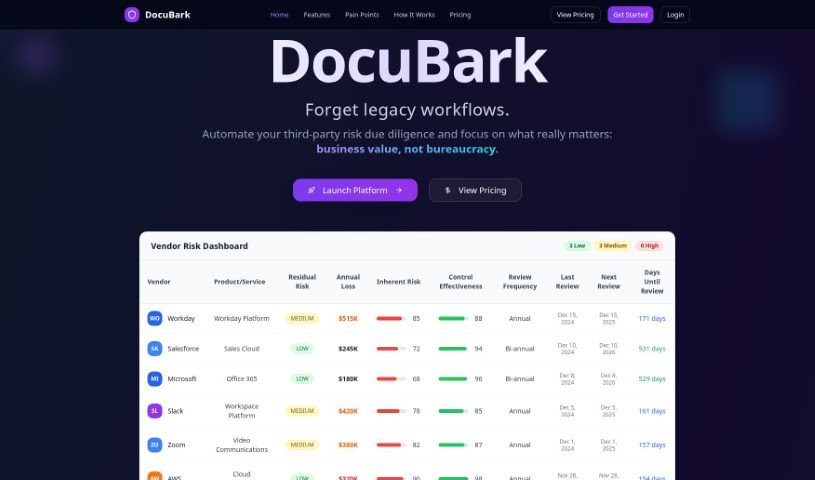
Docubank, which you'll see referred to as "DocuBark" on their site, is a really neat tool that uses generative AI to help you find answers in your documents super fast. It's got this quick search function, powered by a FAISS search engine, so you can ask really specific questions across one or even several documents. The system gives you smart answers, thanks to OpenAI, making sure you get helpful insights. They also really emphasize data security and privacy, using encryption to keep your information safe and never sharing it with anyone else. You can get started with packages of 100 credits for $5, and they even offer free trials without needing your credit card details. If you have any questions or need a hand, you can just email them, which shows they're committed to making things easy for everyone.

Screenshot of Dokkio

Dokkio

Freemium

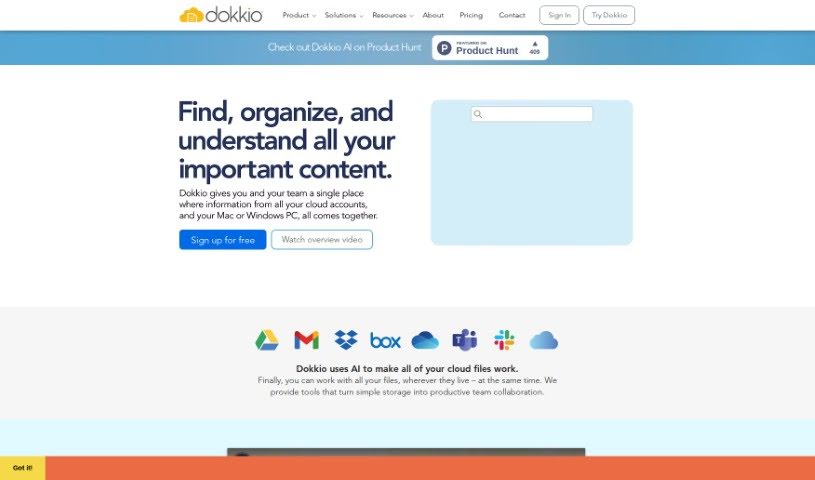
Dokkio is a smart tool that uses AI to help you manage and organize all your online files, no matter where they're stored. Think Dropbox, Google Drive, Gmail, Box, Slack, and OneDrive – Dokkio brings them all together. It's packed with features like a super-powered search, automatic tagging, ways to flag important web content, and a clean, easy-to-use interface. This makes managing your files and working with your team much simpler. Dokkio's goal is to boost your productivity by making it effortless to find and organize everything you need.

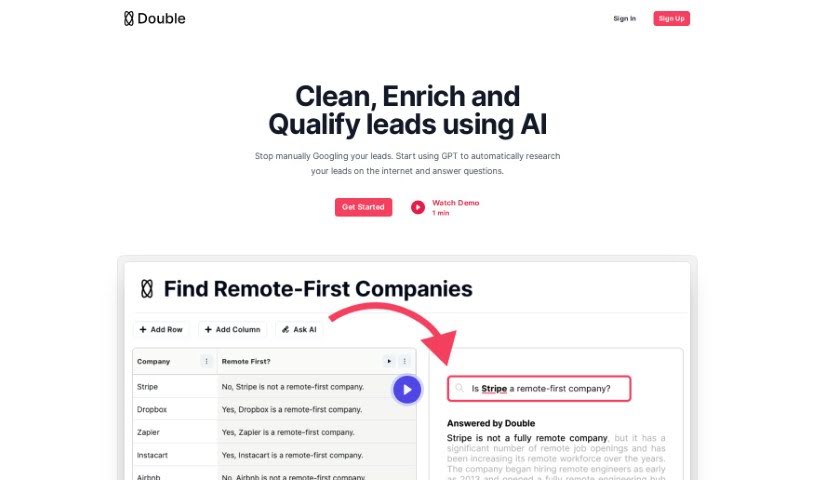
Screenshot of Double

Double

Freemium

Double is a smart GPT bot that can connect to the internet, making it super handy for automating all sorts of repetitive jobs. Think of things like pulling data from websites, tidying up messy datasets, or running lots of Google searches all at once. It fits right into the Automation category, and you can try it out with its freemium model. If you're part of the World of AI community, you can share your thoughts and reviews about Double there.

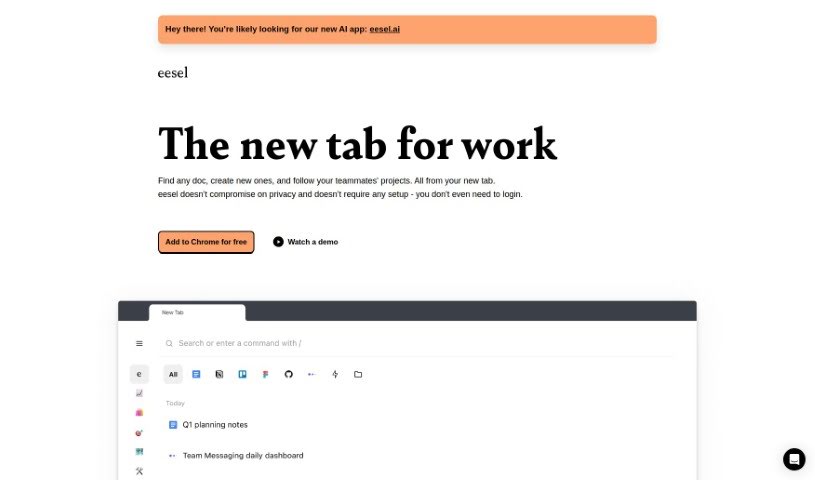
Screenshot of Eesel

Eesel

Freemium

Eesel is a handy productivity tool designed to make accessing your work-related links super simple. Instead of digging through bookmarks or searching, it shows you all the important documents, designs, and other content you need right when you open a new browser tab. It is your instant gateway to everything work-related. What's really neat is that Eesel takes care of your privacy, requires absolutely no setup or login, and just works seamlessly. It automatically sorts your work into folders, so you can quickly get to project-specific pages or customer info without any manual organizing. Plus, Eesel plays nicely with any application you open in your browser, letting you switch between different tools and platforms effortlessly to boost your productivity.

Stay Updated with AI Tools

Get weekly updates on the latest AI tools, trends, and insights delivered to your inbox

Join 25,000+ AI enthusiasts. No spam, unsubscribe anytime.