AI Tools for Presentations

Discover the best Presentations AI tools to enhance your productivity and creativity.

Page 3 of 5 • 56 total tools

Making good presentations can often feel like a real struggle. You have to craft the right story and design slides that grab attention, and it can all feel pretty overwhelming. Wouldn’t it be great if AI could simplify that whole process, making it easier to captivate your audience without all the stress?

The world of AI presentation tools has changed a lot in the past year. Those days when these apps just offered basic templates are long gone. Now, they come with advanced features that help you create visually striking slides, tailor your content, and even weave in multimedia smoothly.

I’ve spent a good amount of time exploring and testing the best AI presentation makers out there. Whether you’re a seasoned pro or a student needing to impress in class, these tools can seriously speed up your workflow while making your presentations look much better.

With so many options available, the real challenge isn’t just finding a presentation maker—it’s picking the right one for what you need. Let’s dive into the top contenders that can help turn your ideas into stunning visuals.

The best AI Presentation Makers

  1. Gamma: Great for easy slide design and editing.
  2. Prezi: Ideal for dynamic business presentations.
  3. Slidesgo: Helps you quickly craft stunning slide decks.
  4. Visme: Perfect for engaging, interactive pitch decks.
  5. Presentationsai: Makes creating multilingual presentations a breeze.
  6. Pitch: For rapidly designing impactful sales pitches.
  7. Beautiful.AI Designerbot: Lets you create stunning presentations effortlessly.
  8. Ai PPT: Helps you create stunning investor visuals.
  9. Xmind AI: For creating visually appealing slides.
  10. Slides GPT.com: Quickly crafts engaging slide content.
  11. SlidesAI: Streamlines slide creation for busy presenters.
  12. Canva AI Presentation Maker: Creates engaging business pitches.
  13. Magic Slides: Offers rapid presentation design for events.
  14. Livepolls Slide Generator: Engages your audience with live polls.
  15. Plus AI: Enhances slide content and design.

How do AI presentation makers work?

AI presentation makers work using artificial intelligence and natural language processing, much like AI writing tools. Essentially, they use smart algorithms to analyze the information you give them—whether it’s text, images, or themes—and then generate multimedia presentations that fit what you need.

These tools usually draw on large datasets to understand what makes a presentation effective in terms of structure and design. By looking at examples of past successful presentations, they can suggest layouts, color schemes, and how to organize content for different situations.

When you input a topic, the AI presentation maker can find relevant images, graphs, and designs from its library. It basically automates the process of finding and arranging visual elements, so you can focus on your main message instead of getting bogged down in layout tasks.

Some platforms also offer customizable templates, giving you a starting point if you want to add your own personal touch. This mix of AI-driven suggestions and user customization means you can create presentations that look good and communicate your message clearly, even without special design skills.

The technology behind it works by predicting which elements will connect best with an audience. It analyzes things like design trends and how content is usually received. This helps the AI create presentations that not only look good but also communicate your intended message effectively.

All in all, AI presentation makers simplify the creative process. They empower anyone—from students to professionals—to create impactful presentations easily and efficiently. While they might not completely replace human creativity, they’re powerful tools that can really improve how we present information.

Our best AI presentation makers at a glance

RankNameBest forPlans and PricingRating
1GammaEffortless slide design and editingN/A4.79 (19 reviews)
2PreziDynamic business presentationsPaid plans start at $19/month.4.18 (11 reviews)
3SlidesgoQuickly craft stunning slide decks.N/A4.68 (22 reviews)
4VismeEngaging interactive pitch decks.N/A4.50 (12 reviews)
5PresentationsaiEffortless multilingual presentation creationN/A4.52 (21 reviews)
6PitchDesigning impactful sales pitches rapidly.N/A4.75 (12 reviews)
7Beautiful.AI DesignerbotCreate stunning presentations effortlessly.N/A4.75 (69 reviews)
8AiPPTCreating stunning investor visualsN/A4.79 (24 reviews)
9Xmind AICreating visually appealing slidesN/A4.67 (6 reviews)
10SlidesGPT.comCrafting engaging slide content quickly.N/A4.72 (25 reviews)
11SlidesAIStreamline slide creation for busy presenters.N/A4.77 (22 reviews)
12Canva AI Presentation MakerCreating engaging business pitches.N/A4.68 (60 reviews)
13Magic SlidesRapid presentation design for events.Paid plans start at $12.4/month.4.72 (46 reviews)
14Livepolls Slide GeneratorEngage audience with live pollsN/A4.64 (11 reviews)
15Plus AISlide content enhancement and design.N/A4.76 (42 reviews)
Screenshot of Plus AI

Plus AI

Freemium

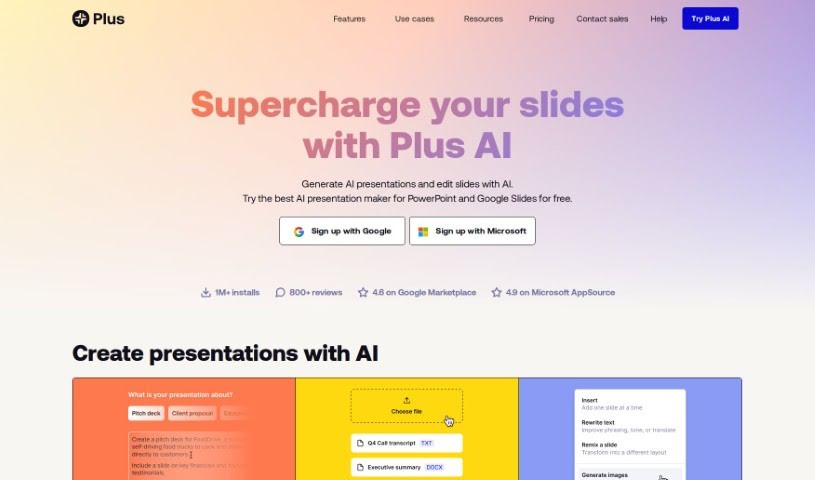
Plus AI is your smart assistant for creating presentations. It's an AI-powered tool that lets you build and tweak professional-looking slides right inside PowerPoint and Google Slides. Got a PDF, a Word document, or just some text notes? Just upload them, and Plus AI will whip them into a polished presentation for you. You can try it out for free for 7 days, and they have paid plans if you need more. Whether you need just one slide or a whole deck, Plus AI has you covered. Plus, there's a neat 'Remix' feature that can take your existing slides and rearrange them into totally new layouts. They really focus on making sure the output looks great, offering a bunch of different slide designs and templates. If you're looking to create professional slide decks without spending ages on it, Plus AI is definitely worth checking out.

Screenshot of PowerMode

PowerMode

Freemium

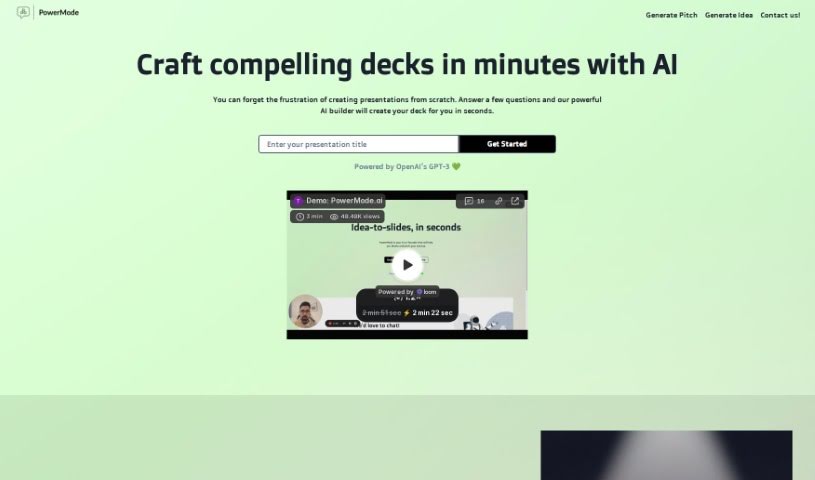
PowerMode is a website packed with really useful tools designed to help professionals in all sorts of fields work smarter and get more done. It is your go-to for making tasks like creating content, designing, managing projects, and handling customer support much smoother. What's great is that it's built with a focus on being easy to use, so no matter your skill level, you'll find the interface straightforward and the experience seamless.

Screenshot of Powerpresent AI

Powerpresent AI

Freemium

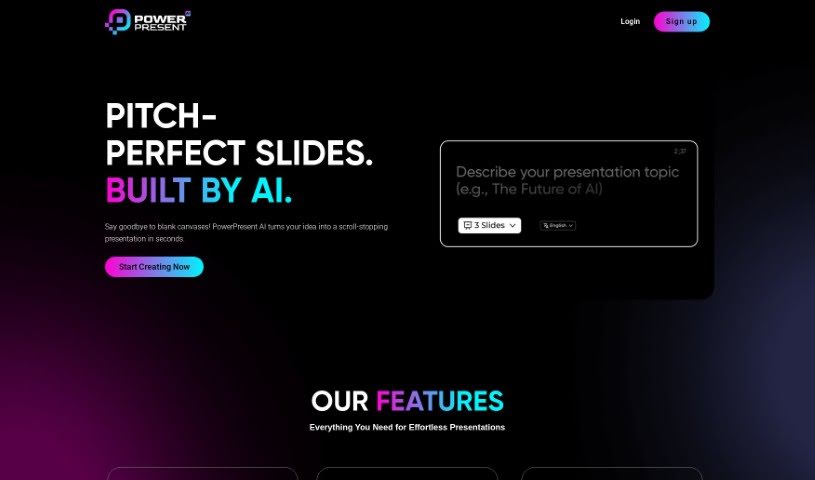
Powerpresent AI is a really neat tool that uses artificial intelligence to make creating presentations much simpler. Just give it a topic or some text, and it whips up good-looking, well-organized slides for you, super fast and without any fuss. This AI tool cuts down presentation creation time a lot, so you can really focus on what you want to say. Plus, it helps make your presentations engaging and impactful by looking at your text and creating slides that grab your audience's attention. It's great for anyone, whether you're an individual or a business, offering a straightforward and visually impressive way to build presentations.

Screenshot of Pptx

Pptx

Freemium

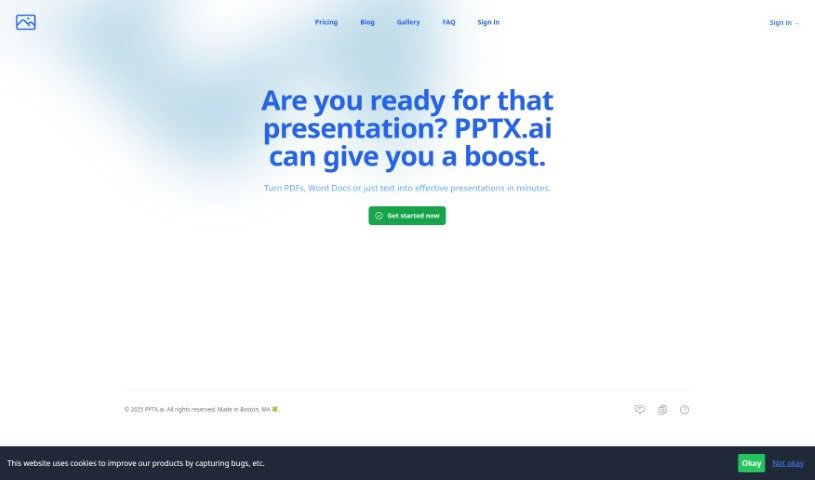
PPTX.ai is a smart tool that uses Artificial Intelligence (AI) specifically for making PowerPoint presentations. It is your AI assistant for slides! It helps you create really good-looking presentations without needing to be a design expert. The interface is super easy to use; you can just upload files like PDFs, Word documents, or plain text files, and it'll whip up high-quality slides for you. If you prefer, you can also just type in a description of what you need, and the AI will design tasteful slides based on your input. A really neat feature is that it supports multiple languages, so you can create presentations and even speaker's notes in different languages. This makes it a great option for anyone around the world. Essentially, PPTX.ai focuses on giving you visually appealing and engaging presentation materials, cutting out a lot of the usual design hassle and manual work.

Screenshot of PresentationGPT

PresentationGPT

Freemium

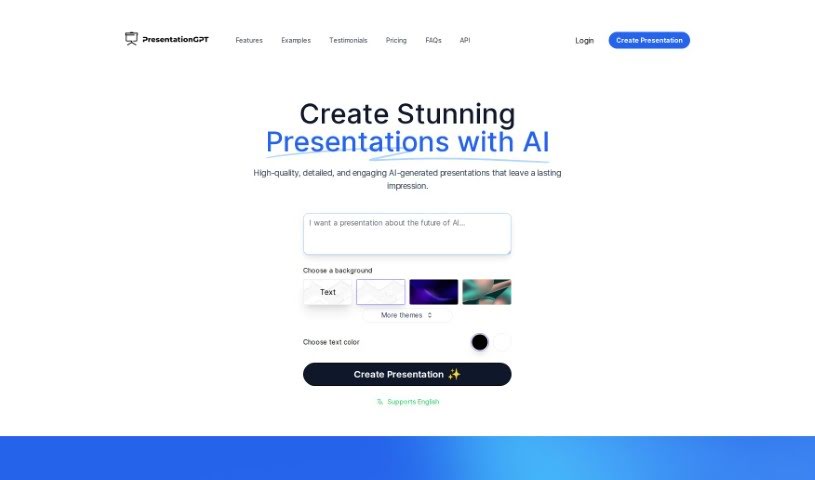
PresentationGPT is a smart AI tool that helps you create presentations really fast. It uses the powerful GPT-4 language model to whip up custom, great-looking slides in just seconds. You get a bunch of different themes and design templates to play with. Plus, you can easily edit your creations in PowerPoint or Google Slides. There's a free option, and you can also pay per download if you prefer. It's designed to be straightforward, with no hidden costs or subscriptions, and people have said it's great for making professional presentations quickly for all sorts of needs.

Screenshot of Presentationsai

Presentationsai

Freemium

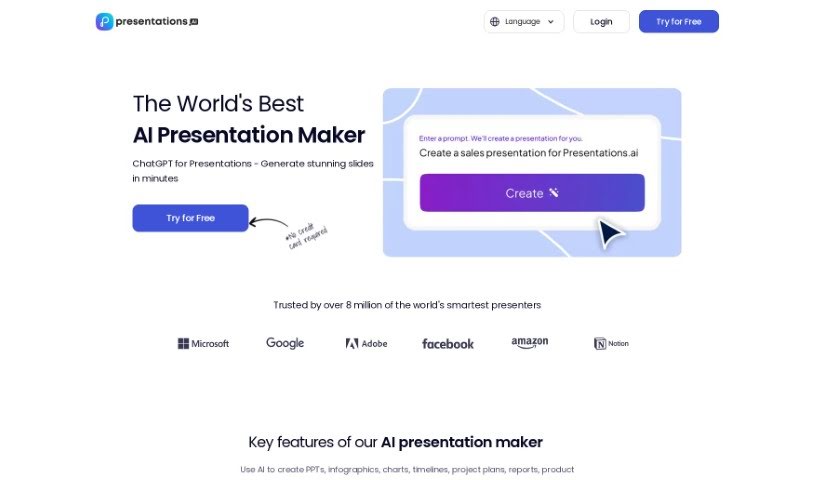
PresentationsAI is a really smart tool designed to help you create presentations that are both engaging and look super professional, all thanks to artificial intelligence. It's pretty neat because it supports multiple languages, which means you can easily connect with people all over the world by creating your presentations in different languages. Imagine turning your ideas into a full presentation deck in just seconds – that's what PresentationsAI, powered by ChatGPT, lets you do. This frees you up to concentrate on your message, while the AI handles the heavy lifting of designing visually appealing slides. It's not just about using standard templates, though; this tool gives you creative power that can genuinely impress your audience, and you can tweak everything to fit your exact needs.

Screenshot of Presetai

Presetai

Freemium

Presetai is a platform designed to make creating presentations much easier and quicker. It is your go-to tool for designing slides that really grab attention. It offers a variety of templates, images, and fonts, so you can easily put together professional-looking slideshows without a lot of fuss. The whole idea behind Presetai is to simplify the presentation creation process, making it a user-friendly experience for anyone who wants to make their presentations shine.

Screenshot of Prezi

Prezi

Freemium

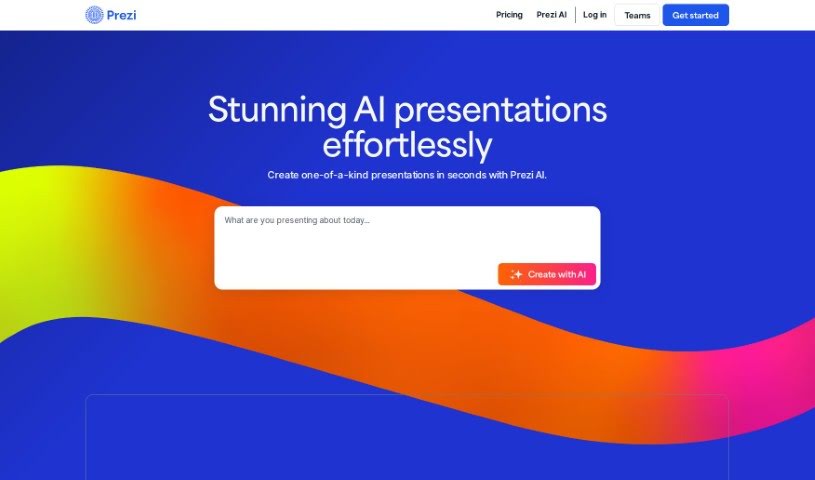
Prezi is a dynamic presentation tool that really makes your content pop. Instead of static slides, it uses motion, zooming, and spatial relationships to build engaging videos, presentations, and even infographics. It's designed to make virtual presentations interactive and visually appealing. You get a lot of freedom to customize your creations, and Prezi also provides helpful resources if you're looking to make videos or infographics. For data security, Prezi adheres to SOC2 standards, which is great, especially for schools. It's a fantastic fit for educational settings, offering tools that support hybrid learning experiences. Really, Prezi is built for all sorts of businesses and individuals who want to communicate, collaborate, and connect more effectively.

Screenshot of Prezo

Prezo

Freemium

Prezo is an AI-powered tool that helps you create really engaging presentations without all the usual hassle. It is your smart assistant for turning long pieces of content, like articles or reports, into well-organized slides. It's packed with features designed to make your life easier, including the ability to generate custom images and get help with your text. The interface is super user-friendly, with a drag-and-drop system that makes arranging your slides and layouts a breeze. Plus, Prezo offers adaptive layouts that adjust automatically, dynamic editing tools, and helpful extras like tables, charts, and integrations to make your presentations shine and work smoothly on any device.

Screenshot of self.team

self.team

Freemium

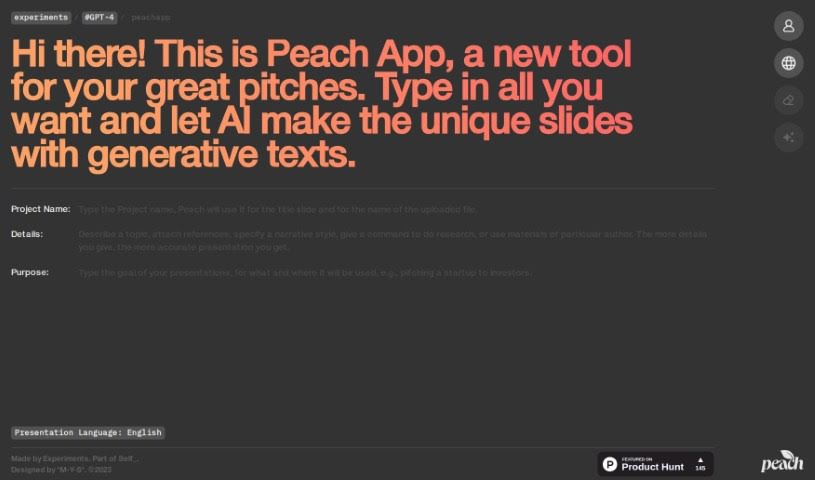
It looks like self.team is connected to the Peach App, which is an AI tool aiming to completely change how we create presentations. Peach App uses AI to make building engaging pitches much simpler. You just need to provide your content, and the platform uses generative text to automatically create unique presentation slides that fit different professional situations. With features like AI-powered slide generation, smart text creation, an easy-to-use interface, and a focus on professional-looking results, Peach App is designed to boost your productivity, spark creativity, and improve the overall quality of your presentations, whether you're talking to clients, investors, or colleagues.

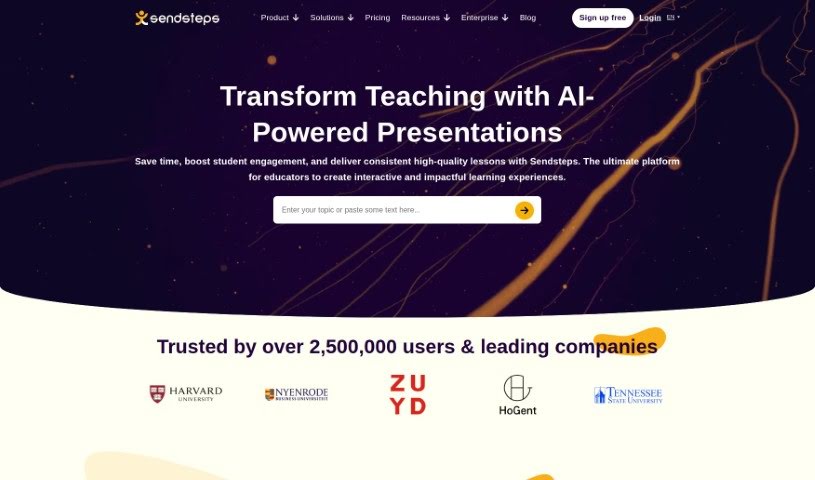
Screenshot of Sendsteps

Sendsteps

Freemium

Sendsteps is a really neat AI-powered platform that's all about making your presentations and meetings way more engaging. It is a smart assistant that helps you create interactive content super fast. You've got a few ways to get started with your presentations: you can use their AI presentation maker, build one from scratch, upload your own documents, or even import your existing PowerPoint slides. The whole idea is to save presenters a ton of time by handling the writing, design, and storytelling parts. This way, you can really focus on delivering your message. Plus, Sendsteps has features like live polling, live Q&A, surveys, and feedback tools that really get your audience involved during live presentations or events. You can also customize questions and polls, it supports multiple languages, and it works for any kind of event – whether it's in-person, virtual, or a mix of both. Honestly, Sendsteps is trying to shake up the old way of doing presentations, offering something unique, interactive, and time-saving, and it's got a solid base of happy users and global recognition to back it up.

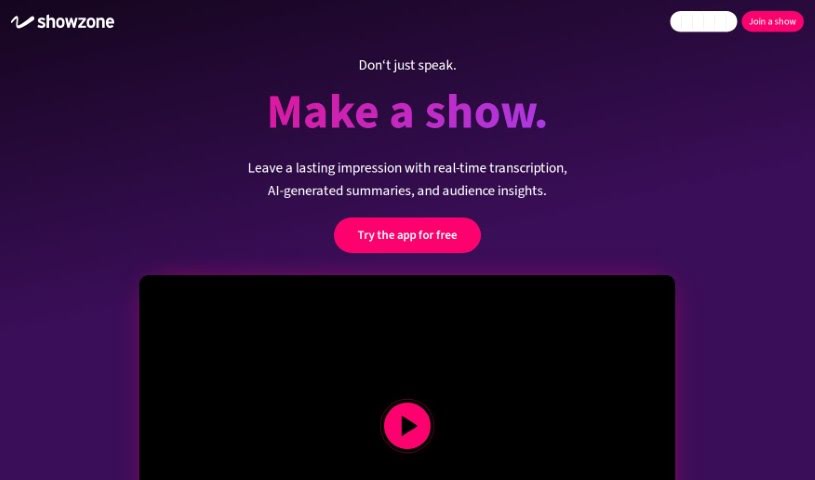
Screenshot of Showzone AG

Showzone AG

Freemium

Showzone AG is a platform that launched in January 2023. Its main goal is to really change how business professionals deliver presentations. It is a tool to make your talks more engaging and effective. Showzone AG comes packed with features designed to boost your presentation delivery. You can do live broadcasts, host interactive Q&A sessions, and even get AI-generated summaries of your content. Plus, it helps you keep track of audience engagement and even identify potential leads for your sales teams. It's also known for being easy to use for creating and sharing content, and it's built with high security standards. You won't find any hidden costs or subscriptions here, just a flexible payment model.

Stay Updated with AI Tools

Get weekly updates on the latest AI tools, trends, and insights delivered to your inbox

Join 25,000+ AI enthusiasts. No spam, unsubscribe anytime.