AI Tools for Linkedin

Discover the best Linkedin AI tools to enhance your productivity and creativity.

Page 3 of 3 • 32 total tools

Trying to keep up with LinkedIn can feel like a lot, right? There’s always a flood of updates, new connections to make, and content to create. It’s more than just a place to network now; it’s crucial for building your personal brand, finding jobs, and sharing your thoughts. But how do you actually stand out when there’s so much going on?

That’s where AI tools come in handy. They’ve gotten really good at offering solutions that can really improve your LinkedIn game, from writing a killer bio to making sure your posts get noticed. These tools can save you a ton of time, letting you focus on what truly matters—growing your network and building genuine connections.

After digging into the latest AI innovations made just for LinkedIn, I’ve put together a list of the best tools out there. They don’t just make things easier; they help make your profile pop, catching the eye of recruiters and peers alike.

Whether you want to automate job applications, polish your posts, or keep track of your networking efforts, there’s something here for everyone. Let’s check out these helpful AI tools that can help you navigate LinkedIn like a pro.

The Best AI LinkedIn Tools

  1. Typegrow: Helps you create LinkedIn content more smoothly.
  2. Supergrow: Also great for making LinkedIn content creation easier.
  3. Magic Post: Lets you craft engaging LinkedIn content with ease.
  4. PowerIn: Automates LinkedIn comments to increase your visibility.
  5. Replai.so: Effortlessly boosts your LinkedIn engagement.
  6. Tldraw: Useful for visualizing professional projects on LinkedIn.
  7. ReachifyMe: Enhances your LinkedIn presence without the hassle.
  8. Feedbird: Streamlines planning your LinkedIn posts.
  9. Auto Repurpose: Turns YouTube videos into LinkedIn posts.
  10. Sylphai: Helps streamline your LinkedIn networking efforts.
  11. ContentIn: Boosts your LinkedIn posts with AI assistance.
  12. Comment Generator: Enhances LinkedIn posts with custom comments.
  13. AI Social Bio: Creates an optimized LinkedIn bio for career growth.
  14. Dottypost: Offers a streamlined LinkedIn content strategy.
  15. LinkedIn Post Generator: Helps with professional networking engagement.

How Do AI LinkedIn Tools Work?

When you look for AI LinkedIn tools, you’ll find a bunch of options designed to make your professional networking smoother and better. Most of these tools use smart algorithms to look at your profile, your connections, and your content. Then, they offer personalized ideas for who to connect with, what to post, and how to message people.

Basically, AI LinkedIn tools analyze what you do on your profile. They might look at keywords, your skills, and what’s trending in your industry. This helps them suggest people you might want to connect with or content that matches your professional interests. This really helps users connect more effectively.

Many of these tools use natural language processing (NLP). This means they can write messages or content that really connect with specific audiences. By understanding your profile’s context and tone, these tools can create personalized outreach messages or even suggest posts that will grab attention.

Plus, some tools give you insights into your LinkedIn activity. They show you things like how well your posts are doing and how your connections are growing. This data helps you tweak your approach, making sure you’re getting the most out of your LinkedIn presence.

While the tech behind them can differ, most AI LinkedIn tools are built on platforms that can pull and analyze data. Instead of creating their own algorithms from scratch, many team up with existing AI services, using those frameworks to add more features.

As LinkedIn keeps changing, using AI tools is becoming more and more common. These developments point to a future where users can rely on AI for deeper understanding and better professional connections and opportunities.

Our Best AI LinkedIn Tools at a Glance

RankNameBest ForPlans and PricingRating
1TypegrowStreamlining LinkedIn content creationN/A4.17 (12 reviews)
2SupergrowStreamlining LinkedIn content creation.N/A4.10 (10 reviews)
3MagicPostCrafting engaging LinkedIn content easilyN/A4.75 (12 reviews)
4PowerInAutomating LinkedIn comments for visibilityPaid plans start at $19/month.4.74 (27 reviews)
5Replai.soBoosting LinkedIn engagement effortlesslyN/A4.71 (17 reviews)
6TldrawVisualizing professional projects for LinkedInN/A3.43 (7 reviews)
7ReachifyMeEnhancing your LinkedIn presence effortlessly.N/A4.59 (27 reviews)
8FeedbirdStreamlining LinkedIn post planning.N/A4.67 (12 reviews)
9AutoRepurposeTransforming YouTube videos into LinkedIn postsN/A4.73 (11 reviews)
10SylphaiStreamlining LinkedIn networking effortsN/A4.72 (29 reviews)
11ContentInBoosting LinkedIn posts with AI helpN/A4.93 (40 reviews)
12Comment GeneratorEnhancing LinkedIn posts with tailored comments.N/A4.81 (21 reviews)
13AI Social BioOptimized LinkedIn bio for career growthN/A4.80 (5 reviews)
14DottypostStreamlined LinkedIn content strategyPaid plans start at $15/month.4.81 (26 reviews)
15Linkedin Post GeneratorProfessional networking engagementN/A5.00 (12 reviews)
Screenshot of Social Media Bio Generator

Social Media Bio Generator

Freemium

A Social Media Bio Generator is essentially a helpful tool designed to make crafting engaging and effective social media bios much simpler for everyone. It is your personal assistant for writing bios across different platforms. It guides you through the process with prompts, suggestions, and ready-to-use templates, helping you create a bio that truly captures your personality or your brand's identity. You just provide some basic information about yourself or your business, and the generator helps you put together a concise, impactful bio that clearly communicates what you're about in a compelling way. This tool is a real game-changer for anyone looking to polish their online presence and make a great first impression on social media. It really streamlines the whole bio-writing experience, making it much easier to get your message across to your audience.

Screenshot of SocialSense

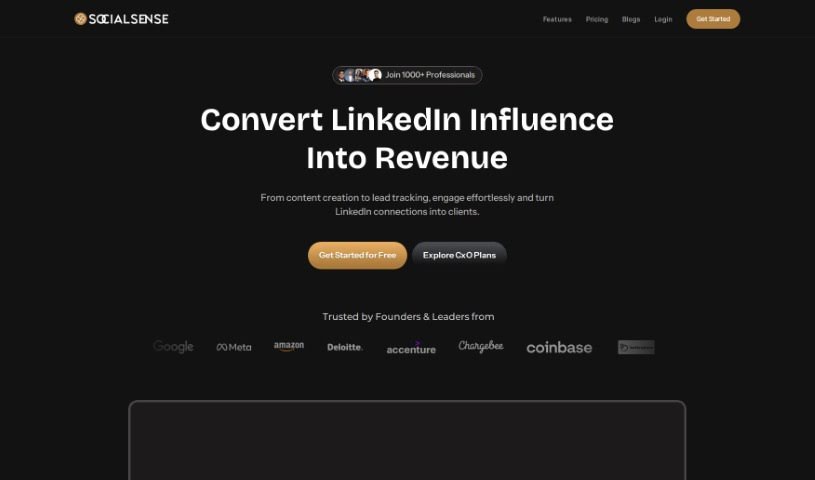
SocialSense

Freemium

SocialSense is a really neat personal branding platform built specifically for folks using LinkedIn. It's designed to help you take your unique experiences and turn them into compelling content for your LinkedIn profile. What makes it stand out is how it helps you beat procrastination, really boost your online presence, and ultimately, open doors to valuable connections and new opportunities. The interface is super user-friendly, making it easy to create all sorts of content, like posts and carousels. Plus, it offers AI-powered personalized content calendars, which are fantastic for keeping your audience engaged consistently. Over 500 professionals and founders already trust SocialSense to make their content creation smoother, ensuring everything they post is high-quality and relevant, often in just 30 minutes. They also have affordable pricing options that work for just about anyone, whether you're a student, an entrepreneur, a freelancer, or run an agency.

Screenshot of Supergrow

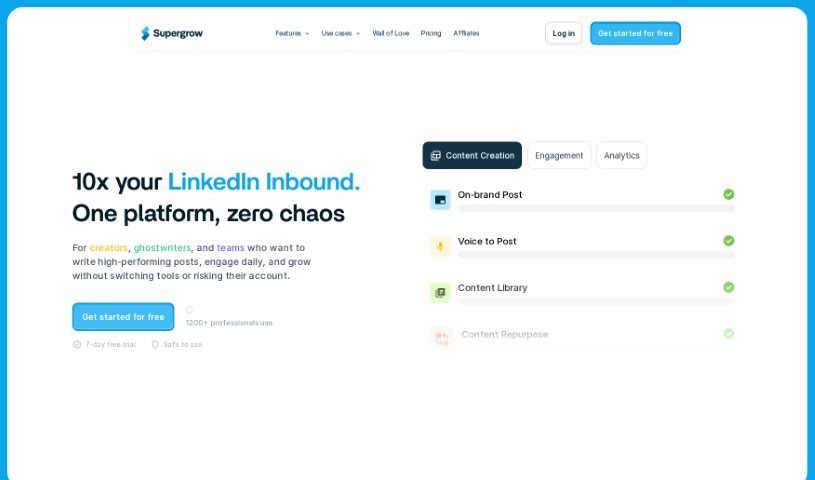
Supergrow

Freemium

Supergrow is a handy tool designed to help you build your personal brand on LinkedIn. It offers a bunch of features to make creating and sharing content much easier. It is your go-to assistant for organizing content ideas, writing personalized posts, crafting eye-catching carousels, and even scheduling everything so it goes out at the right time. The main goal here is to help you grow your audience on LinkedIn by giving you a simple platform to create engaging content that sounds just like you – professional and authentic. It uses AI, specifically GPT-4, to help with writing, sparking new ideas, and scheduling, which really speeds up the whole content creation process for anyone using LinkedIn.

Screenshot of Sylphai

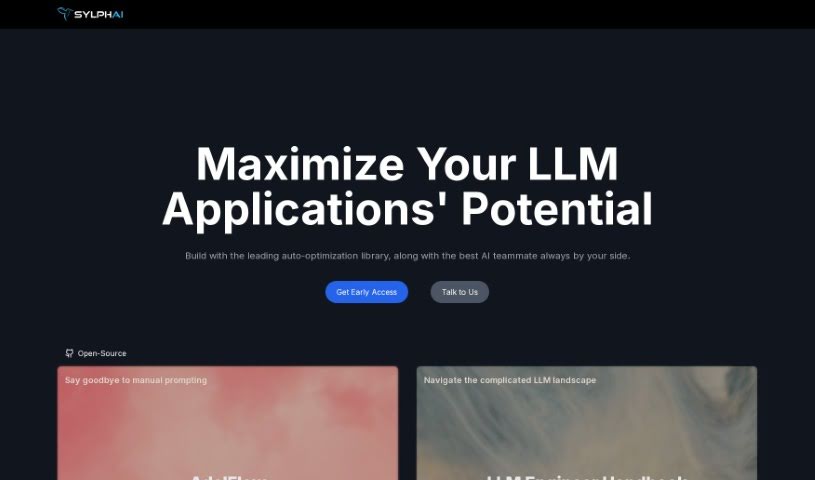
Sylphai

Freemium

SylphAI introduces Gaia, a really smart AI copilot designed to make finding people much simpler and help you build genuine connections. It is your guide for navigating the digital world, especially on platforms like LinkedIn and Discord. Gaia uses advanced artificial intelligence to help bridge gaps between people, aiming to completely change how we network. With SylphAI's Gaia, you can look forward to more impactful interactions, making better connections one search at a time. It’s all about embracing the future of networking.

Screenshot of Tldraw

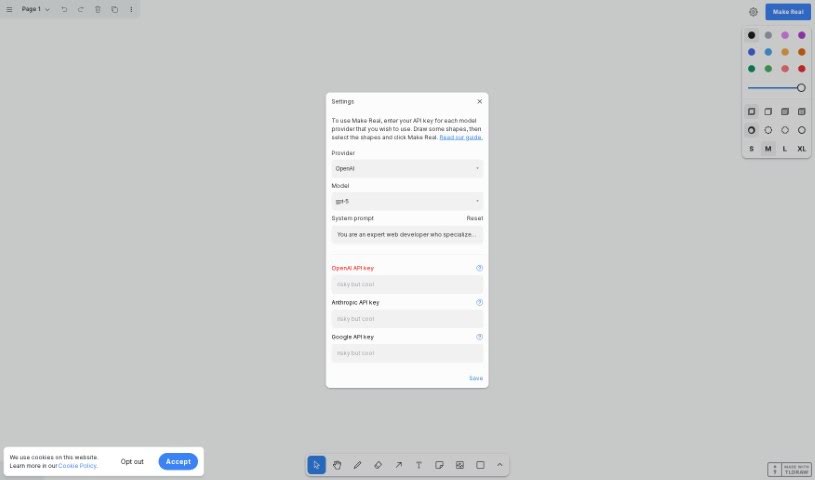
Tldraw

Freemium

Tldraw is a really cool platform you can find at makereal.tldraw.com. It brings together the creative freedom of tldraw with the smarts of GPT-4V. Basically, you can sketch out a user interface on its canvas, and with just one click, it turns that sketch into a working website. This partnership between GPT-4 and tldraw makes designing and testing web ideas super interactive and instant. It's quickly become a favorite among developers and is making waves on social media because it's so easy to use and has such neat features.

Screenshot of Tribeforce

Tribeforce

Freemium

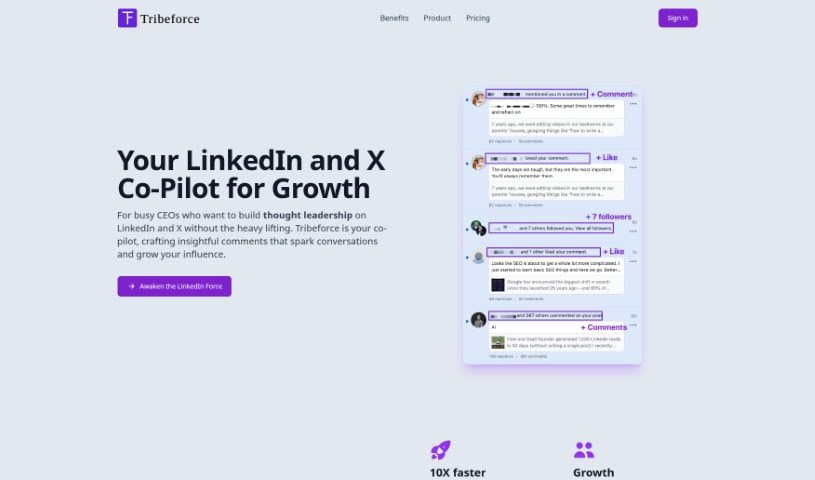
Tribeforce is an AI sales automation tool designed specifically for automating replies on Twitter. It's built to help you boost your networking efforts, increase engagement, and ultimately drive more revenue by streamlining your interactions on the platform. It is a smart assistant that uses AI to craft responses right within Twitter. This means you can reply to tweets up to 10 times faster than you could on your own. It's a great way to make your engagement more efficient, allowing you to connect with a wider audience in a shorter amount of time. Plus, Tribeforce offers a range of templates you can easily customize. This way, you can keep your unique brand voice and tone consistent, ensuring every response feels personal and high-quality. They offer different pricing plans, too, depending on how many replies you need each month – from 100 all the way up to 2,000. Whether you're an individual user or a company, there's likely a plan that fits. And if you want to give it a spin before committing, you can try it out for free; no credit card is needed to experience what Tribeforce can do.

Screenshot of Typegrow

Typegrow

Freemium

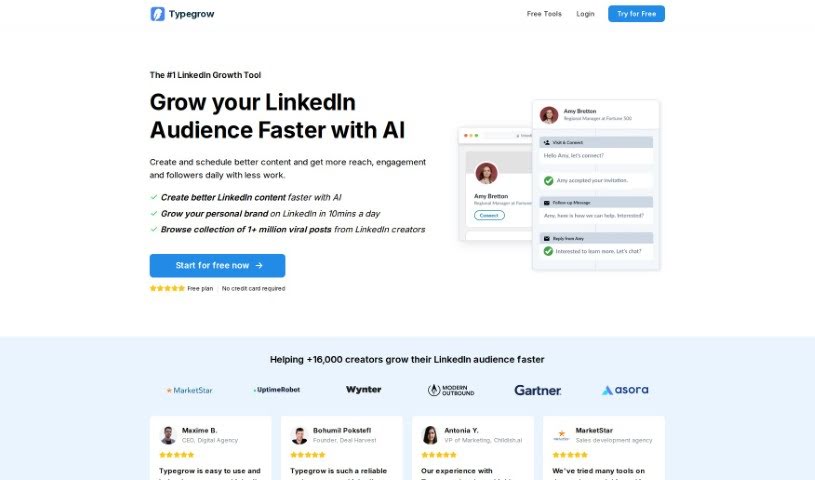
Typegrow is a LinkedIn growth tool designed to help you build your audience on the platform more quickly and effectively. It uses AI technology to help you create and schedule engaging content, which can lead to more eyes on your posts, better interactions, and a growing follower count. You'll find features like AI-assisted content creation, post scheduling, carousel generation, a way to preview your posts before they go live, and a library filled with popular posts from successful LinkedIn creators. People often mention how easy Typegrow is to use, its straightforward design, and how efficiently it helps individuals and agencies manage their LinkedIn presence and boost audience growth. It's a recommended tool for anyone looking to optimize their LinkedIn activities with a little AI help.

Screenshot of Webcopilot

Webcopilot

Freemium

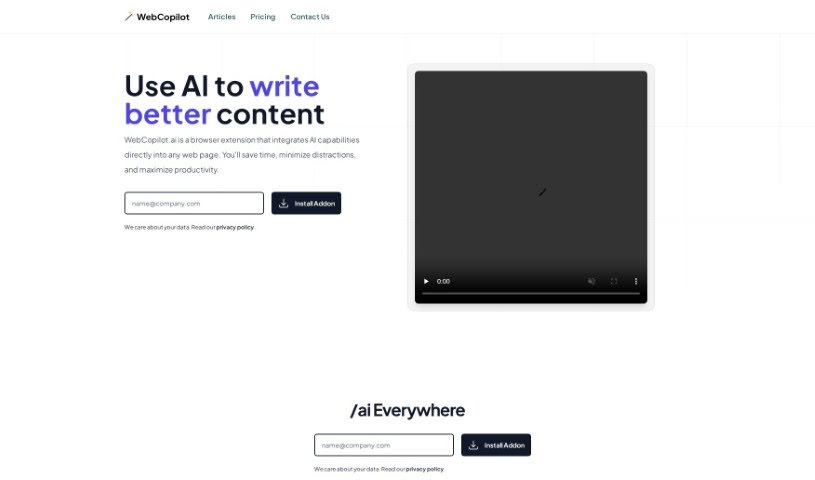
WebCopilot.ai is a smart browser extension that brings artificial intelligence right into your workflow. It's designed to help anyone who creates content online – whether you're a digital marketer, a blogger, or just a professional looking to engage more effectively on platforms like LinkedIn. Essentially, it offers AI-powered suggestions to make creating content smoother, save you precious time, cut down on distractions, and generally make you more productive. You can use it for things like managing your emails better, sprucing up your social media posts, automating data analysis, and even improving your networking on LinkedIn.

Previous 3 of 3 Next

Stay Updated with AI Tools

Get weekly updates on the latest AI tools, trends, and insights delivered to your inbox

Join 25,000+ AI enthusiasts. No spam, unsubscribe anytime.