AI Tools for Image Generation

Discover the best Image Generation AI tools to enhance your productivity and creativity.

Page 8 of 36 • 429 total tools

In the fast-paced world of digital creativity, AI image generators have become real game-changers. You no longer need advanced skills or expensive software to create amazing visuals. Now, with just a few clicks, you can conjure breathtaking artwork, realistic portraits, or imaginative landscapes using simple text prompts.

This technology has really grown in sophistication. It’s gone from being just simple tools to powerful creative partners. What started as a novelty is now an essential asset for artists, marketers, and anyone looking to improve their visual storytelling.

I’ve spent time exploring various AI image generators to see which ones really stand out in a crowded market. Whether you need something that excels in realism or something that plays with abstraction, there’s a tool for every creative need.

If you’re looking to elevate your visuals and make your design process smoother, let’s dive into the top AI image generators making waves right now. Your next masterpiece might just be a prompt away.

The Best AI Image Generators

  1. Leonardo AI: Perfect for custom artwork for product listings.
  2. Photoroom: Great for creating unique branding backgrounds.
  3. Pixlr: Ideal for making unique visuals for marketing.
  4. Midjourney: Excellent for artistic concept visualization.
  5. Tensor.art: Use it for unique artwork creation from sketches.
  6. PixAI: Best for creating custom anime characters.
  7. Freepik Pikaso: Transforms sketches into art in real-time.
  8. Adobe Firefly: Use it for custom social media graphics.
  9. Luma AI: Craft 3D imagery with dynamic effects.
  10. Recraft: Easily generate brand-consistent visuals.
  11. Microsoft Designer: Create unique visuals for your projects.
  12. Artguru AI: Turn selfies into anime art.
  13. Deep AI Text to Image: Visualize concepts artistically.
  14. Topaz Labs: Enhance AI-generated images for better clarity.
  15. Freepik AI Image Generator: Make custom illustrations for marketing content.

How Do AI Image Generators Work?

When you search online for AI image generators, you’ll find tons of tools, and many claim to do similar things. This often happens because they use the same core models, like diffusion models or generative adversarial networks (GANs). Most tools simply act as user-friendly interfaces for these complex algorithms, adding helpful features while often hiding the technical details behind marketing language.

At their heart, AI image generators work with detailed prompts that users provide. Once you enter a prompt, the model processes it and generates images. It does this by predicting pixel values based on patterns it learned from massive datasets. These datasets usually include millions of images, covering all sorts of styles, subjects, and artistic influences. This allows the models to produce very varied and detailed results.

Training an image generation model involves analyzing countless images and their text descriptions. This helps the models understand how words relate to visual features. The outcome is a sophisticated network that can create visually coherent images reflecting the nuances of your prompt, whether you’re aiming for a realistic scene or an abstract idea.

Many popular applications now include these image generation capabilities, improving creative tools like Adobe Photoshop and Canva. These companies often partner with major AI developers, using powerful existing models instead of building their own. This means users can easily create custom visuals without needing deep technical knowledge.

If you’re keen to experiment yourself, various platforms offer intuitive interfaces for crafting unique images. Some even let you adjust the style and content, giving artistically inclined individuals the freedom to innovate without starting from scratch.

So, in short, AI image generators combine advanced algorithms with huge datasets to turn text prompts into compelling visuals. As these technologies keep developing, their ability to produce impressive artwork only grows, encouraging both creativity and exploration in digital art.

Our Best AI Image Generators at a Glance

RankNameBest ForPlans and PricingRating
1Leonardo AICustom artwork for product listingsPaid plans start at $9/month.4.73 (11 reviews)
2PhotoroomCreating unique branding backgroundsPaid plans start at $7.50/month.4.74 (38 reviews)
3PixlrCreating unique visuals for marketing.Paid plans start at $0.99/month.4.73 (11 reviews)
4MidjourneyArtistic concept visualizationN/A4.73 (11 reviews)
5Tensor.artUnique artwork creation from sketches.N/A4.78 (23 reviews)
6PixAICreating custom anime charactersN/A4.80 (5 reviews)
7Freepik PikasoReal-time art transformation from sketches.N/A4.67 (21 reviews)
8Adobe FireflyCustom social media graphicsN/A4.67 (6 reviews)
9Luma AICrafting 3D imagery with dynamic effectsN/A4.76 (25 reviews)
10RecraftGenerate brand-consistent visuals easily.N/A4.67 (3 reviews)
11Microsoft DesignerGenerate unique visuals for projects.N/A4.64 (11 reviews)
12Artguru AITransform selfies into anime artN/A4.58 (12 reviews)
13Deep AI AI Text to ImageArtistic visualization of concepts.N/A4.82 (11 reviews)
14Topaz LabsEnhance AI-generated images for clarityN/A4.70 (10 reviews)
15Freepik AI Image GeneratorCustom illustrations for marketing contentN/A4.55 (11 reviews)
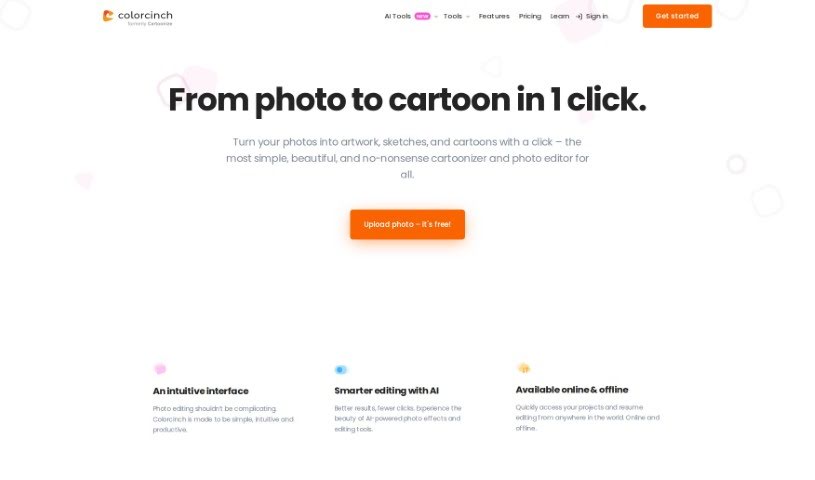
Screenshot of Colorcinch

Colorcinch

Freemium

Colorcinch is a fantastic online photo editor and cartoonizer that makes it super easy to turn your photos into cartoons, sketches, and all sorts of artwork. Seriously, it's just one click! You don't need to install any software, which is a big plus. It's packed with features like background removal, cropping, resizing, filters, and a whole bunch of cool artistic effects. Plus, it uses AI-powered tools to make your photo editing smarter and quicker. Need more assets? Colorcinch has you covered with a huge stock library of over 4 million photos, graphics, and icons. You can even export your creations in high resolution, up to 400 DPI, so they look great for printing. The best part? It's free to use, letting you easily personalize and style your images for social media or even professional work.

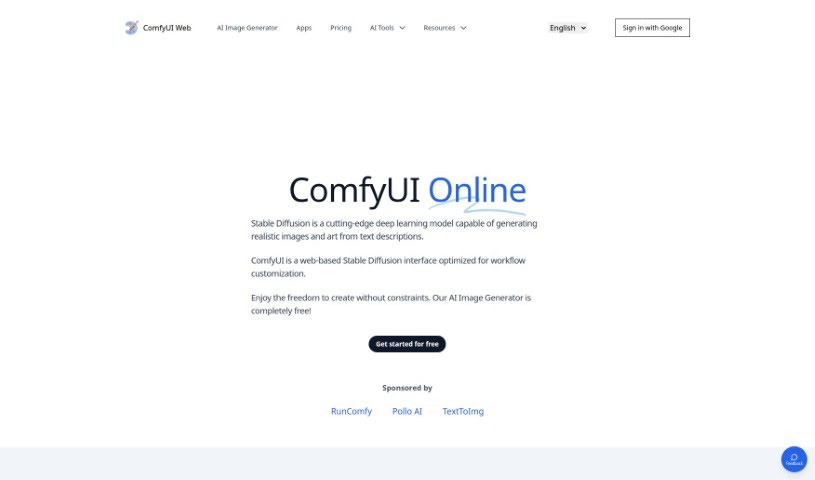
Screenshot of Comfyui Web

Comfyui Web

Freemium

Comfyui Web is a fantastic web-based tool that uses a powerful Stable Diffusion deep learning model. It is your personal digital artist! It's designed to create high-resolution, realistic images and artwork simply from text prompts you provide. Beyond just image creation, it also lets you easily prototype and test web interfaces right there in your browser. What's really great is that it's completely free to use, and it's built with your privacy in mind – it doesn't store or share any of your generated images. You can create as many images as you like without needing to install anything. Plus, you're free to use these images for commercial purposes without needing to give credit. For the best experience, it's recommended to use Comfyui Web on a PC, where you can really dive in and customize your workflow within the intuitive web interface.

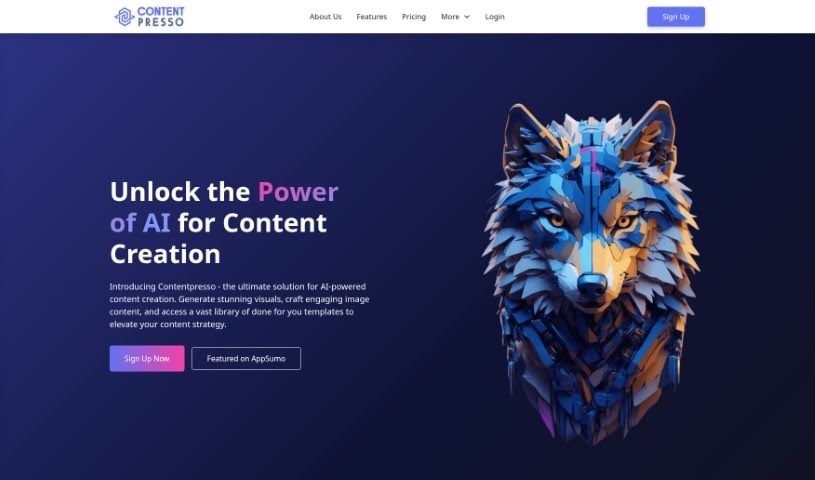
Screenshot of Contentpresso

Contentpresso

Freemium

Contentpresso is a really smart platform that uses AI to help you create great images and find content. It is a two-in-one tool: it can generate eye-catching graphics for you, and it also gives you access to a huge library of content. This means you can easily make high-quality visuals that are perfect for whatever you need. The AI helps create these graphics based on what's on your website, and you also get a massive collection of Canva templates you can easily tweak. You can then customize everything to match your brand and who you're trying to reach, which saves a ton of time and effort on making content. Basically, Contentpresso is designed to make your business run smoother by giving you awesome graphics, templates you can play with, and AI to help create it all.

Screenshot of Controlmeme

Controlmeme

Freemium

ControlMeme is a fantastic online platform designed to help you create your own personalized memes with total ease. It's a user-friendly meme generator that actually uses Stable Diffusion ControlNet technology to produce really high-quality results. With ControlMeme, anyone who loves memes can whip up engaging and funny content without spending a dime. Plus, you can share what you make with the rest of the ControlMeme community. The site has a huge library of meme templates covering all sorts of genres and styles, which is perfect for social media folks or anyone who just wants to add a bit of humor to their online life. Some of the best parts are that it's free to generate memes, you can connect with others, it's super easy to use, offers lots of different meme styles, and you don't even need to sign up to start creating and sharing right away.

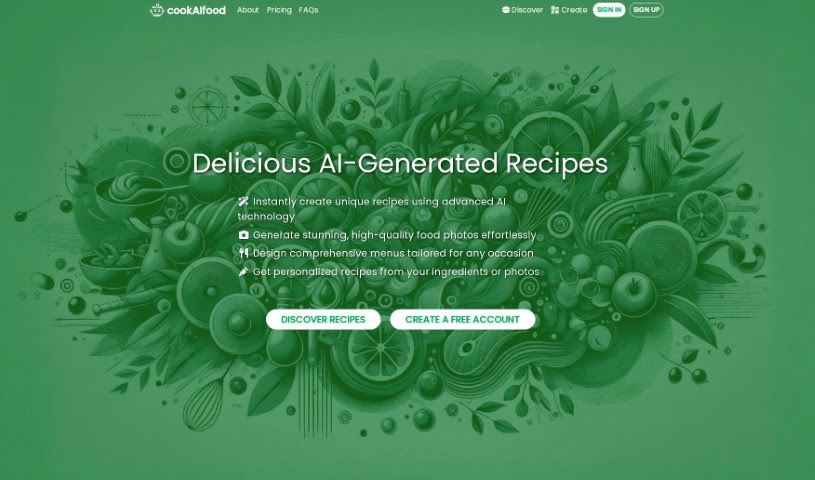
Screenshot of cookAIfood

cookAIfood

Freemium

CookAIfood is a really neat AI tool designed to spark your inner chef! It lets you create, share, and explore all sorts of AI-generated food recipes and even entire menus. Just tell it what ingredients you have, a dish name, or a general description, and it'll whip up personalized recipes for you, complete with easy-to-follow instructions and beautiful photos. Plus, you can get extra images to really make your culinary creations shine, and you can download them too. It's pretty cool because it can even help you find local restaurants that serve the recipes you've created. You can also publish your own recipes on a personal page. As for cost, a basic recipe is 1 credit, and an advanced one is 3 credits. You can pay securely using Stripe or a variety of cryptocurrencies.

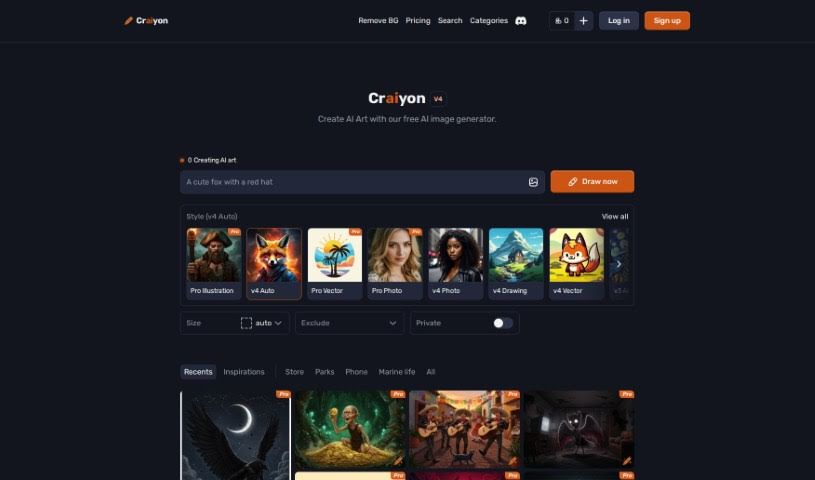
Screenshot of Craiyon

Craiyon

Freemium

Craiyon is a really neat AI model that lets you create images just by typing in what you want to see. It's all done through a super easy-to-use online platform. Basically, it uses the Generative Pre-trained Transformer 3 (GPT-3) model. This means you can type in a text prompt – think of it like a description – and Craiyon will whip up corresponding images in all sorts of styles. You can get cartoonish looks, realistic photos, or even abstract art. Whether you're looking for a simple drawing or something more detailed, Craiyon can handle it. Plus, you can even print your creations on a t-shirt or share them with others on their forum. They're also serious about keeping your information private, giving you control over how your data is used.

Screenshot of CrestGPT

CrestGPT

Freemium

CrestGPT is an AI writing assistant designed to really change how you create content. It's built to help you get past writer's block and produce engaging content that's also optimized for search engines, all while speaking directly to your audience. It runs on OpenAI's powerful GPT-4.5-Turbo model, which means CrestGPT can seriously speed up your writing process, saving you valuable time and helping you connect better with people online. Some of the standout features include automatically generating SEO-friendly text, built-in spots for adding images or videos, easy listicle creation, and a handy rich-text editor. For anyone creating content, it’s a great way to get more done. You’ll find it cuts down the time you spend on initial drafts, can help boost your conversion rates, and increase the traffic coming to your site organically. Plus, you get advanced editing tools built right in, so you don't need to juggle multiple programs.

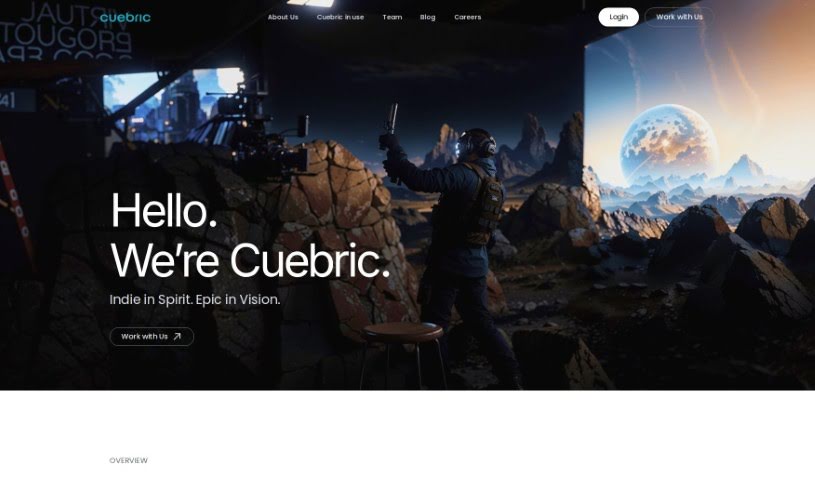
Screenshot of Cuebric

Cuebric

Freemium

Cuebric is a generative AI tool that's really changing the game for filmmakers and content creators during preproduction and production. It helps you quickly build immersive 2.5D cinematic environments, which means you can spend more time focusing on your creative vision and telling your story. If you're part of a studio or a virtual production company, Cuebric can seriously boost your efficiency. It frees up your team to be more creative by making it easier to craft stunning cinematic environments and improve your visual content. Filmmakers get to build these amazing, immersive worlds much faster, and producers can look forward to smoother production timelines and lower costs, all thanks to Cuebric's AI-powered image generation and editing tools.

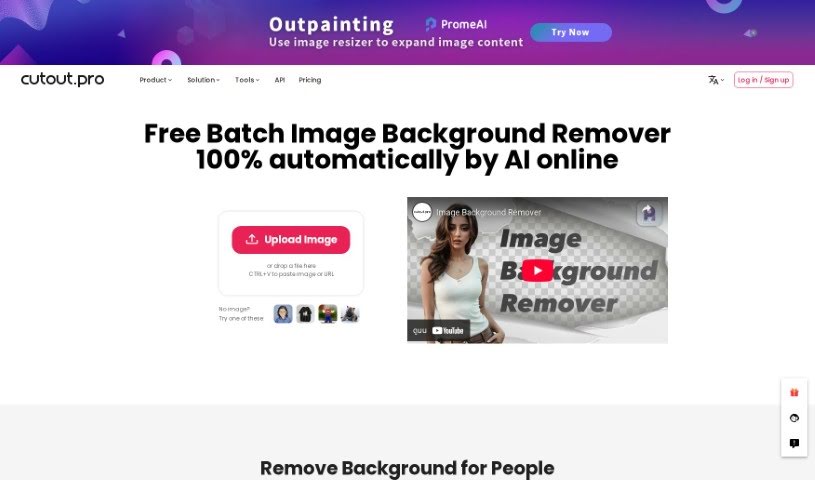
Screenshot of Cutout.Pro Remove Background

Cutout.Pro Remove Background

Freemium

Basically, 'Remove Background' is a way to easily get rid of an image's background, making it transparent. It uses an AI-powered background eraser tool that's really quick at creating great-looking visuals. You can remove backgrounds and make them transparent with hardly any effort. This tool also makes it simple to swap out backgrounds, which really helps when you're trying to get creative with your images. Plus, it's got this handy bulk processing feature, so you can tackle multiple images at once. It really speeds things up, saves you time, and makes your images look better, fitting them perfectly for all sorts of projects.

Screenshot of Dall-E 3

Dall-E 3

Freemium

DALL·E 3 is a really impressive AI system from OpenAI. It's designed to create original, realistic images and art just from a simple text description you give it. You describe something, and DALL·E 3 brings it to life visually. It's also pretty smart about editing existing images. You can ask it to add something, remove something, or even touch up parts of an image, all using everyday language. Plus, it can whip up new versions of an image that are inspired by the original you provide. How does it do all this? Well, it learned by studying tons of images and their matching text descriptions. It uses a process called diffusion, which is kind of like starting with random noise and gradually shaping it into the final picture.

Screenshot of Davinciface

Davinciface

Freemium

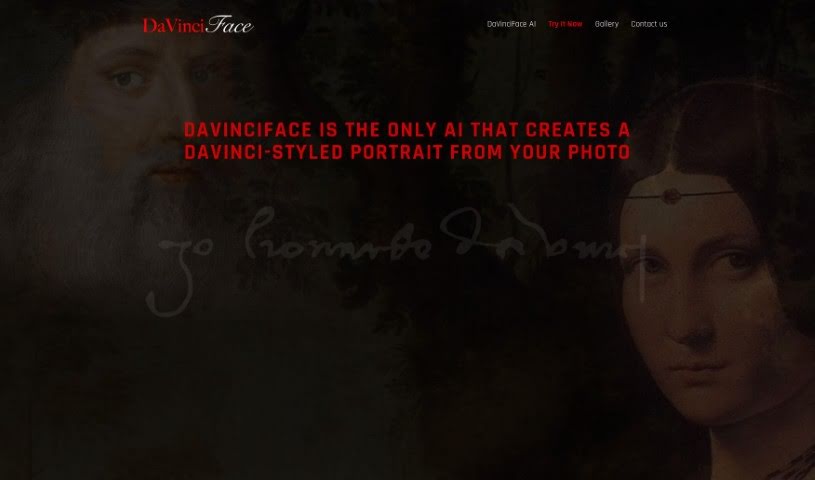
Davinciface is a really cool piece of software that uses advanced Artificial Intelligence, specifically something called Generative Adversarial Network (GAN) technology, to create portraits that look like they were painted by Leonardo da Vinci himself. It's pretty neat! This cutting-edge software uses Deep Learning to really study facial features and then transforms them into authentic-looking works of art, all in that famous DaVinci style. What's great is that it's super easy to use, handles all sorts of image resolutions and color schemes, and has practical uses in fields like advertising and entertainment. The team behind it is always working to make it even better, so you get top-notch results for portrait generation.

Screenshot of Deep AI AI Text to Image

Deep AI AI Text to Image

Freemium

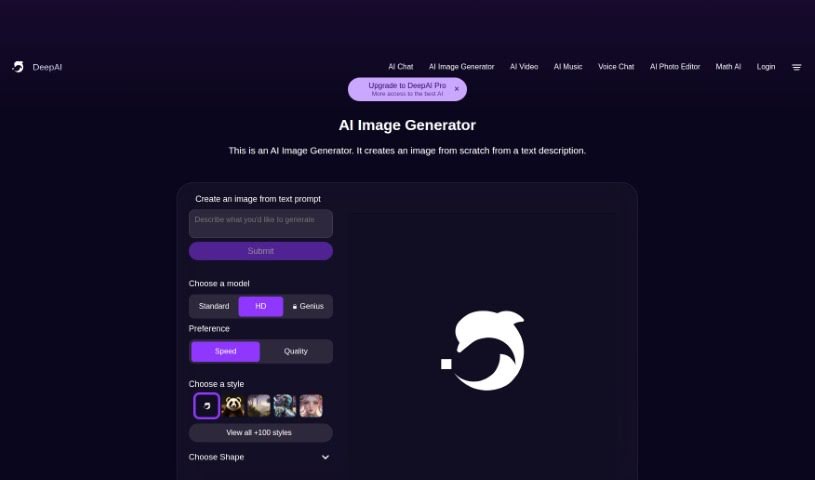
AI Text-to-Image technology is a really neat way to create images just by describing them. It is a digital artist that brings your words to life. It uses smart algorithms to turn your text prompts into actual pictures. You just type in what you imagine, and the AI Image Generator whips up a unique visual for you. Plus, you get to play around with different settings – you can pick from various models and choose options like speed, quality, or specific styles like classic art, anime, photography, cinematic looks, hyperrealism, or graphic design. This flexibility means you can really fine-tune the image generation to match exactly what you're going for, making it a fantastic tool for anyone wanting to turn text into cool visuals quickly.

Stay Updated with AI Tools

Get weekly updates on the latest AI tools, trends, and insights delivered to your inbox

Join 25,000+ AI enthusiasts. No spam, unsubscribe anytime.