AI Tools for Image Generation

Discover the best Image Generation AI tools to enhance your productivity and creativity.

Page 20 of 36 • 429 total tools

In the fast-paced world of digital creativity, AI image generators have become real game-changers. You no longer need advanced skills or expensive software to create amazing visuals. Now, with just a few clicks, you can conjure breathtaking artwork, realistic portraits, or imaginative landscapes using simple text prompts.

This technology has really grown in sophistication. It’s gone from being just simple tools to powerful creative partners. What started as a novelty is now an essential asset for artists, marketers, and anyone looking to improve their visual storytelling.

I’ve spent time exploring various AI image generators to see which ones really stand out in a crowded market. Whether you need something that excels in realism or something that plays with abstraction, there’s a tool for every creative need.

If you’re looking to elevate your visuals and make your design process smoother, let’s dive into the top AI image generators making waves right now. Your next masterpiece might just be a prompt away.

The Best AI Image Generators

  1. Leonardo AI: Perfect for custom artwork for product listings.
  2. Photoroom: Great for creating unique branding backgrounds.
  3. Pixlr: Ideal for making unique visuals for marketing.
  4. Midjourney: Excellent for artistic concept visualization.
  5. Tensor.art: Use it for unique artwork creation from sketches.
  6. PixAI: Best for creating custom anime characters.
  7. Freepik Pikaso: Transforms sketches into art in real-time.
  8. Adobe Firefly: Use it for custom social media graphics.
  9. Luma AI: Craft 3D imagery with dynamic effects.
  10. Recraft: Easily generate brand-consistent visuals.
  11. Microsoft Designer: Create unique visuals for your projects.
  12. Artguru AI: Turn selfies into anime art.
  13. Deep AI Text to Image: Visualize concepts artistically.
  14. Topaz Labs: Enhance AI-generated images for better clarity.
  15. Freepik AI Image Generator: Make custom illustrations for marketing content.

How Do AI Image Generators Work?

When you search online for AI image generators, you’ll find tons of tools, and many claim to do similar things. This often happens because they use the same core models, like diffusion models or generative adversarial networks (GANs). Most tools simply act as user-friendly interfaces for these complex algorithms, adding helpful features while often hiding the technical details behind marketing language.

At their heart, AI image generators work with detailed prompts that users provide. Once you enter a prompt, the model processes it and generates images. It does this by predicting pixel values based on patterns it learned from massive datasets. These datasets usually include millions of images, covering all sorts of styles, subjects, and artistic influences. This allows the models to produce very varied and detailed results.

Training an image generation model involves analyzing countless images and their text descriptions. This helps the models understand how words relate to visual features. The outcome is a sophisticated network that can create visually coherent images reflecting the nuances of your prompt, whether you’re aiming for a realistic scene or an abstract idea.

Many popular applications now include these image generation capabilities, improving creative tools like Adobe Photoshop and Canva. These companies often partner with major AI developers, using powerful existing models instead of building their own. This means users can easily create custom visuals without needing deep technical knowledge.

If you’re keen to experiment yourself, various platforms offer intuitive interfaces for crafting unique images. Some even let you adjust the style and content, giving artistically inclined individuals the freedom to innovate without starting from scratch.

So, in short, AI image generators combine advanced algorithms with huge datasets to turn text prompts into compelling visuals. As these technologies keep developing, their ability to produce impressive artwork only grows, encouraging both creativity and exploration in digital art.

Our Best AI Image Generators at a Glance

RankNameBest ForPlans and PricingRating
1Leonardo AICustom artwork for product listingsPaid plans start at $9/month.4.73 (11 reviews)
2PhotoroomCreating unique branding backgroundsPaid plans start at $7.50/month.4.74 (38 reviews)
3PixlrCreating unique visuals for marketing.Paid plans start at $0.99/month.4.73 (11 reviews)
4MidjourneyArtistic concept visualizationN/A4.73 (11 reviews)
5Tensor.artUnique artwork creation from sketches.N/A4.78 (23 reviews)
6PixAICreating custom anime charactersN/A4.80 (5 reviews)
7Freepik PikasoReal-time art transformation from sketches.N/A4.67 (21 reviews)
8Adobe FireflyCustom social media graphicsN/A4.67 (6 reviews)
9Luma AICrafting 3D imagery with dynamic effectsN/A4.76 (25 reviews)
10RecraftGenerate brand-consistent visuals easily.N/A4.67 (3 reviews)
11Microsoft DesignerGenerate unique visuals for projects.N/A4.64 (11 reviews)
12Artguru AITransform selfies into anime artN/A4.58 (12 reviews)
13Deep AI AI Text to ImageArtistic visualization of concepts.N/A4.82 (11 reviews)
14Topaz LabsEnhance AI-generated images for clarityN/A4.70 (10 reviews)
15Freepik AI Image GeneratorCustom illustrations for marketing contentN/A4.55 (11 reviews)
Screenshot of Magestic

Magestic

Freemium

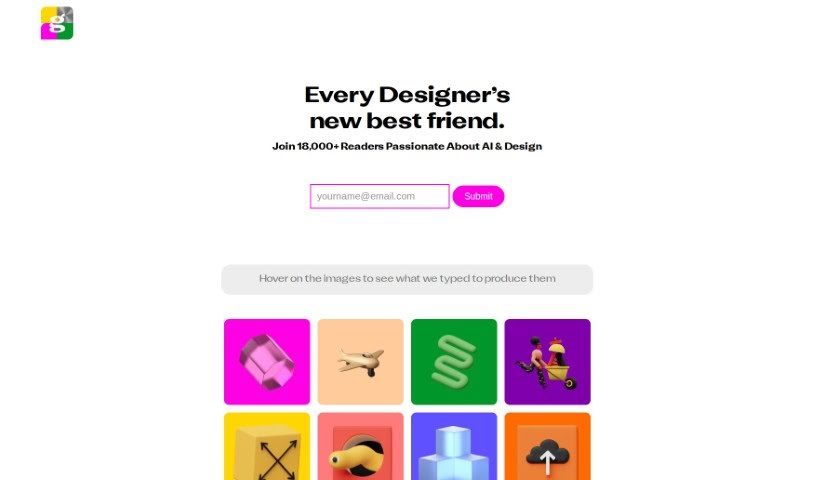
Magestic is a handy AI tool that lets you turn text into images. It also offers a collection of high-quality, unique icon sets that are already put together for you. What's really neat is that you can generate graphics and icons right inside Figma. This tool fits into the Image Generation category, and you'll need a paid subscription to use it. People often tag it with things like AI Art, UI/UX Design, and AI Icons. It's built using Webflow technology.

Screenshot of MeBoom

MeBoom

Freemium

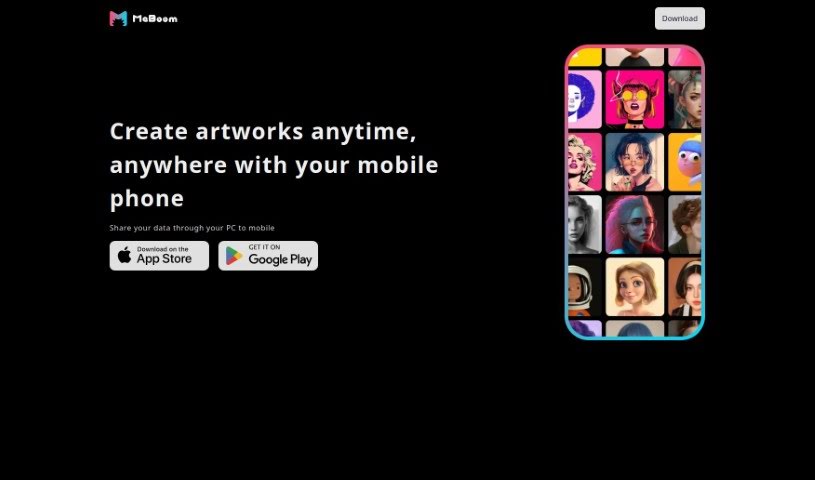
I couldn't find any specific details about "MeBoom" in the files you provided. If you could share a bit more context or information about it, I'd be happy to help you out with your request!

Screenshot of Meme Yourself

Meme Yourself

Freemium

Meme Yourself is a really neat AI-powered app that makes it super easy for anyone to create their own personalized memes. It is your go-to tool for generating fun and engaging content, all thanks to smart AI. It's designed to understand what makes a meme popular right now, so you can create unique and funny memes without needing any fancy editing skills or graphic design know-how. What's great is how customizable it is; you can really tweak the output to fit exactly what you're going for, making your memes more relevant and, of course, funnier.

Screenshot of Memefy-AI

Memefy-AI

Freemium

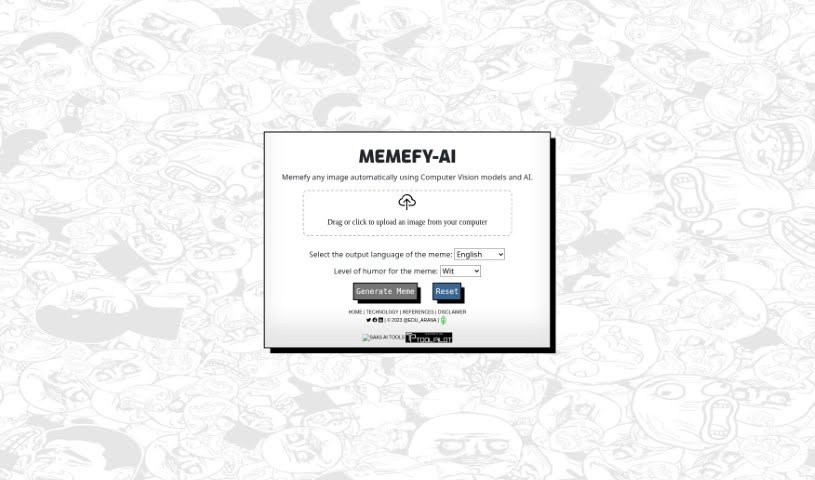
MemefyAI is a really neat tool that uses AI, specifically ChatGPT and computer vision, to help you make memes from pictures you upload. It's pretty straightforward: you just give it an image, and it figures out what's in it. Then, it adds some funny quotes that fit the picture, and you can even pick the language and how humorous you want it to be. It’s designed to be super easy, so you just drag or click to upload your image, choose your settings, and the AI does all the heavy lifting – the editing, the text insertion, everything. What really sets MemefyAI apart from other meme generators is this smart use of AI and computer vision. It means the memes it creates aren't just random; they're visually relevant and genuinely funny because the AI understands the image. You don't have to worry about any complicated manual editing or typing in text yourself; the AI handles it all automatically, making the whole process feel quite seamless.

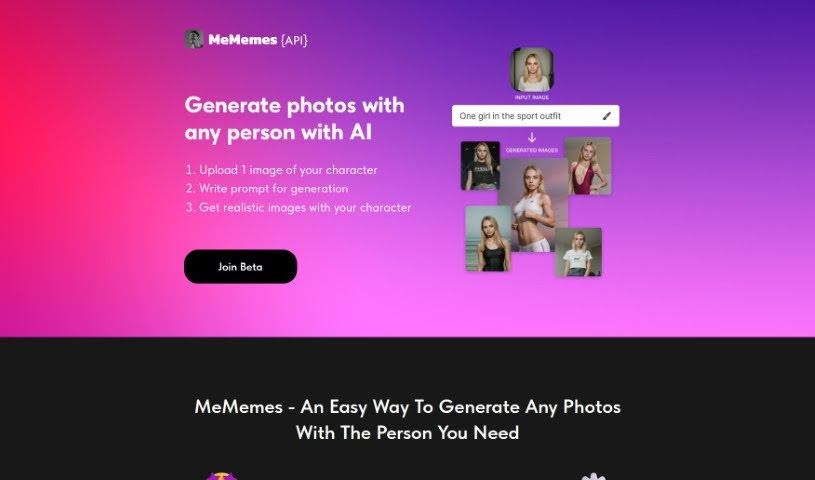
Screenshot of MeMemes app

MeMemes app

Freemium

MeMemes is a really neat AI-powered mobile app that's all about turning you and your friends into funny meme pictures. You can grab it for both iOS and Android. The cool part? You upload about 10 photos, and in return, you get more than 30 unique meme images where you're the star! Think of yourself as Giga Chad or even Shrek – the app can do that. What's also great is how fast and affordable it is; you get your meme images in just 6 seconds, and there's no need for any extra training. Plus, if you're a developer, MeMemes has a production-ready API that makes it super easy to plug into your own products.

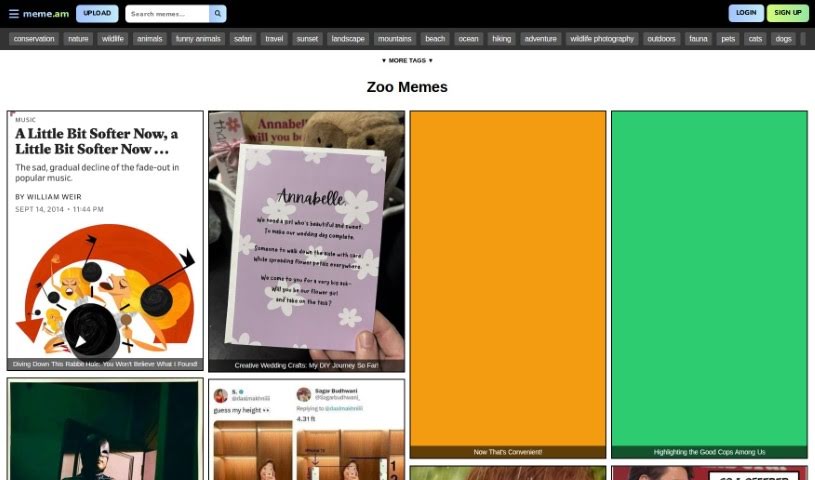
Screenshot of MemeZoo

MemeZoo

Freemium

MemeZoo is a neat platform from Flowbite. Basically, you describe a meme you have in mind, and its AI will bring that idea to life. It’s pretty cool! They offer a few different plans to fit what you need. There’s the Starter plan, which is great for personal projects or if you're just starting out. Then there’s the Company plan, designed for teams and offering more support. And for bigger operations, the Enterprise plan gives you extended rights for large-scale use. No matter which plan you pick, you get your own setup, no hidden costs, and varying levels of team support and free updates.

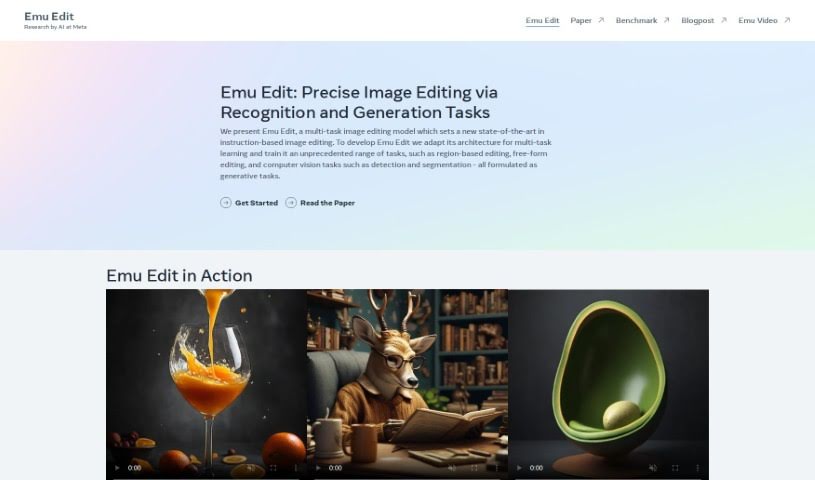
Screenshot of Meta Emu Edit

Meta Emu Edit

Freemium

Meta Emu Edit is a research tool that Meta's AI team developed. It's designed specifically for editing and benchmarking tasks, with the goal of making the editing process better using artificial intelligence. You can find a research paper that explains it all, and it's connected to Emu Video, which suggests its uses go beyond just text editing. Essentially, this tool likely helps improve and speed up editing tasks by using AI algorithms that Meta has developed, making content editing more efficient and effective.

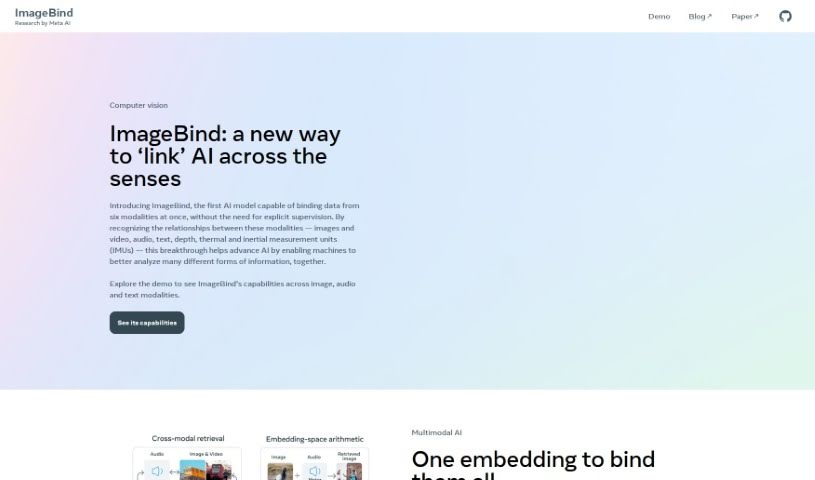
Screenshot of Meta ImageBind

Meta ImageBind

Freemium

Meta ImageBind is a really versatile multimodal model that Meta AI developed. Its main goal is to make it super easy to bring different kinds of data together, like images and other media. It uses some pretty advanced AI technology to make sure all these different data formats can work well with each other. This makes it a fantastic tool for anyone who works with data, whether you're a pro or just getting started. ImageBind really helps to blend images with other types of media smoothly, all thanks to its clever algorithms and an interface that’s easy to navigate. You can really get the most out of your projects by using what this model can do. It was actually designed by one of the top companies pushing the boundaries in artificial intelligence. Some of the standout things about it are its advanced abilities to handle multiple types of data at once, its straightforward interface, its clever, new algorithms, how smoothly it handles different data, and the fact that it’s built on Meta AI’s dependable framework.

Screenshot of Micropay

Micropay

Freemium

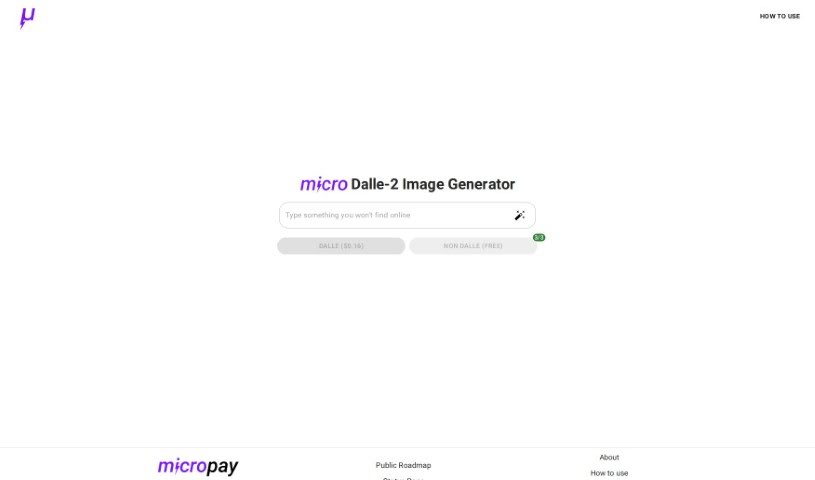
Micropay is a really interesting payment solution, created by Dillion and Haseab. They first built it because they needed a way to pay for using OpenAI's Dalle-2 text-to-image generator on a per-use basis. This setup lets you pay using the Lightning Network, which is pretty neat because it keeps things anonymous and means you don't have to prepay for a bunch of credits upfront. You know, traditional credit card companies often have a tough time with tiny payments because their fees are too high. But the Lightning Network, which is built on Bitcoin, makes it possible to do these microtransactions instantly and with very low fees, even on a massive scale. Think of Micropay like a vending machine for software – it’s a user-friendly and accessible way to pay for services exactly when you need them.

Screenshot of Microsoft Designer

Microsoft Designer

Freemium

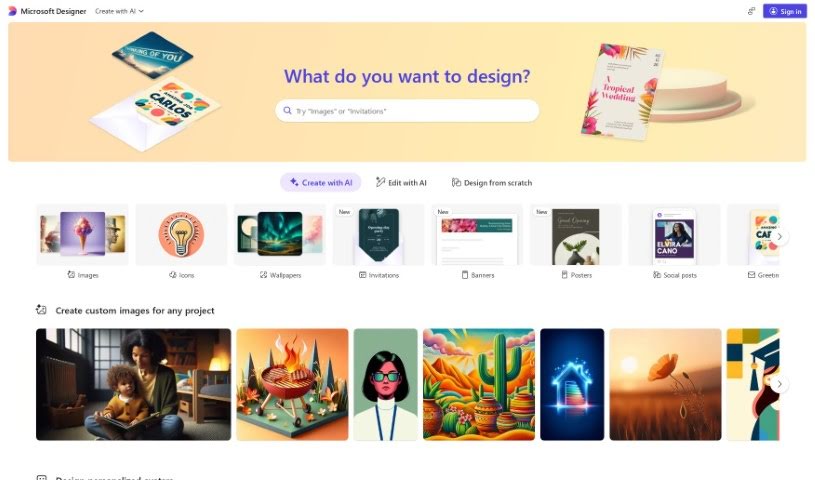
Microsoft Designer is actually a collection of tools designed to help you create great-looking content. It is a suite with different helpers, like PowerPoint Designer, Outlook Designer, and the broader Microsoft 365 Designer. PowerPoint Designer, for instance, is fantastic for making presentations look professional; it actually suggests design ideas based on what you've put in your slides. Outlook Designer helps you write emails that really grab attention by offering design tips. Then there's Microsoft 365 Designer, which is more about boosting productivity and making teamwork smoother for organizations. It provides ready-to-use templates and tools to help streamline your work. Essentially, Microsoft Designer aims to make designing easier for everyone using Microsoft apps, so you can create high-quality materials without a huge learning curve.

Screenshot of MidGenAi

MidGenAi

Freemium

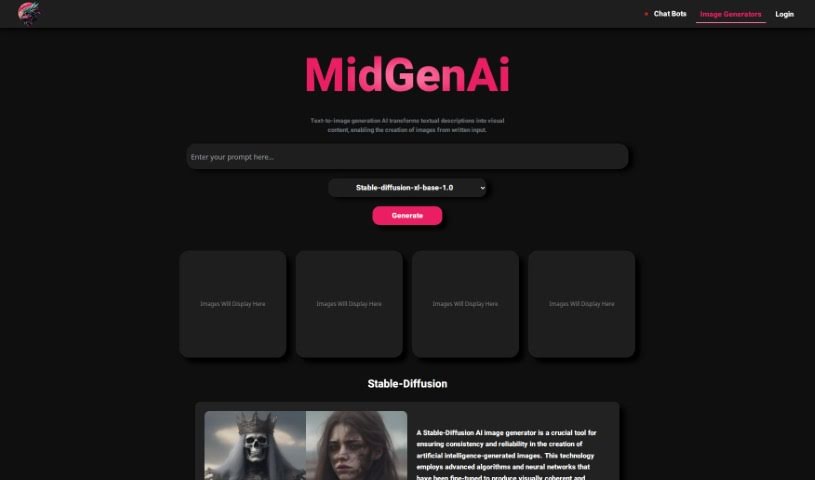
MidGen AI is a really neat AI-powered tool that turns your text descriptions into actual images. It's pretty versatile, offering five different trained models: StabilityAI, Absolute-Realism, EpicPhotoGasm, Realistic-V6, and Animagin. Each one has its own special flair, so you can pick the best fit for what you need. StabilityAI is great for getting consistent, reliable results every time you create an image. If you're aiming for super realistic images with tons of detail, Absolute-Realism is your go-to. EpicPhotoGasm is fantastic for adding cool effects and filters to make your visuals pop. Realistic-V6 is designed to generate images that look incredibly lifelike, while Animagin is perfect for creating charming cartoon-style images. What's awesome about MidGen AI is how it helps out in so many areas – think design, business, content creation, and marketing. Its interface is super user-friendly, and you can generate all sorts of different visuals just from text, without needing to sign up or pay anything.

Screenshot of Midjourney

Midjourney

Freemium

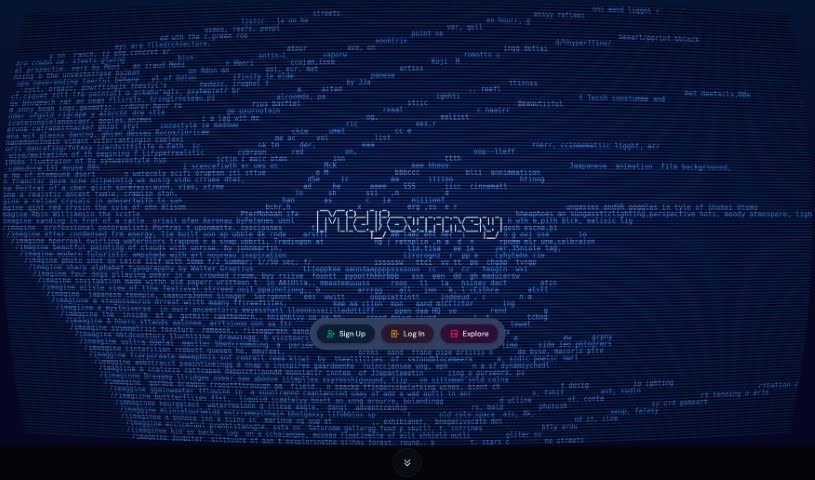
I couldn't find any specific details about Midjourney in the information you provided. Would you like me to try searching for it again, or is there something else I can help you with?

Stay Updated with AI Tools

Get weekly updates on the latest AI tools, trends, and insights delivered to your inbox

Join 25,000+ AI enthusiasts. No spam, unsubscribe anytime.