AI Tools for Data Analytics

Discover the best Data Analytics AI tools to enhance your productivity and creativity.

Page 27 of 30 • 357 total tools

Data analytics has changed a lot recently. With the massive amount of data generated every second, businesses are increasingly using AI tools to understand it all. We’re past the days of just using spreadsheets and manual analysis; now, there are sophisticated AI-driven platforms that can process huge datasets faster and more accurately than ever before.

These tools don’t just help you find trends and insights hidden in the data; they also let you make confident, data-driven decisions. Whether you’re a seasoned data analyst or just starting, the right AI tools can turn complex data into clear, persuasive stories.

As I’ve looked into this fast-moving field, I’ve checked out a bunch of AI data analytics tools that fit different needs—from predicting future outcomes to creating visualizations. Each tool offers its own set of features, letting you simplify your analysis or improve how you report your findings.

With new tools coming out all the time, picking the best ones can feel overwhelming. In this article, I’ll share my top picks for AI-driven data analytics tools, pointing out what they do well and what makes them stand out in this busy market. Let’s dive in and see how these new solutions can change how you work with data.

The best AI Data Analytics Tools

  1. Tableau: Great for visualizing insights to guide strategic decisions.
  2. DataCamp: Helps you get better insights through data visualization.
  3. Amplitude: Tracks user behavior and provides insights.
  4. Databricks: Offers real-time insights into business performance.
  5. Kaiber: Creates visualizations for insightful analysis.
  6. Scale AI: Provides real-time analytics for threat detection.
  7. Text Cortex: Simplifies the process of generating reports.
  8. Football Predictions AI: Analyzes match outcomes and makes predictions.
  9. Labelbox: Offers insights into data quality using its tools.
  10. Meta Gen AI: Helps analyze data trends with AI assistance.
  11. HubSpot Chatspot: Uncovers trends using visual data insights.
  12. Tomorrow.io: Enhances decision-making with data insights.
  13. Metaphor: Visualizes complex data relationships.
  14. Dimensions AI: Streamlines research data analysis processes.
  15. Dataminr: Identifies market trends for businesses.

How do AI data analytics tools work?

When you look at AI data analytics tools, you’ll find various platforms that promise to turn raw data into valuable insights. The core of these tools often relies on machine learning algorithms. These algorithms analyze patterns and trends in datasets to help inform decisions. Many of these tools act as user-friendly interfaces built on powerful analytical engines, designed to make complex processes simpler.

Basically, AI data analytics tools take in large amounts of data from different places, like databases, APIs, and spreadsheets. Then, they use various statistical methods and machine learning models to find connections and unusual patterns. This ability lets organizations make predictions based on past data and current trends, which helps with their strategic planning.

Most AI analytics tools use natural language processing (NLP). This lets users talk to the system naturally. By asking questions in plain language, people can get answers about the data without needing to be tech experts. This easy-to-use approach makes data accessible to everyone, allowing teams in different departments to find insights without needing data science skills.

Each tool might have different specific features, but they generally focus on showing data visually and creating reports. Dashboards offer a clear, interactive look at analytics results, letting users explore key metrics easily. The main goal is to turn complex data into compelling stories that can lead to smart decisions.

As these tools get better, their connection with cloud computing improves speed and scalability. Users can analyze data streams in real time, which helps them react quickly to changing situations. This constant flow of insights means businesses can stay ahead, adapt to market changes faster, and potentially do better than their competitors.

If you want to learn more about AI data analytics, looking into machine learning techniques and case studies of how they’ve been used successfully can give you deeper insights. Overall, combining AI with data analytics has the power to change how organizations operate in a world that relies more and more on data.

Our best AI data analytics tools at a glance

RankNameBest forPlans and PricingRating
1Tableauvisualizing insights for strategic decisionsN/A4.70 (43 reviews)
2DataCampenhancing insights with data visualizationPaid plans start at $25/month.4.71 (24 reviews)
3Amplitudeuser behavior tracking and insightsN/A4.18 (11 reviews)
4Databricksreal-time business performance insightsN/A4.82 (11 reviews)
5Kaiberdata visualization for insightful analysisPaid plans start at $5/month.4.62 (13 reviews)
6Scale AIreal-time threat detection analyticsN/A4.73 (11 reviews)
7TextCortexstreamlining report generation processesPaid plans start at $23.99/month.4.50 (10 reviews)
8Football Predictions AImatch outcome analysis and predictionsN/A4.67 (12 reviews)
9Labelboxdata quality insights with labelbox toolsN/A4.42 (12 reviews)
10Meta GenAIanalyze data trends with ai assistance.N/A4.20 (5 reviews)
11HubSpot Chatspotunlock trends through visual data insights.N/A4.75 (12 reviews)
12Tomorrow.ioenhance decision-making with data insights.N/A4.76 (17 reviews)
13Metaphorvisualizing complex data relationships.N/A4.70 (10 reviews)
14Dimensions AIstreamline research data analysis processesN/A4.29 (7 reviews)
15Dataminridentifying market trends for businessesN/A3.80 (5 reviews)
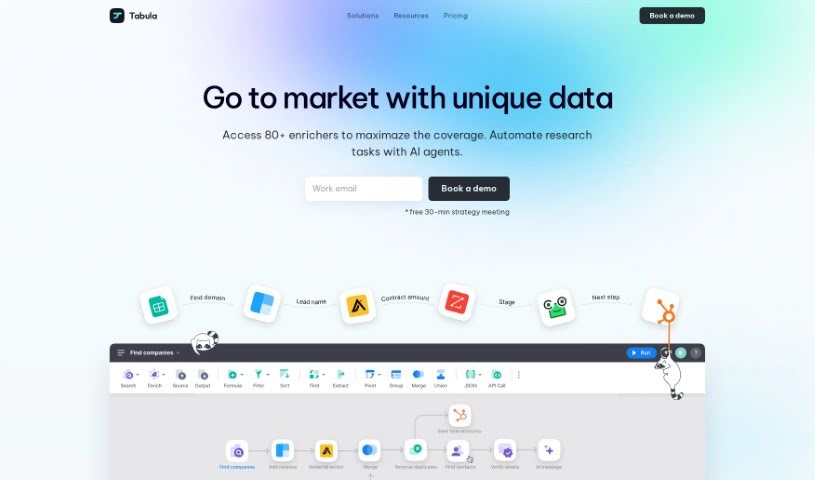
Screenshot of Tabula

Tabula

Freemium

Tabula is an AI-powered platform designed to help business and data teams with data transformation and visualization. It is your go-to tool for making sense of data without needing to be a coding wizard. It really helps teams make smarter, data-driven decisions. Whether you're in marketing, business operations, or data analysis, Tabula can bring together information from different areas – like sales and product data – to give you a complete picture of your business.

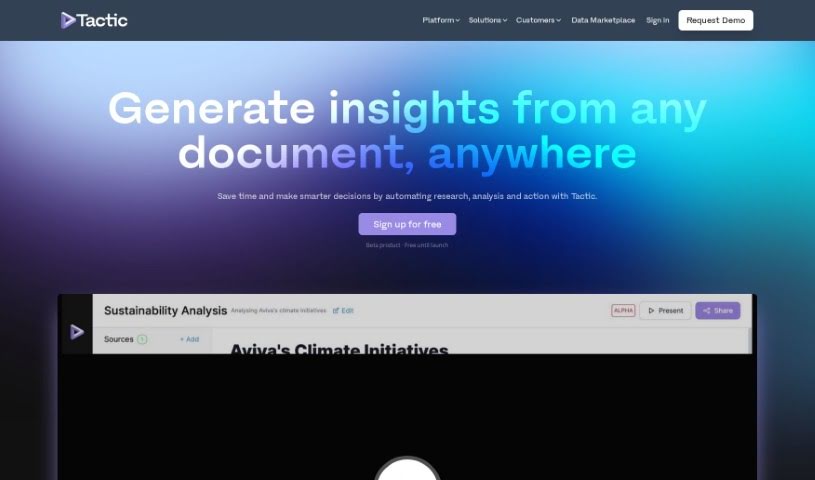
Screenshot of Tactic

Tactic

Freemium

A tactic is essentially a smart strategy or a specific method you use to reach a particular goal. When we talk about technology, a tactic might be a particular plan or technique designed to get tasks done more efficiently. For example, if you're using an AI app builder like Tactic, some common tactics could involve using its features to import data, pull out important information from text that isn't neatly organized, create visual representations of your data, and connect different information sources. All of this helps to make your work smoother and boost your productivity.

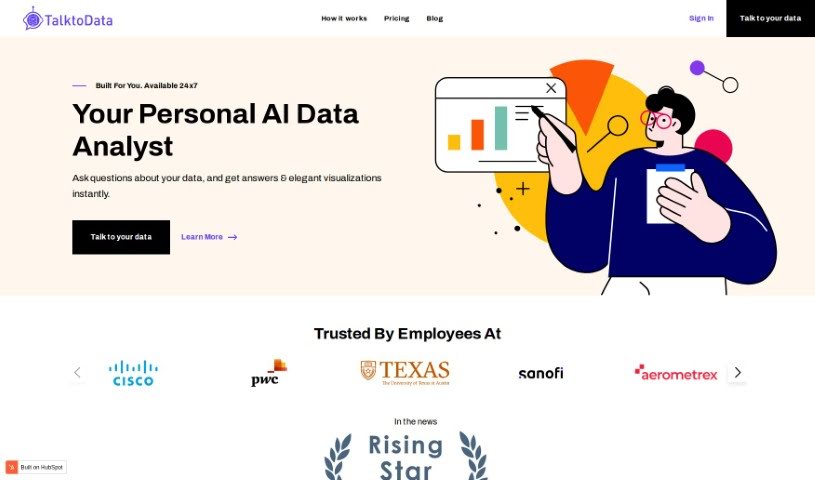
Screenshot of Talktodata Ai

Talktodata Ai

Freemium

TalktoData AI is your always-on AI Data Analyst. It's designed to help you dig into your data and find important insights without needing to write any code. You can easily connect your spreadsheets or SQL databases, then just ask your data questions. TalktoData AI will give you answers and create visualizations in real-time, whenever you need them.

Screenshot of Talktotables

Talktotables

Freemium

Talktotables is a really handy AI application that helps you manage and analyze your databases. It's built specifically to work with the Chinook database, offering features like seeing your data visualized in real-time, exporting it as CSV or JSON files, and even handling errors gracefully. You can also plug in your own custom queries. This tool makes data interchange and API development much smoother, handling various data needs efficiently. While it's currently focused on the Chinook database, it boasts a user-friendly interface, a modular design that's easy to adapt, and is accessible on GitHub for all your database manipulation tasks. Plus, it's great for tackling those tricky relational database operations and includes a helpful error detection feature.

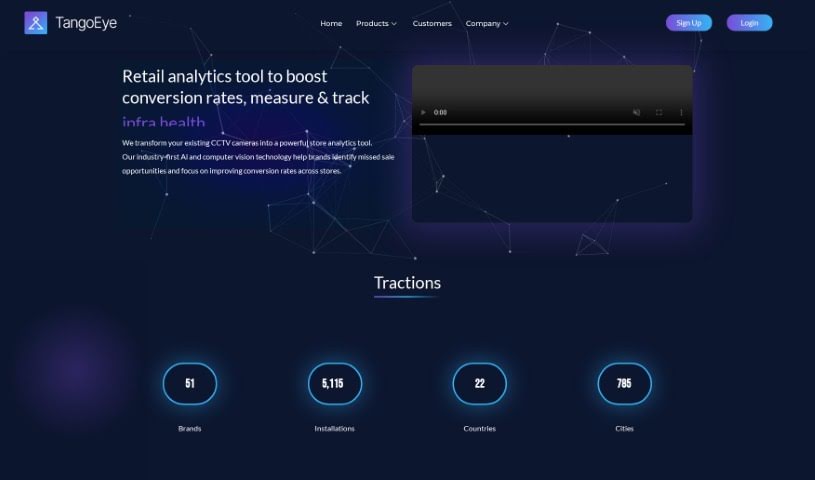
Screenshot of Tango Eye

Tango Eye

Freemium

Tango Eye is a retail analytics solution from Tango IT Solutions India Pvt Ltd. It's designed to give you practical insights by using artificial intelligence and advanced real-time analytics. The product suite includes Tango Traffic, Tango Zone, Tango RevOp, and Tango StoreOps. Together, these tools offer a deep dive into customer behavior and help boost store performance. Some of its standout features are AI-powered analysis of CCTV data, precise tracking of store traffic, customer engagement levels, and even missed sales opportunities. Plus, you get zone-wise customer activity insights, which are great for making specific improvements. Essentially, Tango Eye helps retail brands improve their in-store experience by using the latest AI and computer vision technologies.

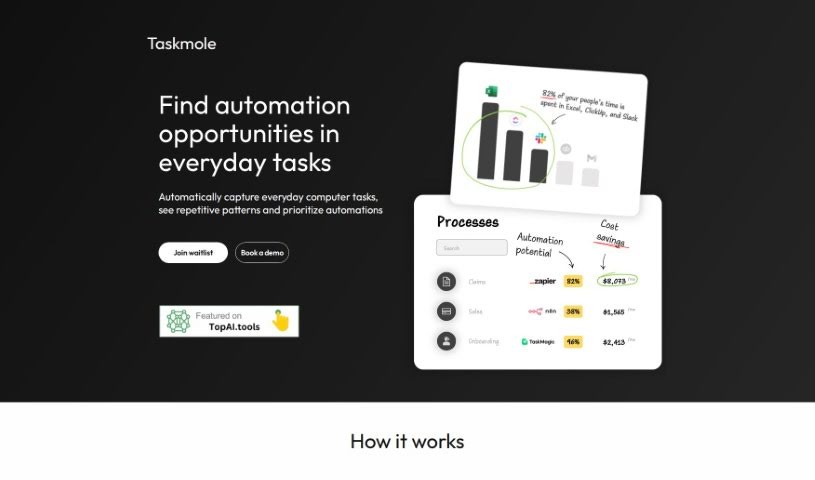
Screenshot of Taskmole

Taskmole

Freemium

Taskmole is your business's personal AI Doctor. It's designed to make your operations smoother and more automated. How? By bringing together task mining, process mapping, and smart automation suggestions all in one easy-to-use place. What really sets Taskmole apart is its ability to watch and record what you do on your computer every day, in real-time. This makes it super simple to map out your processes and figure out how to make things more efficient. Plus, Taskmole takes data security seriously. It uses encryption and works directly from your desktop, meaning you stay in control of your sensitive information. It also plays nicely with a lot of popular apps you might already use, like Zapier, Make, and n8n, as well as diagramming tools such as MS Visio, Miro, and Lucidchart. This makes it a really well-rounded solution for anyone looking to automate and improve their business processes.

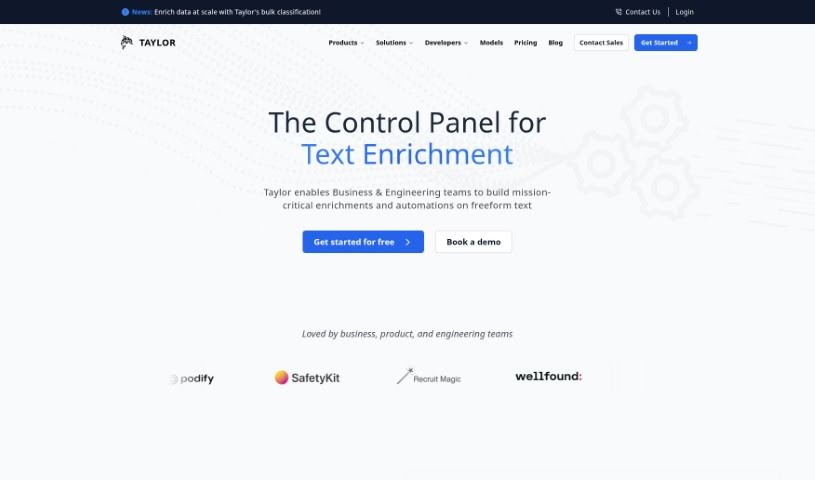
Screenshot of Taylor AI

Taylor AI

Freemium

Taylor AI is a sophisticated data engine built specifically for working with unstructured natural language data. It like BigQuery or Athena, but with a special focus on handling content that isn't neatly organized. Data engineers can use Taylor AI to build data pipelines that pull out valuable information from messy cloud file systems. This keeps your datasets clean and ready to go. What's really neat is that Taylor AI is dynamic; it adjusts to your daily data needs, so your pipelines can change and grow is you do. Plus, you can train AI models using Taylor AI's own AI Toolkit. This lets you classify text data right when it comes in, incorporating things like text embedding and classification directly into your data pipeline. It’s a great way to structure data, understand what users are saying, and even figure out their likelihood to buy something based on their messages.

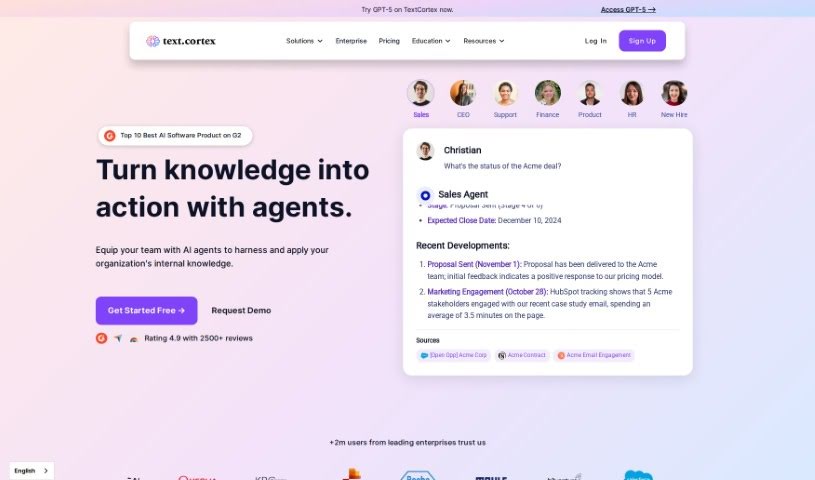
Screenshot of TextCortex

TextCortex

Freemium

TextCortex is your go-to AI writing assistant. It's built to help you slash writing time, tackle those big projects, and churn out great content without the usual typos or grammatical slip-ups. What's really neat is that it's customizable, offering a personalized AI experience tailored just for you. It boasts advanced writing and research skills, all while ensuring your content is error-free and unique, even in over 25 languages. Just remember, while the AI does the heavy lifting, it's always a good idea for a human to give it a final fact-check. You can start with a free plan that gives you 100 creations right away, plus 20 more every day. Plus, TextCortex learns your writing style and what you know, making it easier than ever to create content that's both high-quality and feels like you.

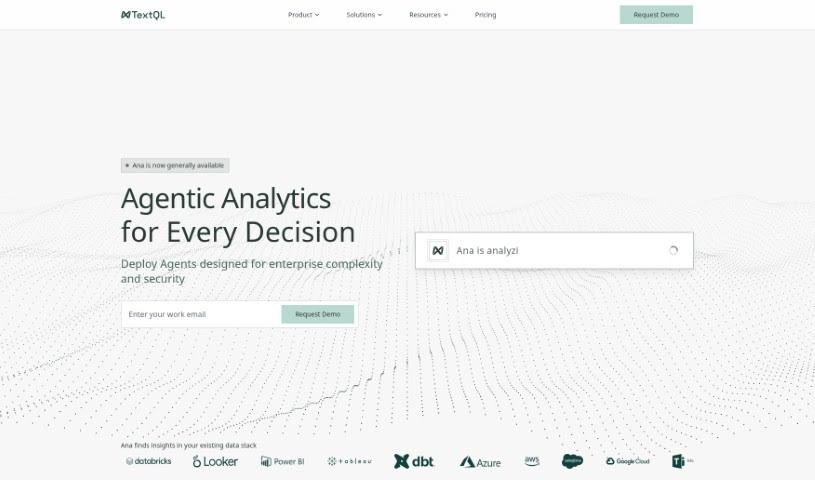
Screenshot of TextQL

TextQL

Freemium

TextQL is your company's own virtual data analyst, powered by AI. It makes getting insights from your business data super easy, letting you ask questions in plain English. It fits right in with your current data setups and tools like Slack and Teams. TextQL helps manage all your data, making sure everything follows the right rules. Its AI brain, named Ana, understands what you're asking, runs the analysis, and even creates charts for you. You can set it up to meet specific compliance needs, protect data with strong privacy features, and customize how it works for your team.

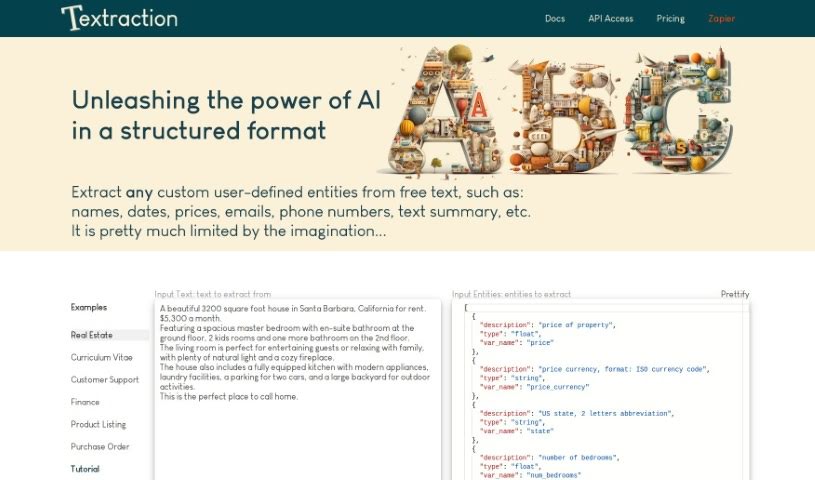
Screenshot of Textraction

Textraction

Freemium

Textraction is a really smart tool designed to take messy, unstructured text and turn it into neat, organized tables. It uses the latest AI to accurately pull out all sorts of different pieces of information. Plus, it gives you natural language descriptions, which makes it super easy to connect with other applications. The platform handles text in many languages and offers features that are simple to use, like quick integration and helpful customer support. Textraction is also upfront about how it works with its clear Terms of Use and Privacy Policy, so you can feel confident using it for your text extraction needs.

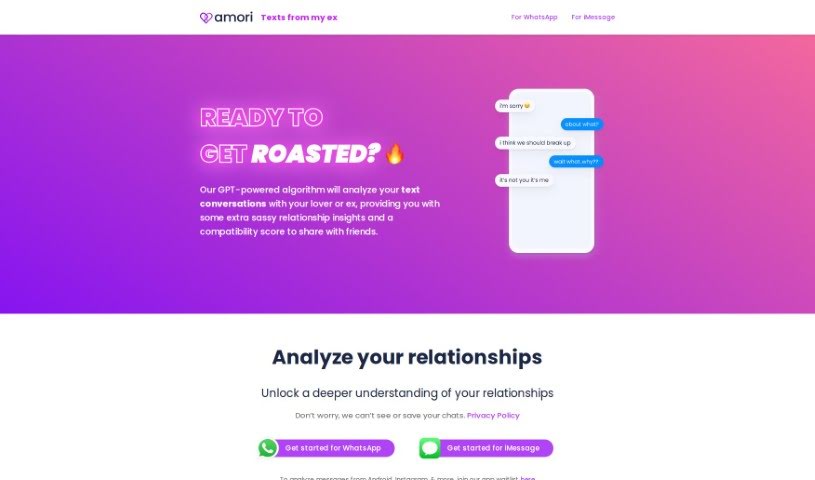
Screenshot of Texts From My Ex

Texts From My Ex

Freemium

"Texts From My Ex" is a really insightful look back at your past relationships, all through your text message history. It’s a neat tool that helps you dig into how you and your ex communicated, spotting patterns and little details you might have missed. The goal? To help you learn from those past exchanges, maybe understand things a bit better, and hopefully find some closure. It offers a user-friendly way to explore your old messages, giving you insights into communication styles, what made the relationship tick (or not tick!), and ultimately, helping you move forward with more clarity.

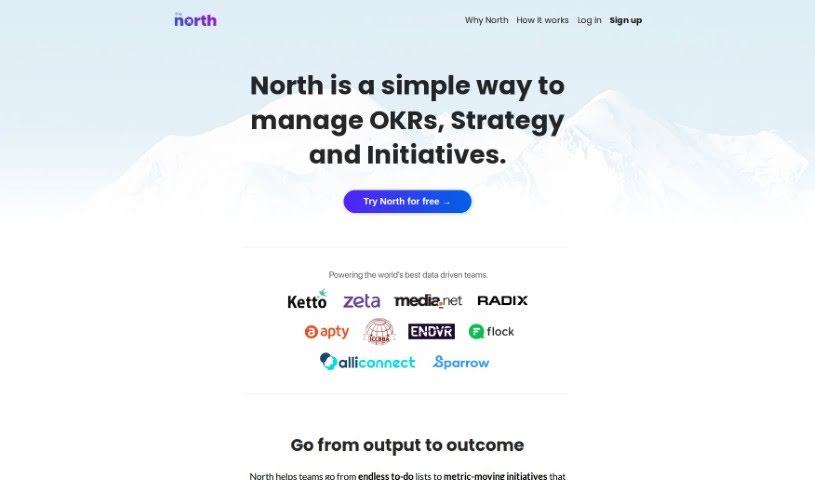
Screenshot of The North

The North

Freemium

"The North" is a smart management tool, especially helpful for businesses that rely on data. Its main goal is to make using Objectives and Key Results (OKRs) easier and more practical, helping to steer company initiatives and get everyone on the same page. It really pushes for a focus on what you achieve (outcomes) rather than just what you do (tasks), aiming for results that actually move the needle for your business. This tool is built to grow with you, whether you're a small startup or a large corporation. It's a real plus for remote teams, too, keeping everyone connected and focused on company goals, no matter where they are. North helps you figure out which projects are most important by linking them to specific key metrics. It also lets you keep an eye on how you're progressing toward your goals, helps with strategic planning using AI, and makes sure teams are aligned by using OKRs to connect company-wide objectives with day-to-day tasks. Basically, it helps you stay focused on the important milestones, gives you a clear view of your yearly business targets, makes sure everyone is working together, and lets you set and track goals. It even turns your regular to-do lists into actions that actually help you hit your metrics. If your data-driven business wants to achieve real impact, North is a great choice for driving your strategies and initiatives with OKRs.

Stay Updated with AI Tools

Get weekly updates on the latest AI tools, trends, and insights delivered to your inbox

Join 25,000+ AI enthusiasts. No spam, unsubscribe anytime.