AI Tools for App Builders

Discover the best App Builders AI tools to enhance your productivity and creativity.

Page 7 of 8 • 89 total tools

Customer needs change fast these days, so the demand for custom apps has really taken off. The problem is, building apps the old way can take a lot of time and money, which is tough for startups and businesses. That’s where AI app builders come in—they’re designed to make this process simpler and give more power to people with great ideas but not much coding experience.

These AI-powered platforms let you drag and drop elements, helping you build functional and good-looking apps much faster than before. By automating many development steps, businesses can concentrate on what really matters: giving their users value.

Having spent years exploring the tech world, I’ve seen how app development has changed. Today, the best AI app builders don’t just speed up creation; they also include advanced features like machine learning and user customization, offering a truly personalized experience.

If you’re ready to join the app-building movement and bring your ideas to life without getting bogged down in complex back-end details, you’ve come to the right place. Let’s look at the best AI app builders out there to help you make your ideas a reality.

The best AI App Builders

  1. Lovable: Great for improving user onboarding experiences.
  2. Replit AI: Offers code suggestions to speed up app development.
  3. Supabase: Helps with real-time app data synchronization.
  4. Bubble: Ideal for quickly prototyping web applications.
  5. Weights & Biases: Streamlines integrating models into apps.
  6. LangChain: Simplifies testing for LLM applications.
  7. FlutterFlow: Perfect for rapid mobile app prototyping.
  8. Builder AI: Lets you create custom no-code apps.
  9. Dify: Provides customizable AI chat support for apps.
  10. Writer: Helps you quickly develop customized AI applications.
  11. Softr: For no-code app development with custom layouts.
  12. Appy Pie: Lets you build apps without needing to code.
  13. Glif: Streamlines app UI design processes.
  14. Coze: Lets you craft intelligent chatbots for apps.
  15. MyShell AI: Simplifies app creation using AI tools.

How do AI app builders work?

AI app builders simplify app development by using machine learning. They let anyone, no matter their technical skill, create apps through easy-to-use interfaces. Most of these platforms use ready-made templates and drag-and-drop features, so you can put app features together quickly.

Behind the scenes, AI app builders often combine natural language processing with other AI tech. This helps them understand what you type and automatically create the code or app settings needed.

These platforms usually connect to different APIs and data sources. This means you can integrate with existing services and features, letting you build more complex apps without writing tons of code.

To make development even smoother, many AI app builders offer real-time collaboration. This lets multiple people work on the same project at once, boosting productivity and making it easier to share ideas.

If you want to build a more personal app, some platforms offer customization. You can change existing templates or even input specific details to control how your app behaves and looks, making the tool really flexible.

Basically, AI app builders make app creation accessible to everyone. They empower entrepreneurs and businesses to innovate without needing deep technical knowledge. They bridge the gap between creativity and technology, helping anyone with an idea bring it to life.

Our best AI app builders at a glance

RankNameBest forPlans and PricingRating
1LovableImproving user onboarding experiencesN/A4.84 (43 reviews)
2Replit AICode suggestions for rapid app development.N/A4.70 (44 reviews)
3SupabaseReal-time app data synchronizationN/A5.00 (32 reviews)
4BubbleRapid prototyping of web applicationsN/A4.73 (11 reviews)
5Weights & BiasesStreamlining model integration for appsN/A4.50 (12 reviews)
6LangChainStreamlined testing for LLM applicationsPaid plans start at $39/month.4.20 (5 reviews)
7FlutterFlowRapid mobile app prototyping.N/A4.18 (11 reviews)
8Builder AICreating custom no-code appsN/A4.36 (11 reviews)
9DifyCustomizable AI chat support for appsN/A4.73 (11 reviews)
10WriterRapidly develop customized AI applications.Paid plans start at $18/month.4.45 (11 reviews)
11SoftrNo-code app development with custom layoutsPaid plans start at $Free/month.4.33 (6 reviews)
12Appy PieBuild apps with no code required.N/A4.73 (11 reviews)
13GlifStreamlining app UI design processesN/A4.64 (11 reviews)
14CozeCraft intelligent chatbots for apps.N/A4.75 (12 reviews)
15MyShell AIStreamlining app creation with AI tools.N/A4.08 (25 reviews)
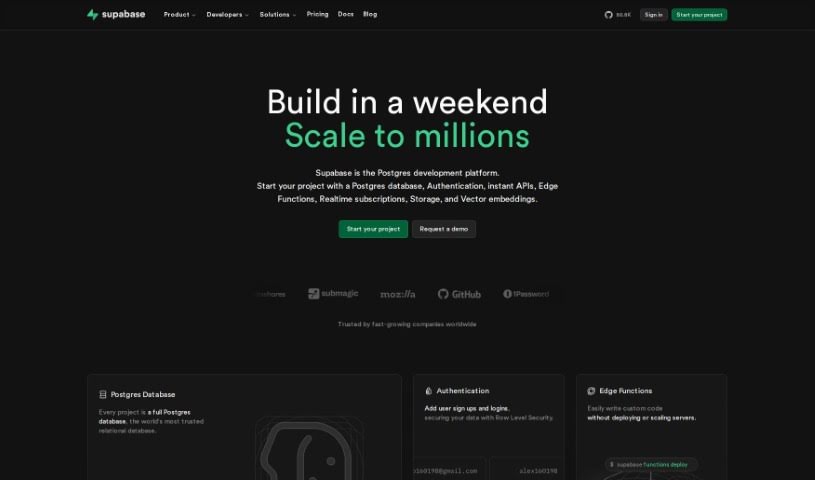
Screenshot of Supabase

Supabase

Freemium

Supabase is a fantastic open-source alternative to Firebase, packed with all sorts of powerful tools for building apps. With Supabase, you can get your projects off the ground really quickly. You get a solid Postgres database, easy authentication, instant APIs, edge functions, realtime subscriptions, and storage. Plus, Supabase Studio just got a major upgrade! Now it includes an AI-powered SQL editor that helps you write and change SQL code, a visual designer to see your database structure, a way to share SQL snippets with your team, tools to manage database roles and permissions, track schema changes, and even connect to outside data sources. People really like Supabase because it's so easy to set up, has great documentation, and generally offers a smoother experience than many other platforms out there.

Web Development View Tool →
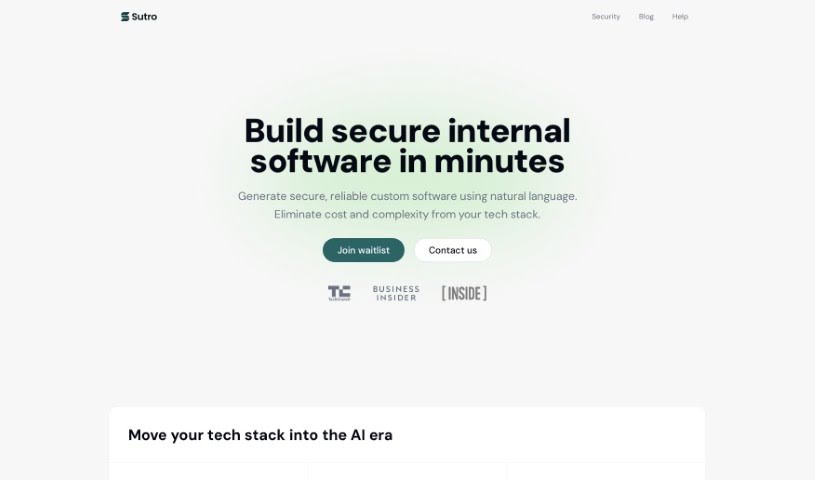
Screenshot of Sutro

Sutro

Freemium

Sutro is an AI-powered platform that makes building full-stack applications incredibly fast, and you don't need to write a single line of code. It uses advanced Large Language Models (LLMs) to handle the entire app development process automatically. This means people without technical backgrounds, like founders with great app ideas, can now create their own apps. Sutro really simplifies making custom, polished apps for iOS, Android, and the web. It even handles the backend setup for you. Plus, it comes with a design system that makes it easy to personalize your app and keep it updated after it launches. They've got a solid history, having helped 715 makers build 934 apps so far. The team behind Sutro includes experienced engineers, well-known investors, and advisors from the tech world. They're truly changing how apps are made by offering a smooth, automated way to build sophisticated applications.

Web Development View Tool →
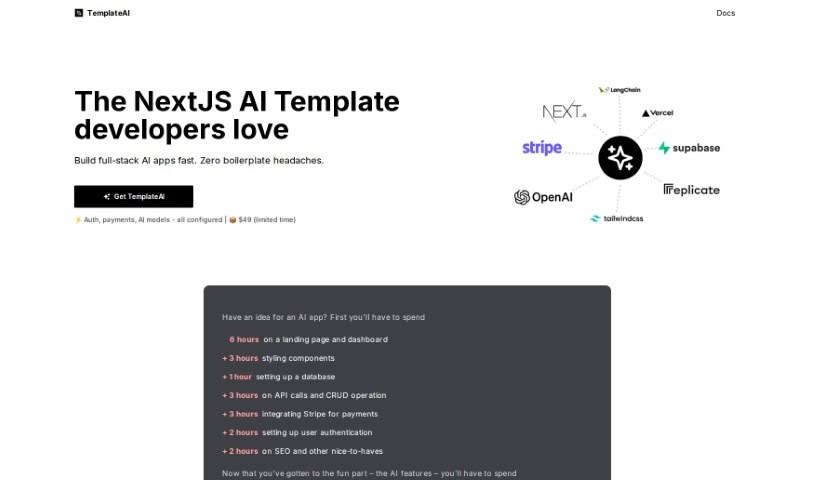
Screenshot of Templateai

Templateai

Freemium

TemplateAI is a really neat tool designed to make building full-stack AI applications much simpler and faster. It cleverly combines NextJS and Supabase to give you a head start. It is having a set of pre-built components and features ready to go. This includes things like generating images, creating text, and managing your database. Essentially, TemplateAI takes care of a lot of the groundwork – like setting up your landing pages, dashboards, and handling user logins – so you can spend more of your energy on the exciting AI features you want to build. Plus, you get lifetime updates and clear documentation to make things even easier.

Web Development View Tool →
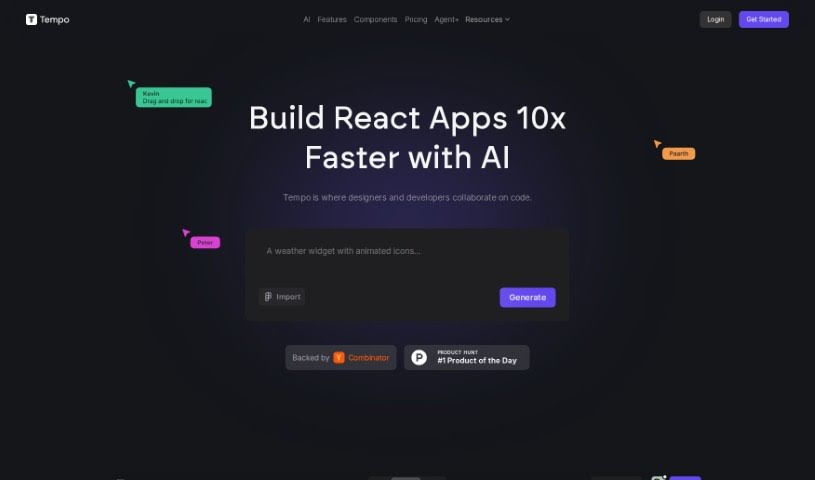
Screenshot of Tempo Labs

Tempo Labs

Freemium

Tempo Labs is a really smart AI design tool built specifically for React codebases. Its main goal is to make it much easier for designers and developers to work together. It fits right into your existing code, helping teams build and ship user interfaces up to 10 times faster than they normally would. Tempo uses AI to create and change React code, letting you build new views just by typing simple AI prompts, all while making sure it keeps up with your project's coding standards. The tool is designed to let you visually edit style and layout code, which means developers can spend less time fussing over CSS details and more time focusing on the core functionality of the application. Tempo can also import your React components, Storybook projects, or even help you create custom libraries using popular UI frameworks like MUI, Chakra, and Radix. It’s accessible for individual developers and startups with a free plan, and they also offer paid licenses for larger companies.

Web Development View Tool →
Screenshot of Together AI Llama Coder

Together AI Llama Coder

Freemium

Llama Coder is an AI-powered platform designed to help you generate code for your next app, specifically using Llama 3.1 405B. It is your automated coding assistant, built to help developers create applications more efficiently. By using AI-generated code, Llama Coder really helps streamline the app development process. The goal here is to boost your productivity and make coding simpler, whether you're building a complex application or a quick prototype.

Web Development View Tool →
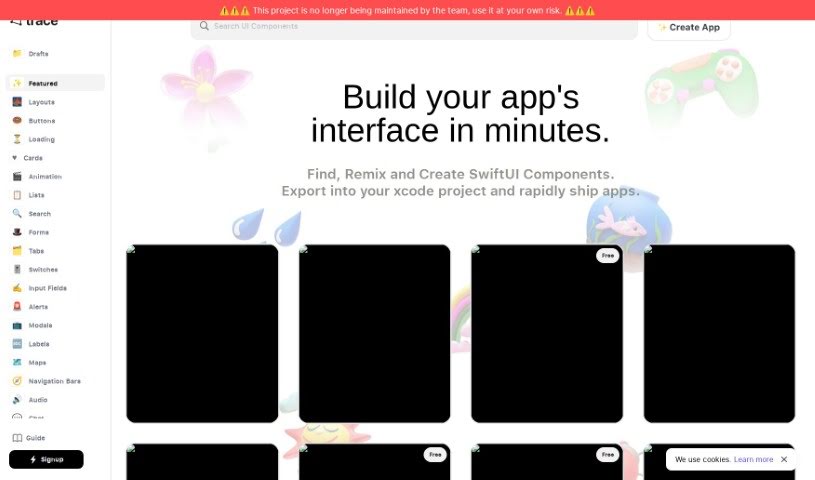
Screenshot of Trace

Trace

Freemium

When we talk about "Trace" here, we're actually referring to Trace.Page. It's a neat AI-powered tool designed specifically for creating and sharing Swift UI components. It is your go-to assistant for quickly designing and prototyping app interfaces. It uses artificial intelligence to turn your text descriptions into SwiftUI code. This means you can whip up designs for all sorts of apps – whether it's for fitness, social media, managing tasks, or handling payments – much faster. You can even export the SwiftUI code directly into your Xcode projects, or run the components right on your phone. The desktop version is pretty handy too; you can easily copy Swift code for components and even create your own custom UI elements. Plus, Trace has a community feature where you can share what you've made and team up with other developers, which really helps spark new ideas in app development.

Web Development View Tool →
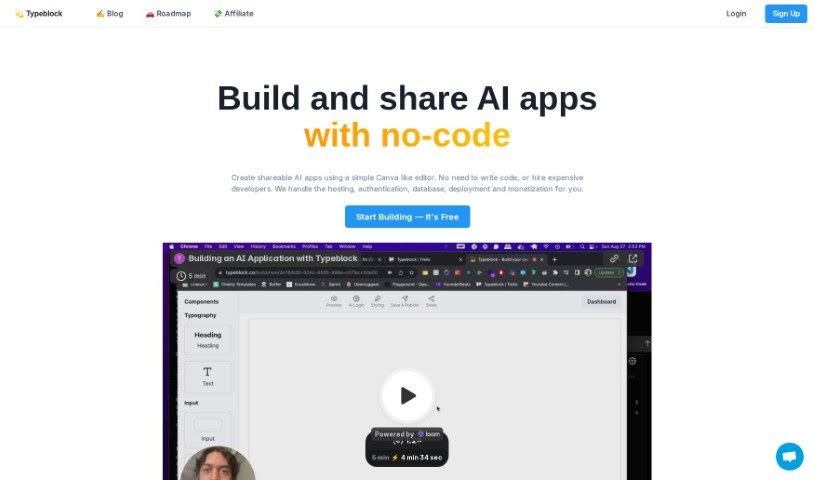
Screenshot of Typeblock

Typeblock

Freemium

Typeblock is a platform designed to help businesses build AI applications that they can easily share. Think of it like using a super user-friendly editor, similar to Canva, but for creating AI apps. The best part? You don't need to write a single line of code or hire expensive developers. Typeblock takes care of all the technical heavy lifting for you, including hosting, managing your database, handling user logins, processing payments, and getting your app out there.

Web Development View Tool →
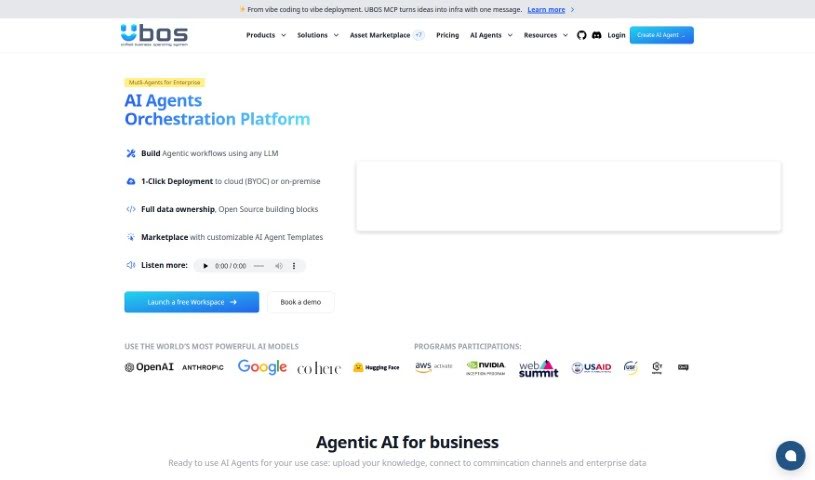
Screenshot of Ubos

Ubos

Freemium

Ubos is a really useful low-code/no-code platform. It's designed to help businesses and developers build and launch web applications quickly and easily, even if they don't have a lot of coding experience. It is a toolkit that lets you create custom admin panels, set up basic data management (CRUD functions), build dynamic dashboards, make chatbots, and connect with other services. It includes a Node-Red flow builder for visual programming, the Appsmith UI Builder, an extended UI editor, and a no-code tool for databases. Plus, Ubos comes with a deployment manager, pre-made templates for complex apps, a central workspace for managing all your tools, and features that help teams work together. While it offers a secure and reliable environment with plenty of UI options and an integrated API manager, it's worth noting that it has some limitations, like fewer database options and less support for custom machine learning integrations compared to some other platforms.

Web Development View Tool →
Screenshot of Vana

Vana

Freemium

Vana is a decentralized network built for your private, user-owned data, with a special focus on empowering user-owned AI. It is a place where you truly own, manage, and even earn from the AI models you help build. For developers, Vana offers access to data across different platforms, which is super useful for creating personalized apps and training advanced AI models. Plus, Vana really believes in making data flow freely, so they've introduced Data Liquidity Pools (DLPs) to break down the barriers of centralized data platforms and really push AI forward.

Web Development View Tool →
Screenshot of Weights & Biases

Weights & Biases

Freemium

Weights & Biases, or W&B for short, is a really helpful platform that's changing how we do machine learning (ML). It gives you a whole suite of tools designed to make your ML projects more productive and efficient. It is your central hub for everything ML.

Web Development View Tool →
Screenshot of Wetune

Wetune

Freemium

Wetune is a really neat platform that lets anyone, whether you're an individual or a business, build AI-powered apps without needing to be a coding expert. It makes adding artificial intelligence to your apps super simple, so both folks who don't code and seasoned developers can use it. With Wetune, you can tap into AI's power with just a few clicks. This means you can automate tasks, dig into your data, and create personalized experiences for users, all pretty efficiently. The platform's interface is easy to get the hang of, and its solid features help you build prototypes fast, letting you bring your ideas to life quickly and effectively.

Web Development View Tool →
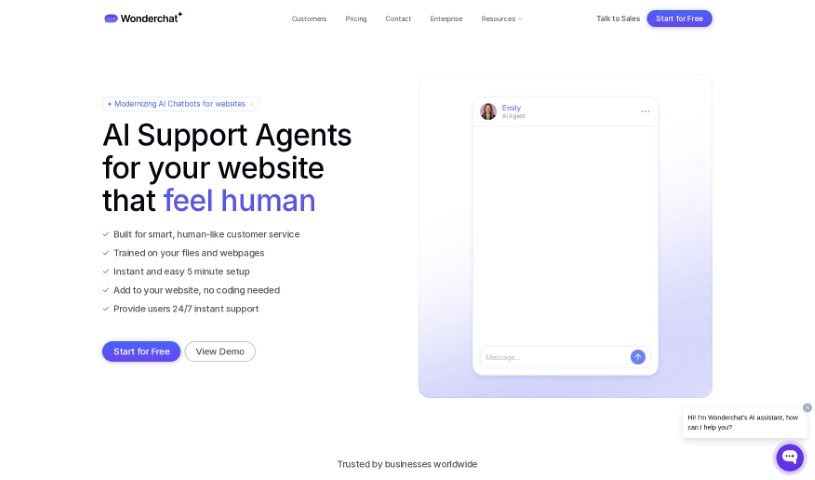
Screenshot of Wonderchat

Wonderchat

Freemium

Wonderchat is a tool that makes it super easy to build your own custom AI chatbots, powered by ChatGPT. It is a way to quickly create AI assistants that can chat with your customers. You train these chatbots using links to your website or PDF files you upload. Essentially, Wonderchat's chatbot reads through the text on your site and then uses that information to answer questions about your product or service. You get to customize how the chatbot behaves, review past conversations, see what customers think, and even train it to get better over time. Plus, it connects with other popular apps and websites you might already use.

Web Development View Tool →

Stay Updated with AI Tools

Get weekly updates on the latest AI tools, trends, and insights delivered to your inbox

Join 25,000+ AI enthusiasts. No spam, unsubscribe anytime.