AI Tools for AI Assistants

Discover the best AI Assistants AI tools to enhance your productivity and creativity.

Page 20 of 37 • 433 total tools

We’re living in an exciting time for digital assistants, with AI technology advancing fast to change how we handle our daily tasks. These virtual helpers have come a long way from simple voice recognition; they’re now sophisticated AI companions that can schedule appointments, answer questions, and even hold conversations.

With so many options out there, picking the right AI assistant for your needs can feel a bit overwhelming. You’ve got everything from voice-activated devices to powerful mobile apps – there really is something for everyone.

I spent some time checking out the most notable AI assistants available right now. I tested their features, how easy they are to use, and what makes them unique, all to help you sort through this busy market. Whether you need help getting organized or just want someone to chat with, you’ll find a good fit here.

So, let’s jump into the world of AI assistants and see which ones really stand out in this constantly changing digital space.

The best AI Assistants

  1. Monica: Great for easy chats with AI chatbots.
  2. Sider: Perfect for personalized virtual assistant conversations.
  3. Abacus.ai: Offers smart responses for users.
  4. Yeschat: Helps with smart scheduling and reminders.
  5. You.com: Streamlines everyday tasks with AI help.
  6. Merlin AI: Simplifies daily task management.
  7. MaxAI.me: Provides personalized virtual scheduling assistance.
  8. Chatgpt Online: Good for smart scheduling and task management.
  9. Casetext: Streamlines legal document review.
  10. Hume AI: Offers personalized customer support chatbots.
  11. Tavus: Features personalized AI assistant video interactions.
  12. Chatgpt For Google: Delivers quick answers through voice search.
  13. Retell AI: Provides smart voice control for daily tasks.
  14. Runway Research: Enhances AI assistant training data.
  15. Dola AI: Streamlines group event scheduling.

How do AI assistants work?

AI assistants work using a mix of natural language processing (NLP) and machine learning. These technologies are designed to understand and respond to what you say or type. Basically, they’re programmed to figure out your commands, questions, and what you’re trying to do, so they can give you the right information or get tasks done.

These assistants really depend on pre-trained models. These models look at huge amounts of data – text, audio, even images – to spot patterns and figure out the best way to respond. This training helps them grasp context and the subtle meanings in language, making interactions smoother.

When you give a command, the assistant breaks it down. It then uses different algorithms to decide the best response or action based on what you asked for.

Plus, many AI assistants use voice recognition. This means they can turn your spoken words into text. It makes using them feel more natural, as you can just talk instead of typing out your requests.

Behind the scenes, AI assistants get better over time through ongoing learning. As you use them, they collect data and learn from your interactions, tweaking their algorithms to give more accurate answers and understand your preferences better.

AI assistants also often connect with other services and apps, which makes them even more useful. This connection lets them do things like schedule appointments, send messages, or control smart home devices, making them handy tools for everyday life.

If you’re curious to learn more about how these technologies develop, check out the latest advancements in AI and machine learning. They keep changing how we interact with technology and each other, proving to be really helpful allies for our daily tasks and decisions.

Our best AI assistants at a glance

RankNameBest forPlans and PricingRating
1MonicaEasy chats with AI chatbotsN/A4.27 (11 reviews)
2SiderPersonalized virtual assistant chatsPaid plans start at $8.3/month.4.75 (12 reviews)
3Abacus.aiSmart response generation for usersN/A4.24 (21 reviews)
4YeschatSmart scheduling and remindersN/A4.18 (11 reviews)
5You.comStreamlining everyday tasks with AI helpN/A4.71 (17 reviews)
6Merlin AIStreamlining daily task managementPaid plans start at $19/month.4.33 (12 reviews)
7MaxAI.mePersonalized virtual scheduling help.N/A4.68 (19 reviews)
8Chatgpt OnlineSmart scheduling and task managementN/A4.30 (10 reviews)
9CasetextStreamline legal document review processes.Paid plans start at $250/month.4.79 (24 reviews)
10Hume AIPersonalized customer support chatbotsN/A4.78 (23 reviews)
11TavusPersonalized AI assistant video interactionsPaid plans start at $39/mo.4.81 (26 reviews)
12Chatgpt For GoogleQuick answers via voice searchN/A4.20 (5 reviews)
13Retell AISmart voice control for daily tasksN/A4.33 (9 reviews)
14Runway ResearchEnhancing AI assistant training data.N/A4.76 (21 reviews)
15Dola AIStreamlined group event schedulingN/A4.50 (6 reviews)
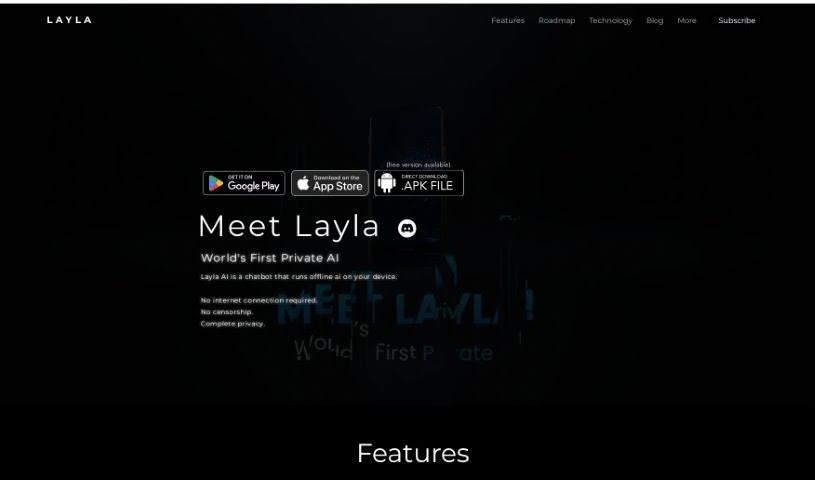
Screenshot of Layla

Layla

Freemium

Layla is a really interesting new personal AI tool. What makes it stand out is that it runs right on your phone or device, meaning you don't need an internet connection to use it. This is a pretty big deal because it means your conversations are completely private and uncensored. You're in charge of how you interact with your AI assistant. Layla also lets you customize your experience by choosing from different personalities. You can have friendly chats, get inspired to create content, ask it questions, look up facts, or even have some fun by having it impersonate celebrities or characters you like. The team behind Layla has big plans too! They're working on adding features like real-time internet search, task reminders, social features that include image generation, and even 3D character models. The AI uses some pretty advanced technology to run smoothly on everyday hardware, all while keeping your data private and giving you a unique, tailored experience.

Text Generation View Tool →
Screenshot of Le Chat by Mistral AI

Le Chat by Mistral AI

Freemium

Le Chat is your direct line to Mistral AI's powerful language models. It's designed for everything from just chatting to tackling big professional jobs, like writing code or digging into data. Since it handles multiple languages, people all over the world can use it. Mistral AI offers different models, each good for specific things, and the tool is still in beta, meaning they're actively working on making it even better based on what users like you say.

Text Generation View Tool →
Screenshot of Legacyai

Legacyai

Freemium

LegacyAI is a special kind of ChatGPT client, built specifically for older Mac systems. Think Macintosh computers running anything from System 7 all the way up to 10.11 (El Capitan). It essentially gives you an AI personal assistant right on your classic Mac, bringing the power of today's AI to Apple's vintage technology. You can even generate images with DALL-E, save and load your chats, tweak the AI models to your liking, and use your own proxy servers. Plus, it’s designed with security in mind, especially when sending information over older Mac OS versions like 7-9. The software itself is free to use; donations help cover API access and proxy server costs, which keeps some of these features running.

Text Generation View Tool →
Screenshot of Lemon Squeezy AI Chatbot

Lemon Squeezy AI Chatbot

Freemium

An AI chatbot is a smart computer program built to chat with people. It's designed to help you out or give you information, either by typing or talking. These chatbots use artificial intelligence, or AI, to figure out what you're asking. This way, they can give you the right answers or get things done for you. You'll often find AI chatbots on websites, in messaging apps, or used by customer service teams. They're great for making communication smoother and handling common tasks. As they chat with more people, they learn and get better at responding, offering more personalized help over time. Basically, AI chatbots are a big deal for keeping customers engaged and automating everyday jobs, all thanks to natural language processing and machine learning.

Text Generation View Tool →
Screenshot of Lennybot

Lennybot

Freemium

Lennybot is a specialized chatbot. It's been trained using Lenny's Newsletter, Lenny's Podcast, and some of his favorite writings on product development, growth strategies, and career advice. Because of this focused training, it can give you really specific answers based on that content. It is a direct line to the insights from Lenny's work.

Text Generation View Tool →
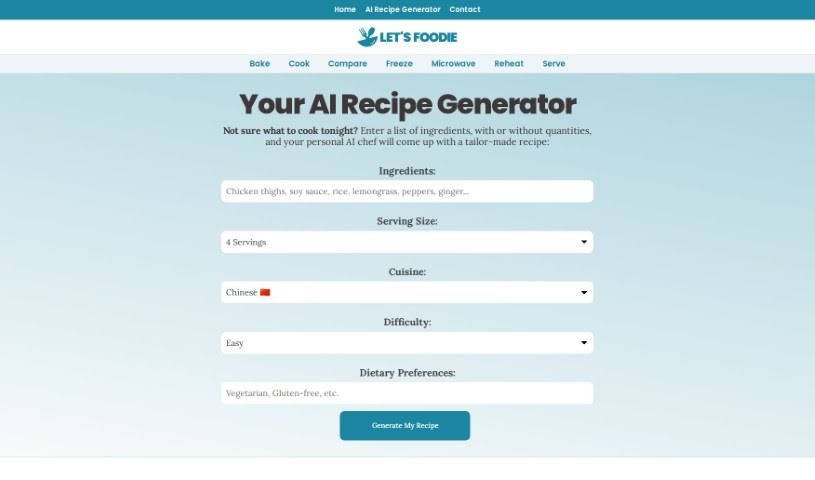
Screenshot of Let's Foodie AI Recipe Generator

Let's Foodie AI Recipe Generator

Freemium

Let's Foodie's AI Recipe Generator is a platform that first launched back in 2021. Its main goal is to help people find answers to all sorts of cooking questions, whether they're common or a bit more obscure. Essentially, it offers an AI-powered tool that can whip up personalized recipes. You just tell it what ingredients you have on hand, and it considers your dietary needs and any restrictions you might have. Beyond just recipes, the platform also provides handy information on things like freezing, reheating, and microwaving ingredients. Plus, you can find definitions for unique culinary terms and answers to frequently asked questions about cooking and baking. The team behind Let's Foodie is made up of folks who are really passionate about sharing interesting and informative content related to food.

Text Generation View Tool →
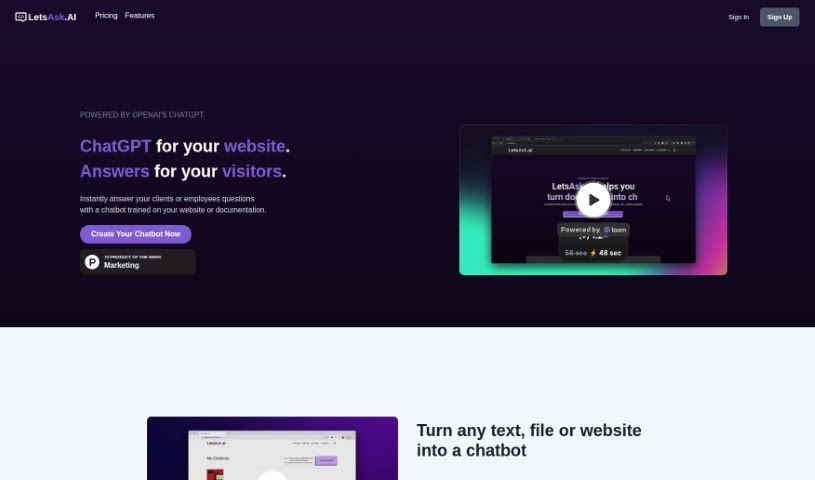
Screenshot of Letsask.ai

Letsask.ai

Freemium

LetsAsk.AI is a really neat platform that uses OpenAI's ChatGPT technology. What it does is let you build custom chatbots for your website. These chatbots can then give your visitors instant answers to pretty much any question they might have. The platform comes packed with features like chatbots you can totally customize, super easy ways to add them to your website, support for lots of different languages, solid security, and it's all GDPR compliant. Plus, they have different plans to fit what businesses need. You don't need to know any coding to build and launch these chatbots. They're designed to help you connect with and assist your audience, handle tasks automatically, and they've got these intuitive design tools and ready-made templates to make the whole user experience even better.

Text Generation View Tool →
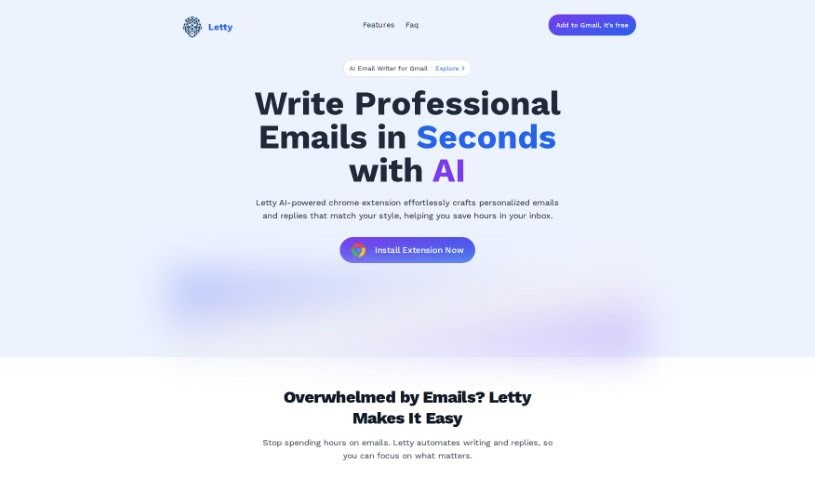
Screenshot of Letty

Letty

Freemium

Letty is your go-to assistant for writing email replies. It's designed to help you craft the perfect response, making your workday feel a whole lot smoother. People who use it really appreciate the suggestions Letty offers – they say they're always spot on, which really boosts how efficient and effective your communication becomes.

Text Generation View Tool →
Screenshot of Libraria

Libraria

Freemium

Libraria is a really flexible platform designed for managing virtual assistants. It lets you build your own AI assistants, tailored specifically to your needs, by using your own data and OpenAI's embeddings. It is a way to create a smart helper that knows exactly what you know. You can easily bring in your documents, connect it with other services through APIs, and then tweak things like the assistant's name, its picture (avatar), the instructions you give it (prompts), and its connections. This way, your AI assistant really fits what you're trying to do.

Text Generation View Tool →
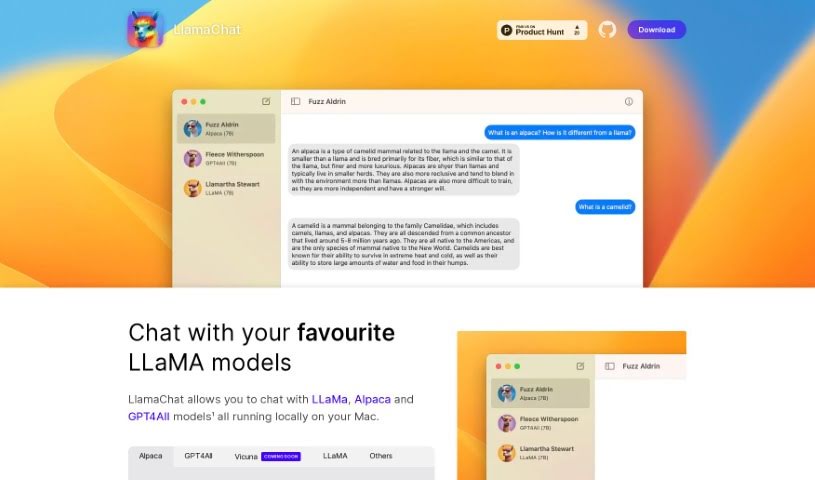
Screenshot of LlamaChat

LlamaChat

Freemium

LlamaChat is a really neat platform that lets you have engaging conversations with advanced AI models right on your Mac. It's designed so you can easily chat with popular LLaMa LLM models, like the Alpaca model. Alpaca is a 7B-parameter LLaMa model that Stanford fine-tuned to be a fantastic chatbot. What makes LlamaChat special is that it's completely open-source. This means you can use it for free, forever, and even get involved in its development. You can convert and import models using raw PyTorch checkpoints or .ggml files, which is pretty handy. It’s all thanks to open-source libraries like llama.cpp and llama.swift. The app is built for macOS 13, working with both Intel processors and Apple Silicon, and you can get it up and running with a simple brew command.

Text Generation View Tool →
Screenshot of LoveGenius

LoveGenius

Freemium

LoveGenius is an AI-powered dating assistant designed to really boost your online dating game. It helps you create compelling profiles and makes interactions smoother by using insights from thousands of successful dating profiles. It is using the science of attraction to give you personalized advice. This way, you can really show off your personality and land better matches on dating apps like Tinder and Bumble. The goal? To shake up online dating by offering creative, personalized profiles that are proven to attract higher-quality matches, all thanks to smart AI algorithms.

Text Generation View Tool →
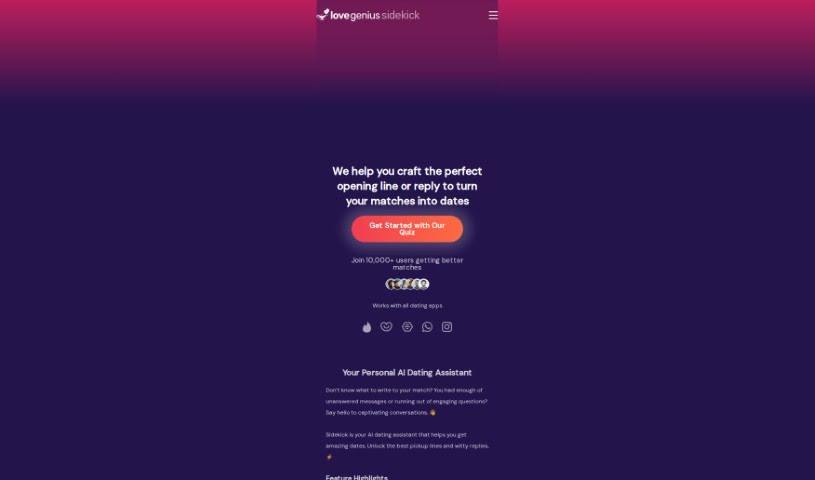
Screenshot of LoveGenius Sidekick

LoveGenius Sidekick

Freemium

LoveGenius Sidekick is your personal AI wingman, designed to make dating a whole lot easier and more fun. It helps you craft awesome dating profiles, come up with clever pickup lines, and even suggests witty replies for your chats. It works seamlessly with most dating apps and messaging platforms, and importantly, it really respects your privacy. The goal is to help you have more captivating conversations that actually lead to great dates.

Text Generation View Tool →

Stay Updated with AI Tools

Get weekly updates on the latest AI tools, trends, and insights delivered to your inbox

Join 25,000+ AI enthusiasts. No spam, unsubscribe anytime.