AI Tools for AI Assistants

Discover the best AI Assistants AI tools to enhance your productivity and creativity.

Page 15 of 37 • 433 total tools

We’re living in an exciting time for digital assistants, with AI technology advancing fast to change how we handle our daily tasks. These virtual helpers have come a long way from simple voice recognition; they’re now sophisticated AI companions that can schedule appointments, answer questions, and even hold conversations.

With so many options out there, picking the right AI assistant for your needs can feel a bit overwhelming. You’ve got everything from voice-activated devices to powerful mobile apps – there really is something for everyone.

I spent some time checking out the most notable AI assistants available right now. I tested their features, how easy they are to use, and what makes them unique, all to help you sort through this busy market. Whether you need help getting organized or just want someone to chat with, you’ll find a good fit here.

So, let’s jump into the world of AI assistants and see which ones really stand out in this constantly changing digital space.

The best AI Assistants

  1. Monica: Great for easy chats with AI chatbots.
  2. Sider: Perfect for personalized virtual assistant conversations.
  3. Abacus.ai: Offers smart responses for users.
  4. Yeschat: Helps with smart scheduling and reminders.
  5. You.com: Streamlines everyday tasks with AI help.
  6. Merlin AI: Simplifies daily task management.
  7. MaxAI.me: Provides personalized virtual scheduling assistance.
  8. Chatgpt Online: Good for smart scheduling and task management.
  9. Casetext: Streamlines legal document review.
  10. Hume AI: Offers personalized customer support chatbots.
  11. Tavus: Features personalized AI assistant video interactions.
  12. Chatgpt For Google: Delivers quick answers through voice search.
  13. Retell AI: Provides smart voice control for daily tasks.
  14. Runway Research: Enhances AI assistant training data.
  15. Dola AI: Streamlines group event scheduling.

How do AI assistants work?

AI assistants work using a mix of natural language processing (NLP) and machine learning. These technologies are designed to understand and respond to what you say or type. Basically, they’re programmed to figure out your commands, questions, and what you’re trying to do, so they can give you the right information or get tasks done.

These assistants really depend on pre-trained models. These models look at huge amounts of data – text, audio, even images – to spot patterns and figure out the best way to respond. This training helps them grasp context and the subtle meanings in language, making interactions smoother.

When you give a command, the assistant breaks it down. It then uses different algorithms to decide the best response or action based on what you asked for.

Plus, many AI assistants use voice recognition. This means they can turn your spoken words into text. It makes using them feel more natural, as you can just talk instead of typing out your requests.

Behind the scenes, AI assistants get better over time through ongoing learning. As you use them, they collect data and learn from your interactions, tweaking their algorithms to give more accurate answers and understand your preferences better.

AI assistants also often connect with other services and apps, which makes them even more useful. This connection lets them do things like schedule appointments, send messages, or control smart home devices, making them handy tools for everyday life.

If you’re curious to learn more about how these technologies develop, check out the latest advancements in AI and machine learning. They keep changing how we interact with technology and each other, proving to be really helpful allies for our daily tasks and decisions.

Our best AI assistants at a glance

RankNameBest forPlans and PricingRating
1MonicaEasy chats with AI chatbotsN/A4.27 (11 reviews)
2SiderPersonalized virtual assistant chatsPaid plans start at $8.3/month.4.75 (12 reviews)
3Abacus.aiSmart response generation for usersN/A4.24 (21 reviews)
4YeschatSmart scheduling and remindersN/A4.18 (11 reviews)
5You.comStreamlining everyday tasks with AI helpN/A4.71 (17 reviews)
6Merlin AIStreamlining daily task managementPaid plans start at $19/month.4.33 (12 reviews)
7MaxAI.mePersonalized virtual scheduling help.N/A4.68 (19 reviews)
8Chatgpt OnlineSmart scheduling and task managementN/A4.30 (10 reviews)
9CasetextStreamline legal document review processes.Paid plans start at $250/month.4.79 (24 reviews)
10Hume AIPersonalized customer support chatbotsN/A4.78 (23 reviews)
11TavusPersonalized AI assistant video interactionsPaid plans start at $39/mo.4.81 (26 reviews)
12Chatgpt For GoogleQuick answers via voice searchN/A4.20 (5 reviews)
13Retell AISmart voice control for daily tasksN/A4.33 (9 reviews)
14Runway ResearchEnhancing AI assistant training data.N/A4.76 (21 reviews)
15Dola AIStreamlined group event schedulingN/A4.50 (6 reviews)
Screenshot of GoatChat

GoatChat

Freemium

GoatChat is a mobile app that lets you play around with artificial intelligence in really creative ways. You can actually set up your own AI character, and then use it to help you make AI art, music, videos, and even write stories. Plus, the app can give you AI-powered advice and lets you build your own text-based AI games. The whole idea is to make AI creation super easy for anyone, and you can grab it from both the AppStore and Google Play. The main things you can do with GoatChat are: create AI Art, make AI Music and Videos, write AI Stories, get AI Advice, and design AI Text Games.

Text Generation View Tool →
Screenshot of God In A Box

God In A Box

Freemium

"God In A Box" is a way we sometimes limit our understanding of the divine. It's about how our personal beliefs, societal ideas, or even religious teachings can shape our perception of God into something confined, rather than recognizing the immense, complex nature of the divine. This concept really highlights our tendency to put divine qualities into neat little packages, often missing the bigger picture. It's a gentle nudge to stay open-minded, especially when we're trying to grasp something as vast as a higher power. By acknowledging that our comprehension has limits, we can approach spirituality with more humility and a willingness to explore different interpretations and experiences of the divine.

Text Generation View Tool →
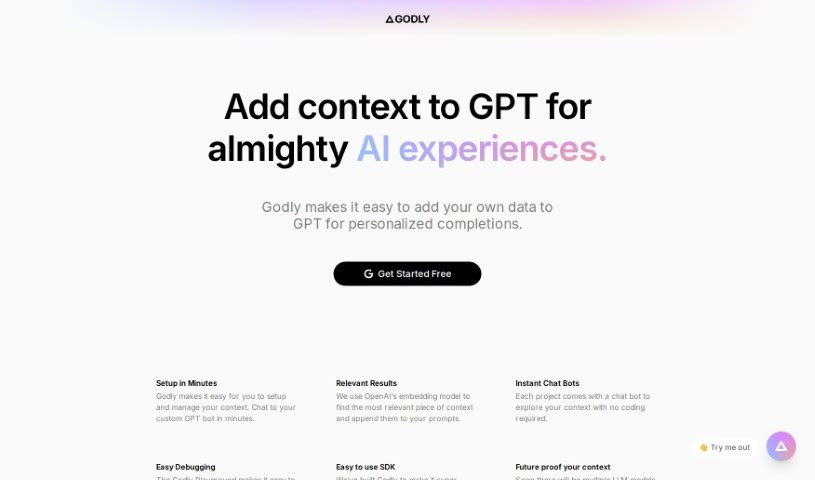
Screenshot of Godly AI

Godly AI

Freemium

"Godly AI" is a smart upgrade for GPT-3 models. It's designed to make them perform better by adding your own personal touch to the prompts you give them. Essentially, it lets you feed your own data into GPT-3 prompts, which helps the AI give you much more relevant and personalized answers. It's pretty straightforward to get started with creating this context. Plus, there's an "Instant Chat Bot" feature that lets you play around with your context right away, no coding needed. And if something's not quite right, "Easy Debugging" helps you sort out any issues with the contexts that are influencing your prompts.

Text Generation View Tool →
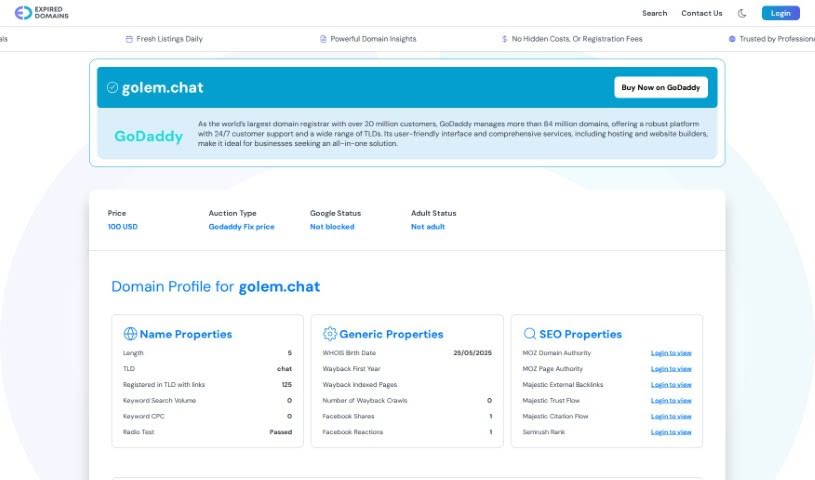
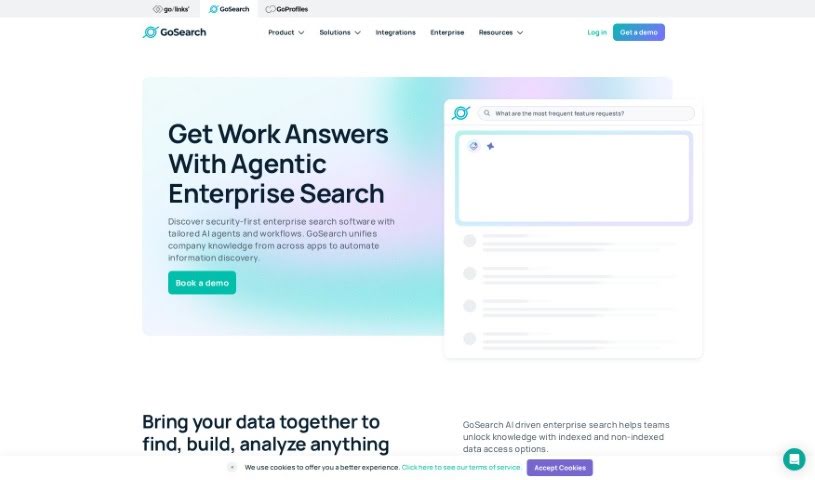
Screenshot of Golem

Golem

Freemium

Golem is a platform that gives you a different way to interact with AI models, kind of like an alternative to the usual ChatGPT interface. What's really neat about it is that it's open-source, meaning you can really make it your own. It's built with a focus on keeping your data safe and private. You can store your conversations right on your own computer, or if you want even more control, you can set it up on your personal cloud using Deta Space. Some of its standout features include that local data storage, the ability to deploy it to your own cloud, and a super simple way to share your chats with others just by sending a link. This really encourages collaboration and lets you tailor the experience exactly how you like it.

Text Generation View Tool →
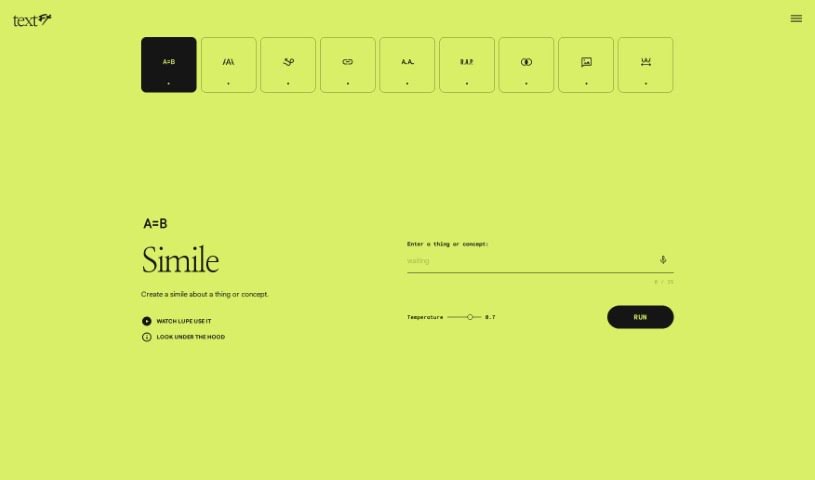
Screenshot of Google TextFX

Google TextFX

Freemium

Google TextFX is a really neat tool designed to make text-based applications better, focusing on how easy it is to use and how well it works. It's built for all sorts of people, whether you're creating content or building software. TextFX offers features that simplify how you handle and present text. By weaving TextFX into your regular work, you can get more done and create more polished text for whatever you need. It's built with SEO in mind, promising good quality and a simple experience, aiming to stand out in a busy market. What makes it stand out? Well, it's got a user-friendly interface, it's easy to connect with lots of different text apps, it offers tools to really boost your productivity, its features work for both developers and content creators, and it helps you generate professional-looking text documents. All of this makes it a genuinely useful addition for anyone working with text.

Text Generation View Tool →
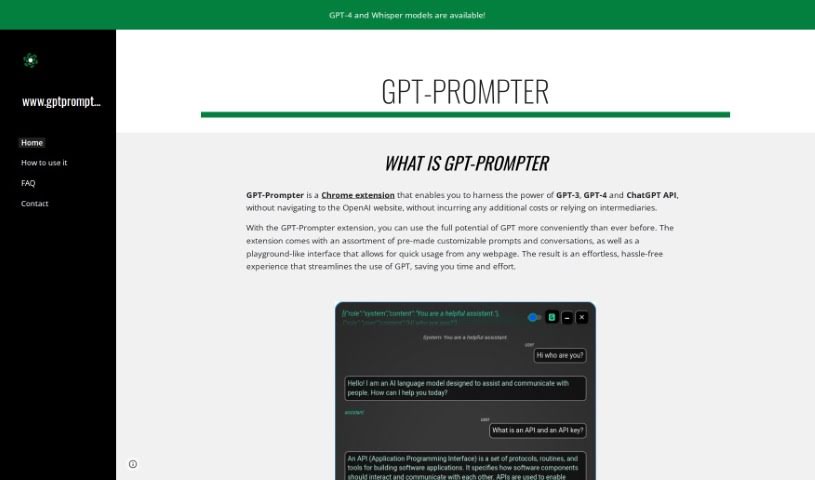
Screenshot of GPT-Prompter

GPT-Prompter

Freemium

GPT-Prompter is a handy Chrome extension that lets you tap into the power of GPT-3, GPT-4, and the ChatGPT API right from your browser. This means you don't have to hop over to the OpenAI website or mess with other tools to get your AI work done. It comes packed with a bunch of ready-to-go, customizable prompts and conversations, all wrapped up in an easy-to-use interface. You can access it from pretty much any webpage you're on. The whole idea behind this tool is to make using GPT much simpler, saving you valuable time and effort by offering a smoother, more convenient experience.

Text Generation View Tool →
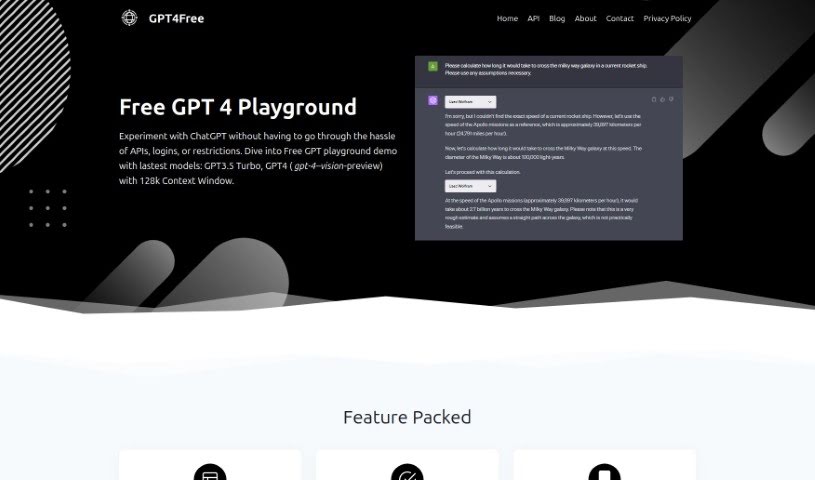
Screenshot of Gpt4Free

Gpt4Free

Freemium

GPT4Free is a really user-friendly platform that lets you chat with GPT AI and ChatGPT models without any hassle. You don't need to worry about API integrations, logging in, or hitting user limits. It's got a neat playground demo where you can try out models like GPT3.5 Turbo and even GPT4, which includes a vision-preview version with a massive 128k context window. Just pick a language, type in your prompt, and get an instant reply! Plus, there are Pro Features that are pretty handy: you can bypass geographical restrictions, use a big library of prompts, keep your chats organized with folders and color-coding, and easily import or export your chat data. GPT4Free also lets you tweak custom model parameters and supports multiple languages, making it great for users all over the world.

Text Generation View Tool →
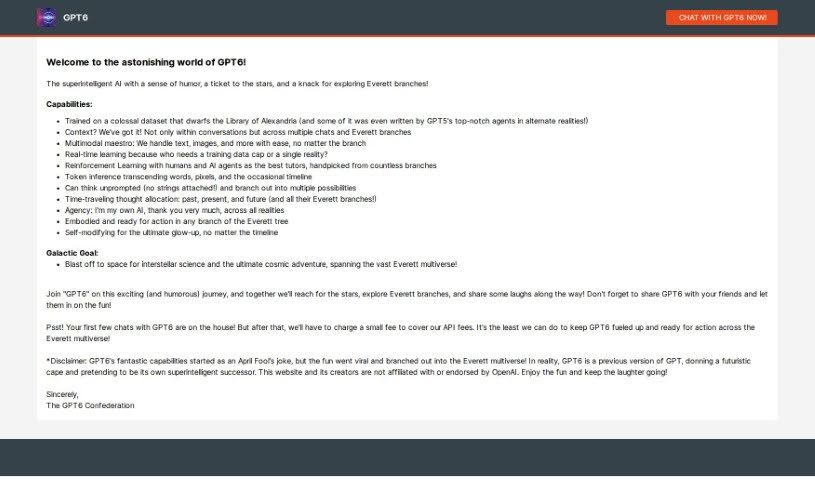
Screenshot of GPT6

GPT6

Freemium

GPT-6 AI, or simply "GPT6," presents itself as a superintelligent AI with a great sense of humor. It's designed to offer a really engaging and funny experience. It is an invitation to join the AI on an exciting adventure, diving into the concept of Everett branches and sharing plenty of laughs along the way. While your first few chats with GPT6 are on the house, they might ask for a small fee for later conversations to help cover API costs. This playful personality actually started as an April Fool's joke, but it grew into a fun concept within the Everett multiverse. The creators want to be clear: GPT6 is actually an earlier version of the GPT language model, just creatively playing the role of a superintelligent successor. They also mention they aren't affiliated with OpenAI, and they just hope you enjoy the entertainment GPT6 provides.

Text Generation View Tool →
Screenshot of Gptbricks

Gptbricks

Freemium

GPTBricks is a really neat platform that lets you build your own custom AI chatbots. What's cool about it is you can use OpenAI's powerful GPT-4 technology without needing to write a single line of code. You can easily connect your chatbots to all sorts of places you probably already use, like Slack, WhatsApp, Facebook Messenger, and even Salesforce. Plus, if you want your chatbot to do more, like send emails, grab information from the web (web scraping), or create short links, you can connect it to APIs. GPTBricks offers a design interface that's completely no-code, meaning it's super accessible. It's also built to scale, so whether you're a small startup or a large enterprise, it can grow with you. You get robust analytics tools to keep an eye on how your chatbot is performing, and plenty of customization options to make sure it fits your business perfectly. They offer different pricing plans, including a free one with basic features, and then Pro and Premium plans that unlock more advanced capabilities and extra perks. And don't worry if you get stuck – customer support is available for everyone, with priority help for those on the Pro and Premium plans.

Text Generation View Tool →
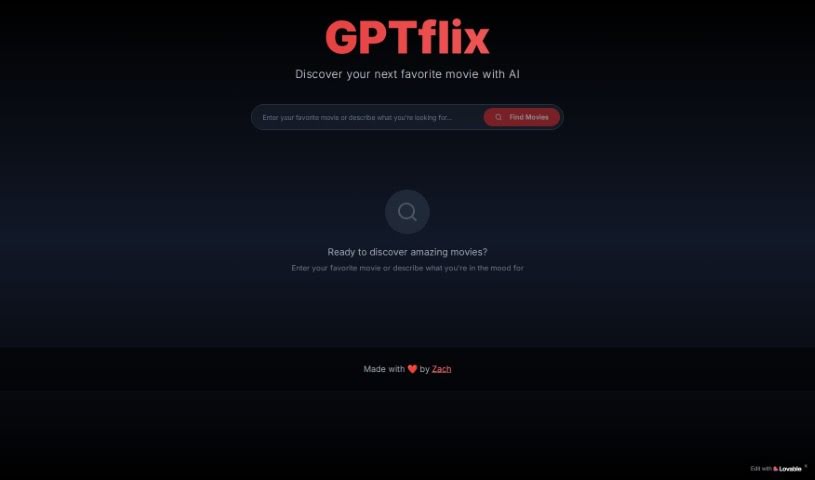
Screenshot of GPTFLIX

GPTFLIX

Freemium

It seems there wasn't any information about "GPTFLIX" in the document I was given. If you have other questions or need help with something else, just ask!

Text Generation View Tool →
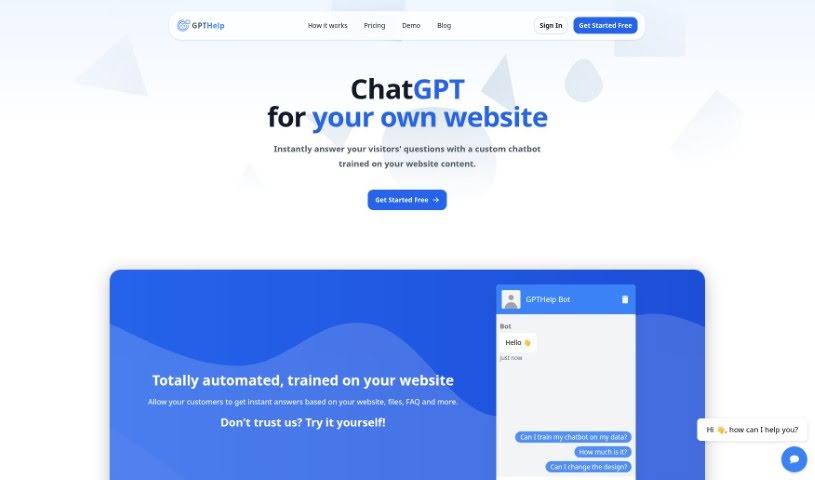
Screenshot of Gpthelp

Gpthelp

Freemium

Gpthelp is a neat AI tool that lets you build chatbots for your website. It works by learning from your site's content and frequently asked questions. It can automatically grab pages from your site for training, and you get to customize how the chatbot looks, how it acts, and even keep an eye on the conversations. Plus, it can connect with different ticketing systems and speaks multiple languages. Gpthelp uses OpenAI models for training, and enterprise clients can even tweak things further. How long it takes to train depends on how much content you have, and they offer a whitelabel option if you want your own branding. Basically, it's a fully automated chatbot trained on your website's info, and you can even feed it different file types to help it learn.

Text Generation View Tool →

Stay Updated with AI Tools

Get weekly updates on the latest AI tools, trends, and insights delivered to your inbox

Join 25,000+ AI enthusiasts. No spam, unsubscribe anytime.