AI Tools for Writing

Discover the best Writing AI tools to enhance your productivity and creativity.

Page 5 of 13 • 156 total tools

In today’s super-fast digital world, writing something great isn’t just about having a good idea—it’s often a race against the clock. That’s where AI writing tools come in. They’ve really changed how we create content. Whether it’s marketing copy or a creative story, these tools promise to boost your productivity and spark your imagination.

There are so many options out there now, it can feel overwhelming trying to pick the right one for you. Big names like Microsoft and Google, along with newer startups, are all trying to get your attention. What started as a cool new thing has become a must-have in our writing toolkit.

As I looked into the best AI writing tools, I went through a lot of them, checking out what they can do. The trick to really using them well is knowing how to use them effectively. These tools can make your voice stronger and your writing smoother, but you’re still the one guiding the final result.

If you’re ready to improve your writing and find tools that make your process simpler, you’ve come to the right place. Let’s explore the best AI writing tools that can help you turn your ideas into content that makes an impact.

The Best AI Writing Tools

  1. Chat Blackbox: For smart writing help and corrections.
  2. Ahrefs AI Writing Tools: Great for making SEO articles better.
  3. Copyleaks: Helps content creators check for plagiarism.
  4. Tiny Wow: Lets you easily create engaging paragraphs.
  5. Merlin AI: Useful for outlining engaging blog posts.
  6. Sudowrite: Perfect for brainstorming creative story ideas.
  7. Hyper Write AI: Makes content creation simple and efficient.
  8. Novelcrafter: Helps you easily organize character and lore details.
  9. Voila: Enhances your writing with smart suggestions.
  10. Copy.ai: Creates content effortlessly in just seconds.
  11. GPT for Work: Crafts engaging blog post outlines.
  12. Type AI: Offers real-time writing enhancement tools.
  13. Compose AI: Speeds up script writing.
  14. Typli.ai AI Text Generator: Creates content for blogs and articles.
  15. Handwrytten: Makes personalized notes for clients.

How Do AI Writing Tools Work?

AI writing tools mainly use large language models (LLMs). Think of these as really smart computer programs trained to guess what text should come next based on what you give them. When you type in a prompt, the model looks at all the information it’s learned—from books, articles, and stuff online—to create a response that makes sense.

These models, like OpenAI’s GPT and others, basically learn how humans write by looking at massive amounts of text. This helps them understand context, tone, and style, so they can produce writing that sounds natural and interesting.

Most AI writing tools you see are built on these core LLMs. Often, they add their own special features to stand out. But since many use the same basic technology, you’ll find similar abilities across different platforms.

Plus, companies are keen to add AI writing features to their existing products, like Microsoft Word and Google Docs. By partnering with companies that already provide LLMs, they avoid the huge task of building their own models and can quickly improve their software.

In practice, using AI writing tools is as easy as typing in a prompt and letting the model generate text. What’s really powerful is how the model can understand and connect ideas, making it useful for all sorts of writing tasks—whether you’re writing essays, drafting emails, or even coming up with creative stories.

As this field keeps advancing, AI writing tools will only get better. As they evolve, we can expect even smarter text generation, which will open up more uses and change how we work with them.

Our Best AI Writing Tools at a Glance

RankNameBest ForPlans and PricingRating
1Chat BlackboxSmart writing help and correctionsN/A4.67 (12 reviews)
2Ahrefs AI Writing ToolsContent optimization for SEO articlesN/A4.75 (28 reviews)
3CopyleaksPlagiarism detection for content creatorsN/A4.58 (12 reviews)
4TinyWowEffortlessly craft engaging paragraphsPaid plans start at $5.99/month4.36 (11 reviews)
5Merlin AICrafting engaging blog post outlinesPaid plans start at $19/month4.33 (12 reviews)
6SudowriteCreative brainstorming for story ideasPaid plans start at $10/month4.79 (28 reviews)
7HyperWrite AIContent creation made easy and efficientPaid plans start at $192/year4.76 (17 reviews)
8NovelcrafterEasily organize character and lore detailsN/A4.73 (11 reviews)
9VoilaEnhance your writing with smart suggestionsN/A4.83 (12 reviews)
10Copy.aiEffortless content creation in secondsN/A4.17 (6 reviews)
11GPT for WorkCrafts engaging blog post outlinesN/A4.17 (6 reviews)
12Type AIReal-time writing enhancement toolsPaid plans start at $23/month4.18 (11 reviews)
13Compose AISpeed up script writingN/A4.18 (11 reviews)
14Typli.ai AI Text GeneratorContent creation for blogs and articlesN/A4.64 (33 reviews)
15HandwryttenPersonalized note creation for clientsPaid plans start at $3.25/card4.75 (8 reviews)
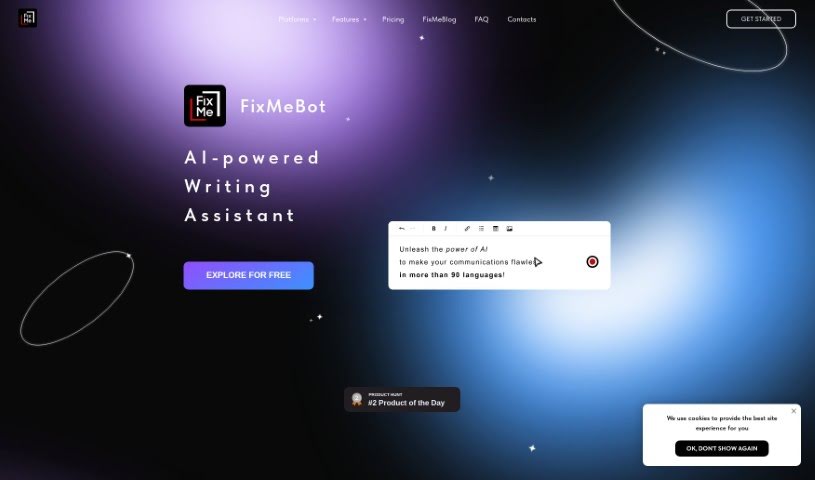
Screenshot of Fixmebot

Fixmebot

Freemium

FixMeBot is an AI-powered language assistant that's really good at helping you fix up your texts, rephrase sentences, and translate content quickly. It's packed with features: you can correct mistakes, paraphrase what you've written, translate into over 90 languages, change how long your text is, add emojis and hashtags, get explanations, and even use a special "Magic Mode" for extra help. You can pick a subscription plan that fits what you need, from Basic all the way up to Pro. If you want to give it a spin first, the Free plan lets you try everything with 5,000 characters. Got questions or need help with payments? Just shoot an email to FixMeBot. You can use it right in your web browser or directly through Telegram. Basically, FixMeBot is designed to break down language barriers and clear up writing errors, offering a smart AI solution to make your communication much smoother.

Text Generation View Tool →
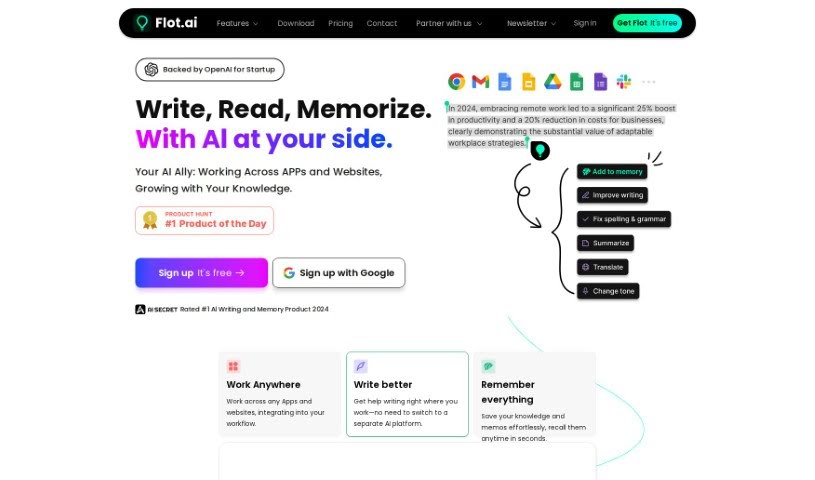
Screenshot of Flot AI

Flot AI

Freemium

Flot AI is a really smart tool that brings AI help right into your writing tasks. It is your personal writing assistant, ready to help you write, improve, rephrase, summarize, translate, and a whole lot more. It offers intelligent suggestions as you type, making your writing clearer and better in real-time. Plus, it's got some neat features like a chatbot for interactive conversations, support for over 200 languages, and the ability to work with pretty much any app or website you use on your computer.

Text Generation View Tool →
Screenshot of Fluxy AI

Fluxy AI

Freemium

Fluxy AI is a platform packed with AI tools designed to help you create content, record your screen, keep a daily journal, design newsletters, and a whole lot more. It offers some neat features like letting you customize the AI's persona, adjust its creativity levels with sliders, and get super-fast responses when you're writing. The big idea behind Fluxy AI is to make your tasks smoother, save you time and money, and really boost your creativity.

Text Generation View Tool →
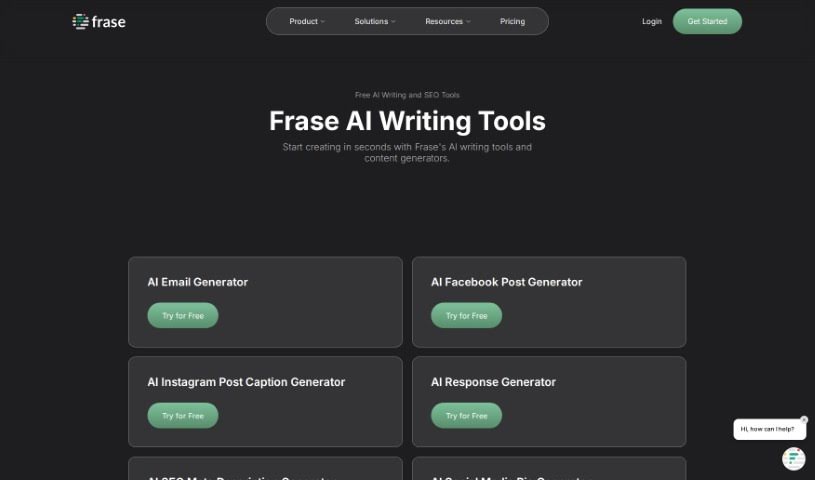
Screenshot of Frase.io

Frase.io

Freemium

Frase.io is a really handy AI writing and SEO tool packed with features to help you create content. It is your all-in-one assistant for writing. It offers a whole suite of tools, including an AI Content Generator, an Introduction Generator, an Outline Generator, a Paraphrasing Tool, and a Paragraph Rewriter. You'll also find a Blog Title Generator, Description Generator, a way to find 'People Also Ask' questions, a Product Description Generator, a Slogan Generator, a Summary Generator, a Value Proposition Generator, and even a Sentence Rewriter. All these tools are built to help you craft unique and engaging content, making the whole process faster and more effective. Plus, Frase provides helpful resources like a Live Product Walkthrough, a Blog, a Crash Course, and a Help Center to really get you going. Basically, Frase is designed to make creating content quicker, simpler, and more efficient for everyone.

Text Generation View Tool →
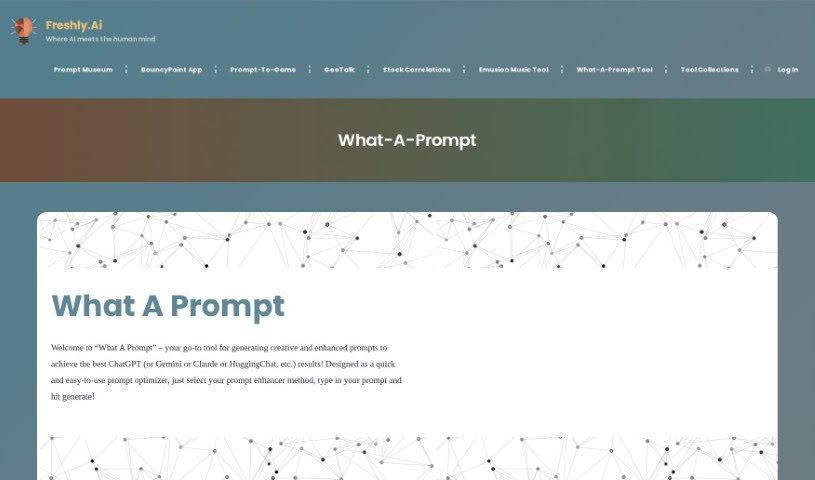
Screenshot of Freshly What-A-Prompt

Freshly What-A-Prompt

Freemium

"What-A-Prompt" is your creative sidekick for AI. It's a tool specifically designed to help you get better results and spark more creativity when you're working with AI models like ChatGPT, Gemini, Claude, or HuggingChat. Basically, it helps you craft better prompts, faster and easier, for whatever project you're working on. You can pick how you want your prompt enhanced, type in your initial idea, and "What-A-Prompt" will whip up optimized versions. This makes working with generative AI much smoother and more efficient, whether you're tackling a big project or just experimenting with different natural language processing tasks.

Text Generation View Tool →
Screenshot of FridayGPT

FridayGPT

Freemium

FridayGPT is a handy app built right into macOS, giving you super-fast access to OpenAI's ChatGPT for all sorts of writing tasks. It is your personal writing assistant. It can transcribe your thoughts as you speak, translate languages, fix your grammar, rephrase sentences to make them clearer, dictate text, rewrite existing content, format your writing nicely, and even create images using DALLE 3. With FridayGPT, you can tap into different GPT models like GPT-3.5, GPT-4, and GPT-4-Turbo. It really helps make your writing process smoother by catching grammar mistakes, improving how your sentences flow together, accurately turning your voice into text, and formatting everything so it looks great and is easy to read. Plus, it's secure – your personal info stays private, never stored on servers. And when you buy it once, you get all future updates for free!

Text Generation View Tool →
Screenshot of Frontitude Write

Frontitude Write

Freemium

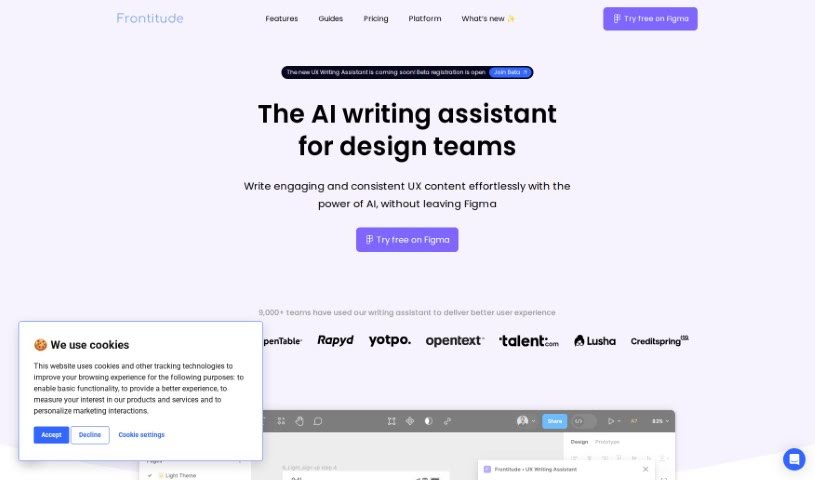
Frontitude Write is a handy Figma plugin built specifically for UX writers. It's designed to really boost your workflow by giving you AI-powered copywriting help right inside Figma. You can simply input your copy, pick the tone you're going for, and then save it for later. This tool focuses on creating product copy that follows all the best practices and current trends in UX writing. To make sure the copy it generates really connects with people, Write Write gathers details about your business and who you're trying to reach. What makes it stand out is how it integrates directly with Figma. This means it can offer copy suggestions that consider your design elements, character limits, and how long the text needs to be. Plus, you can embed your style guidelines directly into the tool, making it super efficient to create consistent UX content. On top of all that, Frontitude Write takes data privacy and security seriously. It only uses the information you provide to make its suggestions better, never compromising your privacy. You can feel confident using it because it generates grammatically correct suggestions, thanks to its language model that's really good with English grammar. Right now, the UX Writing Assistant only supports English, but they're planning to add more languages down the road.

Text Generation View Tool →
Screenshot of Glasp AI Writing

Glasp AI Writing

Freemium

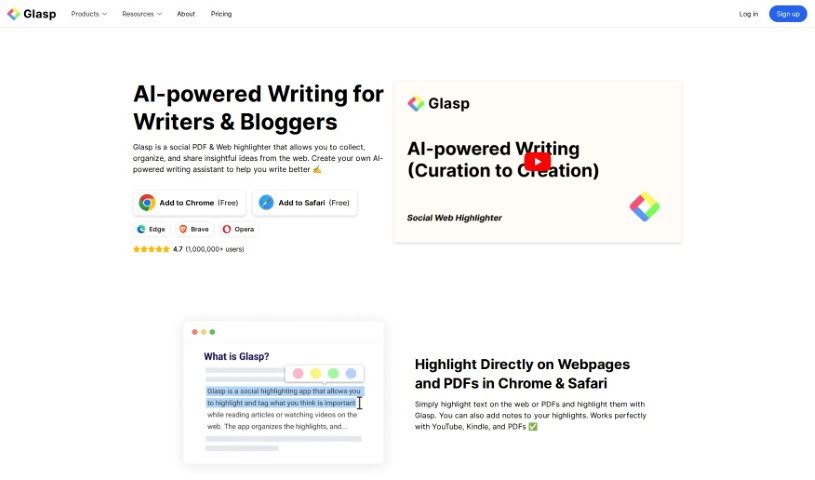
AI writing is all about using artificial intelligence to help writers and bloggers create content more efficiently. AI-powered writing assistants are your helpful sidekick. They can offer suggestions, catch mistakes, and even spark new ideas to make your writing shine. These tools are great for improving grammar, finding just the right word, and even generating text based on what you need. AI writing is a real game-changer for boosting how much you can get done and making your written content much better, no matter where you're publishing it. By tapping into AI models, writers can speed up their process, get more creative, and produce pieces that are both engaging and polished.

Text Generation View Tool →
Screenshot of GPT for Work

GPT for Work

Freemium

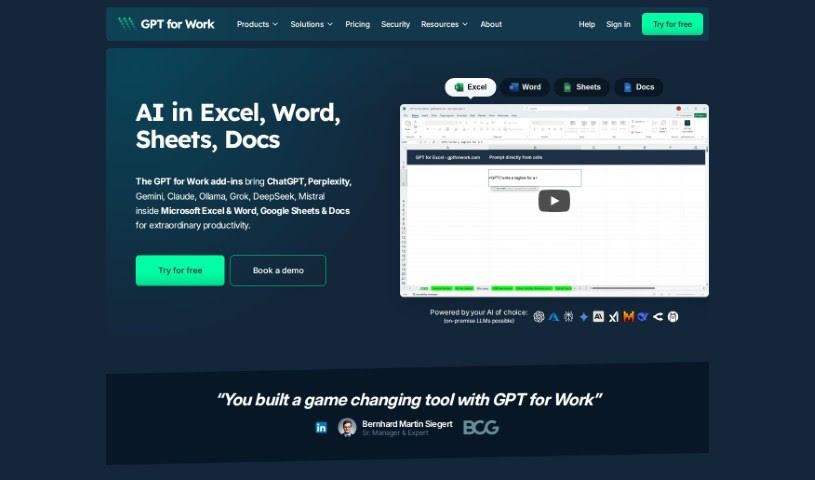
GPT for Work is a really neat tool from Talarian, built using the powerful GPT-3.5-turbo and GPT-4 models. It's specifically designed for conversations and boasts impressive reasoning skills, plus it can handle a lot more text at once than some other tools. It is your go-to for creating top-notch content. Whether you need product tags, catchy ad copy, memorable taglines, or compelling titles and descriptions, this tool has you covered. It's also a lifesaver for generating content for all sorts of things, like blog posts, speeches, emails, and even summarizing meeting notes. What's super handy is that GPT for Work is directly integrated into Google Sheets and Google Docs, meaning you can easily clean up, organize, and standardize your data in bulk right within those familiar platforms.

Text Generation View Tool →
Screenshot of Grammarly AI Writing Tool

Grammarly AI Writing Tool

Freemium

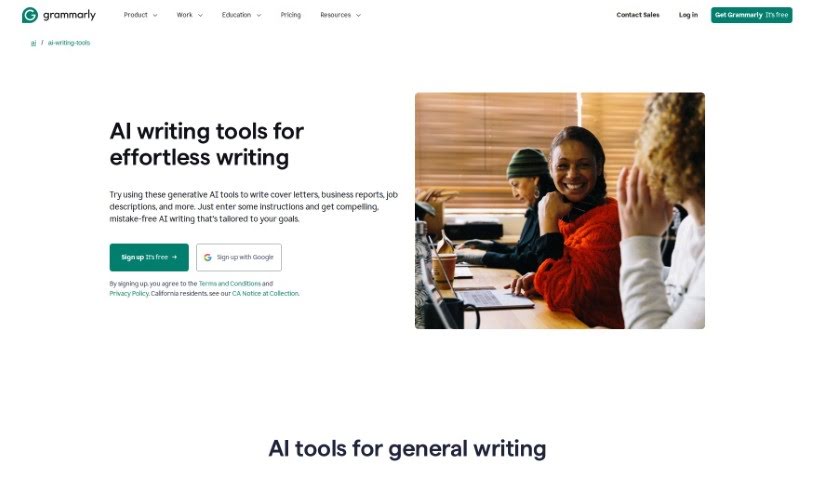
AI Writing Tools is your personal AI writing assistant, powered by generative AI. They're designed to help you create, brainstorm, rewrite, and respond to things super fast, all while being tailored to exactly what you need. These tools can help whip up all sorts of content – emails, articles, resumes, you name it – giving you AI-generated text that you can quickly review and use. Using an AI writing tool like Grammarly means you get this AI help right where you're already writing, so you don't have to jump between different apps. It really boosts your efficiency and makes writing tasks much smoother. Basically, AI Writing Tools use artificial intelligence to simplify your writing process and help you hit your writing goals.

Text Generation View Tool →
Screenshot of Grantboost

Grantboost

Freemium

Grantboost is a smart AI tool built specifically for grant writing. It's designed to help nonprofit organizations by making the process of creating grant proposals much simpler and faster. It is a way to turn a really complex task into something straightforward and easy to manage. You start by telling the AI about your team, what your organization does, and what you're hoping to get funded. Then, the AI gets to work, crafting proposals that are more likely to catch a funder's eye. It carefully looks at what you've provided, pulls out the key information, and then builds customized proposals just for you. You always get to look over what the AI creates and tweak it so it perfectly matches your organization's unique style. Plus, they have different pricing options, whether you're a solo person or a whole team, so you can concentrate on your mission without stressing about the cost.

Text Generation View Tool →
Screenshot of Greetsapp

Greetsapp

Freemium

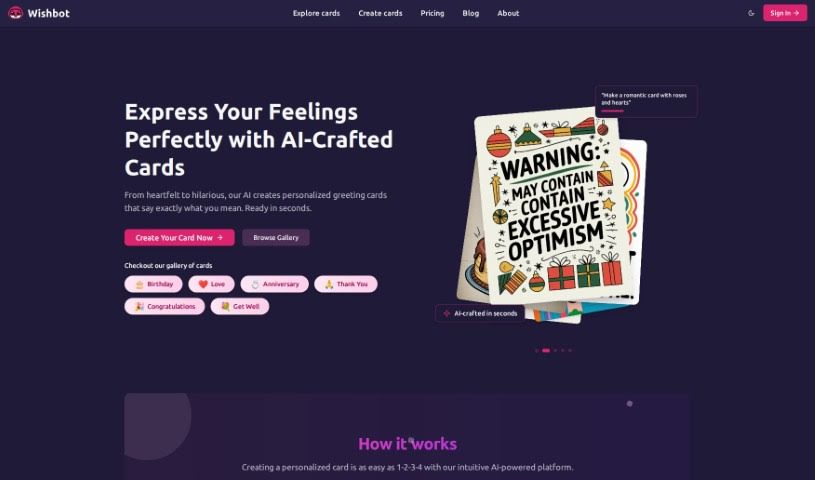
Greetsapp is a really neat platform designed to turn your everyday messages into special, personalized eCards. It's perfect for all sorts of occasions, making it super easy and fast to design and send them. Ever get stuck trying to find the right words? Greetsapp helps with that too, acting like your own personal writing assistant right when you need it. It uses AI to suggest just the right words and phrases, so you can create content that feels truly yours.

Text Generation View Tool →

Stay Updated with AI Tools

Get weekly updates on the latest AI tools, trends, and insights delivered to your inbox

Join 25,000+ AI enthusiasts. No spam, unsubscribe anytime.