AI Tools for Writing

Discover the best Writing AI tools to enhance your productivity and creativity.

Page 10 of 13 • 156 total tools

In today’s super-fast digital world, writing something great isn’t just about having a good idea—it’s often a race against the clock. That’s where AI writing tools come in. They’ve really changed how we create content. Whether it’s marketing copy or a creative story, these tools promise to boost your productivity and spark your imagination.

There are so many options out there now, it can feel overwhelming trying to pick the right one for you. Big names like Microsoft and Google, along with newer startups, are all trying to get your attention. What started as a cool new thing has become a must-have in our writing toolkit.

As I looked into the best AI writing tools, I went through a lot of them, checking out what they can do. The trick to really using them well is knowing how to use them effectively. These tools can make your voice stronger and your writing smoother, but you’re still the one guiding the final result.

If you’re ready to improve your writing and find tools that make your process simpler, you’ve come to the right place. Let’s explore the best AI writing tools that can help you turn your ideas into content that makes an impact.

The Best AI Writing Tools

  1. Chat Blackbox: For smart writing help and corrections.
  2. Ahrefs AI Writing Tools: Great for making SEO articles better.
  3. Copyleaks: Helps content creators check for plagiarism.
  4. Tiny Wow: Lets you easily create engaging paragraphs.
  5. Merlin AI: Useful for outlining engaging blog posts.
  6. Sudowrite: Perfect for brainstorming creative story ideas.
  7. Hyper Write AI: Makes content creation simple and efficient.
  8. Novelcrafter: Helps you easily organize character and lore details.
  9. Voila: Enhances your writing with smart suggestions.
  10. Copy.ai: Creates content effortlessly in just seconds.
  11. GPT for Work: Crafts engaging blog post outlines.
  12. Type AI: Offers real-time writing enhancement tools.
  13. Compose AI: Speeds up script writing.
  14. Typli.ai AI Text Generator: Creates content for blogs and articles.
  15. Handwrytten: Makes personalized notes for clients.

How Do AI Writing Tools Work?

AI writing tools mainly use large language models (LLMs). Think of these as really smart computer programs trained to guess what text should come next based on what you give them. When you type in a prompt, the model looks at all the information it’s learned—from books, articles, and stuff online—to create a response that makes sense.

These models, like OpenAI’s GPT and others, basically learn how humans write by looking at massive amounts of text. This helps them understand context, tone, and style, so they can produce writing that sounds natural and interesting.

Most AI writing tools you see are built on these core LLMs. Often, they add their own special features to stand out. But since many use the same basic technology, you’ll find similar abilities across different platforms.

Plus, companies are keen to add AI writing features to their existing products, like Microsoft Word and Google Docs. By partnering with companies that already provide LLMs, they avoid the huge task of building their own models and can quickly improve their software.

In practice, using AI writing tools is as easy as typing in a prompt and letting the model generate text. What’s really powerful is how the model can understand and connect ideas, making it useful for all sorts of writing tasks—whether you’re writing essays, drafting emails, or even coming up with creative stories.

As this field keeps advancing, AI writing tools will only get better. As they evolve, we can expect even smarter text generation, which will open up more uses and change how we work with them.

Our Best AI Writing Tools at a Glance

RankNameBest ForPlans and PricingRating
1Chat BlackboxSmart writing help and correctionsN/A4.67 (12 reviews)
2Ahrefs AI Writing ToolsContent optimization for SEO articlesN/A4.75 (28 reviews)
3CopyleaksPlagiarism detection for content creatorsN/A4.58 (12 reviews)
4TinyWowEffortlessly craft engaging paragraphsPaid plans start at $5.99/month4.36 (11 reviews)
5Merlin AICrafting engaging blog post outlinesPaid plans start at $19/month4.33 (12 reviews)
6SudowriteCreative brainstorming for story ideasPaid plans start at $10/month4.79 (28 reviews)
7HyperWrite AIContent creation made easy and efficientPaid plans start at $192/year4.76 (17 reviews)
8NovelcrafterEasily organize character and lore detailsN/A4.73 (11 reviews)
9VoilaEnhance your writing with smart suggestionsN/A4.83 (12 reviews)
10Copy.aiEffortless content creation in secondsN/A4.17 (6 reviews)
11GPT for WorkCrafts engaging blog post outlinesN/A4.17 (6 reviews)
12Type AIReal-time writing enhancement toolsPaid plans start at $23/month4.18 (11 reviews)
13Compose AISpeed up script writingN/A4.18 (11 reviews)
14Typli.ai AI Text GeneratorContent creation for blogs and articlesN/A4.64 (33 reviews)
15HandwryttenPersonalized note creation for clientsPaid plans start at $3.25/card4.75 (8 reviews)
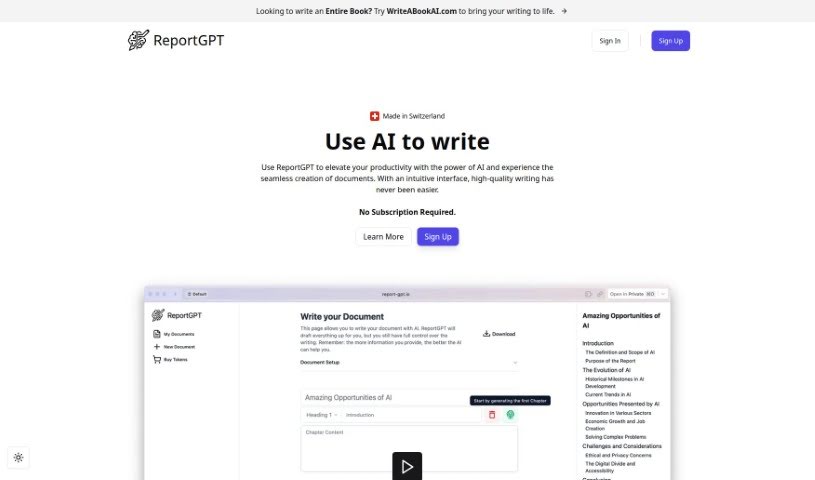
Screenshot of ReportGPT

ReportGPT

Freemium

ReportGPT is your smart writing partner, built to make creating documents much easier and faster. It uses the latest AI technology to help you write, check, and polish your content, ensuring it's both high-quality and produced efficiently. What's really neat is its easy-to-use writing interface, the ability to customize how your documents are structured, and built-in AI content detection to help you avoid accidental plagiarism. Plus, you can export your work in various formats like Word, LaTeX, and Markdown. They also offer a free trial and different plans to fit what you need, supporting all sorts of documents – from research papers and business plans to product reviews, technical guides, grant proposals, and essays.

Text Generation View Tool →
Screenshot of Repromptify

Repromptify

Freemium

Repromptify is a platform designed to make creating AI prompts much simpler. It's particularly good at generating fully optimized AI prompts, especially for advanced tools like GPT-4. What can you do with it? Well, you can test out these optimized prompts and see the ChatGPT responses, or even generate images using prompts that GPT-4 has fine-tuned for models like DALLE•2 and Midjourney. It really helps you write prompts clearly, without all the guesswork.

Text Generation View Tool →
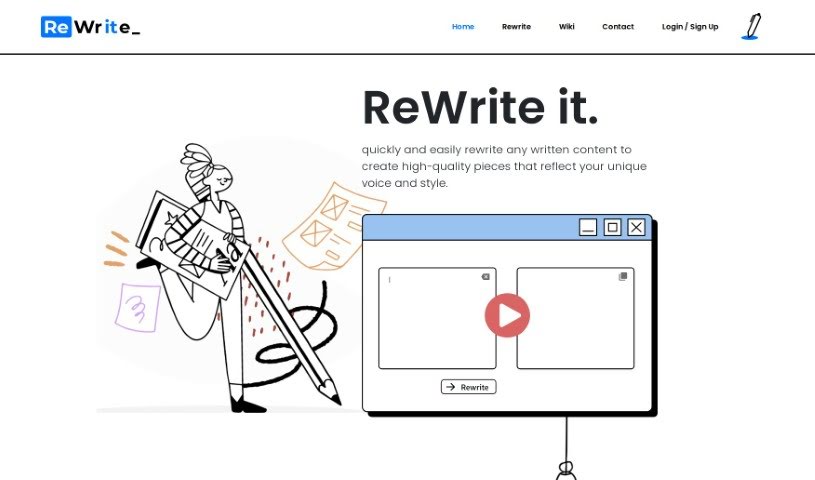
Screenshot of Rewrite It.ai

Rewrite It.ai

Freemium

ReWrite It.AI is a smart AI assistant that helps you improve your writing. It is a helpful partner designed to boost your writing skills and make learning easier. It lets you easily take your existing text and turn it into something polished, something that really sounds like you. The tool dives into your writing's structure, checks your grammar, and looks at your word choices, then offers smart ideas for rephrasing, making things clearer, and ensuring your points flow together smoothly. It’s great for students working on essays, professionals fine-tuning business proposals, or even writers polishing up creative pieces. It’s really straightforward to use, giving you different ways to say things that can make your original text even better, all while keeping your personal style intact. Plus, ReWrite It.AI acts like a writing coach, offering insights into different techniques and helping you get your ideas across more effectively. It’s also a big help for content creators, SEO pros, and digital marketers, as it can optimize your content to get noticed more by search engines, grab more attention, and bring more people to your website. Lots of people are already using ReWrite It.AI to write better, spark their creativity, and communicate more effectively – why not join them?

Text Generation View Tool →
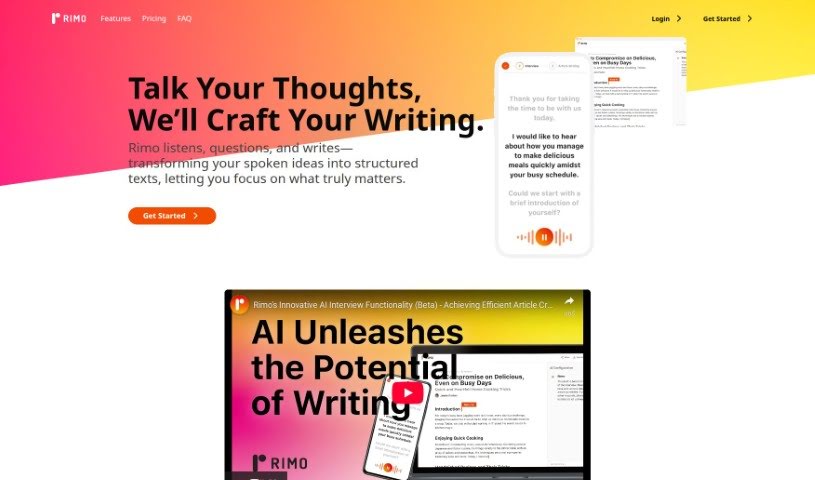
Screenshot of Rimo AI Editor

Rimo AI Editor

Freemium

Rimo AI Editor is designed as a human-centered AI writer. It's built to take your spoken ideas and turn them into well-structured texts, fine-tuning them for all sorts of formats and purposes. You can chat with Rimo AI Editor to make sure it captures all the key details you need for your content. It whips up instant drafts that you can then tweak for tone, style, and format, making it a really handy tool for both professionals and everyday writers. Plus, Rimo AI Editor lets you upload audio files to create content super fast, and it was free to use until February 20, 2024.

Text Generation View Tool →
Screenshot of Rizz! Keyboard

Rizz! Keyboard

Freemium

Rizz! Keyboard is a pretty neat tool that brings the world's most powerful text AI right to your keyboard. It is having a super-smart writing assistant built directly into your typing experience. With Rizz! Keyboard, you can tap into a whole universe of possibilities, all from your fingertips. It's designed to make you more productive and efficient by giving you instant access to advanced AI features while you're typing. Whether you're a student working on an essay, a professional crafting an important email, or just someone who wants to make their writing better, Rizz! Keyboard offers a smooth and easy way to use AI. It helps improve how you process text and communicate. Get ready to experience the future of typing with Rizz! Keyboard.

Text Generation View Tool →
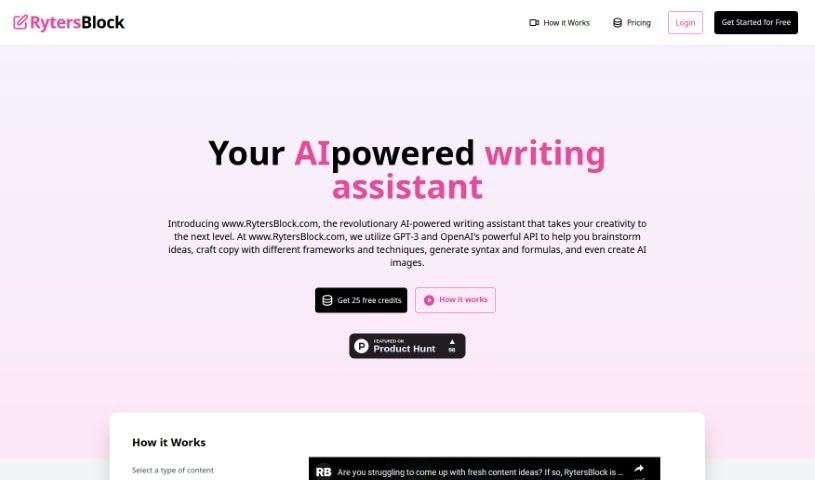
Screenshot of Rytersblock

Rytersblock

Freemium

Rytersblock is a platform designed for sharing writings, ideas, and articles. It is a dedicated space where people can express themselves and connect with others through their written work. You can share your thoughts, stories, and anything you create on Rytersblock, helping to build a diverse and engaging community of writers. It’s a great place for writers to show off their work, get valuable feedback, and connect with a supportive group of fellow writers.

Text Generation View Tool →
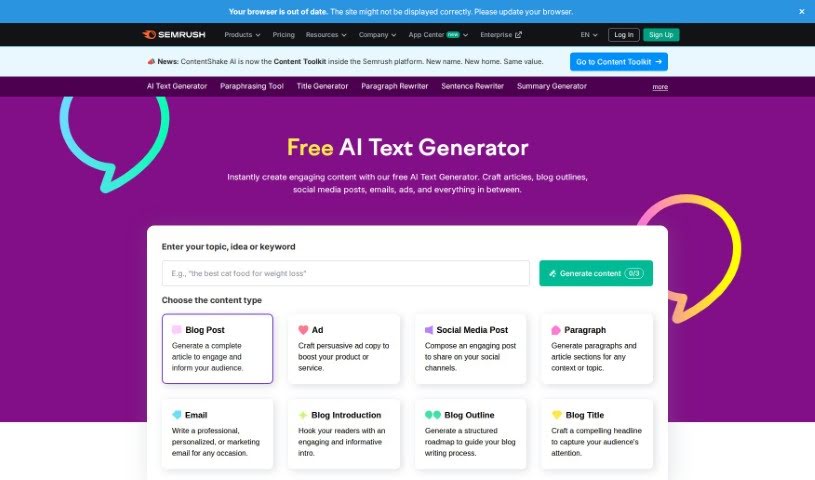
Screenshot of Semrush AI Text Generator

Semrush AI Text Generator

Freemium

The AI Text Generator is a smart assistant that can automatically create text that sounds like a human wrote it, all based on what you tell it. It works by using sophisticated algorithms that study patterns in lots of existing text. Then, it uses that knowledge to write new text that feels natural. You can use it for all sorts of things, like helping you create content, assisting with your writing, or even drafting automated customer service replies. By employing natural language processing, this tool can produce text that makes sense and is relevant to your topic. It's a really useful resource for tasks like writing articles, coming up with product descriptions, or even getting creative with stories and poems. This technology is always getting better, offering more and more advanced ways to generate text.

Text Generation View Tool →
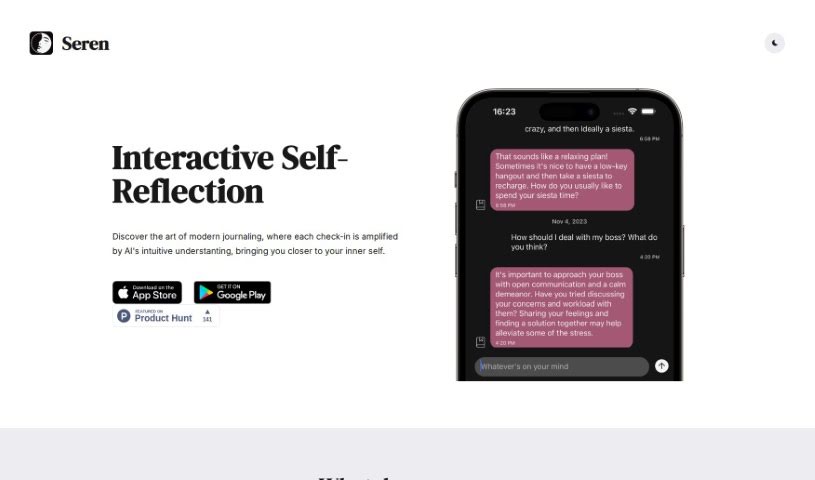
Screenshot of Seren

Seren

Freemium

Seren is a journaling app that really stands out because it includes an AI component, making it interactive and quite different from other journaling apps out there. Many users find it incredibly helpful for self-reflection, and they often mention how much they enjoy the app's smooth user experience. Some people who've reviewed it really appreciate the app's core concept, its thoughtful design, and its overall simplicity. Others, though, specifically point out how useful it is for introspective journaling, helping them track their thoughts and feelings with the help of personalized AI chatbots.

Text Generation View Tool →
Screenshot of SermonGPT

SermonGPT

Freemium

SermonGPT is a really neat app that completely changes how sermons are written. It uses advanced Machine Learning and AI to automate the whole process, letting you create complete sermons super fast and without much effort. You just give it the basics – like your sermon topic, key Bible verses, and the main points you want to cover – and SermonGPT whips up engaging introductions, interesting illustrations, practical ways to apply the message, and even suggests relevant Bible passages and quotes to make your sermon even better. It's built for pastors, preachers, and anyone who helps prepare sermons. It's got a simple interface that makes sermon writing much smoother, giving you the tools you need to deliver powerful messages efficiently.

Text Generation View Tool →
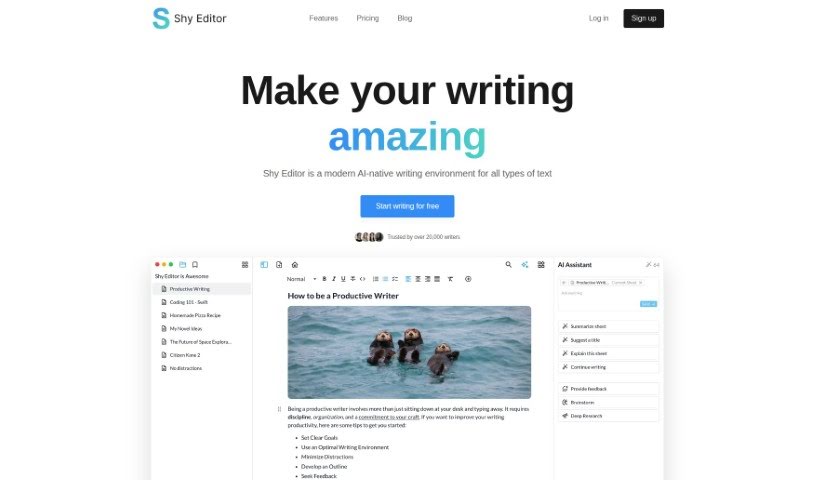
Screenshot of Shy Editor

Shy Editor

Freemium

Shy Editor is an AI-powered writing platform built to help and improve writing for all sorts of users. It packs a lot of useful features, like a markdown editor, an AI assistant for brainstorming and getting feedback, tools for making notes, organizing research, managing citations, keeping track of versions, smart search, and grammar checking. Plus, it offers various ways to export your work. All of this is designed to make your writing faster, better, and more confident. Whether you're a novelist, a student, an academic, a blogger, or a journalist, Shy Editor has tools to support your unique writing style and boost your productivity. It really focuses on keeping your personal style intact with customizable options like lists, toggles, markdown, and blocks. You can easily mix in text, images, media, and tables to create a workflow that feels personal and works efficiently for you.

Text Generation View Tool →
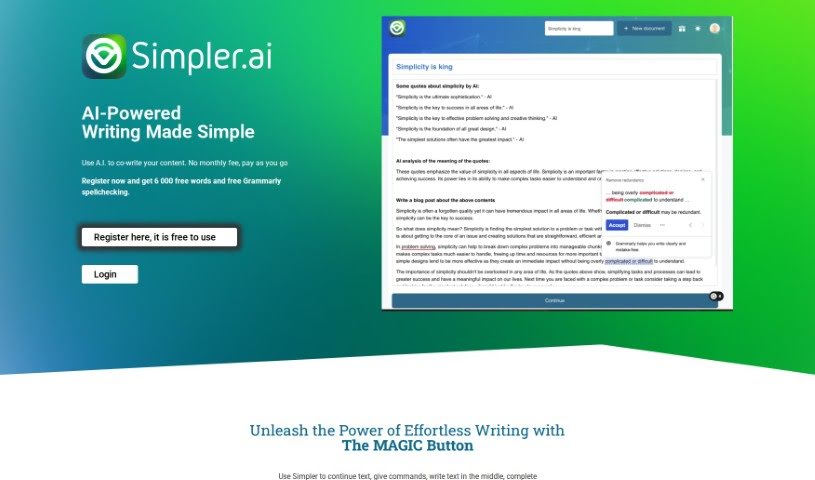
Screenshot of Simpler.ai

Simpler.ai

Freemium

Simpler.ai is an AI tool built to make writing easier. It lets you co-write content with artificial intelligence, acting like a helpful partner. You can use features like the Magic Button to quickly improve different parts of your writing. The tool offers a clean, Google Docs-style editor that keeps distractions away. It is your personal assistant for jotting down notes, drafting emails, writing blog posts, or creating product descriptions. When you sign up, you get 6,000 free words to start with, and you can pay as you go without any monthly subscriptions.

Text Generation View Tool →
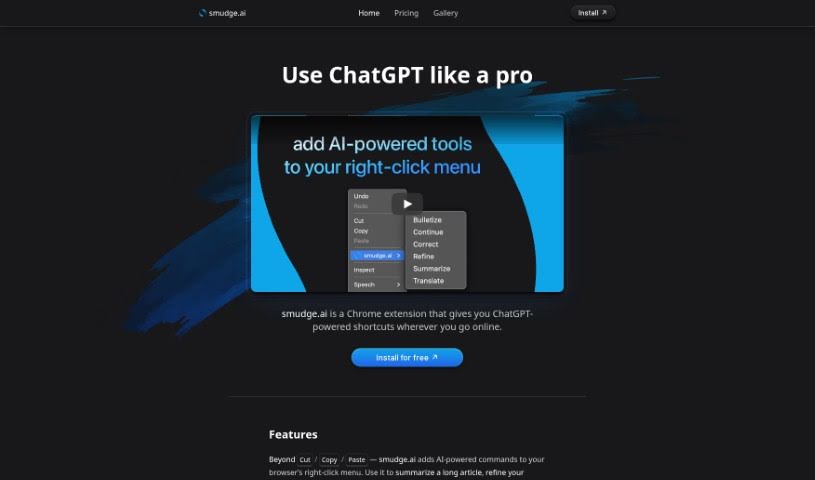
Screenshot of Smudge.ai

Smudge.ai

Freemium

Smudge.ai is a handy Chrome extension that brings ChatGPT-powered shortcuts right into your web browsing. It is having AI commands readily available whenever you right-click. You can use it to quickly summarize articles, polish up your writing, or even translate text on the fly. The whole idea is to give you direct, context-aware AI help without having to jump between different apps or browser tabs. It's a great tool for professionals, students, or really anyone who spends time online and could use a hand with things like summarizing, fixing text, translating, and a whole lot more.

Text Generation View Tool →

Stay Updated with AI Tools

Get weekly updates on the latest AI tools, trends, and insights delivered to your inbox

Join 25,000+ AI enthusiasts. No spam, unsubscribe anytime.