AI Tools for Web Development

Discover the best Web Development AI tools to enhance your productivity and creativity.

Page 58 of 58 • 694 total tools

Web development has really changed lately, and AI tools are a big part of that. What used to take a lot of coding and design skill can now be made much simpler with smart programs that speed things up. Today, AI-assisted development tools are changing how we build websites, making it easier for newcomers and more efficient for experienced pros.

These tools offer everything from easy design features to help with writing code, letting you create great-looking, functional sites more quickly. Developers don’t have to start from scratch or fix every single line of code manually anymore. Instead, AI can offer suggestions and even create whole parts of a website based on what you need.

Having worked in web development for years, I’ve seen firsthand how AI can make tasks simpler and more efficient. But with so many options out there, picking the right tool can feel overwhelming.

In this article, I’ll share the best AI web development tools you can find right now. Whether you want to improve your coding, automate routine jobs, or make your design process better, there’s something here for you. Let’s explore the tools that can really change your web development experience.

The best AI Web Development Tools

  1. Lovable: Great for making frontend design work smoother.
  2. Cursor: Helps with real-time code collaboration.
  3. Replit AI: Generates code snippets for web apps.
  4. Supabase: For teams to manage databases together.
  5. v0 by Vercel: Quickly creates UI kits for web projects.
  6. Replicate AI: Automates code generation for web apps.
  7. Carrd: Perfect for a single-page site to promote an event.
  8. AI Dungeon: Lets you create interactive web stories with code.
  9. Ollama: For quickly building early versions of web interfaces.
  10. Jimdo: Makes building and managing websites easy.
  11. Code Sandbox: Simplifies CSS preprocessor workflows.
  12. Tilda: Lets you create websites easily without coding.
  13. Bubble: A drag-and-drop tool for building web applications.
  14. Weights & Biases: Streamlines integrating ML models into web apps.
  15. Warp Terminal: Helps deploy web apps quickly.

How do AI web development tools work?

AI web development tools use smart algorithms to handle different parts of designing and building websites. These tools often use large language models, much like AI writing software, to look at coding patterns and make things more efficient. They offer suggestions, code pieces, or even build whole sections of code based on what you tell them.

Basically, these tools understand what you’re asking for, so you can describe what you want in simple terms. For example, you could say, “Create a navigation bar,” and the AI will generate the HTML, CSS, or JavaScript code needed. This makes web development more accessible, even if you don’t have a lot of programming experience.

Many AI web development platforms connect with popular coding environments and content management systems. This means they can improve tools like WordPress, Wix, or GitHub by offering smart code completions or finding errors as you type. With these connections, users can really smooth out their development process.

The data these AI systems learn from usually includes tons of source code, guides, and content created by users on sites like GitHub. This helps them learn different coding styles and the best ways to do things. Their effectiveness comes from spotting patterns and suggesting the best solutions based on what the user needs.

In short, AI web development tools make coding simpler, letting developers focus on creativity and solving problems instead of getting stuck on syntax. As technology keeps changing, these tools are expected to get even better, likely changing how web developers work.

Our best AI web development tools at a glance

RankNameBest forPlans and PricingRating
1LovableMaking frontend design work smoother.N/A4.84 (43 reviews)
2CursorReal-time collaboration on code projects.Paid plans start at $20/Month.4.83 (6 reviews)
3Replit AIGenerating code snippets for web apps.N/A4.70 (44 reviews)
4SupabaseCollaborative database management for dev teamsN/A5.00 (32 reviews)
5v0 by VercelQuickly creating UI kits for web projects.N/A4.73 (11 reviews)
6Replicate AIAutomating code generation for web apps.N/A4.82 (11 reviews)
7CarrdA single-page site for event promotion.Paid plans start at $19/year.4.72 (29 reviews)
8AI DungeonCreating interactive web story experiences.N/A4.54 (39 reviews)
9OllamaRapid prototyping of web interfaces.N/A4.63 (8 reviews)
10JimdoBuilding and maintaining websites easily.N/A4.64 (11 reviews)
11CodeSandboxSimplifying CSS preprocessor workflows.N/A4.45 (11 reviews)
12TildaEffortless website creation without coding.N/A4.75 (20 reviews)
13BubbleA drag-and-drop web applications builder.N/A4.73 (11 reviews)
14Weights & BiasesStreamlining ML model integration in web apps.N/A4.50 (12 reviews)
15Warp TerminalDeploying web apps swiftly.N/A4.79 (28 reviews)
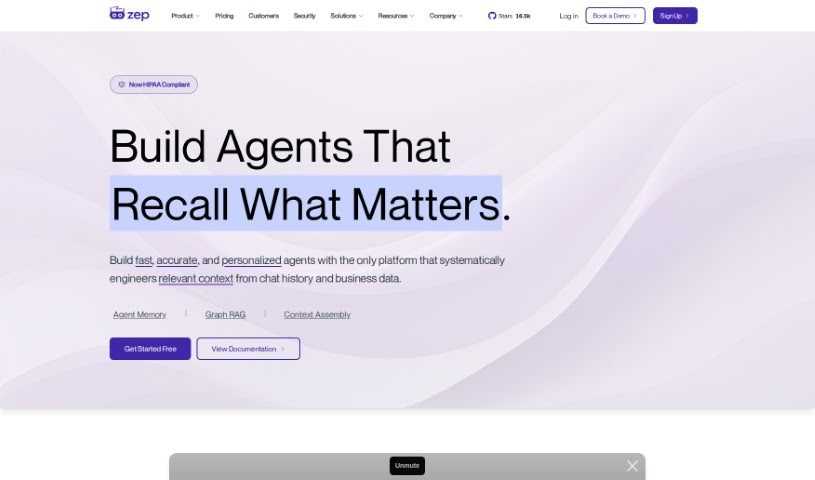
Screenshot of Zep

Zep

Freemium

Zep is an open-source platform that gives you fast, scalable building blocks for applications using Language, Learning, and Memory (LLM) models. What's really neat is that it lets you move from early prototypes to production-ready applications without having to rewrite any code. Zep offers handy features like remembering past conversations, classifying dialogues, pulling out specific data, and much more. Plus, it all runs faster than what you'd typically get from the big LLM providers. You can easily set up vector search for finding things based on meaning, filter your results using metadata, and use the output from named entity extraction and intent analysis. Zep also supports privacy rules, automatically creates embeddings, remembers chat history, and offers archival and enrichment capabilities, making it a super flexible tool for deploying LLM applications.

Web Development View Tool →
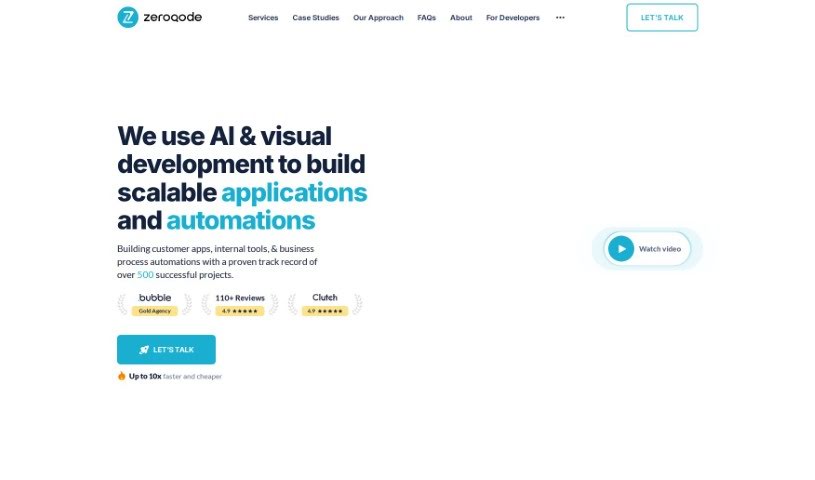
Screenshot of Zeroqode

Zeroqode

Freemium

Zeroqode is your all-in-one toolbox for creating and advancing AI projects, and the best part? You don't need to write a single line of code. This toolkit really makes building AI applications straightforward, opening the door for anyone, even if you're not a coding expert. It's designed so you can easily get your AI projects off the ground and keep them moving forward all on your own.

Web Development View Tool →
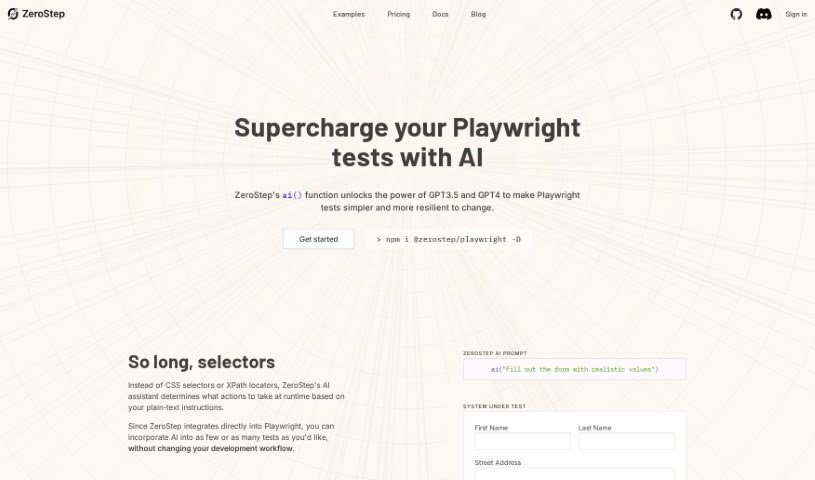
Screenshot of ZeroStep

ZeroStep

Freemium

ZeroStep is a tool designed to give your Playwright tests a serious AI boost. Its special `ai()` function uses GPT3.5 and GPT4 to make Playwright tests simpler and better. How? By letting you write commands using plain English instead of tricky CSS selectors or XPath locators. This means you can easily add AI to your tests without messing up your current development setup. With ZeroStep, your tests become much more resistant to changes, and you can script even complicated actions just by describing them in plain text. Since you don't need selectors anymore, ZeroStep lets you create tests super fast and automate both actions and checks. Plus, it really helps you follow a Test-Driven Development (TDD) approach for your End-to-End (E2E) tests. They even offer a free tier to get you started, with clear pricing plans available.

Web Development View Tool →
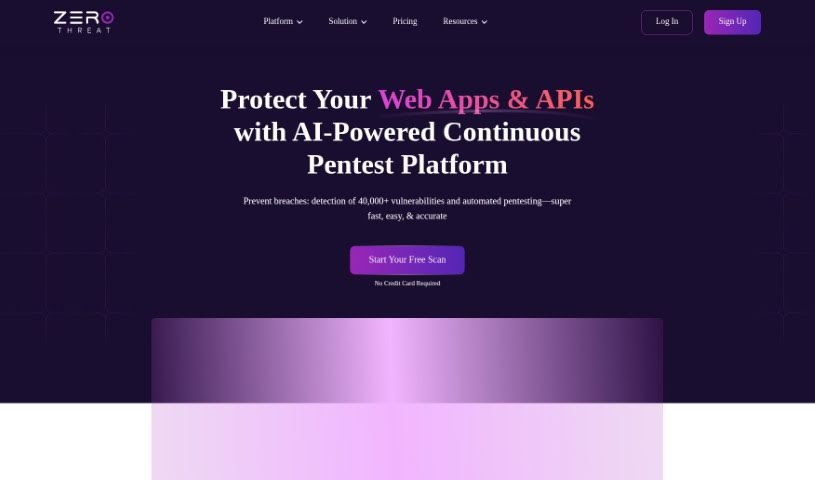
Screenshot of ZeroThreat

ZeroThreat

Freemium

ZeroThreat is a really advanced scanner for web apps and APIs. It's designed to speed up finding security weaknesses right within your CI/CD pipelines, using AI-powered testing. It is a way to get ahead of cyber threats. It can spot security risks up to five times faster than older methods, fits right into your development workflow, and has a simple interface that works for developers, no matter their cybersecurity background. If your organization wants to deliver secure web apps and APIs quickly in today's digital world, this tool is pretty essential.

Web Development View Tool →
Screenshot of Zerve AI

Zerve AI

Freemium

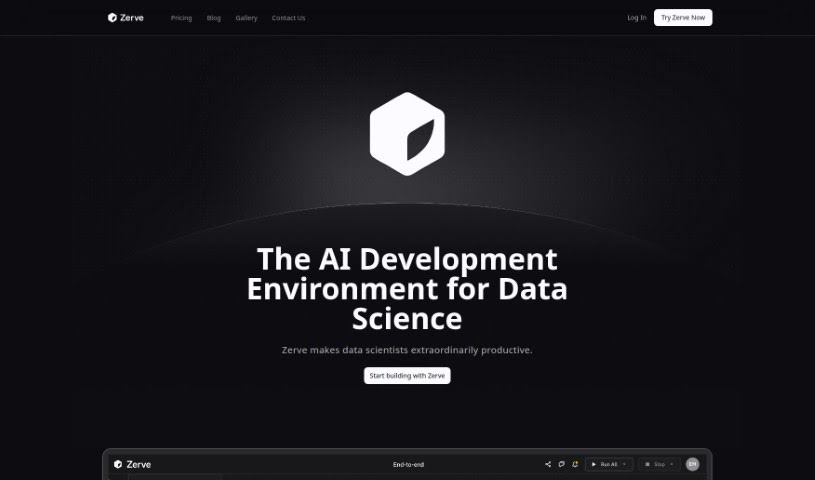
Zerve AI is an end-to-end platform built for developing AI. It is a complete toolkit for coders, designed to make AI development stable, secure, scalable, and affordable – from the initial code review all the way to production. It offers some really handy features, like letting you use different programming languages together, running tasks in parallel, keeping your analysis artifacts perfectly in sync, optimizing how you use computing power, and making the move from development to deployment super smooth. Ultimately, Zerve wants to make it easier for data scientists and machine learning experts to work together on projects, ensuring everything runs smoothly and they have the support they need throughout their entire project.

Web Development View Tool →
Screenshot of Zeus Notebook

Zeus Notebook

Freemium

Zeus Notebook is a handy tool that lets you run Python notebooks right in your web browser. What makes it really special is its AI code assistant, also named Zeus. It is your coding buddy, always ready to help. You can type out your Python code, and Zeus will be there to offer assistance. It's designed to be a great help for anyone learning Python, especially beginners. Zeus can help with all sorts of coding tasks, like fixing errors or suggesting better ways to write your code based on what you're working on. It even has a chat feature so you can talk directly with Zeus for more help, though you'll need your own OpenAI API key for that.

Web Development View Tool →
Screenshot of ZipWP

ZipWP

Freemium

ZipWP AI is a website builder that uses artificial intelligence, co-founded by Sujay and Adam Preiser. It's designed to completely change how we build websites by blending advanced AI with the flexibility of WordPress. With ZipWP, you can get a fully working first draft of your website up and running in just minutes. This includes popular pages, images, placeholder content, and a functional contact page. The platform also makes it super easy to customize everything with simple drag-and-drop tools, giving you a great way to show off your unique style, creativity, and expertise without a hassle.

Web Development View Tool →
Screenshot of Zipy

Zipy

Freemium

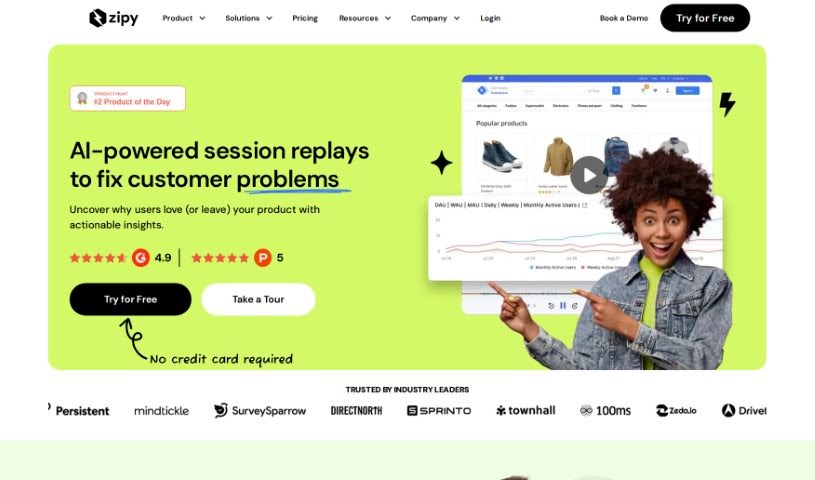
Zipy is a comprehensive customer experience platform. It brings together session replay, product analytics, error monitoring, and fixing capabilities all into one place. It is a tool that helps you catch and understand glitches on your website or web application as they happen, in real-time. This way, your support, success, and product management teams can jump on issues quickly, fix them, and ultimately prevent customers from leaving. Zipy is really designed to make collaboration smooth between customer support, product management, and development teams.

Web Development View Tool →
Screenshot of Zoviz

Zoviz

Freemium

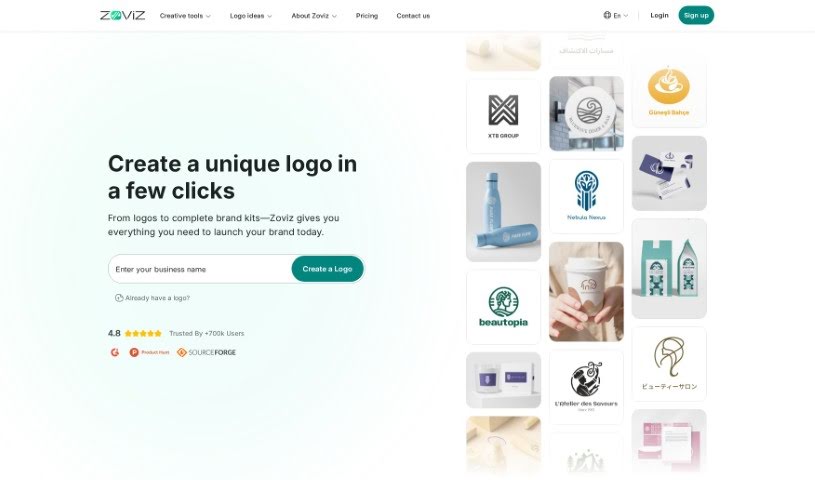
Zoviz is a really helpful platform for branding. It lets you create consistent and impactful brand assets without any fuss. It is your all-in-one toolkit for logos, business cards, and more, all designed to make your brand stand out. What's great about Zoviz is that it's much more affordable and saves you a ton of time compared to hiring individual designers. Plus, you get to keep full ownership of everything you create, and you can make adjustments for life with no surprise fees. They're super transparent, too – you can actually see what your logo will look like before you buy it.

Web Development View Tool →
Screenshot of ZZZ Code AI

ZZZ Code AI

Freemium

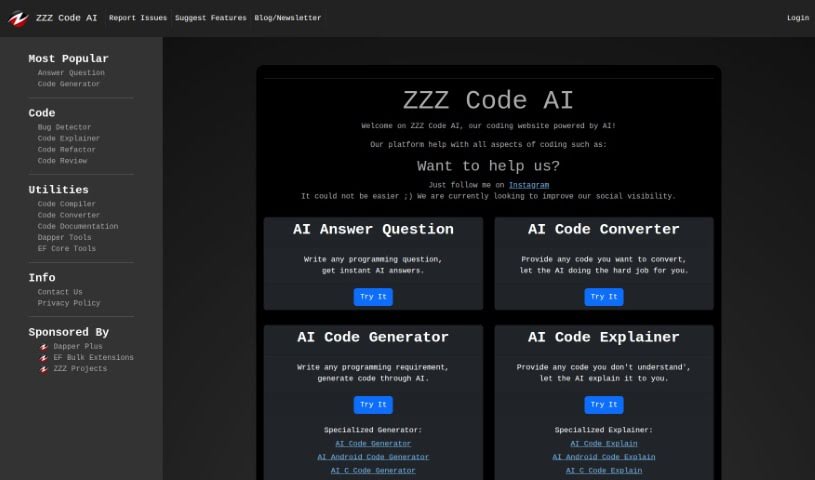
ZZZ Code AI is a platform that uses artificial intelligence to help you with all sorts of coding tasks. It is your AI coding assistant! It can answer your programming questions, convert code from one language to another, generate code based on what you need, help you find and fix bugs (debugging), improve your existing code (refactoring), review your code for quality, and even create documentation for it. It's pretty versatile, supporting a bunch of programming languages like Python, C#, C++, CSS, HTML, Java, SQL, and many more. ZZZ Code AI is backed by ZZZ Projects, a well-respected software development company that's known for its reliable development tools and libraries. If you have questions or need support, you can easily reach out to the ZZZ Code AI team via the 'Contact Us' page on their website. It's designed for anyone involved in programming or coding, whether you're just starting out or you're a seasoned pro looking for some AI-powered help.

Web Development View Tool →
Previous 58 of 58 Next

Stay Updated with AI Tools

Get weekly updates on the latest AI tools, trends, and insights delivered to your inbox

Join 25,000+ AI enthusiasts. No spam, unsubscribe anytime.