10Web
Web Development Website Builders
Learn more
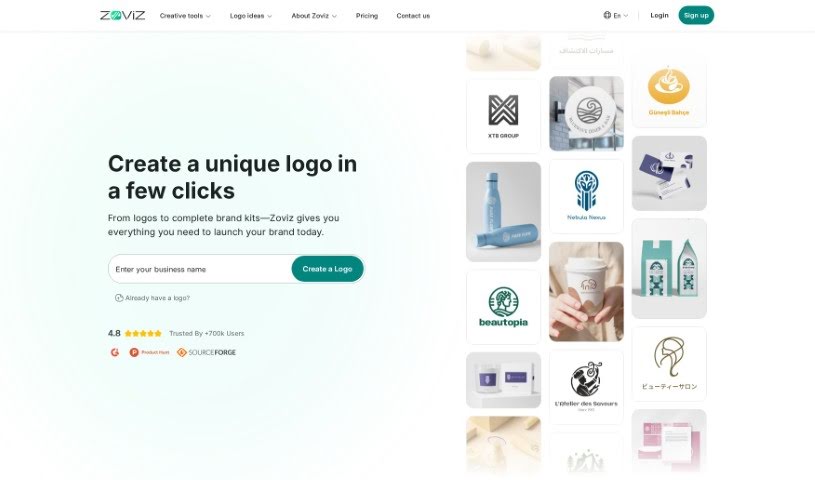
Discover what Zoviz is and how it creates logos, brand kits, and business cards with AI-powered design tools.
Zoviz is a branding platform that lets you create logos, business cards, and other brand assets in one place. It is more affordable and faster than hiring individual designers, and you keep full ownership of everything you create. You can preview your logo before buying, make adjustments for life, and pay no surprise fees.
Zoviz was built by a team aiming to simplify branding with AI-powered design tools. The platform prioritizes security, with all code built in-house, and offers affordable pricing with no hidden costs, lifetime access to brand assets, and simple package upgrades. Its stated values include innovation, customer focus, team care, and social contribution. Zoviz reports more than 500,000 users worldwide.
It suits entrepreneurs, graphic and freelance designers, and small business owners — whether you’re building brand assets for a new venture, revamping an existing identity, designing logos for clients, or creating logos for photography services.
Related
Discover more tools in similar categories
Weekly picks of the best AI tools we've researched and added — no spam, unsubscribe anytime.
Join 25,000+ AI enthusiasts. No spam, unsubscribe anytime.