AI Tools for Podcast

Discover the best Podcast AI tools to enhance your productivity and creativity.

Page 7 of 8 • 88 total tools

Podcasting has really taken off in the last few years. It’s gone from a niche hobby to a mainstream thing. With millions of shows out there, creators have a tough time standing out. Luckily, a new bunch of AI tools is here to make podcasting easier.

From writing scripts to editing and even promotion, AI-powered podcast tools are helping creators make better content. These innovations can save you time, improve audio quality, and even connect with listeners in new ways.

I’ve tried out a lot of podcasting tools myself, and I’ve put together a list of the best AI solutions to help you level up your podcasting. Whether you’re a seasoned pro or just starting out, these tools can simplify the technical stuff, so you can focus on telling your story and connecting with your audience.

So, if you want to boost your podcast production without the extra stress, you’ve come to the right place. Let’s look at the best AI podcast tools that can take your show to the next level.

The best AI Podcast Tools

  1. Adobe Podcast: Makes spoken audio sound great, effortlessly.
  2. Eleven Labs Voice Cloning: Great for creating personalized podcast intros.
  3. Cleanvoice AI: Helps you easily streamline podcast editing tasks.
  4. Covers AI: Enhances podcasts with AI-generated voices.
  5. Listnr Ai: Streamlines how you generate podcast voices.
  6. Wondercraft AI: Offers an end-to-end podcast production studio.
  7. Kingshiper: Makes audio editing for podcasting simple.
  8. Audo Studio
  9. RadioGPT: Generates dynamic content for podcasts.
  10. Meta Audiobox: Helps you create engaging podcast intros and segments.
  11. Jellypod: Turns emails into engaging podcasts.
  12. Podsqueeze: Creates show notes and timestamps for you.
  13. Revocalize AI: Enhances vocals for clearer podcasting.
  14. Waveroom: Streamlines podcast guest interviews.
  15. Streamlabs: Simplifies podcast editing and transcription.

How do AI podcast tools work?

AI podcast tools work by looking at audio data and pulling out what’s needed to improve the production process. Basically, these platforms often use smart algorithms and machine learning. They can spot patterns in audio, understand speech, and even write scripts based on topics you choose. This makes creating podcasts much simpler for users.

Lots of AI podcast tools use advanced speech recognition. This turns spoken words into written text. It means you can get show notes or transcripts automatically, making it easier to connect with your audience through extra content. These models are trained on tons of audio to get better at accuracy and understanding context.

Besides transcription, some tools suggest content and give prompts for creating episodes. You can enter topics or keywords, and the AI will generate outlines or even full scripts. This helps creators brainstorm ideas, structure episodes, and keep their discussions flowing smoothly.

Plus, AI-powered audio editing tools improve the production quality of podcasts. Things like noise reduction, audio normalization, and automated editing help podcasters get a polished final product without needing to be audio engineering experts.

You can also add voice modulation and sound effects to make podcast episodes even better. These AI tools let you add creative touches and boost listener engagement by matching soundscapes to specific themes or moods, making each episode feel unique.

All in all, AI podcast tools make many parts of podcast creation easier, from the initial planning to the final edits. By using the latest technology, these tools let podcasters of all levels focus on their content while simplifying the process.

Our best AI podcast tools at a glance

RankNameBest forPlans and PricingRating
1Adobe PodcastMakes spoken audio sound great, effortlessly.N/A4.67 (12 reviews)
2ElevenLabs Voice CloningCreating personalized podcast introductionsN/A4.72 (25 reviews)
3Cleanvoice AIStreamlines podcast editing tasks easily.N/A4.33 (12 reviews)
4Covers AIEnhancing podcasts with AI-generated voices.N/A4.75 (12 reviews)
5Listnr AiStreamlines podcast voice generationPaid plans start at $9/month.4.41 (27 reviews)
6Wondercraft AIEnd-to-end podcast production studioPaid plans start at $29/month.4.29 (21 reviews)
7KingshiperEffortless audio editing for podcasting.N/A4.60 (5 reviews)
8Audo StudioN/A4.73 (11 reviews)
9RadioGPTDynamic content generation for podcastsN/A4.76 (70 reviews)
10Meta AudioboxCreate engaging podcast intros and segmentsN/A4.20 (5 reviews)
11JellypodTransforming emails into engaging podcastsN/A4.71 (28 reviews)
12PodsqueezeCreating show notes and timestampsPaid plans start at $27/month.4.80 (10 reviews)
13Revocalize AIVocal enhancement for podcasting clarityN/A4.72 (18 reviews)
14WaveroomStreamlined podcast guest interviewsN/A4.73 (44 reviews)
15StreamlabsStreamlines podcast editing and transcriptionN/A4.80 (5 reviews)
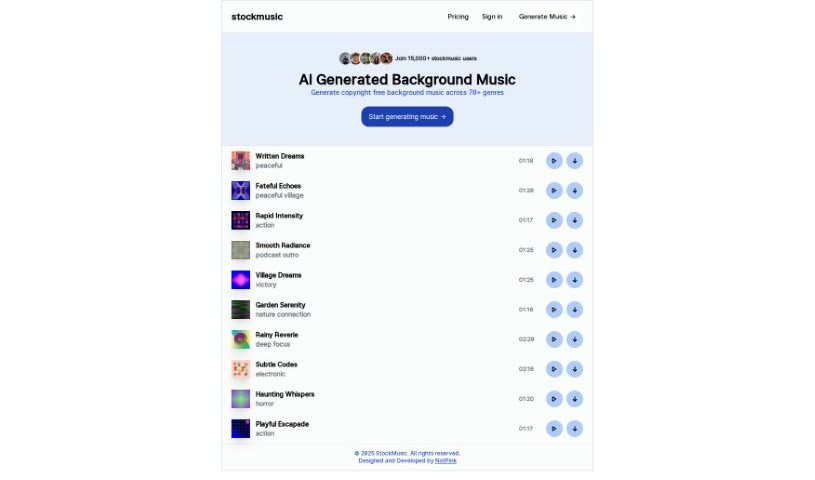
Screenshot of Stockmusic

Stockmusic

Freemium

StockMusic is a handy AI tool that creates all sorts of royalty-free music for you. It is your personal AI music composer! You can generate custom tracks tailored to your needs, choosing from a variety of genres and styles. Whether you're looking for something romantic, dreamy like dream pop, retro synthwave, chillwave vibes, or even grand orchestral pieces, StockMusic has you covered. It also offers a library of AI-generated music examples you can use right away in your games, podcasts, films, or any other creative project. The best part? It's super easy to use, meaning you don't need any musical background or composition skills to create great music. Plus, you can even try it out with a free trial that gives you 120 seconds of AI-generated music at no cost.

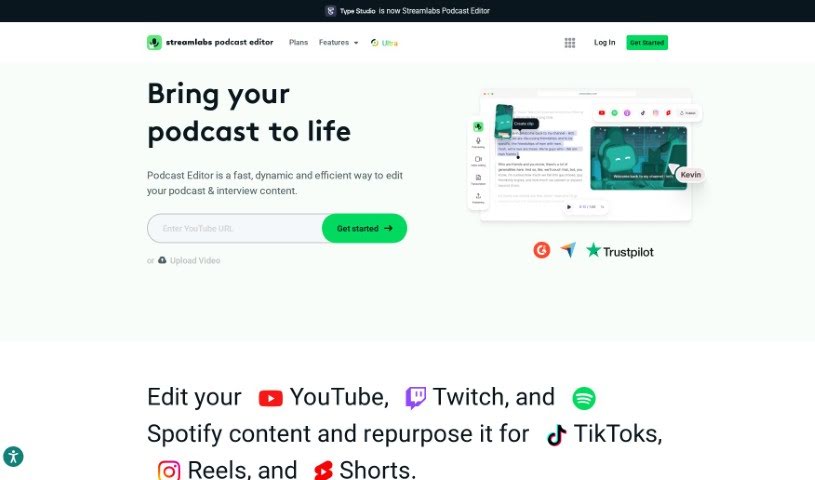
Screenshot of Streamlabs

Streamlabs

Freemium

Streamlabs is a really handy platform packed with tools for content creators, especially those who are into live streaming and making videos. One of its standout features is the ability to stream and record directly from your computer. This makes it super efficient for creating and sharing content as it happens. Plus, Streamlabs has a video editor that makes tweaking and working on videos with others a breeze. Another cool function is called "Cross Clip." It lets you take videos from platforms like Twitch and YouTube and easily turn them into short, shareable clips. Basically, Streamlabs is designed to help content creators by offering a bunch of useful applications to make their streaming and video editing experiences much better.

Screenshot of Strofe

Strofe

Freemium

Strofe is a platform that makes it super easy for anyone to create music using AI. Whether you're working on video games, Twitch streams, YouTube videos, or podcasts, Strofe helps you craft music that perfectly matches the mood and theme you're going for. Plus, it comes with built-in mixing and mastering tools, so you can tweak your tracks until they sound just right. The best part? Every song you make with Strofe is completely unique and won't get you into trouble with copyright or DMCA takedowns. It's a fantastic tool for both seasoned music pros and folks just starting out with music creation.

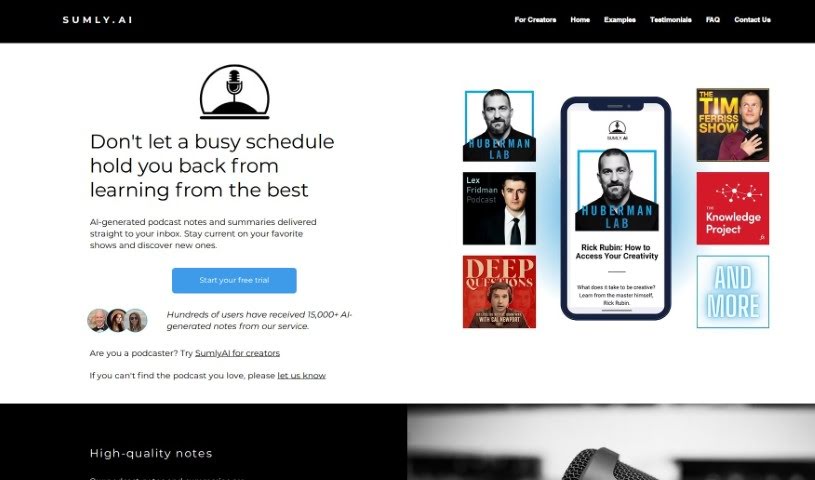
Screenshot of Sumlyai

Sumlyai

Freemium

SumlyAI is a neat service that sends you AI-generated podcast notes and summaries right to your inbox. They use the latest AI tech to create these, and then humans give them a once-over to make sure they're top-notch. You can get summaries for popular shows like "Huberman Lab," "Lex Fridman Podcast," "The Tim Ferriss Show," "The Knowledge Project with Shane Parrish," and "Deep Questions with Cal Newport." Plus, they offer a 7-day free trial so you can try it out before you subscribe.

Screenshot of Tailor News

Tailor News

Freemium

Tailor News used to be a really neat service that created personalized podcasts and newsletters just for you, based on what you were interested in. It is your personal guide through the massive amount of news and information out there, making it much more engaging and less overwhelming. You could tell it your specific interests and even add your favorite sources – like newspapers, YouTube channels, or podcasts. Then, Tailor's AI would dive into all that content every day, picking out the most relevant bits just for you. The whole idea was to cut through the clutter and get you the important stuff without all the extra noise.

Screenshot of ToastyAI

ToastyAI

Freemium

ToastyAI is a professional AI tool designed specifically to help podcasters write all sorts of content. It is your AI podcast copywriter! It can whip up show notes, full transcripts, helpful timestamps, blog posts, and much more, all using AI that's been trained with your podcast's unique style in mind. So far, it's generated over 3.2 million words for 768 podcasters across 17 languages, and it's known for being both fast and accurate. Essentially, ToastyAI is here to make your content creation process smoother, saving you time and boosting your efficiency by handling tasks like generating show notes, transcripts, timestamps, and even full articles from your episodes.

Screenshot of TotemoTech

TotemoTech

Freemium

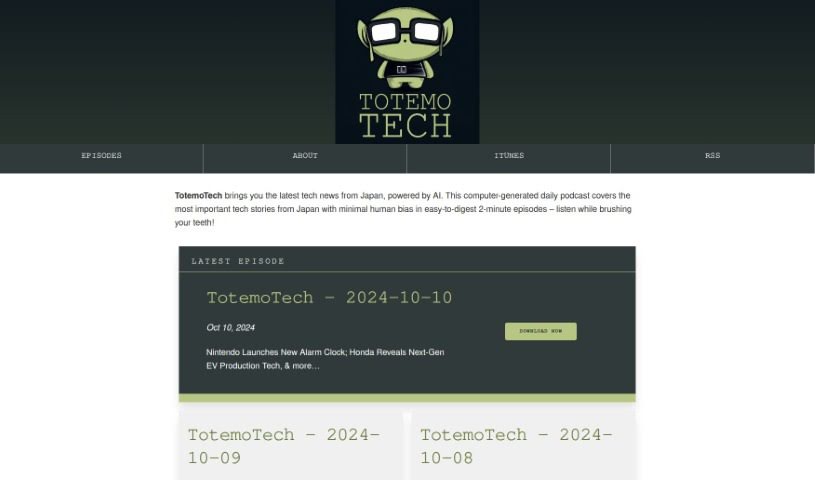
TotemoTech is a podcast that delivers daily tech news straight from Japan, all powered by AI. The episodes are crafted to be super easy to digest, each just about 2 minutes long. This makes it really convenient for you to stay in the loop with what's happening in Japanese tech. The content aims for minimal human bias, offering a quick peek into the latest tech stories. You'll hear about all sorts of things, like technical challenges, new research findings, exciting robot releases, and much more, giving you a solid overview of Japan's tech scene.

Screenshot of Transcriptmate

Transcriptmate

Freemium

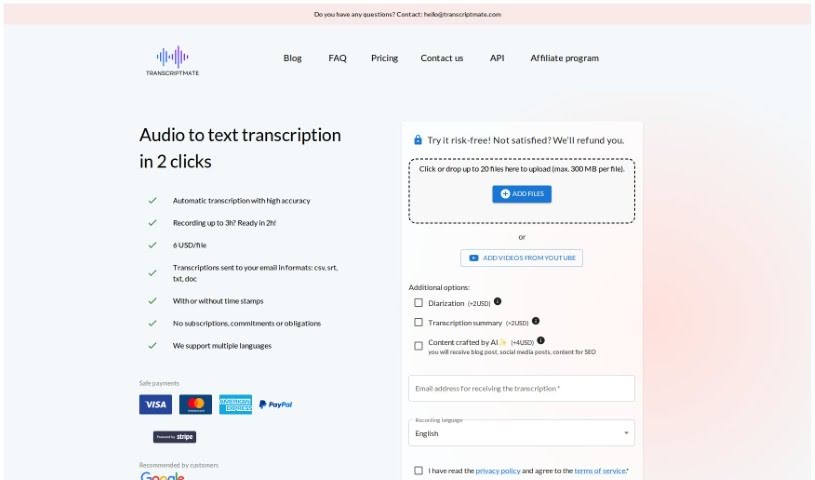
Transcriptmate is a transcription service that users are really happy with. They often mention how efficient, accurate, and affordable it is. People have said it's fast, secure, and delivers perfect transcriptions – even better than what Google and Apple offer. What's great about Transcriptmate is that it's super easy to use, taking just two clicks. You can upload audio files up to three hours long, and you'll get highly accurate transcriptions in various formats. It also supports multiple languages, can identify different speakers, and really prioritizes keeping your data safe. Plus, it processes everything quickly. Beyond just transcription, they offer a unique 'Content Bundle' service, which includes prepared social media content and SEO-ready files, and you can even get transcriptions directly from video and audio. It really shines because it's fast, efficient, gets great customer reviews, has flexible pricing, and offers strong data privacy. This makes it a solid choice for all sorts of people, whether you're a journalist, a content creator, or just need ready-to-publish blog articles.

Screenshot of Trebble

Trebble

Freemium

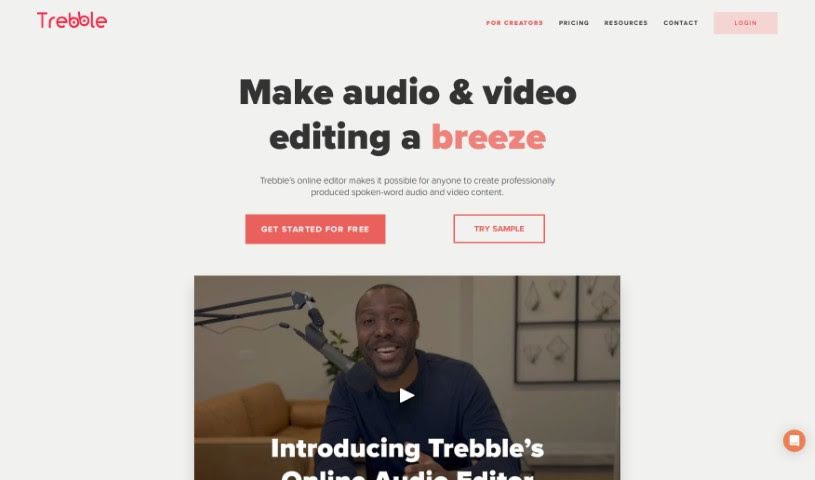
Trebble is a really neat online audio editor built specifically for people who make podcasts or work with audio professionally. If you're looking to make your spoken-word recordings sound even better, this is for you. What sets Trebble apart is its unique approach to editing: instead of fiddling with waveforms like in older tools, you edit your podcast simply by changing the text transcript. It makes the whole process feel much more natural and efficient. Plus, Trebble's smart technology automatically polishes your audio to a professional finish, which really simplifies post-production and saves you a ton of time. Whether you're working on a podcast, a voiceover, or any other audio project, Trebble makes editing smoother while keeping the quality high. Some of its standout features include that text-based editing, automatic professional sound improvements, tools made just for podcasts, a super easy-to-use online interface, and best of all, you can start editing for free without paying anything upfront.

Screenshot of Voice Crush

Voice Crush

Freemium

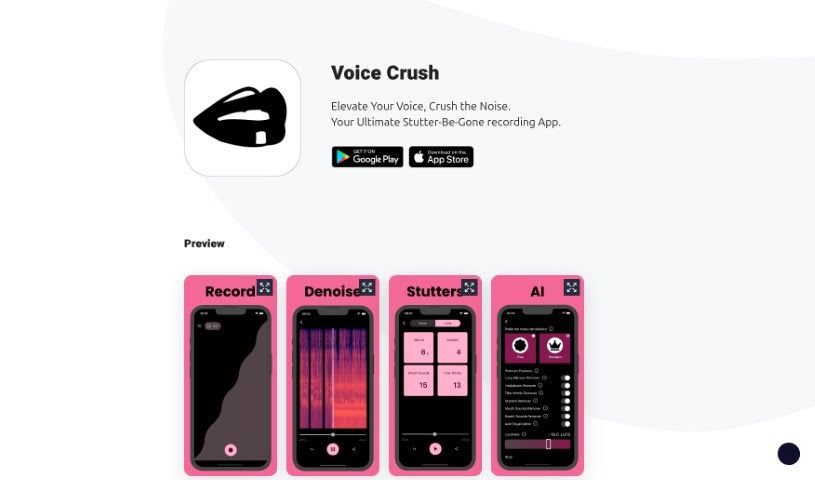
Voice Crush is a really neat app designed to make your audio recordings sound much better. It's great at cutting out background noise and making your voice super clear. Thanks to its advanced denoising AI, your voice really shines through, even if you're recording in a noisy place. Whether you're recording for work, a podcast, or even just practicing a new language, Voice Crush helps clean up your speech. It smooths out things like stuttering and those little filler words we all use. The goal is to help you feel more confident when you record your voice messages and generally improve your whole recording experience. It’s a handy way to make your audio content sound more polished.

Screenshot of Voscribe

Voscribe

Freemium

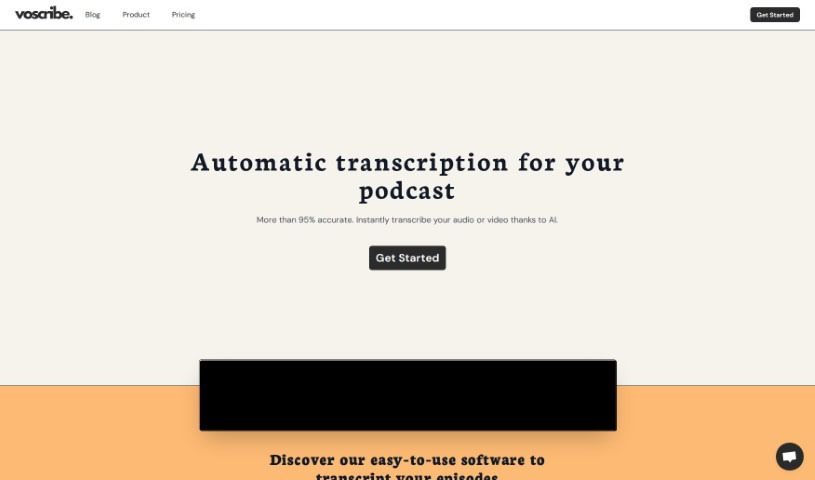
Voscribe is an automatic transcription service designed specifically to help out podcast and video creators. It uses machine learning algorithms to transcribe your audio or video content, and it's impressively accurate – usually over 95%! What's really great is how fast it is; it can transcribe 15 minutes of audio in just about a minute. Plus, it helps you repurpose your content easily by exporting transcripts in SubRip (SRT) format, perfect for adding subtitles. Voscribe also comes with a handy Editor function, making it super simple to tweak your transcripts. All in all, it's a real time-saver that really smooths out the content creation process for anyone making podcasts or videos.

Screenshot of Waveroom

Waveroom

Freemium

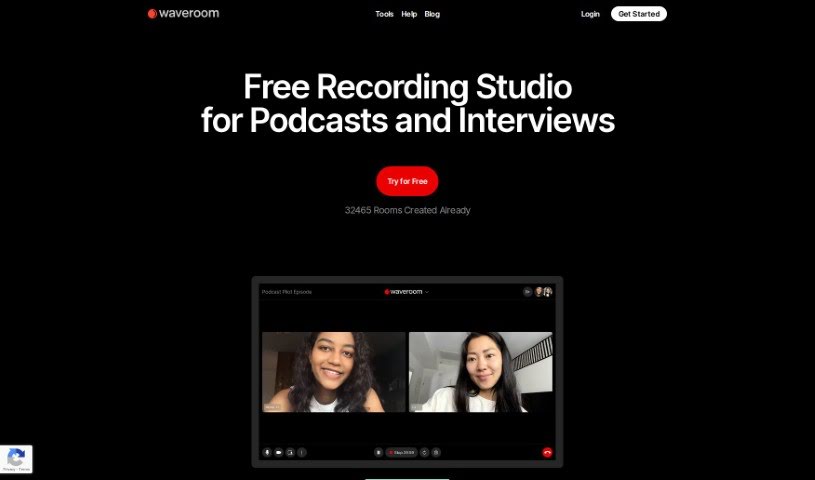
Waveroom is an online studio built for recording podcasts, interviews, and meetings remotely. It's packed with features like multi-track recording, AI-powered noise removal, collaboration tools, and local recording. All of this is designed to ensure you get high-quality audio and video every time. Participants can easily download their own recordings, and we're planning to add even more handy features soon, like simpler editing tools, automatic gap removal, and speech-to-text conversion.

Stay Updated with AI Tools

Get weekly updates on the latest AI tools, trends, and insights delivered to your inbox

Join 25,000+ AI enthusiasts. No spam, unsubscribe anytime.