AI Tools for Data Analytics

Discover the best Data Analytics AI tools to enhance your productivity and creativity.

Page 11 of 30 • 357 total tools

Data analytics has changed a lot recently. With the massive amount of data generated every second, businesses are increasingly using AI tools to understand it all. We’re past the days of just using spreadsheets and manual analysis; now, there are sophisticated AI-driven platforms that can process huge datasets faster and more accurately than ever before.

These tools don’t just help you find trends and insights hidden in the data; they also let you make confident, data-driven decisions. Whether you’re a seasoned data analyst or just starting, the right AI tools can turn complex data into clear, persuasive stories.

As I’ve looked into this fast-moving field, I’ve checked out a bunch of AI data analytics tools that fit different needs—from predicting future outcomes to creating visualizations. Each tool offers its own set of features, letting you simplify your analysis or improve how you report your findings.

With new tools coming out all the time, picking the best ones can feel overwhelming. In this article, I’ll share my top picks for AI-driven data analytics tools, pointing out what they do well and what makes them stand out in this busy market. Let’s dive in and see how these new solutions can change how you work with data.

The best AI Data Analytics Tools

  1. Tableau: Great for visualizing insights to guide strategic decisions.
  2. DataCamp: Helps you get better insights through data visualization.
  3. Amplitude: Tracks user behavior and provides insights.
  4. Databricks: Offers real-time insights into business performance.
  5. Kaiber: Creates visualizations for insightful analysis.
  6. Scale AI: Provides real-time analytics for threat detection.
  7. Text Cortex: Simplifies the process of generating reports.
  8. Football Predictions AI: Analyzes match outcomes and makes predictions.
  9. Labelbox: Offers insights into data quality using its tools.
  10. Meta Gen AI: Helps analyze data trends with AI assistance.
  11. HubSpot Chatspot: Uncovers trends using visual data insights.
  12. Tomorrow.io: Enhances decision-making with data insights.
  13. Metaphor: Visualizes complex data relationships.
  14. Dimensions AI: Streamlines research data analysis processes.
  15. Dataminr: Identifies market trends for businesses.

How do AI data analytics tools work?

When you look at AI data analytics tools, you’ll find various platforms that promise to turn raw data into valuable insights. The core of these tools often relies on machine learning algorithms. These algorithms analyze patterns and trends in datasets to help inform decisions. Many of these tools act as user-friendly interfaces built on powerful analytical engines, designed to make complex processes simpler.

Basically, AI data analytics tools take in large amounts of data from different places, like databases, APIs, and spreadsheets. Then, they use various statistical methods and machine learning models to find connections and unusual patterns. This ability lets organizations make predictions based on past data and current trends, which helps with their strategic planning.

Most AI analytics tools use natural language processing (NLP). This lets users talk to the system naturally. By asking questions in plain language, people can get answers about the data without needing to be tech experts. This easy-to-use approach makes data accessible to everyone, allowing teams in different departments to find insights without needing data science skills.

Each tool might have different specific features, but they generally focus on showing data visually and creating reports. Dashboards offer a clear, interactive look at analytics results, letting users explore key metrics easily. The main goal is to turn complex data into compelling stories that can lead to smart decisions.

As these tools get better, their connection with cloud computing improves speed and scalability. Users can analyze data streams in real time, which helps them react quickly to changing situations. This constant flow of insights means businesses can stay ahead, adapt to market changes faster, and potentially do better than their competitors.

If you want to learn more about AI data analytics, looking into machine learning techniques and case studies of how they’ve been used successfully can give you deeper insights. Overall, combining AI with data analytics has the power to change how organizations operate in a world that relies more and more on data.

Our best AI data analytics tools at a glance

RankNameBest forPlans and PricingRating
1Tableauvisualizing insights for strategic decisionsN/A4.70 (43 reviews)
2DataCampenhancing insights with data visualizationPaid plans start at $25/month.4.71 (24 reviews)
3Amplitudeuser behavior tracking and insightsN/A4.18 (11 reviews)
4Databricksreal-time business performance insightsN/A4.82 (11 reviews)
5Kaiberdata visualization for insightful analysisPaid plans start at $5/month.4.62 (13 reviews)
6Scale AIreal-time threat detection analyticsN/A4.73 (11 reviews)
7TextCortexstreamlining report generation processesPaid plans start at $23.99/month.4.50 (10 reviews)
8Football Predictions AImatch outcome analysis and predictionsN/A4.67 (12 reviews)
9Labelboxdata quality insights with labelbox toolsN/A4.42 (12 reviews)
10Meta GenAIanalyze data trends with ai assistance.N/A4.20 (5 reviews)
11HubSpot Chatspotunlock trends through visual data insights.N/A4.75 (12 reviews)
12Tomorrow.ioenhance decision-making with data insights.N/A4.76 (17 reviews)
13Metaphorvisualizing complex data relationships.N/A4.70 (10 reviews)
14Dimensions AIstreamline research data analysis processesN/A4.29 (7 reviews)
15Dataminridentifying market trends for businessesN/A3.80 (5 reviews)
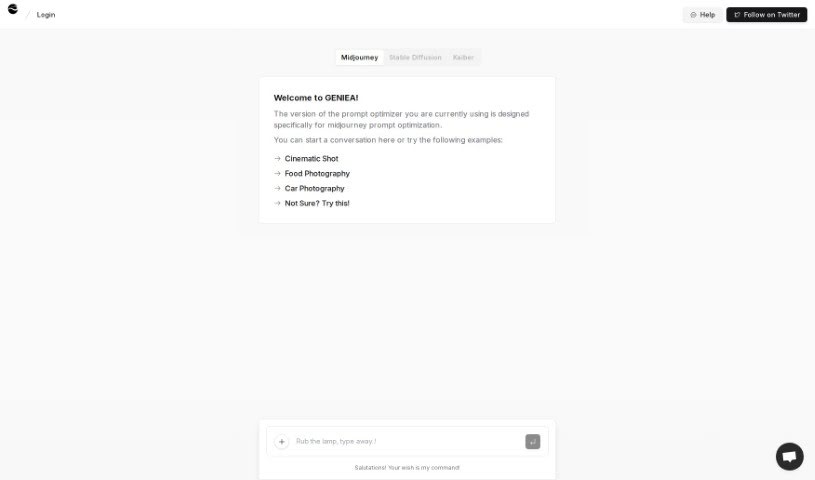
Screenshot of Geniea

Geniea

Freemium

Geniea is a smart, AI-driven web app that's really good at prompt engineering and making prompts better. It's specifically designed to help you optimize your Midjourney prompts, offering custom solutions to boost your efficiency and get more done. Geniea uses artificial intelligence to look at your prompts and suggest better ways to get the results you're looking for.

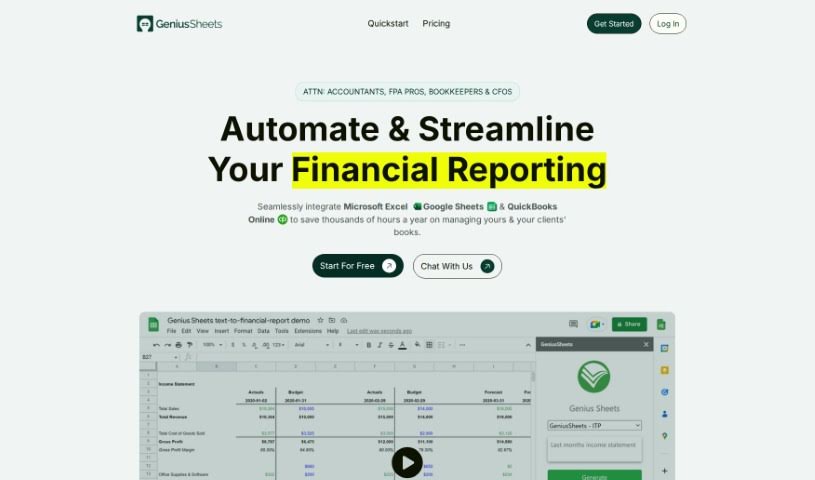
Screenshot of Genius Sheets

Genius Sheets

Freemium

Genius Sheets is a handy tool for creating data reports, and it comes packed with some really useful features:

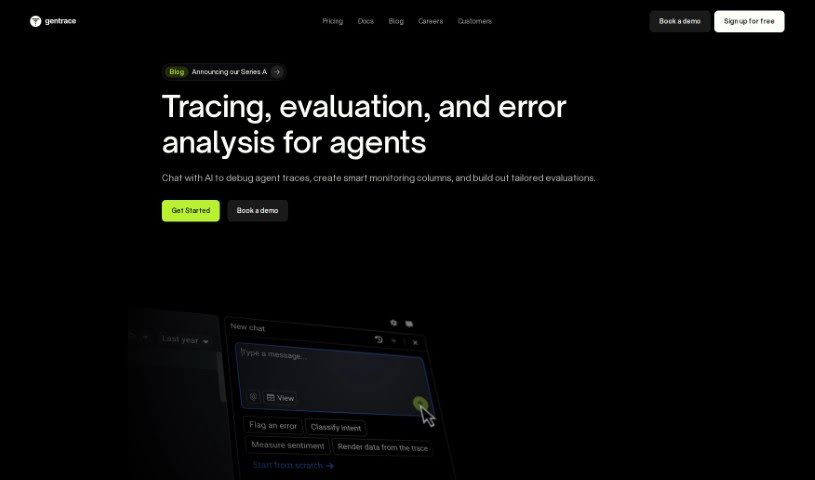
Screenshot of Gentrace

Gentrace

Freemium

Gentrace is a platform built to help you evaluate and keep an eye on generative AI models. It really focuses on things like how good the AI's output is, how fast it works, and how much it costs to run. It is a smart system that blends human know-how, AI tech, and clever rules (heuristics) to give you a deep dive into your AI models. It even automates a lot of the grading, which makes managing them much smoother.

Screenshot of GetOData

GetOData

Freemium

GetOData is a handy Chrome extension that uses AI to help you pull data right off any website. It is your personal web data collector! You can grab information in different formats, pick exactly which data points you want, easily move through multiple pages of a site thanks to its pagination support, and then export all that data as CSV, Excel, or JSON files. Plus, they're serious about keeping your OpenAI API key and your data safe, offer refunds, and have plenty of happy customers sharing their experiences.

Screenshot of Getsound.ai

Getsound.ai

Freemium

GetSound.ai is a platform designed to really shake up how we work and get things done. It offers a bunch of tools and features to help both individuals and teams improve their daily routines and stay laser-focused. The platform uses smart technology to create high-quality sounds that are meant to boost concentration and spark creativity. It actually uses artificial intelligence to craft personalized sound experiences that help block out those annoying distractions. On top of that, GetSound.ai includes handy productivity tools, ways to manage your tasks, track your time, collaborate on projects, and even offers useful insights from analytics. This helps you get a better handle on your productivity habits and make smarter, data-backed decisions.

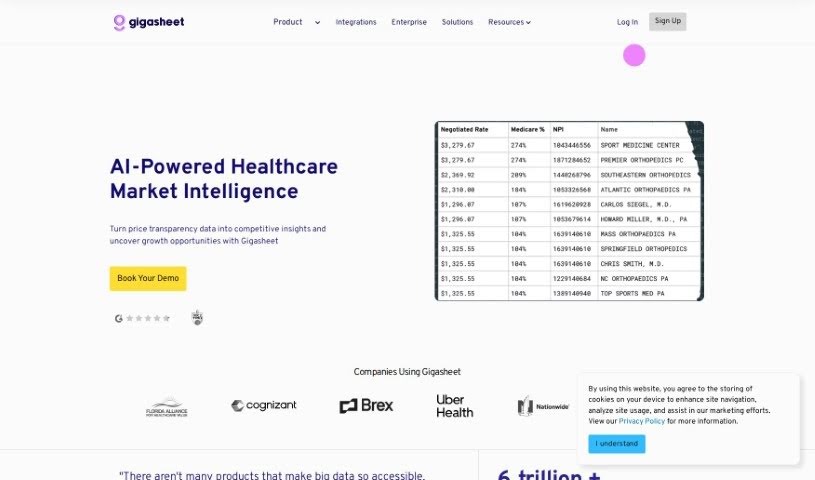
Screenshot of Gigasheet

Gigasheet

Freemium

Gigasheet is a really neat tool in the data analytics world. It gives you a no-code way to dig into huge amounts of data, meaning you don't need to be a coding whiz to use it. You can work with structured data and analyze billions of data points right from a simple interface that feels a lot like a spreadsheet. It's got a powerful engine that lets you manipulate, group, query, and analyze data all in one place, online. This makes it super intuitive but also really capable for all sorts of users.

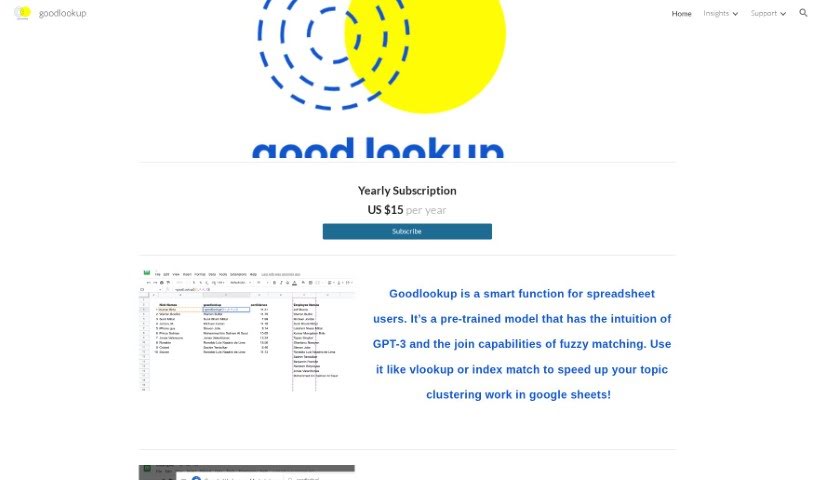
Screenshot of Goodlookup

Goodlookup

Freemium

Goodlookup is a handy tool built for anyone who works with spreadsheets. It's designed to make your topic clustering tasks much easier by bringing together the smarts of GPT-3 with fuzzy matching. It is a way to understand and link up text data, even when the names or phrases aren't exactly the same. It helps you deal with data that's all over the place, with different ways of writing things, so you can get a clear, unified picture. This makes analyzing and connecting records much more efficient. Essentially, Goodlookup tries to match text the way a person would, understanding meaning and context to give you really accurate results.

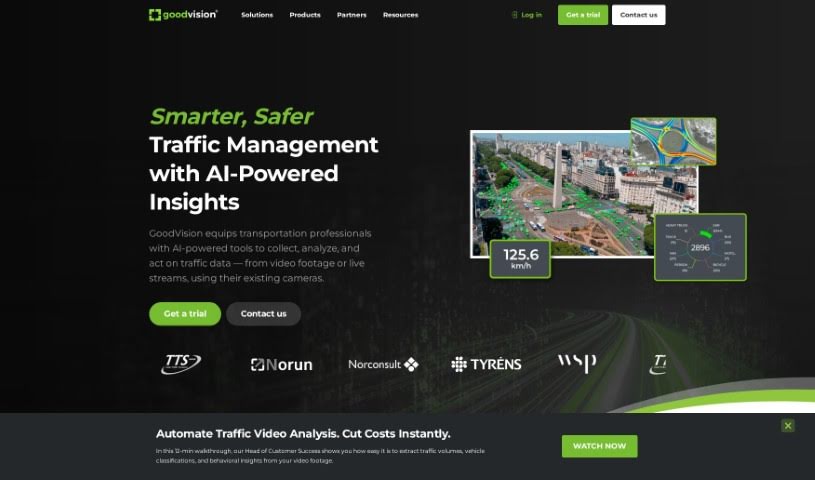
Screenshot of Goodvision

Goodvision

Freemium

GoodVision is a smart, AI-powered tool built specifically for traffic modellers and surveyors working in smart cities. It really streamlines many parts of traffic projects. Think AI-driven traffic data collection, more accurate traffic modelling, and even real-time traffic control. You can easily gather traffic data for your surveys, let the system automatically calibrate your traffic models, and get detailed traffic event information for your control systems, all in real-time. GoodVision uses AI and big data analytics to offer adaptive traffic control and urban planning solutions. This helps tackle urban traffic jams and all the problems that come with them.

Screenshot of Gptagent

Gptagent

Freemium

Gptagent is a really powerful AI tool that lets you build your own custom applications using AI technology, much like the tech behind ChatGPT. It makes developing things like chatbots and natural language processing algorithms much more accessible for everyone. While it's designed to be user-friendly, having a basic grasp of coding best practices can really help you get the most out of it. Gptagent is still being developed, but you can sign up for a waitlist to get early access when it officially launches. Plus, there's Julius, a special version of Gptagent that's all about data analysis and visualization. Julius offers advanced statistical modeling, including things like linear regression, forecasting, and training machine-learning models.

Screenshot of GPTAssistant

GPTAssistant

Freemium

GPT Assistant is a Discord bot that uses GPT-4's powerful Natural Language Processing. It fits right into your Discord servers, helping you be more productive. You can get information quickly, simplify data science tasks, get help with financial analysis, and just chat interactively. It's designed to work with many users at once, makes summarizing PDFs super easy, and lets you ask questions about your documents. Plus, they offer flexible pricing plans, with options for yearly or monthly billing, and you can manage your own API key. It's also built to handle large server environments.

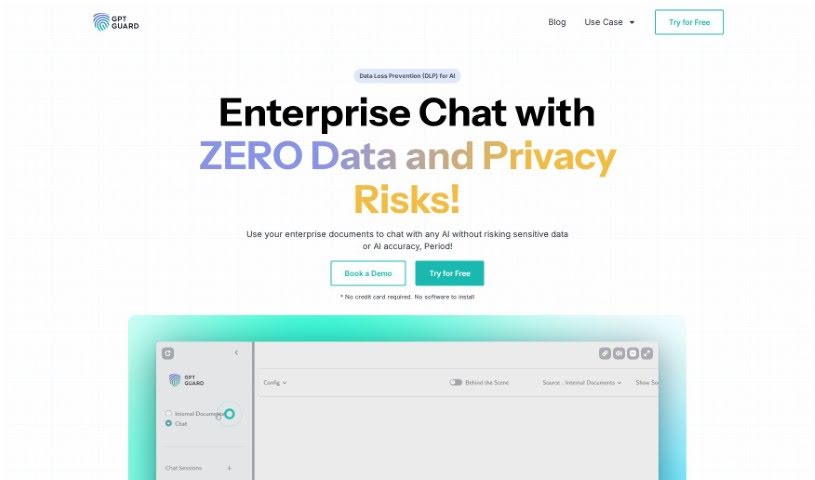
Screenshot of GPTGuard

GPTGuard

Freemium

GPT Guard, brought to you by Protecto's privacy engineering experts, is a really smart platform built to keep your conversations with ChatGPT safe. It lets you use your own data for AI and data analysis, all while making sure you're following privacy rules. It is a secure bubble for all sorts of AI tasks – like drafting emails, summarizing notes, or doing research – without ever worrying about your data security. GPT Guard uses clever data tokenization, which means the AI can work with your information without actually seeing the sensitive bits, keeping everything private. It's already trusted by many big Global 1000 companies, and they offer a 14-day free trial plus a 100% satisfaction guarantee, really showing how serious they are about security and privacy.

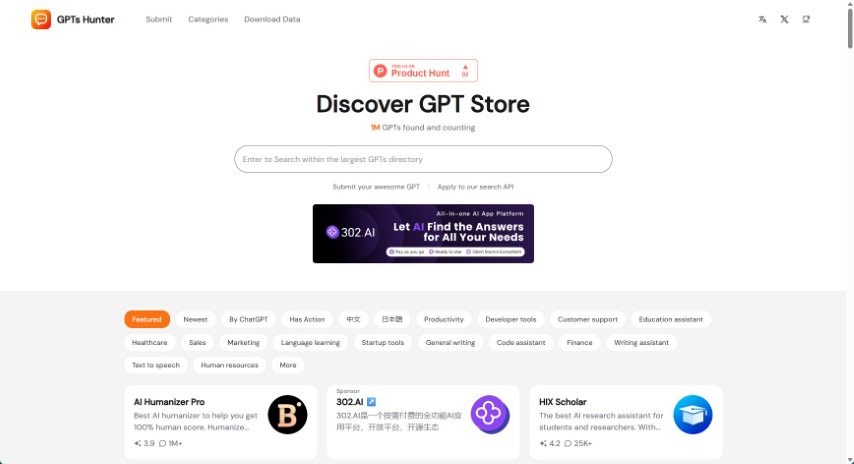
Screenshot of GPTs Hunter

GPTs Hunter

Freemium

GPTsHunter is a really useful platform where people can share, rate, and talk about GPT prompts. It makes it super easy to find great GPTs in the GPT Store that can really boost your productivity. Plus, it offers reviews and guides for these GPTs, which is fantastic if you're looking to explore different plugins and generally improve your experience with GPTs.

Stay Updated with AI Tools

Get weekly updates on the latest AI tools, trends, and insights delivered to your inbox

Join 25,000+ AI enthusiasts. No spam, unsubscribe anytime.