AI Tools for Audio

Discover the best Audio AI tools to enhance your productivity and creativity.

Page 12 of 40 • 471 total tools

We’re really entering a new age for creating and changing audio, thanks to AI. You know, those days of needing tons of skills and pricey gear for good audio are pretty much over. Now, with smart AI audio tools, anyone can make professional-sounding audio for podcasts, music, or any cool audio project.

These tools aren’t just for making music; they can create voiceovers, improve sound quality, and even help with sound design. It’s amazing how much AI is changing the audio world, and the ways we can use it are endless.

After spending a lot of time trying out different platforms and features, I’ve put together a list of the top AI audio tools out there. Whether you’re just starting out and need something simple, or you’re a pro looking for powerful options, there’s definitely something here to help you make your audio sound even better.

So, if you’re ready to see what AI can do for sound, let’s jump into the best tools that will totally change how you work with audio.

The Best AI Audio Tools

  1. ElevenLabs: Great for making multilingual video voiceovers if you’re a creator.
  2. Suno: Perfect for creating custom soundscapes to help you relax.
  3. BandLab: Lets you mix and master tracks smoothly.
  4. TurboScribe: Helps improve audio for clearer transcriptions.
  5. Voicemod: Lets you change your voice for creative projects.
  6. Adobe Podcast: Enhances audio with simple, one-click AI tools.
  7. Transkriptor: An automated tool for transcribing lectures.
  8. Speechify: Makes it easy to listen to articles and documents.
  9. NaturalReader: Good for creating voiceovers for your video content.
  10. Riffusion: Offers real-time audio manipulation for creators.
  11. Narakeet: Converts subtitles into synchronized audio.
  12. PlayHT: Useful for voiceovers in audio editing.
  13. Lalal.ai: Lets you remove vocals seamlessly for remixes.
  14. Ttsmaker: Effortlessly create voiceovers for videos.
  15. Udio: Craft unique sounds using its audio tools.

How Do AI Audio Tools Work?

AI audio tools work a lot like AI writing software. They use advanced models that have been trained on huge amounts of data. Many of these tools use deep learning to analyze and create sound patterns, which lets them generate or change audio. You’ll often see them used for making speech, composing music, and sound design, all thanks to the vast libraries of audio samples and language data they learn from.

Basically, these tools use neural networks that are designed to process sound much like we do. They look at audio input, find patterns, and then predict the best sound to produce based on what they’ve learned. This means they can create a wide range of outputs, from voices that sound really real to music that feels both familiar and new.

When it comes to making voices, the process usually involves feeding a neural network thousands of hours of spoken audio. This teaches it subtle things like intonation and how to vary speech. Then, when you type something in, the model uses its training to create speech that matches the tone and context you’re going for. The result? Voices that sound lifelike and can deliver text with emotion and clarity.

In a similar way, AI music tools study huge collections of music to understand what makes a good hook, rhythm, or harmony. By breaking down existing songs, these models learn how to create new music that sounds like popular styles or even comes up with completely new soundscapes. You can tell the AI what genre or mood you want, and it’ll tailor the results to your taste.

Beyond just creating content, AI audio tools can also improve existing sounds. Things like reducing noise, fixing pitch, and adding effects are all powered by algorithms that have learned from the details in audio files. This lets you make your recordings sound better or create entirely new sound experiences without much effort.

If you’re curious about the technical side, there are plenty of resources that explain how audio processing and machine learning work in sound. All in all, AI audio tools are really changing how we create and interact with sound, opening up amazing possibilities for musicians, podcasters, and audio engineers.

Our Best AI Audio Tools at a Glance

RankNameBest ForPlans and PricingRating
1ElevenLabsMultilingual video voiceovers for creatorsN/A4.83 (29 reviews)
2SunoCreate custom soundscapes for relaxationN/A4.82 (11 reviews)
3BandLabMix and master tracks seamlessly.N/A4.75 (44 reviews)
4TurboScribeEnhance audio for clear transcriptionPaid plans start at $10/month.4.80 (5 reviews)
5VoicemodTransform your voice for creative projectsN/A4.78 (27 reviews)
6Adobe PodcastEnhance audio with one-click AI toolsN/A4.67 (12 reviews)
7TranskriptorAutomated lecture transcription tool.N/A.4.31 (13 reviews)
8SpeechifyListen to articles and documents.N/A4.80 (54 reviews)
9NaturalReaderCreate voiceovers for video contentN/A4.75 (44 reviews)
10RiffusionReal-time audio manipulation for creatorsN/A4.18 (11 reviews)
11NarakeetConvert subtitles to synchronized audioN/A4.72 (18 reviews)
12PlayHTVoice over for audio editingN/A4.59 (27 reviews)
13Lalal.aiSeamless vocal removal for remixesN/A4.64 (11 reviews)
14TtsmakerCreate voiceovers for videos effortlessly.N/A4.60 (5 reviews)
15UdioCraft unique sounds with audio toolsN/A4.18 (11 reviews)
Screenshot of Firebay Studios

Firebay Studios

Freemium

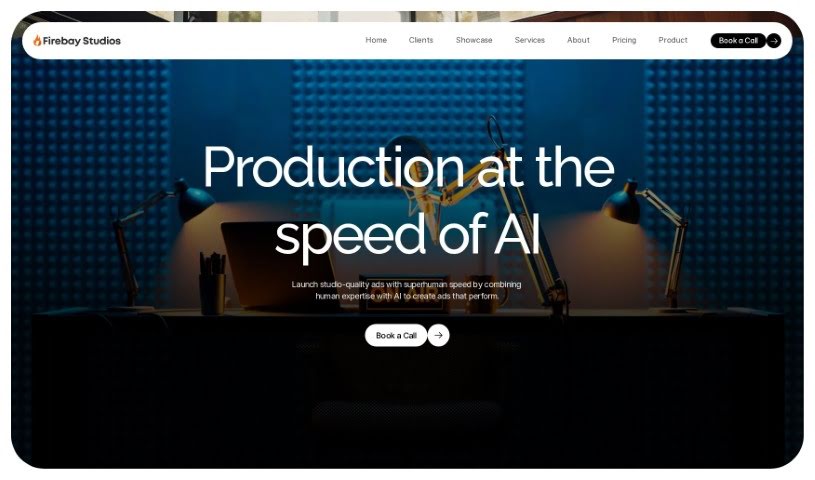
Firebay Studios is a really interesting AI tool designed specifically for podcast production and promotion. But it does more than just that! It also offers services like general audio production, copywriting, and even translation into up to 29 different languages. It is a comprehensive creative assistant. This platform is built to serve a wide range of industries, including gaming, education, content creation, chatbots, and publishing. What makes it stand out are features like AI voice cloning, script generation, and podcast hosting, all while supporting multiple languages. Firebay Studios really focuses on creating text-to-speech that sounds genuinely human, understanding how important that authentic, conversational feel is.

Screenshot of Fourie

Fourie

Freemium

Fourie is a really smart platform that uses GenAI to help you localize content across different languages. It is a way to dub, subtitle, and narrate your videos or audio in many languages, making it both efficient and affordable. The big idea behind Fourie is to make content accessible to everyone, everywhere, by connecting with people in their own languages and removing those pesky language barriers. It's named after Joseph Fourier, a mathematician, and the team at Fourie Studio dreams of a world where language differences don't hold us back.

Screenshot of Freemusicdemixer

Freemusicdemixer

Freemium

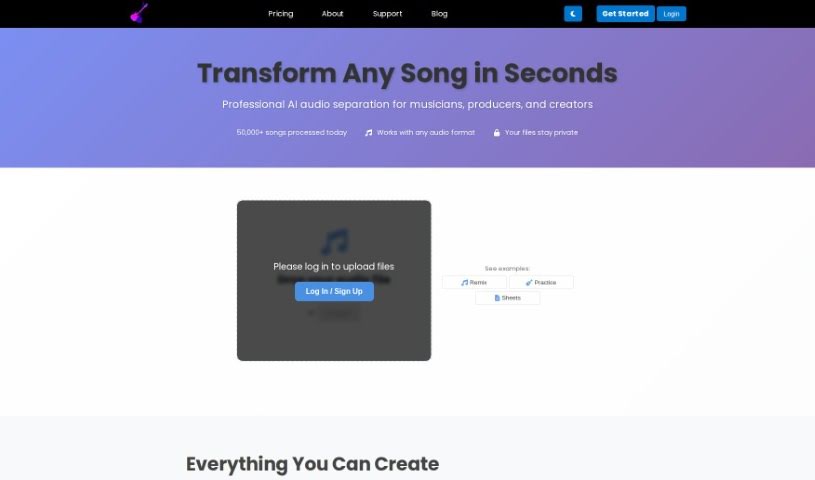
Freemusicdemixer is a really neat AI tool that lets you break down songs into their individual parts, which we call 'stems.' Think of it like separating the vocals, bass, drums, guitar, or piano from a mixed track. What's great is that this tool runs right on your computer, so your privacy is totally protected – nothing gets stored or sent anywhere else. It’s built to be super easy to use, whether you're a musician, a DJ, or just someone who loves music. If you want even better audio separation, their Pro version uses higher-quality AI models without any limits.

Screenshot of FreeTTS

FreeTTS

Freemium

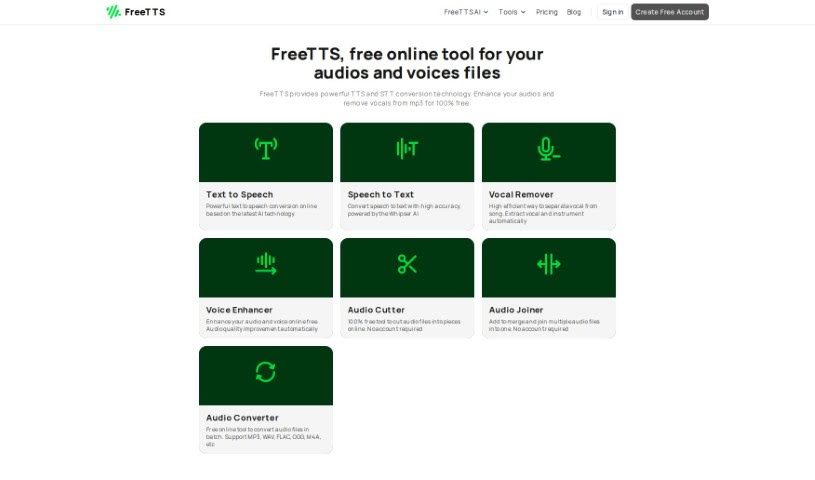
FreeTTS is a Java-based system designed to turn written text into spoken words. It is a flexible toolkit for anyone building applications that need to convert text into speech. It's pretty versatile, supporting multiple languages so you can generate speech with different accents and pronunciation rules. As an open-source piece of software, FreeTTS gives developers the tools they need to build custom speech synthesis features right into their own applications. This means you can easily add text-to-speech capabilities, which really helps improve user experiences in all sorts of places – like accessibility tools, interactive systems, and even educational software.

Screenshot of GistReader

GistReader

Freemium

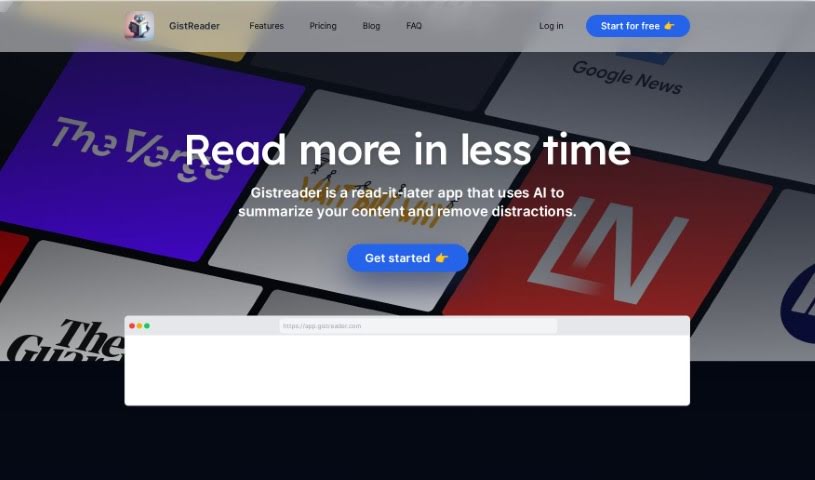
GistReader is a handy tool from Aron Rotteveel, a software engineer who really enjoys building products to help people out. His main idea with GistReader was to create a straightforward RSS reader that saves you time. How? By using AI to summarize articles and presenting them in a clean, easy-to-read format without distractions. Beyond just ad-free reading and AI summaries, GistReader lets you turn articles into your own personalized podcasts using text-to-speech technology. It also syncs everything across your devices, offers helpful features like keyboard shortcuts and Pocket integration, and even supports YouTube. You can choose from flexible pricing plans, with options to subscribe for more advanced features. Essentially, GistReader wants to make your online reading as efficient and enjoyable as possible by simplifying how you consume content from all sorts of sources.

Screenshot of Gladia

Gladia

Freemium

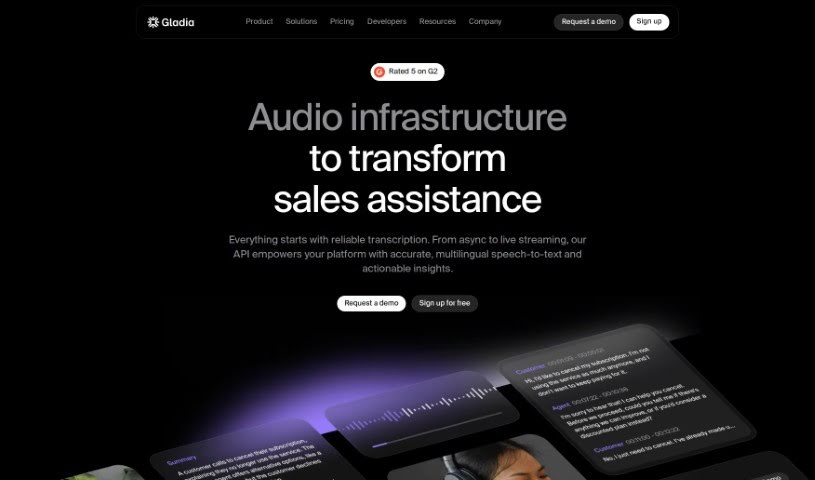
Gladia is a really advanced Speech-to-Text API. It is a tool that helps businesses turn audio into useful information by transcribing and translating it. It's built using the Whisper ASR framework, which means it's designed to be fast, accurate, and scalable – basically, it can handle whatever you throw at it. Plus, it's customizable for different industries and makes sure your data stays secure and follows privacy rules.

Screenshot of Godcast

Godcast

Freemium

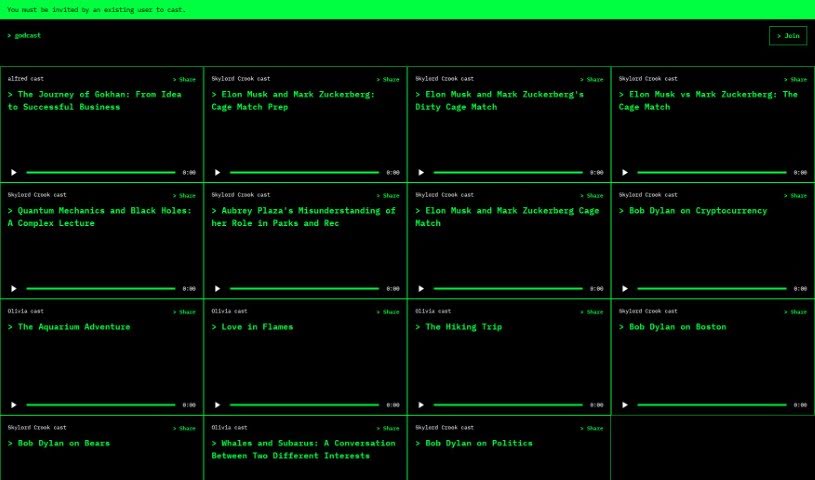
Godcast is a really smart way to share your content. It uses AI to help you broadcast all sorts of media, making it super easy to share and send your message across different channels. Whether you're in advertising, teaching, making entertainment, or just someone who likes to broadcast, Godcast is built for you. It's got a solid foundation and tools designed to help you reach a lot of people, ensuring your message gets to the right audience. Getting started is simple: just sign up on their website and follow a few easy steps to begin casting your content.

Screenshot of Good Tape

Good Tape

Freemium

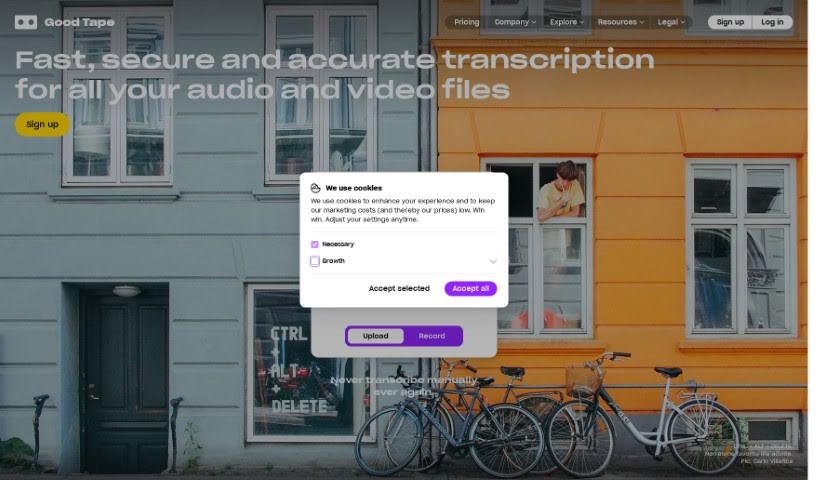
Good Tape is a transcription service that comes to us from Zetland, based in Copenhagen, Denmark. It is an AI-powered automatic transcription tool, built with journalists and other professionals in mind. Its main job is to take spoken content – like interviews or casual conversations – and turn it into written text, all thanks to some clever speech recognition technology. What's really neat is that Good Tape handles over 90 languages, and it even has an Autodetect feature that figures out the language for you. Plus, they take security seriously, encrypting all your data and files. If you're just trying it out, you can transcribe up to 20 minutes for free, and if you need more, there are service packages available. For journalists, it's a real time-saver, making it quicker and easier to get interviews and speeches into writing so they can focus on the actual reporting.

Screenshot of GoodListen

GoodListen

Freemium

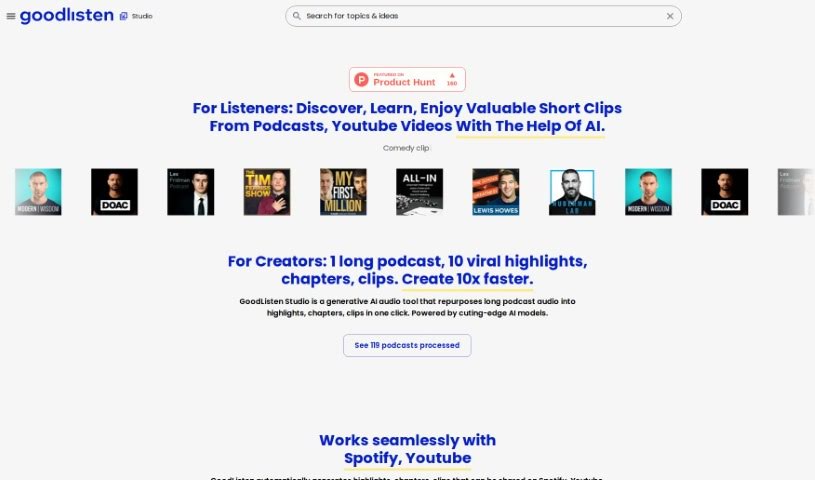
GoodListen is a smart audio tool that uses AI to help you create highlights, chapters, and short clips from long podcast recordings. It is a way to make podcast content more useful and easier to digest. It's built by a team of engineers and scientists who previously worked at Spotify and Semrush. GoodListen works smoothly with platforms like Spotify and YouTube, automatically generating shareable highlights and clips. It sorts content into more than 50 categories, covering everything from personal growth and mental wellness to financial education, comedy, business, health, and much more. You can easily search for specific topics and find relevant clips and summaries, which really saves time and helps you focus on what matters most. GoodListen's AI technology is what makes features like recommending audio content, tagging categories, and personalizing your searches across all sorts of podcast genres possible.

Screenshot of Google Drum Machine

Google Drum Machine

Freemium

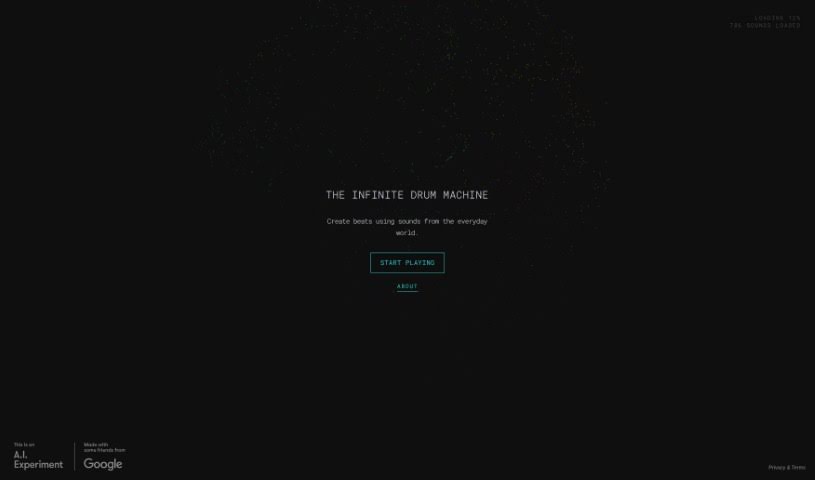
It looks like the Google Drum Machine is an AI-related project or feature that we couldn't find on the server. Unfortunately, the document we have doesn't offer specific details about what the Google Drum Machine does or its main purpose. It seems the links we tried to access for it weren't available. Because of this, we can't give you a full rundown of the Google Drum Machine right now.

Screenshot of Google MusicFX

Google MusicFX

Freemium

Google MusicFX is a really interesting experimental tool that uses Google's MusicLM technology. What's neat about it is that it also incorporates Google DeepMind's SynthID, which is a way to embed digital watermarks right into the audio it creates. This means you can actually shape evolving soundscapes by giving it multiple prompts in real-time. You've got a bunch of controls to play with, too – things like density, brightness, and even chaos. You can also tweak the drums, bass, BPM, and key center to really get the sound just how you like it. Essentially, MusicFX is designed to let people explore music creation and customization, and it's a cool way to see how AI can help enhance musical ideas.

Screenshot of Gpt4Office

Gpt4Office

Freemium

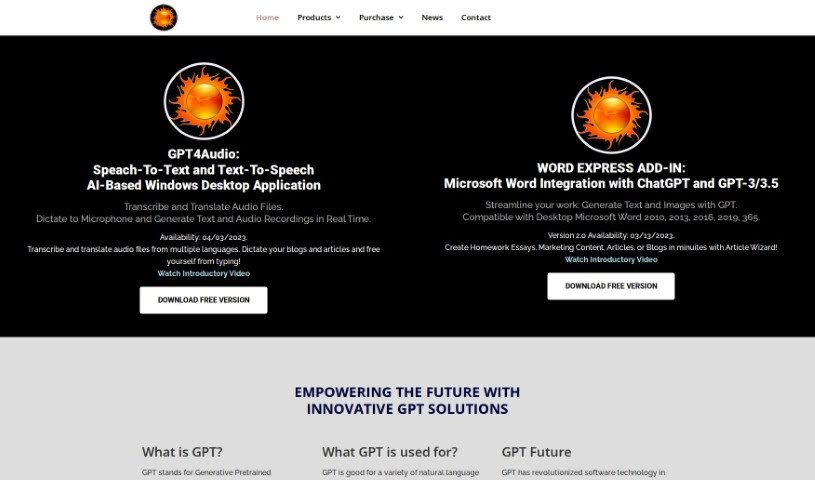
GPT4Office is a really neat set of AI tools from Gravity Storm Software, LLC. One of its key parts is GPT4Audio, which is basically a speech-to-text converter. It is a super-smart assistant that can take your audio files, transcribe them, and even translate them into different languages. Plus, it lets you dictate things like blog posts and articles right as you're thinking them. It's built on OpenAI's Generative Pretrained Transformer (GPT) technology, which is famous for how well it handles sequences of data. With GPT4Audio, you get features like instant speech-to-text conversion, support for many languages, the ability to dictate your thoughts, and it works smoothly on Windows desktop computers.

Stay Updated with AI Tools

Get weekly updates on the latest AI tools, trends, and insights delivered to your inbox

Join 25,000+ AI enthusiasts. No spam, unsubscribe anytime.