AI Tools for Academic Research

Discover the best Academic Research AI tools to enhance your productivity and creativity.

Page 5 of 9 • 99 total tools
Screenshot of Jenni AI

Jenni AI

Freemium

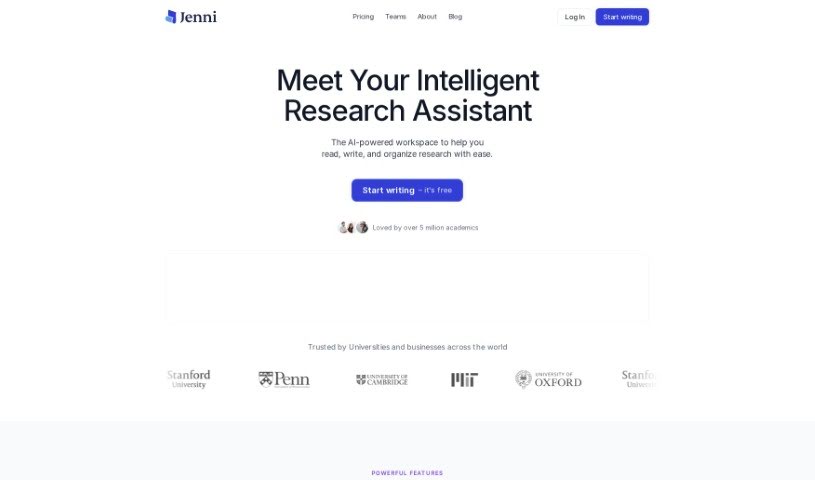
Jenni AI is essentially an AI writing assistant built to help researchers and writers tackle their paper writing process. It's packed with features designed to make things more efficient. You get tools for writing and citing, including in-text citations in popular styles like APA, MLA, IEEE, Chicago, or Harvard. It also offers an AI chat assistant that can help you understand and summarize research papers, and even generate content directly from your uploaded files. Plus, it has capabilities for paraphrasing and rewriting text, and you can import sources easily using .bib files. The goal? To boost the research and writing skills for the more than 3 million academics who use it worldwide.

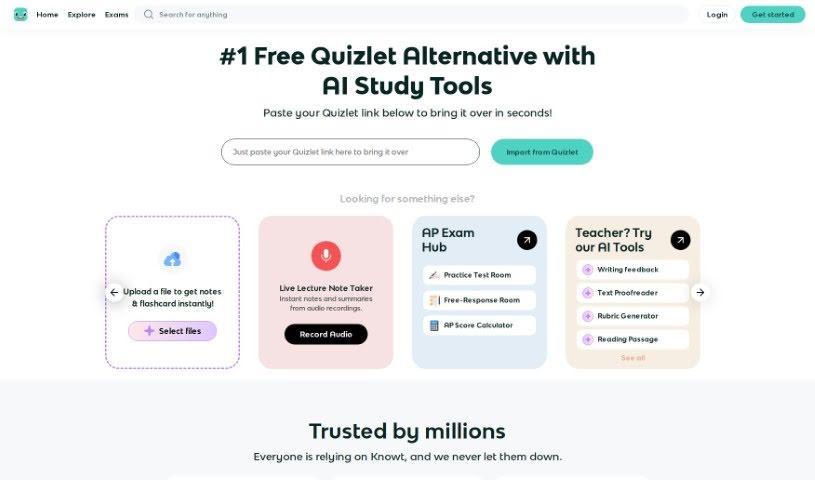
Screenshot of Knowt

Knowt

Freemium

Knowt is a really popular study platform that gives you a bunch of tools for making and studying flashcards. It is a free alternative to Quizlet, but with some cool extras. You get unlimited access to its "Learn Mode," you can take practice tests, use spaced repetition to help you remember things over time, and easily create or import flashcards. Students seem to really like Knowt because it's easy to use and has unique features, like its AI flashcard creator. Plus, you can import your old Quizlet sets for free study, which is super convenient. Millions of students and teachers around the world trust Knowt, and many have shared positive feedback, especially about how it helps them prepare for tough exams like APUSH and other AP tests. It's a valuable tool for all sorts of subjects and exams because it offers so many different ways to study and is so straightforward to use.

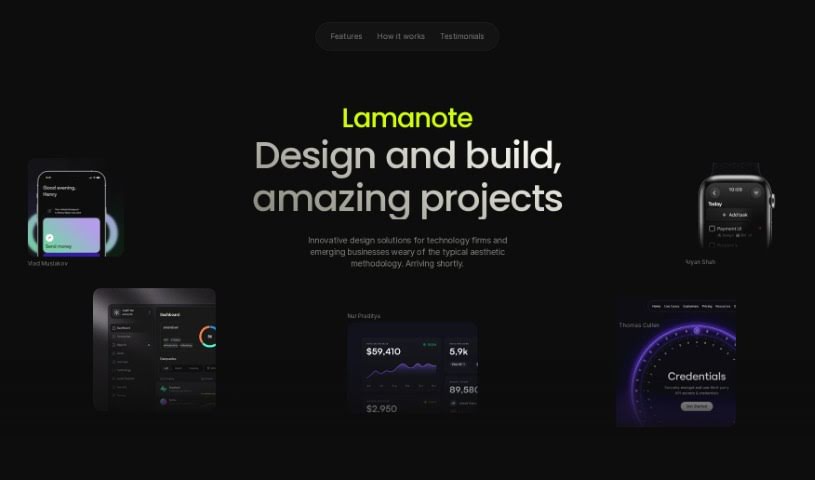
Screenshot of Lamanote

Lamanote

Freemium

Lamanote is a really neat app where you can ask questions and get answers powered by AI. It is building your own personal library of knowledge, all tailored to what you're curious about. It also has this cool social-media-like feel where you can scroll through questions other people have asked. Basically, Lamanote wants to help you satisfy your curiosity by making learning and sharing information fun and engaging.

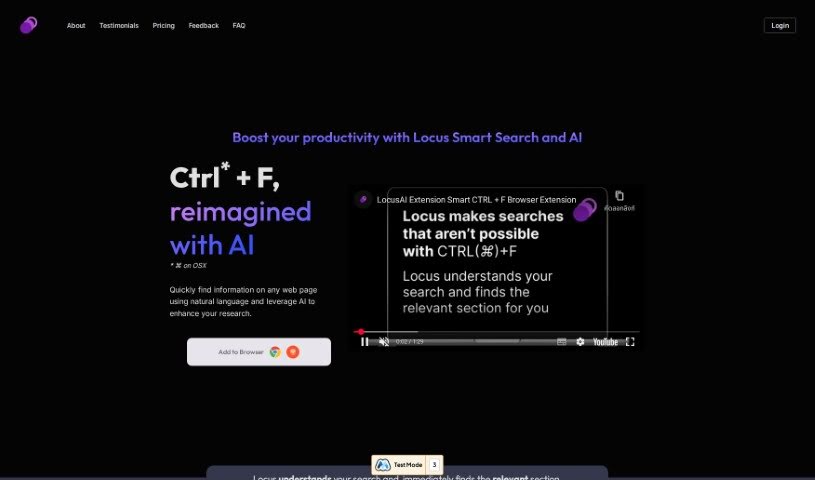
Screenshot of Locus

Locus

Freemium

Locus is an AI-powered tool designed to help you make sense of information. It uses advanced language models (LLMs) to assist with a variety of tasks. It is your smart assistant for synthesizing information, creating content, summarizing web pages, coming up with research ideas, studying with digital note cards, and even memorizing answers. Many users have found that Locus really helps them tackle dense academic papers more easily. It's great for quickly spotting the most important parts of articles, textbooks, and other documents. Locus offers features like Smart Search, helpful AI assistants, a way to save your favorite items, and professional plans with even more capabilities.

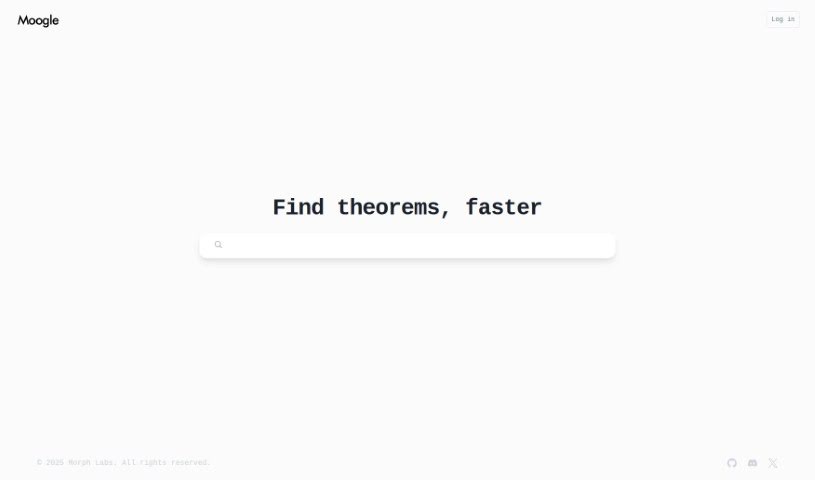
Screenshot of Moogle

Moogle

Freemium

Moogle is a smart AI tool, developed by Morph Labs, specifically designed for searching within the mathlib4 repository using semantic understanding. It is a way to find theorems that's much more accurate and relevant than just typing in keywords. It really helps cut down the time and effort you'd normally spend hunting for specific theorems. Moogle makes searching for theorems much smoother, offering a simple interface that feels natural to use. You won't have to dig through tons of math files manually anymore. Because Moogle is integrated directly with mathlib4, you're always looking at the latest theorems, which makes navigating this huge math repository so much easier.

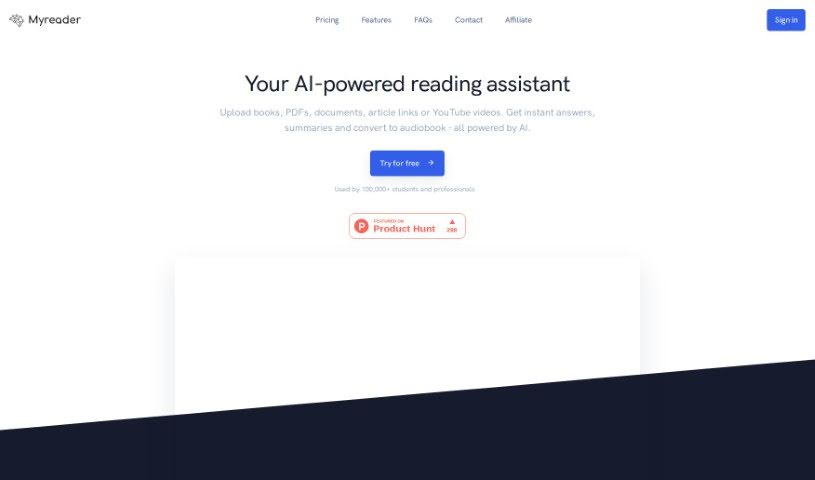
Screenshot of Myreader AI

Myreader AI

Freemium

Myreader AI is a really neat tool that uses artificial intelligence to help you interact with books and documents. Basically, you can upload any book or document, and then ask it specific questions about the topics inside. It's designed to make reading much more engaging by giving you relevant information right when you need it. You can upload all sorts of files, and then just ask away about anything covered in them. The AI figures out what you're asking and pulls out the answers directly from the text you uploaded. It is a way to skip all the manual searching through a book – this tool finds the exact spots you need to read. It’s a fantastic time-saver for reading, helps you really dive deep into subjects, and offers a super convenient and efficient way to get through your reading material.

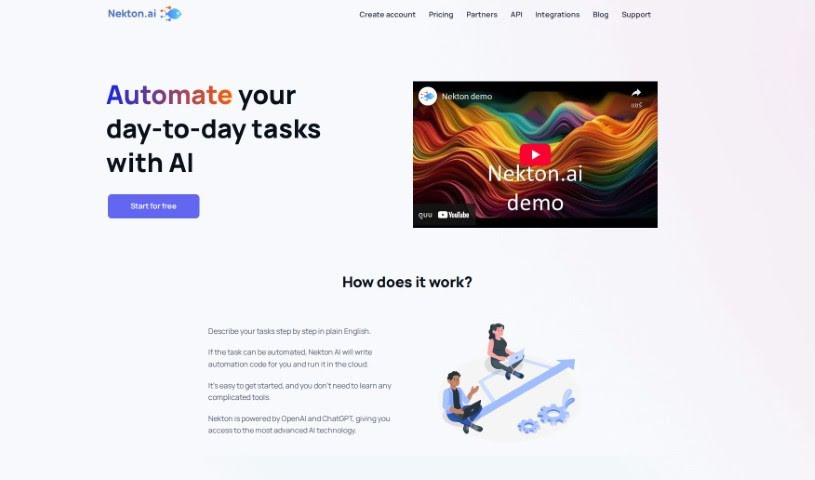
Screenshot of Nekton

Nekton

Freemium

Nekton is a really interesting platform all about exploring and researching our oceans. It's designed to help us study and protect aquatic life. It is an immersive window into the latest marine science, showing off new techniques in marine biology and oceanography, cool advanced technology, and a deep commitment to conservation. Nekton wants to make it easy for everyone to learn about and help protect marine animals and their homes. You can find all sorts of great stuff on there, like engaging content, the latest research findings, advanced tech in action, conservation projects, and plenty of educational resources.

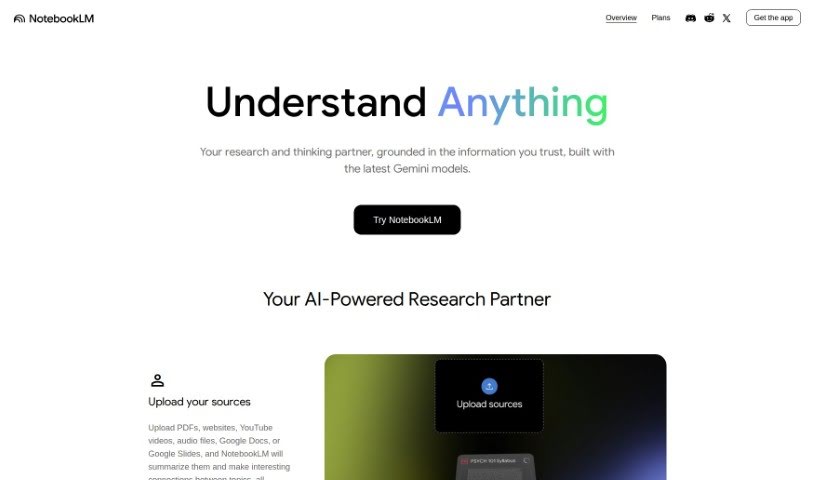
Screenshot of NotebookLM

NotebookLM

Freemium

NotebookLM is a special AI tool designed to help you research more efficiently. Right now, it's only available in the U.S. for people who are 18 or older. It is a virtual research buddy that combines teamwork with smart note-taking. You can upload your own documents, and NotebookLM will help you dive deep into them. It’s really good at helping you understand the key details in your projects and makes it super easy to move between reading, asking questions, and writing. You can even turn your notes into ready-made outlines, blog posts, or business plans, which really speeds up getting that first draft done. They're also serious about privacy – your personal data won't be used to train the system, and your sensitive information stays confidential. The Google AI community trusts NotebookLM, and it’s known as a really innovative AI note-taking tool.

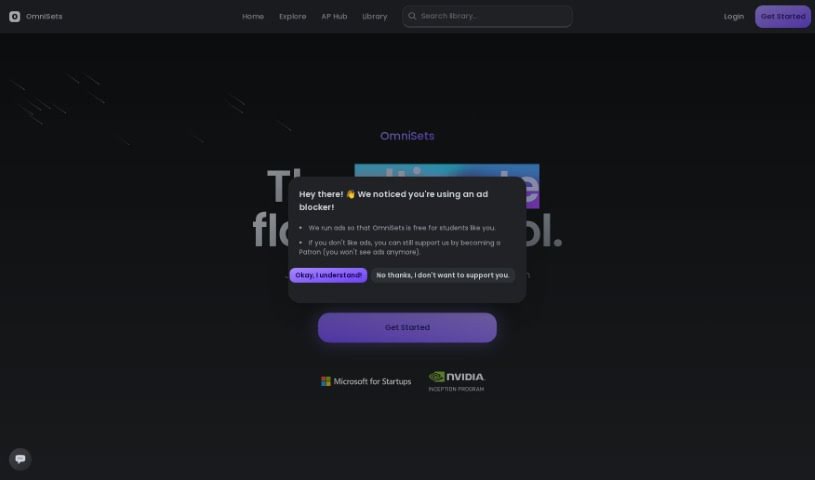
Screenshot of Omnisets

Omnisets

Freemium

Omnisets is a really helpful study tool packed with features designed to make learning better. It uses smart AI to give you a personalized study experience. Think adaptive learning that adjusts to you, spaced repetition to help you remember things long-term, quizzes, matching games, and even a smart way to schedule your study sessions. You can even use AI to create flashcards straight from your notes! Plus, it has a 'test prep' feature to help you get ready for exams and offers different study modes so you can pick what works best for you. It's all about active recall, personalized learning, and a super easy-to-use interface that makes studying efficient. Best of all, it's free, and students have been loving how versatile it is and how its AI features really help them learn.

Screenshot of Otio

Otio

Freemium

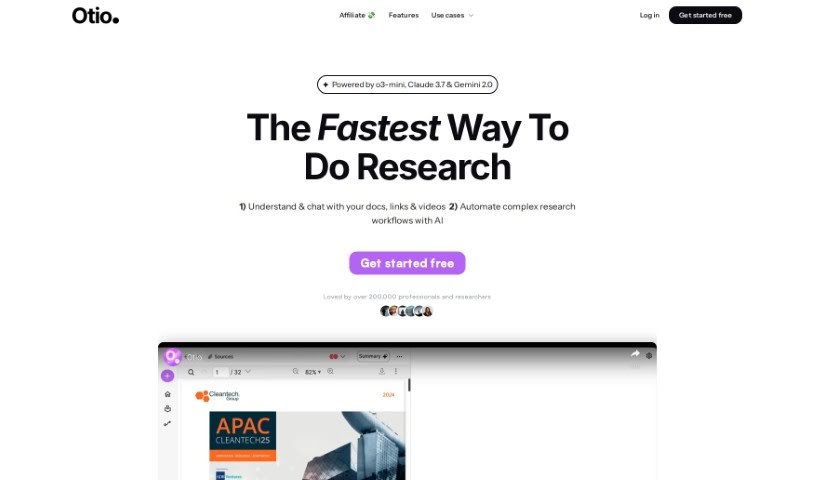
Otio is a tool that's become a favorite for over 50,000 researchers and students. It's designed to help you manage all sorts of information. You can import sources like PDFs, Word documents, links to blog posts, and even YouTube videos, and Otio will automatically create summaries for you. Plus, you can actually chat with your documents to dig deeper and uncover insights. It also includes an AI text-editor that helps with writing, editing, and paraphrasing. Many users have found Otio incredibly effective for pulling out the main points from research papers, videos, and podcasts. They often mention its user-friendly interface, finding it much easier to navigate than other AI tools like ChatGPT. It's also been called a lifesaver for keeping track of large collections of bookmarks, open tabs, and research resources. If you need to summarize podcasts or videos quickly, Otio really shines.

Screenshot of Paperclip

Paperclip

Freemium

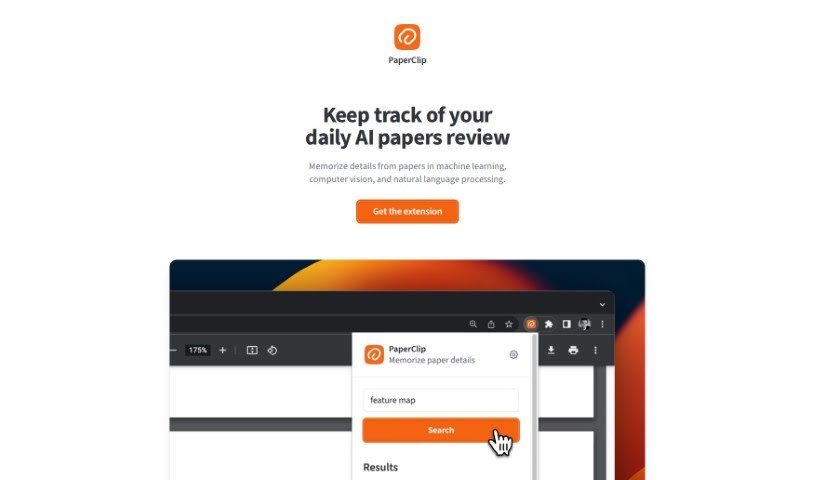
PaperClip is a handy tool built specifically to help AI researchers manage their paper reviews. If you're working in fields like machine learning, computer vision, or natural language processing, you know how much information you need to keep track of. PaperClip acts like a second brain, a memory aid that helps you hold onto the important details and key findings from all the research papers you read. It makes organizing this information a breeze, lets you find what you need in a flash, and keeps your data private. Plus, you can use it even when you're offline, and there's a simple one-click option to clear your data when you're done.

Screenshot of Papers Gpt

Papers Gpt

Freemium

Papers GPT is a specialized AI tool built for researchers, data analysts, and developers. It's designed to let you bring different data sources right into your AI model. It is a way to create custom AI models that can answer very specific questions, pulling information from your own knowledge bases – like scientific papers, industry data, or any custom datasets you have. It's got features for connecting data sources, customizing things via an API, and it's pretty straightforward to use if you've got some background in data science or AI. Papers GPT really helps boost accuracy, improve decision-making, and make you more productive by giving you precise answers, helping you make decisions based on data, and automating your queries. While it works great on a desktop, there isn't a full mobile version yet. It uses a freemium model, meaning you can start for free, and there are subscription plans available for both individual researchers and businesses.

Stay Updated with AI Tools

Get weekly updates on the latest AI tools, trends, and insights delivered to your inbox

Join 25,000+ AI enthusiasts. No spam, unsubscribe anytime.