AI Tools for Text To Speech

Discover the best Text To Speech AI tools to enhance your productivity and creativity.

Page 5 of 9 • 101 total tools

In today’s digital world, making content accessible is more important than ever. Text-to-speech (TTS) technology has become an essential tool, letting people consume written content easily. Whether it’s eBooks or online articles, turning text into natural-sounding speech helps everyone, especially those with visual impairments or learning differences.

What used to be a niche tool is now a sophisticated option. Today’s AI-powered TTS solutions don’t just read text; they adapt to different situations and tones. The quality has improved dramatically, making them great for casual listening or professional narration.

After trying out a bunch of text-to-speech tools, I’ve put together a list of some of the best ones. Each tool has unique features that can help you connect with your audience or just enjoy a book without having to read it yourself.

If you’re looking to improve your listening experience or need a helpful tool for reading, you’ve come to the right place. Here are the top text-to-speech tools worth checking out.

The best AI Text To Speech Tools

  1. ElevenLabs: Great for voiceovers for e-learning content.
  2. Speechify: Perfect for reading audiobooks seamlessly.
  3. NaturalReader: Helps enhance learning with spoken content.
  4. Narakeet: Use it to generate lifelike voiceovers for videos.
  5. PlayHT: Ideal for audiobooks and narratives.
  6. Ttsmaker: Good for narrating e-learning content.
  7. tts MP3.com: Useful for voiceovers for multimedia projects.
  8. Top Mediai: Offers natural voice narration for videos.
  9. Murf.ai: Excellent for interactive e-learning narration.
  10. Fake You: Converts text to lifelike speech.
  11. Voicemaker: Provides dynamic voiceovers for educational apps.
  12. TTS Reader: Reads ebooks aloud for convenience.
  13. Speechgen.io: Enhances presentations with audio narration.
  14. Resemble AI: Offers real-time narration for audiobooks.
  15. ReadSpeaker: Provides accessible reading for diverse audiences.

How do AI text to speech tools work?

AI text-to-speech (TTS) tools convert written text into spoken words using advanced algorithms and models. At their heart are neural networks trained on huge amounts of vocal data. This training helps them understand and copy human speech patterns, accents, and intonations, making the generated voices sound more and more lifelike.

When you input text, the TTS system first analyzes it to grasp its structure. It looks at punctuation, sentence length, and word context to figure out the right rhythm and intonation, known as prosody. This ensures the generated audio sounds natural and flows well, rather than robotic.

After analyzing the text, the system uses a vocoder to create the audio. This step involves generating sound waves that mimic how human voices produce sound. It considers how phonemes—the basic units of sound—combine to form words. The result is audio that captures the natural flow of human speech.

Many TTS tools also let you customize settings like pitch, speed, and voice style. This flexibility means you can choose from different voices, including male and female options, various accents, and even different age ranges. This adaptability suits many uses, from virtual assistants to audiobooks.

Plus, TTS technology is always getting better. Innovations like deep learning and neural TTS are improving the quality and emotional range of synthesized speech. As these advancements continue, the difference between machine-generated speech and human voices will become even smaller, making TTS tools more versatile and engaging.

Our best AI text to speech tools at a glance

RankNameBest forPlans and PricingRating
1ElevenLabsvoiceover for e-learning content.N/A4.83 (29 reviews)
2Speechifyreading audiobooks seamlessly.N/A4.80 (54 reviews)
3NaturalReaderenhance learning with spoken content.N/A4.75 (44 reviews)
4Narakeetgenerate lifelike voiceovers for videos.N/A4.72 (18 reviews)
5PlayHTaudiobooks and narrativesN/A4.59 (27 reviews)
6Ttsmakere-learning content narrationN/A4.60 (5 reviews)
7ttsMP3.comvoiceovers for multimedia projectsN/A4.64 (11 reviews)
8TopMediainatural voice narration for videosPaid plans start at $Free/month.3.86 (7 reviews)
9Murf.aiinteractive elearning narrationN/A4.64 (11 reviews)
10FakeYouconverting text to lifelike speechN/A4.82 (11 reviews)
11Voicemakerdynamic voiceovers for educational appsPaid plans start at $50/year.4.55 (11 reviews)
12TTS Readerreading ebooks aloud for convenienceN/A4.79 (14 reviews)
13Speechgen.ioenhancing presentations with audio narration.Paid plans start at $0.08/per 1000 characters.4.73 (11 reviews)
14Resemble AIreal-time narration for audiobooksN/A4.64 (22 reviews)
15ReadSpeakeraccessible reading for diverse audiences.N/A4.72 (72 reviews)
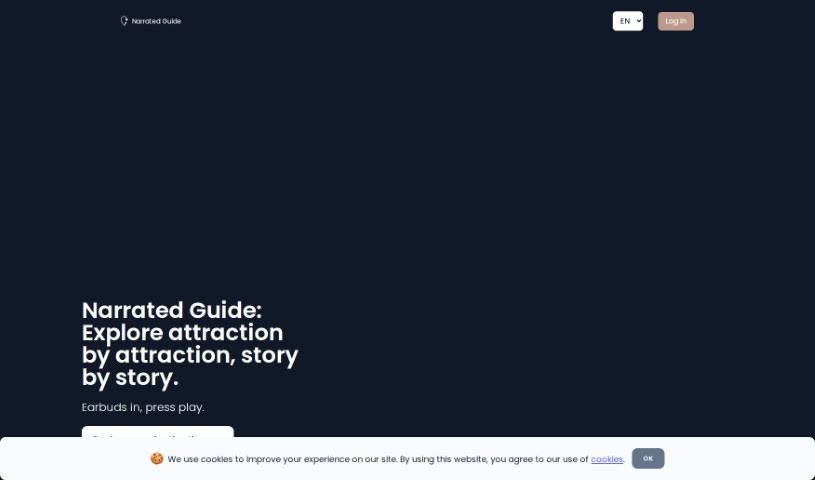
Screenshot of Narrated Guide

Narrated Guide

Freemium

Narrated Guide is your personal audio storyteller for exploring cities. It's a platform designed for travelers who love to discover places at their own pace. You pick your destination, then you can either read or listen to all the fascinating details. It really brings places to life, offering a much more engaging experience than just flipping through a traditional guidebook. The audio guides are crafted to make your journey feel personal and enriching, freeing you from the usual group tour schedules.

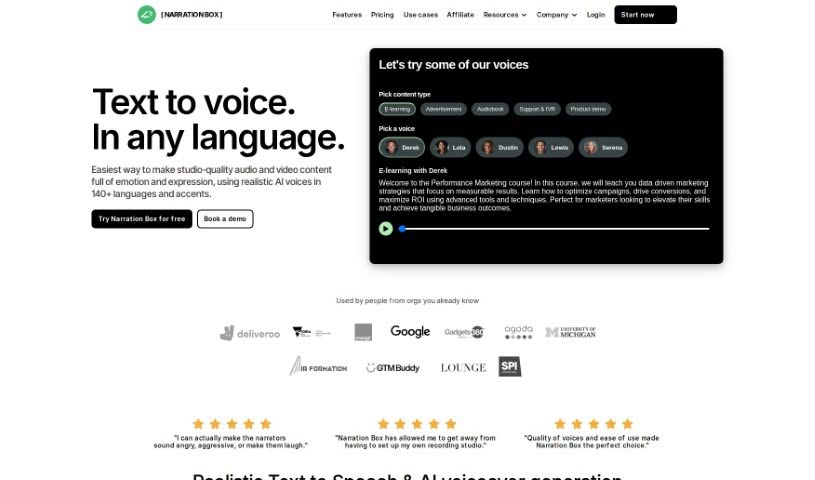
Screenshot of Narration Box

Narration Box

Freemium

Narration Box is a global AI platform for voice and speech generation, aiming to really change how we create and share content. It's packed with over 700 AI narrators speaking more than 70 languages, letting you craft super realistic voiceovers with all sorts of emotions. Whether you're making podcasts, audiobooks, educational stuff, product demos, or ads, this platform has you covered. You can tweak everything – the emotions, the pace, how the voice rises and falls – to get exactly the sound you're after. Plus, they've built in features like fast turnaround times, customizable emotions, multi-speaker stories, and even AI writing help to make creating content a breeze.

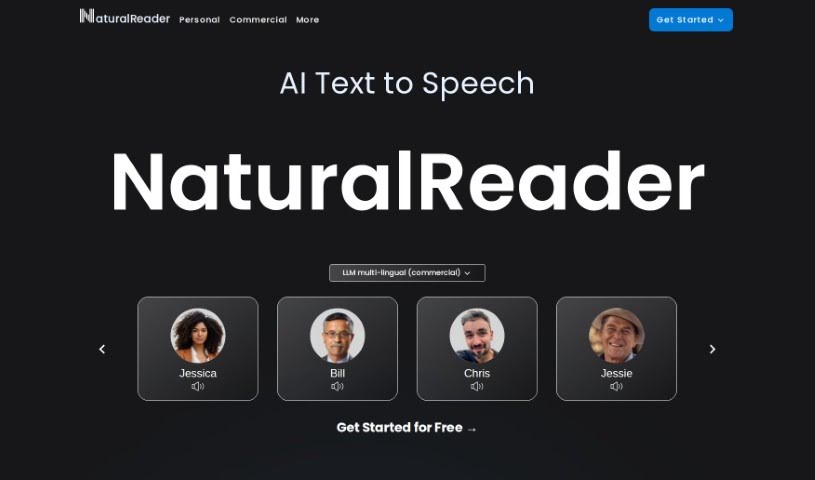
Screenshot of NaturalReader

NaturalReader

Freemium

NaturalReader is a really versatile text-to-speech platform. It uses high-quality AI voices to turn your written text into spoken words, making it super handy for all sorts of things. You can use it online, through its mobile app, for schoolwork, or even for professional voice-overs. Whether you need a free text-to-speech service, a mobile app for when you're out and about, or commercial licenses for your business, NaturalReader has plans to fit. They really focus on making the technology accessible and easy to use, no matter what device you're on.

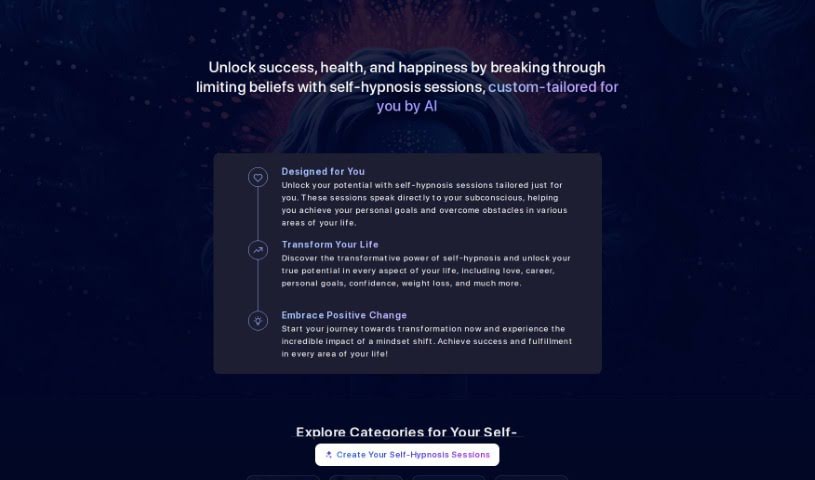
Screenshot of Neomind

Neomind

Freemium

Neomind is a really neat AI tool that helps you create your own personalized meditation sessions, and the best part? It's free! Its main goal is to help you feel less stressed, build up your emotional strength, sharpen your focus, and achieve a clearer mind. It does this by using AI to tailor the experience just for you. You get to pick what you want to achieve with your meditation, decide how long it should be, and even choose whether a male or female voice guides you. Neomind really focuses on making the meditation feel genuine and personal. Plus, there's a waitlist you can join for their upcoming app, which will offer even more cool benefits.

Screenshot of Neon Ai

Neon Ai

Freemium

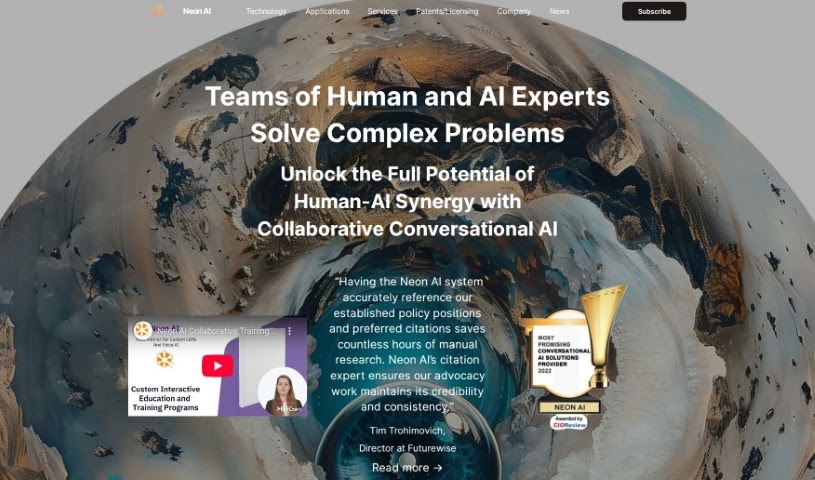
Neon AI is a user-friendly way to build advanced voice applications, even if you're not a coding expert. It uses smart AI and Natural Language Understanding to help you create custom voice experiences for popular devices like Alexa, Google Home, Siri, and Cortana. Neon AI also offers free, high-quality voice solutions through its open-source software, making it accessible for various devices. Plus, it has features like an AI OS specifically for the Mycroft Mark II, which really simplifies the development process. What's more, Neon AI is designed to help people and AI experts work together to tackle tough problems and make better decisions across many fields – from finance and manufacturing to healthcare, education, entertainment, and even public services.

Screenshot of Now&Zen

Now&Zen

Freemium

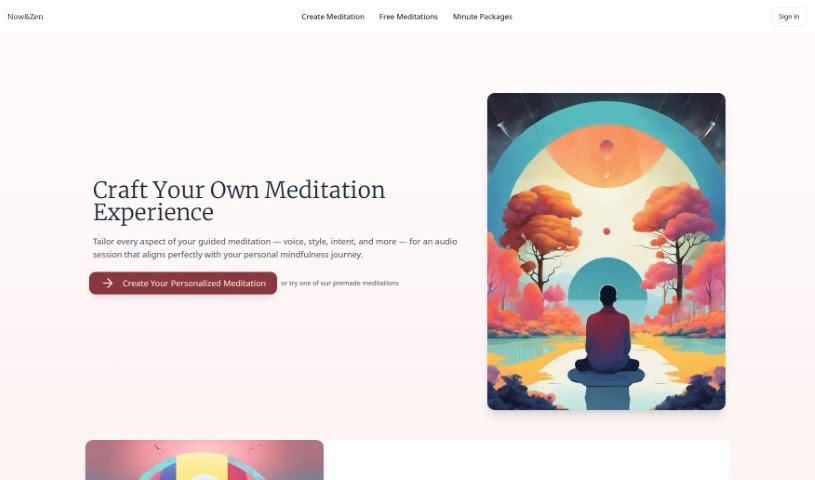
Now&Zen is a platform designed to offer you truly personalized meditation experiences. You get to customize absolutely everything about your guided meditation – think the voice, the style, the specific intent, and so much more. This way, you can create an audio session that perfectly fits your personal mindfulness journey. The platform makes it super quick to adjust things like how long your meditation is, which voice you want, and what background sounds you prefer, all in under 5 minutes. Plus, you can download your sessions to use even when you're offline. Now&Zen really believes that everyone's meditation experience is unique, so it offers a variety of voices to guide you, makes sure you can use it offline, and lets you tailor the intent to help with specific personal needs. Ultimately, Now&Zen aims to give you a smooth and deeply personal meditation journey, celebrating all the different ways people practice mindfulness and their beliefs. While Now&Zen is great for boosting your mindfulness and meditation practice, it's important to remember it's not a replacement for professional medical advice. If you have serious health concerns, please talk to a healthcare professional. The platform's AI technology strives for accuracy and relevance, but it's not perfect.

Screenshot of Open-Audio TTS

Open-Audio TTS

Freemium

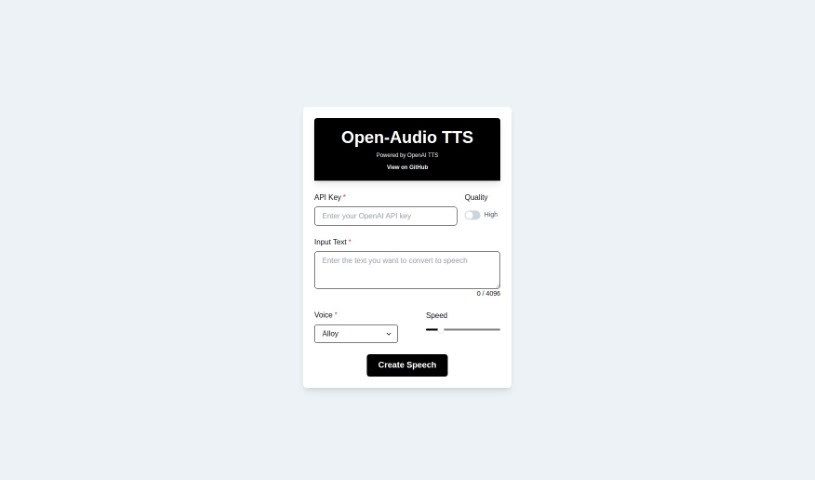
Open-Audio TTS is a text-to-speech tool that packs a lot of features and benefits. You can choose from different voice types and control how fast the speech sounds. It's really versatile, whether you're building audioscapes, creating podcasts, generating audiobooks, or helping out folks who are visually impaired. The tool makes converting text to audio pretty straightforward. Plus, you can get an API Key for free, and they keep updating it on GitHub. On the flip side, you do need that API Key to use it, it won't work offline, and the voice selection is a bit limited. There are also some restrictions on how much you can customize things, it doesn't support multiple languages, and you won't find dedicated technical customer service or a super clear update schedule.

Screenshot of PDFToMP3

PDFToMP3

Freemium

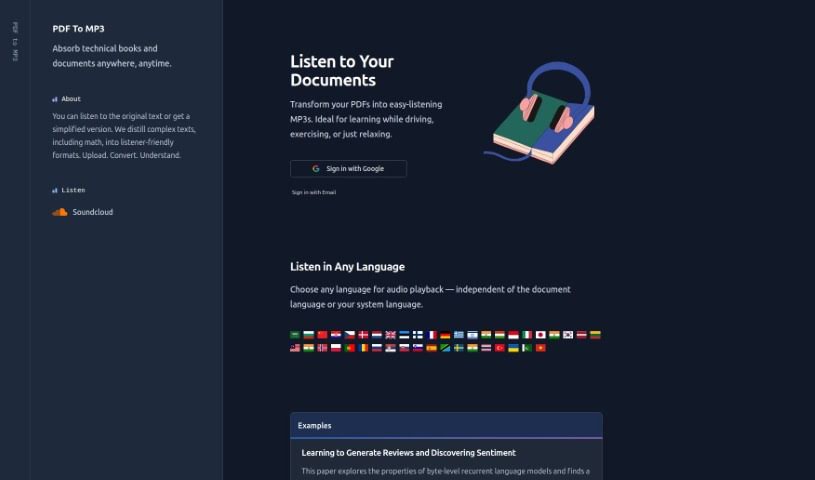
PDFToMP3 is a neat AI tool designed to turn the text from your PDF files into MP3 audio. Basically, it lets you listen to your documents instead of just reading them. The main idea behind PDFToMP3 is to make learning easier, especially when you're on the move. Think about listening to your study materials while you're commuting, working out, or just juggling a few things at once. You simply upload the PDF you want, and the AI handles the rest, converting it into an MP3 file that's easy to follow. This is a real lifesaver for tackling dense or technical reading, and it's even good with math texts, making them accessible for auditory learners. Plus, PDFToMP3 has a cool extra feature: it gives you audio summaries after each chapter. This really helps reinforce what you've learned and makes sure you remember it. All in all, PDFToMP3 is a super practical way to keep learning efficiently, fitting right into your busy schedule.

Screenshot of Peech

Peech

Freemium

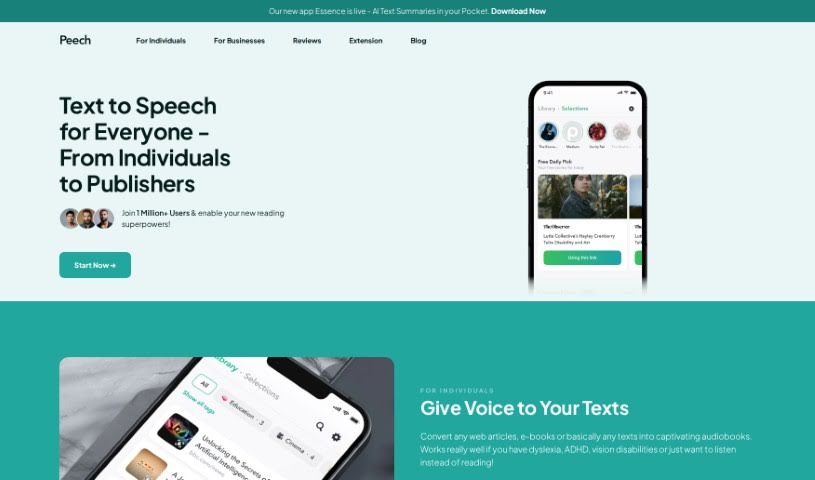
Peech is an application designed to turn written content, like web pages, into audio. This makes it easier and more accessible for everyone to listen to text, breaking down barriers to information. The platform uses AI-powered technology to create natural-sounding narration in multiple languages and with various input types. It's particularly helpful for people with dyslexia, ADHD, vision impairments, or anyone who simply prefers listening to reading. Publishers can also use Peech to convert their written material into engaging audiobooks much faster and cheaper than traditional methods.

Screenshot of Playtext

Playtext

Freemium

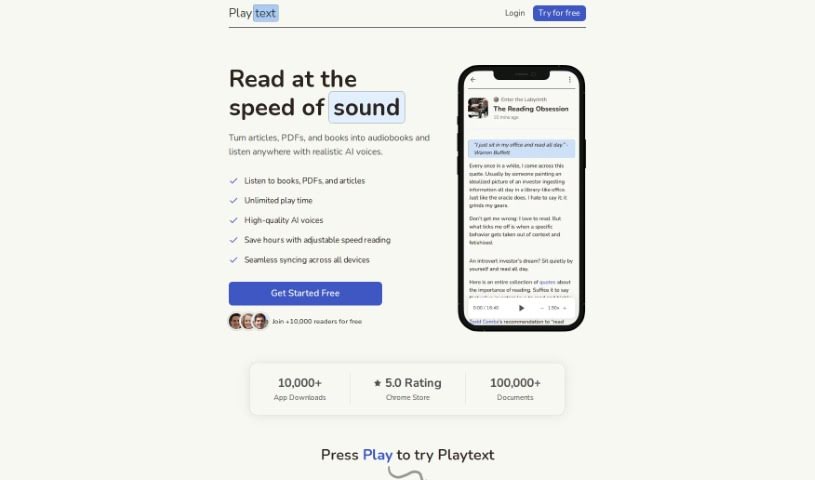
Playtext is a text-to-speech app designed to really boost your reading speed, comprehension, and how much you remember. It lets you save articles and turn them into audio, so you can listen to your favorite pieces at faster speeds. Playtext handles different languages, offers a reading environment free from distractions, and is a great help for people with dyslexia. You can tweak the reading speed, listen along as the text is read, and enjoy the AI-generated, human-like voices for a truly engaging and informative experience.

Screenshot of PlotPilot

PlotPilot

Freemium

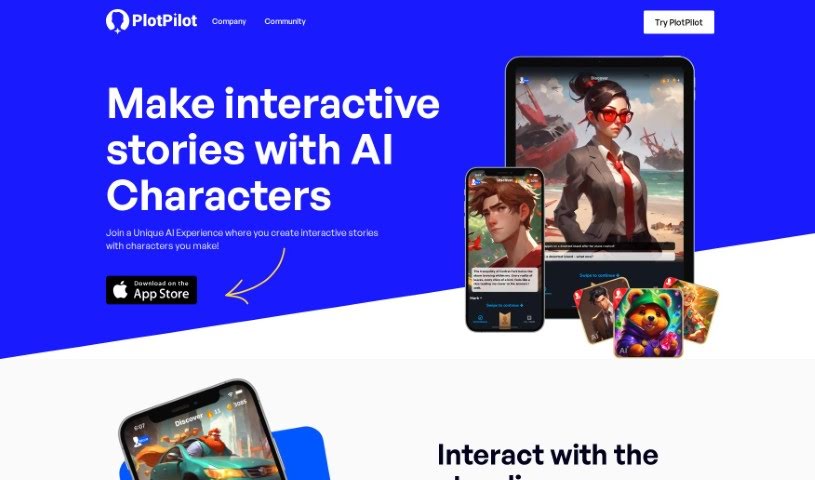
PlotPilot is a really neat AI-powered app that lets you turn your story ideas into audiobooks. It is your personal audiobook studio! You just give it a quick description or the basic concept of your story, and PlotPilot's smart technology figures out the genre, the mood, the best narration style, and even the right ambiance. It then creates a personalized audiobook experience, all tailored to your unique tale. Plus, it comes with over 40 different voices, offers interactive storytelling features, and they're planning to bring it to Android devices soon. Right now, it supports English audiobooks, but they're working on adding more languages so more people around the world can create their own audio stories.

Screenshot of Pod Genie

Pod Genie

Freemium

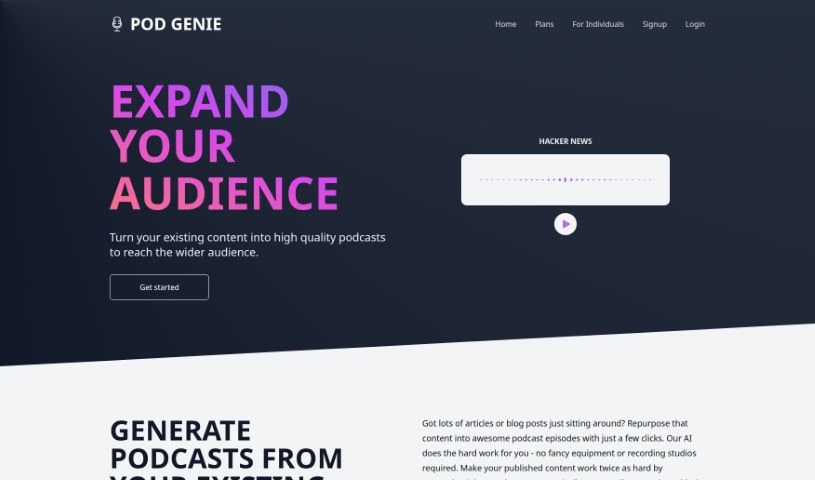
Pod Genie is a platform that lets you create your own personalized podcasts. You can use existing content, like articles or blog posts, and the platform's AI turns that written material into engaging audio. This means you can easily reach a wider audience through podcasts. You get to pick specific RSS feeds to shape your podcast episodes, tailoring the content exactly to what you're interested in. Plus, Pod Genie offers natural-sounding voices, a variety of templates, and even lets you create short videos for social media. Basically, Pod Genie makes podcasting simple and accessible, whether you're just doing it for fun or you're a big publisher.

Stay Updated with AI Tools

Get weekly updates on the latest AI tools, trends, and insights delivered to your inbox

Join 25,000+ AI enthusiasts. No spam, unsubscribe anytime.