AI Tools for Productivity

Discover the best Productivity AI tools to enhance your productivity and creativity.

Page 111 of 114 • 1361 total tools

In today’s busy world, staying productive can feel like a real challenge. With so much to do, constant notifications, and distractions everywhere, having the right tools to manage your time well is more important than ever. That’s where AI productivity tools come in—they’re designed to make your work smoother, handle repetitive tasks for you, and keep you organized.

These smart solutions have come a long way recently. They’ve gone from simple task managers to complete systems that can adapt to what you need. Whether you’re trying to organize your day better, improve how your team works together, or finally tackle that huge inbox, the right AI tools can make a big difference.

As I looked into the best AI productivity tools out there, I tried out several apps that promise to make you more efficient and focused. From smart schedulers to new project management systems, there are tons of options to help you get your time back.

So, if you’re ready to boost your productivity and make the most of your workday, you’re in the right place. Here’s a list of great AI productivity tools that are definitely worth checking out. Let’s explore how to work smarter together!

The best AI Productivity Tools

  1. Perplexity for automating tasks and helping with management.
  2. Small PDF.com for smoother document management for teams.
  3. Gamma for document creation tools that save time.
  4. Odoo for a task management and collaboration app.
  5. Zoom for analyzing and summarizing meeting content.
  6. N8N for smoother team onboarding processes.
  7. Prezi for engaging team collaboration sessions.
  8. Tableau for creating reports and dashboards more easily.
  9. Data Camp for efficient team collaboration workflows.
  10. Otter.ai for getting action items from meetings without the fuss.
  11. Tenorshare for easily summarizing long PDF documents.
  12. Slidesgo for creating professional presentations efficiently.
  13. Facecheck Id for streamlining identity verification tasks.
  14. HIX.AI for boosting writing speed with smart tools.
  15. Tactiq for automating meeting notes for teams.

How do AI productivity tools work?

AI productivity tools use machine learning to look at how you work and make your tasks more efficient. These tools are built to handle lots of information, spotting patterns and your preferences to help smooth out your workflows. By understanding how you use different apps, AI can suggest personal improvements to boost your productivity.

Basically, these tools use natural language processing (NLP) to understand and respond to what you ask. For example, they can schedule meetings, set reminders, or create reports just by understanding simple requests. This saves you time and cuts down on manual work.

Many AI productivity apps connect with popular tools like calendars, email, and project management software. This connection lets them gather information and automate tasks across different places. As a result, you get a smooth, connected experience that improves how you work day-to-day.

AI productivity tools also learn from how you use them to get better over time. The more you use a tool, the better it gets at guessing what you need and offering helpful suggestions. This ability to adapt is what makes AI tools increasingly valuable for improving productivity for both individuals and teams.

Plus, these tools can look at data about how you complete tasks and suggest ways to improve. For instance, if you often miss deadlines, the AI might suggest better ways to manage your time. By giving you useful insights, AI productivity tools help you work smarter, not just harder.

In the end, AI productivity tools show how technology can change everyday tasks into more efficient processes. By automating routine jobs and offering personal insights, they help you focus on what’s most important—hitting your goals and being more effective overall.

Our best AI productivity tools at a glance

RankNameBest forPlans and PricingRating
1PerplexityAutomating tasks and helping with management.N/A4.70 (10 reviews)
2SmallPDF.comSmoother document management for teams.Paid plans start at $9/month.4.73 (11 reviews)
3GammaDocument creation tools that save time.N/A4.79 (19 reviews)
4OdooA task management and collaboration app.N/A4.67 (6 reviews)
5ZoomAnalyzing and summarizing meeting content.Paid plans start at $15.99/month.4.73 (11 reviews)
6N8NSmoother team onboarding processes.Paid plans start at $50/month.4.58 (12 reviews)
7PreziEngaging team collaboration sessions.Paid plans start at $19/month.4.18 (11 reviews)
8TableauCreating reports and dashboards more easily.N/A4.70 (43 reviews)
9DataCampEfficient team collaboration workflows.Paid plans start at $25/month.4.71 (24 reviews)
10Otter.aiGetting action items from meetings without the fuss.Paid plans start at $13.59/month.4.73 (11 reviews)
11TenorshareEasily summarizing long PDF documents.N/A4.64 (11 reviews)
12SlidesgoCreating professional presentations efficiently.N/A4.68 (22 reviews)
13Facecheck IdStreamlining identity verification tasks.N/A4.42 (19 reviews)
14HIX.AIBoosting writing speed with smart tools.N/A4.36 (11 reviews)
15TactiqAutomating meeting notes for teams.N/A4.64 (11 reviews)
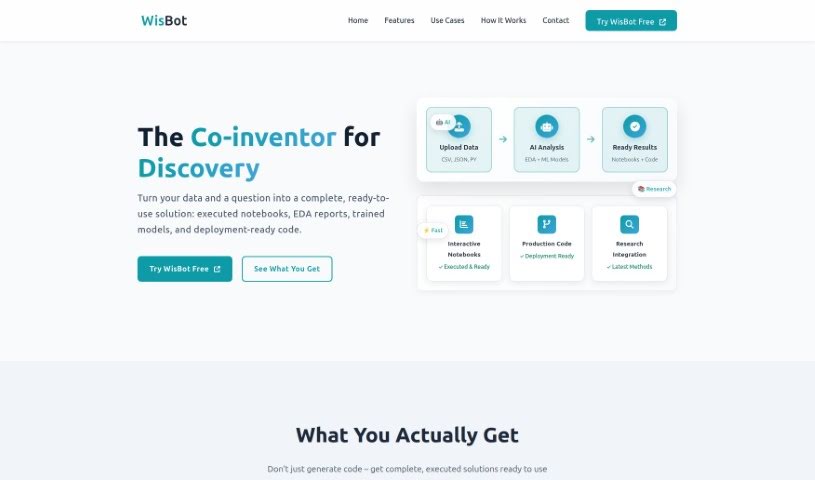
Screenshot of Wisbot

Wisbot

Freemium

WisBot is an AI assistant built specifically for Jupyter notebooks. It is a helpful guide that sits between you and your data. It understands all the code you write and makes it much easier to get things done. WisBot offers help right when you need it, can run your code for you, and even automates tasks to boost your productivity. Plus, it provides personalized learning materials to help you get better at Python and data science. It's really easy to use because it works directly inside your Jupyter environment. It can grasp any kind of code and data, run commands, automate repetitive jobs, offer valuable insights, recognize specific notebooks you're working on, and generally make your experience smoother by giving you tailored learning resources and improving your overall productivity. Even experienced data scientists will find WisBot useful, as it supports complex machine learning modeling and automates many tasks within Jupyter notebooks.

Screenshot of Woebot Health

Woebot Health

Freemium

Woebot Health is a digital buddy that's there for you whenever you need mental health support, right on your phone or tablet. It chats with you interactively and offers tools to help you manage anxiety and depression by encouraging healthier habits. You'll learn to regulate your emotions better through features like tracking your mood, reflecting on your progress, keeping a gratitude journal, and practicing mindfulness. What's really interesting is that Woebot isn't like those generative AI chatbots you might be used to. Instead, it's built on specific rules and its conversations are carefully crafted by writers who know their stuff, drawing from proven techniques like Cognitive Behavioral Therapy (CBT), Interpersonal Psychotherapy (IPT), and Dialectical Behavioral Therapy (DBT). They work closely with clinical experts to make sure it's helpful. Woebot for Adults and Woebot for Adolescents are designed to give people tools to cope with anxiety and depression. It's important to know they aren't FDA-approved or cleared, and they're meant to be used alongside, not instead of, professional medical care.

Screenshot of Wondershare Presentory

Wondershare Presentory

Freemium

Wondershare Presentory is an AI-powered presentation maker that uses GPT-4, a really advanced AI model, to create text that sounds natural, makes sense, and fits the topic. It lets you just type in a subject, pick a PowerPoint theme you like, tweak the details, images, and text, and then use AI to make your presentation even better. You can easily create and share your slides as PDFs or PowerPoint files. Plus, Presentory has a huge library of images to help you find just the right visuals, and its editing tools are super easy to use, making presentation creation a breeze.

Screenshot of Wonderslide

Wonderslide

Freemium

Wonderslide is a smart AI service that really helps you create great-looking presentations fast and without a lot of fuss. Unlike other tools that might focus on writing the content for you, Wonderslide's main goal is to make your slides visually stunning. People who use it often mention how much time it saves, how easy it is to use, and how it can turn a basic idea into a really eye-catching slide in just moments. If you're someone who makes presentations often and wants to make them look much more professional, Wonderslide comes highly recommended. Plus, they offer different subscription options, from a basic plan to try things out to bigger enterprise plans for companies that need custom solutions.

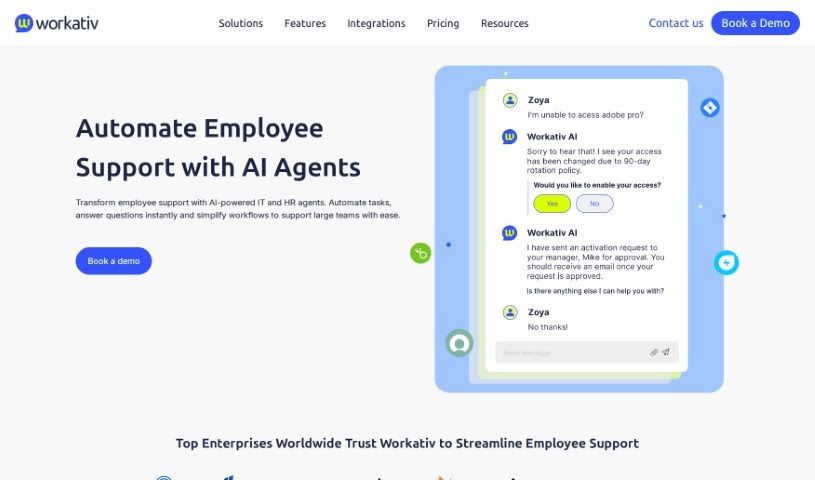
Screenshot of Workativ

Workativ

Freemium

Workativ is a cloud-based platform that really shines when it comes to no-code workflow automation and connecting different apps. It is a smart assistant for your workplace, complete with a conversational AI chatbot designed to make things run smoother for employees and boost overall performance. It helps cut down on those time-consuming manual tasks by automating them, which in turn speeds things up and makes your processes much more efficient. The chatbot itself is pretty clever; it can understand what you're saying in plain language, offering instant communication and support. Workativ brings everything together in one place, letting you manage and analyze your workflows. This all adds up to better workplace performance and more efficient operations. Because it's a no-code platform, you don't need to be a programmer to automate your workflows. This really changes how work gets done, freeing you up from routine tasks so you can focus on the important stuff that truly adds value to your organization.

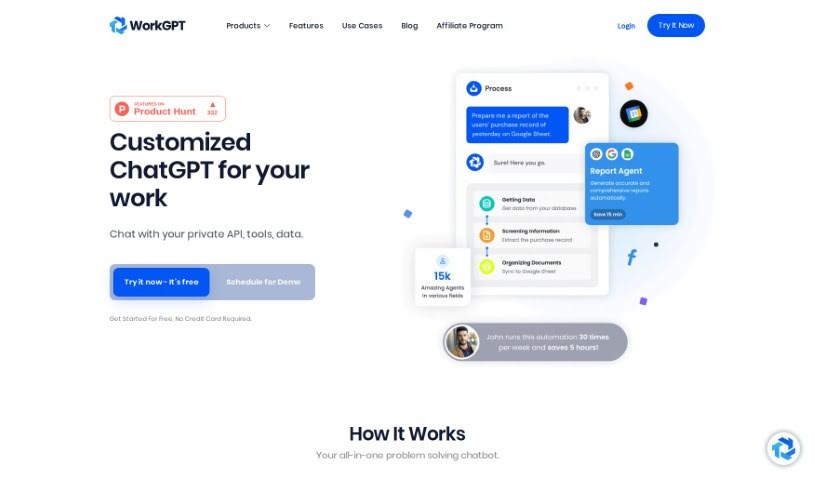
Screenshot of WorkGPT

WorkGPT

Freemium

WorkGPT isn't actually about physical fitness tools. It seems there was a mix-up! WorkGPT is actually a specialized chatbot designed to help with work-related tasks. It is your AI assistant for interacting with private APIs and your own data. It's built to help you get things done and make your workflow much smoother, all without needing to write any code.

Screenshot of Workhub

Workhub

Freemium

Workhub is your organization's central hub for all its knowledge and automated tasks. It's built to break down those annoying knowledge silos by bringing together all your different data sources into one easy-to-use platform. What's really great is that Workhub puts a huge emphasis on keeping your data private and secure. This means you're always in control of who sees what and how your data is handled. The platform also includes the AI Command Center, called WorkBot. This handy tool lets you connect and access data from all sorts of places smoothly, all while making sure everything stays compliant. You can bring in all sorts of file types and databases into Workhub's secure, privacy-first environment, opening up pretty much unlimited access to information and really changing how your organization works.

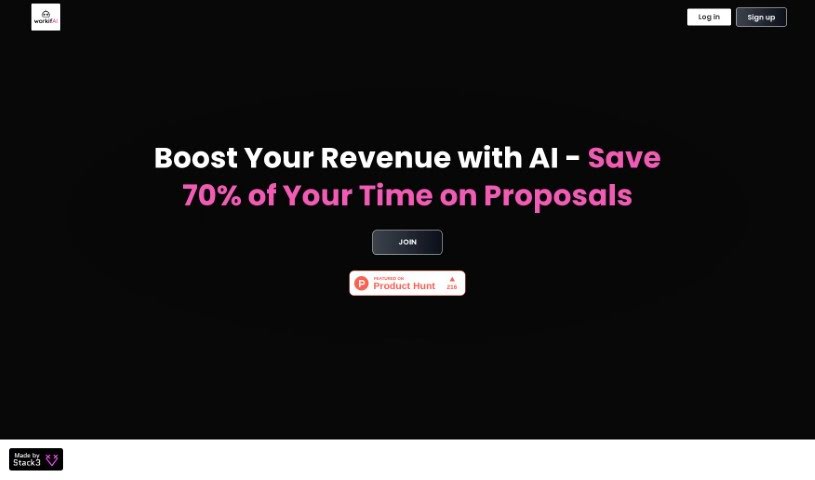
Screenshot of workifAI

workifAI

Freemium

WorkifAI is a smart tool built specifically to help freelancers create proposals much faster. It is your AI assistant for proposals. It takes your client call notes or even recordings and quickly turns them into polished, professional proposals. The AI behind workifAI is always learning; with every project you complete, it gets better at making your proposals shine. Plus, it's packed with handy features like estimating how long a project might take, managing your clients with a built-in CRM system, and even sending out AI-written emails to share your proposals smoothly. You can send these proposals to clients in easy-to-view online formats or as downloadable PDFs, making it simple for them to review and accept. Essentially, workifAI is all about making the proposal process smoother and helping freelancers manage their workload more effectively.

Screenshot of Workki AI

Workki AI

Freemium

Workki AI is your smart virtual assistant, designed to really boost your productivity and make managing tasks a breeze. It can handle things like scheduling your meetings, drafting emails, and it connects smoothly with your email accounts like Gmail and Outlook. Plus, you can just talk to it naturally to get things done. Need a chart or a graph? Workki AI can whip one up for you. It also helps you set reminders and manage your events. It's built for all sorts of people, whether you're writing professional emails, digging into market research, or analyzing data to find new customers. And don't worry about needing help during the week – their customer support is available even on weekends. Ultimately, Workki AI is all about making you more efficient, saving you precious time, and smoothing out your workflow, whether you're working solo or as part of a business.

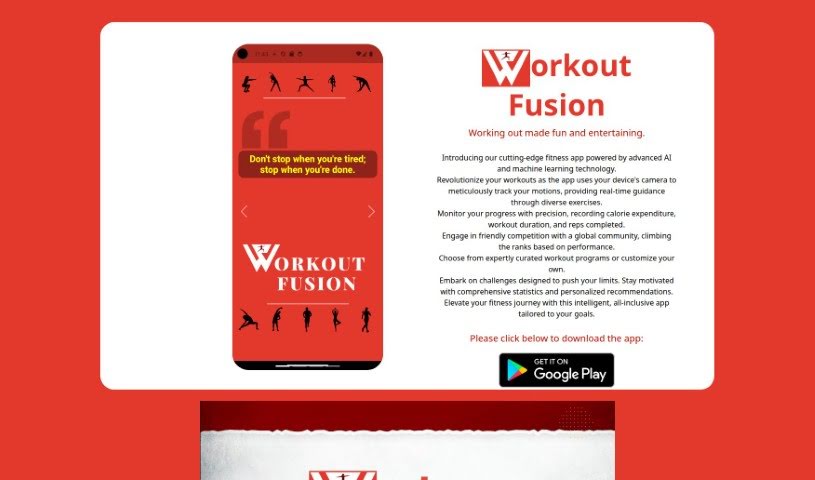
Screenshot of Workout Fusion

Workout Fusion

Freemium

Workout Fusion is a fitness app that really steps up your workout game by using smart AI and machine learning. It keeps an eye on how you move during exercises using your phone's camera, offering real-time feedback and guidance. You can easily track how you're doing by logging calories burned, how long you worked out, and how many reps you completed. Plus, Workout Fusion lets you join in on friendly competitions with fitness fans all over the world. You can pick from ready-made workout plans or build your own, get advice tailored just for you, and stay motivated with detailed stats and insights. The app also sends helpful reminders and updates to keep you on track with your fitness goals.

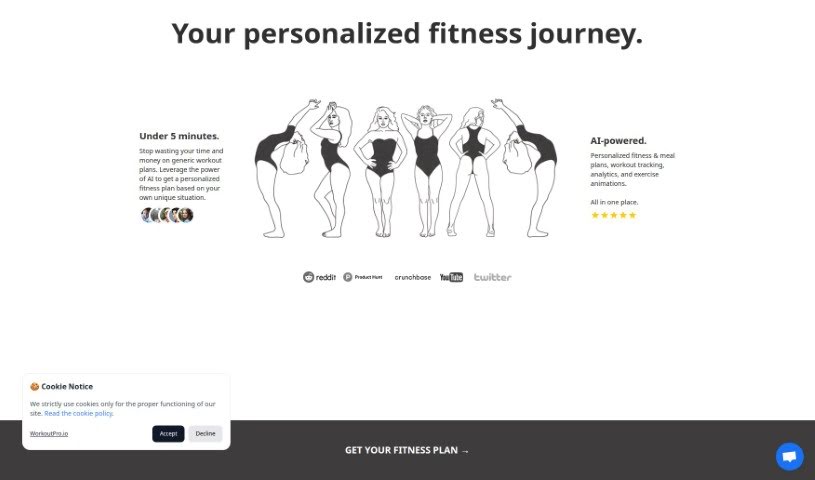
Screenshot of Workoutpro.io

Workoutpro.io

Freemium

WorkoutPro.io is a platform that uses advanced AI models to create custom fitness and meal plans just for you. You tell it about your current fitness level, any health conditions you have, what you like to eat (or not eat!), and what your fitness goals are. Based on all that, you'll get two personalized workout plans each week, a custom meal plan, and a tailored strategy. Plus, it helps you keep track of your workouts with analytics, shows you visual animations so you know how to do exercises correctly, and has a whole library of exercises to look through. They really care about keeping your information safe, so your data is stored securely and never shared with anyone else. You can try it out with a 7-day free trial, and after that, it's available through a monthly or yearly subscription.

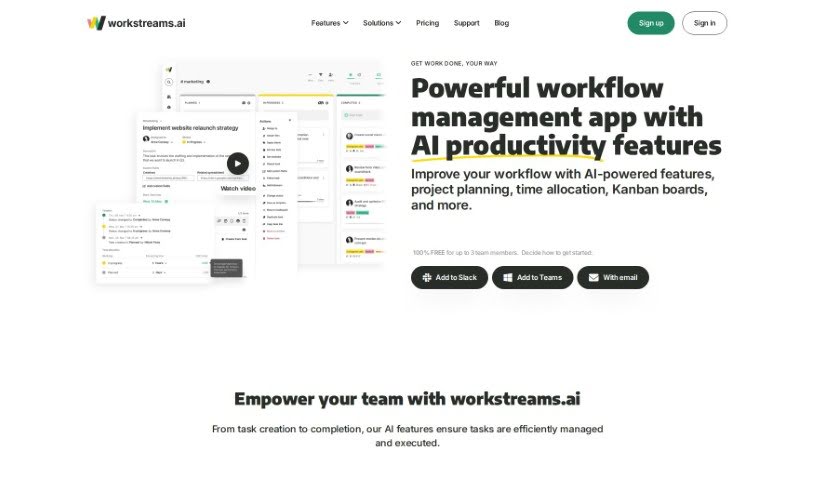
Screenshot of Workstreams.ai

Workstreams.ai

Freemium

Workstreams.ai is a smart workflow management app. It's designed to help teams automate tasks, manage them better, set priorities, figure out how to spend their time, and keep an eye on how everyone's doing. The cool part is that it offers ready-made workflows that can handle a big chunk of your team's usual tasks, meaning you might not need as many different tools anymore. Workstreams.ai works smoothly with Slack and Microsoft Teams, helping your team get reliable, repeatable, and successful results. You'll find tools for automation, AI-generated task descriptions, time tracking, assigning who does what, and flexible Kanban boards to make everyone more productive and collaborative.

Stay Updated with AI Tools

Get weekly updates on the latest AI tools, trends, and insights delivered to your inbox

Join 25,000+ AI enthusiasts. No spam, unsubscribe anytime.