AI Tools for Image Generation

Discover the best Image Generation AI tools to enhance your productivity and creativity.

Page 27 of 36 • 429 total tools

In the fast-paced world of digital creativity, AI image generators have become real game-changers. You no longer need advanced skills or expensive software to create amazing visuals. Now, with just a few clicks, you can conjure breathtaking artwork, realistic portraits, or imaginative landscapes using simple text prompts.

This technology has really grown in sophistication. It’s gone from being just simple tools to powerful creative partners. What started as a novelty is now an essential asset for artists, marketers, and anyone looking to improve their visual storytelling.

I’ve spent time exploring various AI image generators to see which ones really stand out in a crowded market. Whether you need something that excels in realism or something that plays with abstraction, there’s a tool for every creative need.

If you’re looking to elevate your visuals and make your design process smoother, let’s dive into the top AI image generators making waves right now. Your next masterpiece might just be a prompt away.

The Best AI Image Generators

  1. Leonardo AI: Perfect for custom artwork for product listings.
  2. Photoroom: Great for creating unique branding backgrounds.
  3. Pixlr: Ideal for making unique visuals for marketing.
  4. Midjourney: Excellent for artistic concept visualization.
  5. Tensor.art: Use it for unique artwork creation from sketches.
  6. PixAI: Best for creating custom anime characters.
  7. Freepik Pikaso: Transforms sketches into art in real-time.
  8. Adobe Firefly: Use it for custom social media graphics.
  9. Luma AI: Craft 3D imagery with dynamic effects.
  10. Recraft: Easily generate brand-consistent visuals.
  11. Microsoft Designer: Create unique visuals for your projects.
  12. Artguru AI: Turn selfies into anime art.
  13. Deep AI Text to Image: Visualize concepts artistically.
  14. Topaz Labs: Enhance AI-generated images for better clarity.
  15. Freepik AI Image Generator: Make custom illustrations for marketing content.

How Do AI Image Generators Work?

When you search online for AI image generators, you’ll find tons of tools, and many claim to do similar things. This often happens because they use the same core models, like diffusion models or generative adversarial networks (GANs). Most tools simply act as user-friendly interfaces for these complex algorithms, adding helpful features while often hiding the technical details behind marketing language.

At their heart, AI image generators work with detailed prompts that users provide. Once you enter a prompt, the model processes it and generates images. It does this by predicting pixel values based on patterns it learned from massive datasets. These datasets usually include millions of images, covering all sorts of styles, subjects, and artistic influences. This allows the models to produce very varied and detailed results.

Training an image generation model involves analyzing countless images and their text descriptions. This helps the models understand how words relate to visual features. The outcome is a sophisticated network that can create visually coherent images reflecting the nuances of your prompt, whether you’re aiming for a realistic scene or an abstract idea.

Many popular applications now include these image generation capabilities, improving creative tools like Adobe Photoshop and Canva. These companies often partner with major AI developers, using powerful existing models instead of building their own. This means users can easily create custom visuals without needing deep technical knowledge.

If you’re keen to experiment yourself, various platforms offer intuitive interfaces for crafting unique images. Some even let you adjust the style and content, giving artistically inclined individuals the freedom to innovate without starting from scratch.

So, in short, AI image generators combine advanced algorithms with huge datasets to turn text prompts into compelling visuals. As these technologies keep developing, their ability to produce impressive artwork only grows, encouraging both creativity and exploration in digital art.

Our Best AI Image Generators at a Glance

RankNameBest ForPlans and PricingRating
1Leonardo AICustom artwork for product listingsPaid plans start at $9/month.4.73 (11 reviews)
2PhotoroomCreating unique branding backgroundsPaid plans start at $7.50/month.4.74 (38 reviews)
3PixlrCreating unique visuals for marketing.Paid plans start at $0.99/month.4.73 (11 reviews)
4MidjourneyArtistic concept visualizationN/A4.73 (11 reviews)
5Tensor.artUnique artwork creation from sketches.N/A4.78 (23 reviews)
6PixAICreating custom anime charactersN/A4.80 (5 reviews)
7Freepik PikasoReal-time art transformation from sketches.N/A4.67 (21 reviews)
8Adobe FireflyCustom social media graphicsN/A4.67 (6 reviews)
9Luma AICrafting 3D imagery with dynamic effectsN/A4.76 (25 reviews)
10RecraftGenerate brand-consistent visuals easily.N/A4.67 (3 reviews)
11Microsoft DesignerGenerate unique visuals for projects.N/A4.64 (11 reviews)
12Artguru AITransform selfies into anime artN/A4.58 (12 reviews)
13Deep AI AI Text to ImageArtistic visualization of concepts.N/A4.82 (11 reviews)
14Topaz LabsEnhance AI-generated images for clarityN/A4.70 (10 reviews)
15Freepik AI Image GeneratorCustom illustrations for marketing contentN/A4.55 (11 reviews)
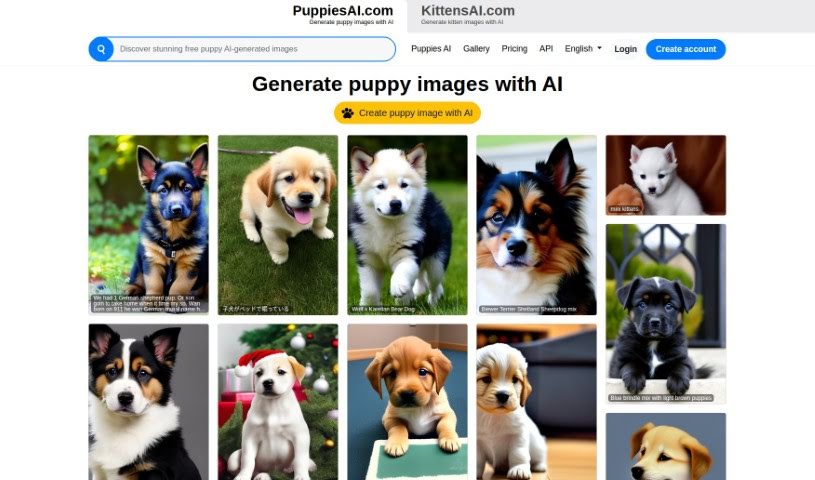
Screenshot of Puppiesai.com

Puppiesai.com

Freemium

PuppiesAI.com is a platform that uses artificial intelligence to create the most adorable and unique puppy images you can imagine. It's designed to be super user-friendly, letting you generate custom puppy pictures that are exactly what you're looking for. The AI behind it is pretty advanced, so you'll get high-quality images perfect for all sorts of creative projects. You can check out tons of AI-generated puppy pics in the gallery, find pricing plans that make sense for how much you'll use it, and even plug the image generation API into your own projects. Plus, it supports multiple languages, making it accessible to everyone around the globe. You can also manage your account and creations securely. If you've got more questions, the website's FAQ section is a great place to look!

Screenshot of Puzzlegenerator.ai

Puzzlegenerator.ai

Freemium

PuzzleGenerator.ai is a really neat tool that lets you create your own unique jigsaw puzzles just by typing in a text prompt. It uses AI to generate amazing-looking puzzles based on what you describe. This makes it super handy for all sorts of things, like making educational materials or even personalized gifts. You can use its features to generate images, create the puzzles themselves, and even turn your designs into actual physical products. The tech behind it includes Stable Diffusion, MidJourney, Next.js, Shopify, TypeScript, Tailwind CSS, and Emotion. Plus, feedback from people who love AI helps make the platform even better in the exciting World of AI.

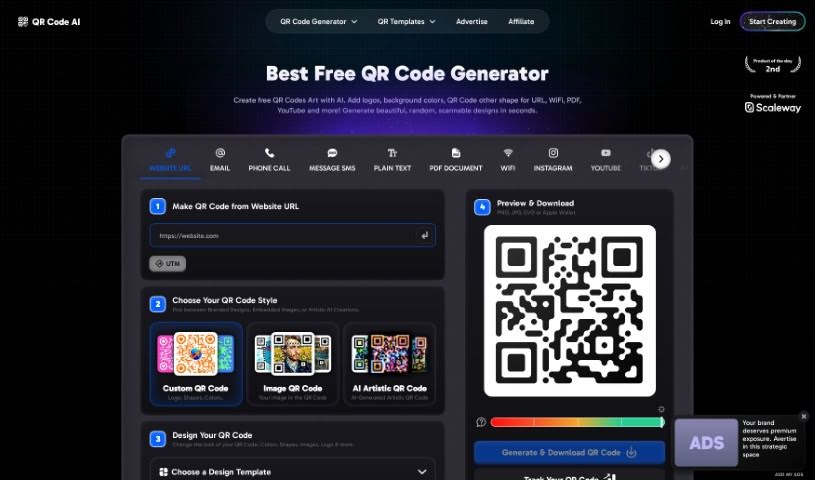
Screenshot of Qr Code AI

Qr Code AI

Freemium

QR Code AI is a smart tool that uses advanced artificial intelligence to help you create QR codes that really stand out. It is a way to make your brand identity pop and grab your audience's attention. With QR Code AI, you get access to tons of templates and customization options, letting you inject creativity into your marketing campaigns while keeping everything perfectly on-brand. It also plays nicely with your existing marketing tools, making it easy to scale up your QR code strategies as your business grows. What can you do with it? Well, you get over 100 customizable templates, better scan rates (about 30% improvement on average!), super-fast generation, theme customization, and smooth integrations with your marketing software.

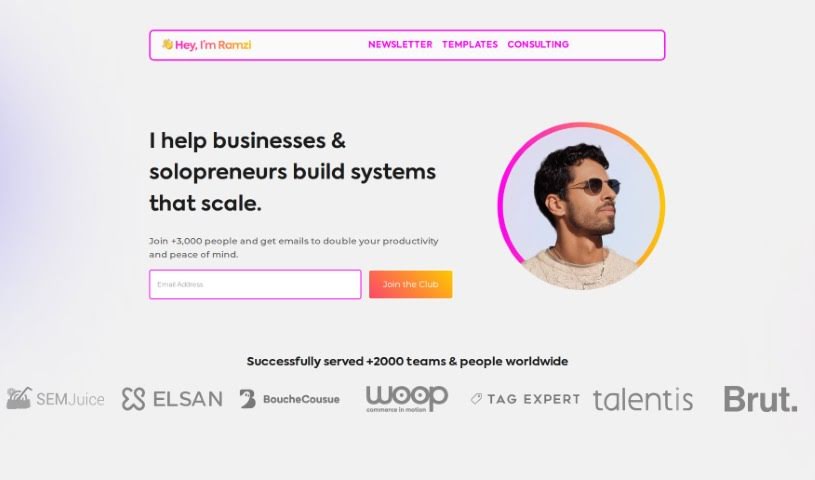
Screenshot of Ramzi

Ramzi

Freemium

Midjourney Prime & Style, or Ramzi is it's often called, as your AI copilot for generating images. It's specifically designed to help automate your prompts and keep your creative project libraries organized. Essentially, it's a central dashboard where you can plan, manage, and automate all your creative prompts and image libraries, especially if you're using ClickUp. This tool is built to help creative folks like you consistently generate amazing images. You can use it with a custom GPT, instantly create image prompts with specific settings, and manage everything in one place, like a Notion library.

Screenshot of Random Animal Generator

Random Animal Generator

Freemium

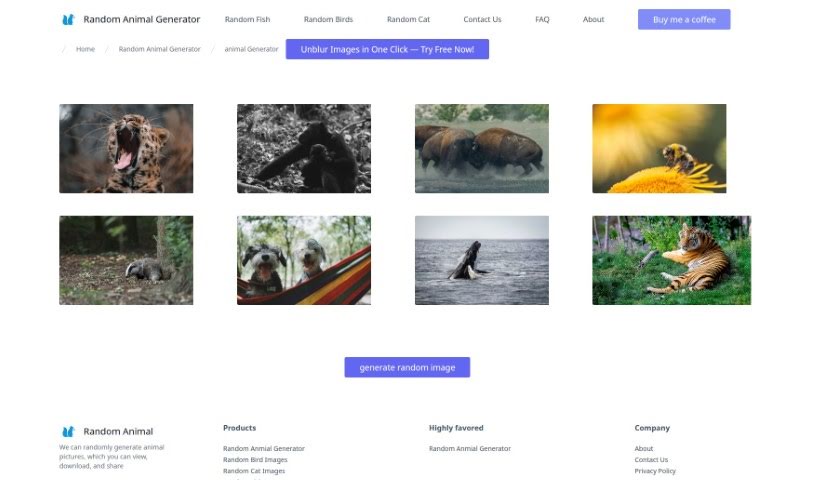
The Random Animal Generator is a fantastic place to find a huge variety of high-quality animal pictures. Its main goal is to spark your curiosity, encourage respect for all living things, and celebrate the incredible diversity of the animal kingdom. You can easily generate animal pictures at random, then view, download, and share them. It's super user-friendly and offers customization, letting you filter images by things like animal type, color, where they live, or even their mood. It's not just for nature lovers and artists looking for inspiration; it's also a great educational tool for teachers and students. You can use it to explore different animal species, learn about their unique traits, and understand their habitats. The whole platform really highlights how beautiful diversity is and how special each creature is, helping us all appreciate the animal world a bit more.

Screenshot of RandomSeed API

RandomSeed API

Freemium

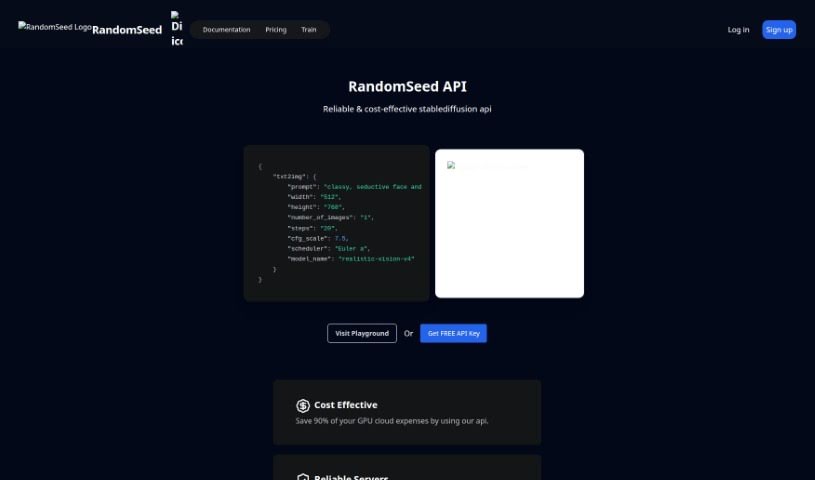
RandomSeed API is a super-easy way to use Stable Diffusion for generating images. It's designed so you can build your own image-generating services without ever having to wrestle with GPUs yourself. It offers a smooth, hassle-free solution for adding image generation capabilities to your projects, cutting out all the complicated GPU management. With RandomSeed API, you can easily create and tweak how your images are generated, while the API takes care of all the heavy lifting behind the scenes. It really simplifies the development process by hiding all the technical GPU details, letting developers focus on building cool, new image-related applications and services without a hitch.

Screenshot of Recraft

Recraft

Freemium

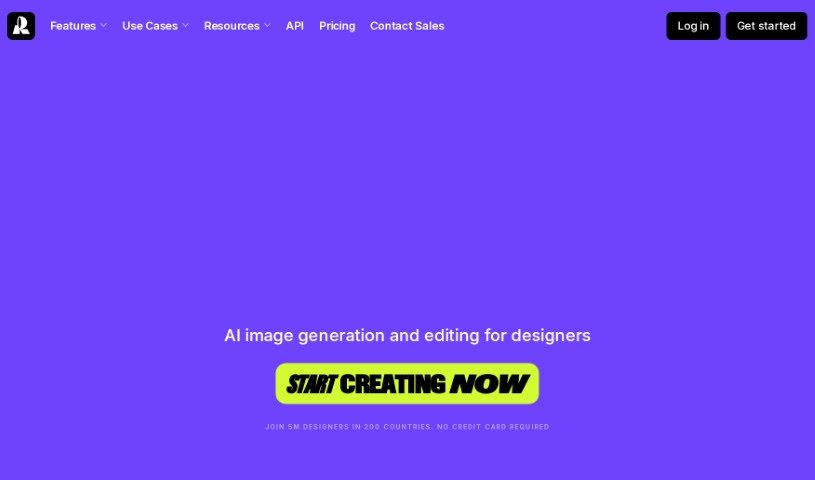
Recraft is a platform designed to help you create designs quickly and effectively. Many users find it incredibly useful for all sorts of tasks – from brainstorming sets of icons and making images for conferences to designing logos. The platform's features are really intuitive, letting you explore and refine your creative ideas fast, which saves a ton of time on everyday design work. People especially love Recraft for its huge range of styles and how it creates seamless patterns, making it a go-to for unique visual elements like washi tape. Design pros have given Recraft great feedback, noting its ability to deliver consistent results and really smooth out the design process.

Screenshot of Reface Lusion Ai

Reface Lusion Ai

Freemium

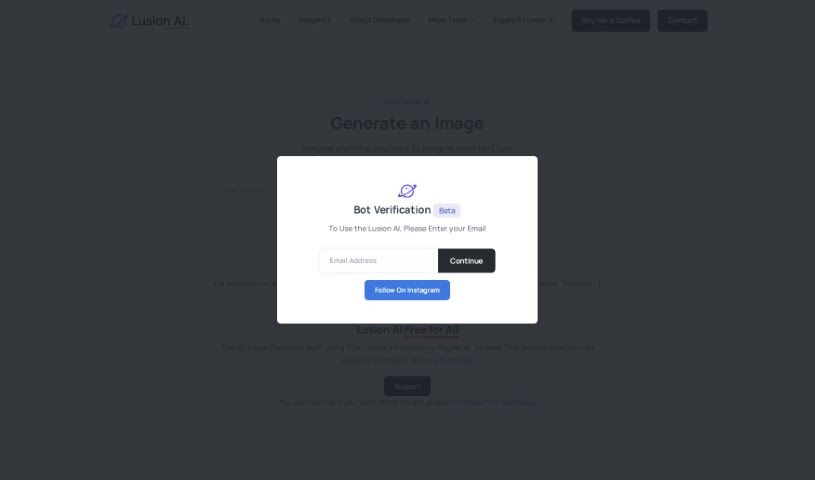
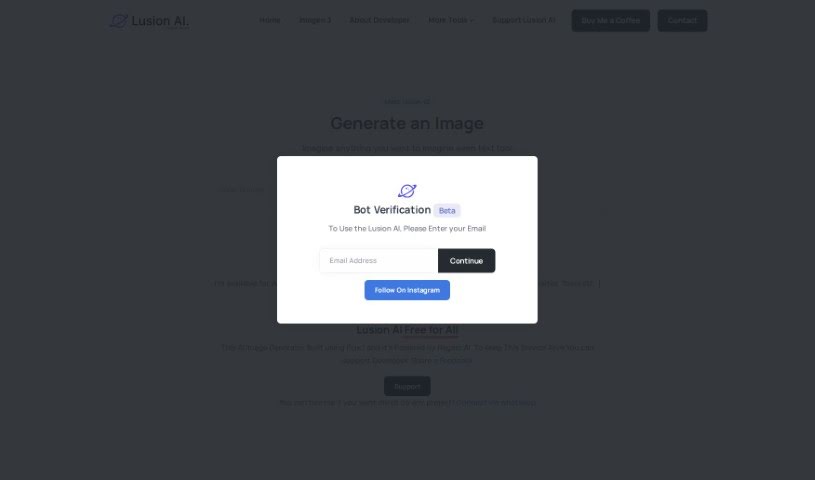
Reface Lusion Ai is a really neat AI Image Creator. It uses Stable Diffusion technology to whip up high-quality images based on what you tell it. It is a super user-friendly tool that's completely free to use. It's designed to be easy for anyone to process images, and you can even support its ongoing development through options like 'Buy Me a Coffee.' Plus, they offer professional services if you have custom projects in mind. Powered by Re.Art 2.0, Reface Lusion Ai is a fantastic platform for hobbyists, designers, and business owners alike. It lets you bring your visual ideas to life without needing any fancy graphic design skills. You just type in a prompt, and the AI does the imagining and processing, creating detailed images that are perfect for all sorts of creative projects.

Screenshot of Regem Enterprises

Regem Enterprises

Freemium

Regem Enterprises is closely linked with Regem AI. Regem AI is the engine behind Lusion AI, which is an AI image generator built using Flux.1. Essentially, Regem Enterprises offers a range of services centered around AI technologies. This includes their Regem AI platform and the Regem AI Writer. They also maintain older tools like Regem Chat and Lusion v1. If you want to support the Lusion AI service or give feedback, you can do so through channels like WhatsApp. It seems like Regem Enterprises is really focused on creating and looking after AI-powered tools that let users generate and interact with AI-created content.

Screenshot of Reimagina

Reimagina

Freemium

ReImagina is a really neat Chrome Extension that uses AI to help you be more creative. It is a smart assistant for artists, designers, and anyone who works with visuals. It helps you find images that spark your imagination and then, with a few clicks, generates similar images that are perfectly suited to what you need. This makes it so much easier to find just the right visual and create AI-powered alternatives, which means you can really boost your creativity, save a ton of time, and get more done. Plus, it can help your designs grab attention and improve your results, especially since top companies often use high-quality, fresh designs like these. It's super easy to use, too. Just right-click on any image, pick "ReImagine Image," and you'll get AI-generated options right away. There’s a free LITE version that gives you 20 credits each month, and a PRO version with 500 credits if you need more. It’s all priced affordably, too. The team behind ReImagina is made up of skilled engineers from well-known companies, and they’ve created a tool that really balances being efficient with fostering creativity, all through a simple Chrome extension.

Screenshot of Remix.ai

Remix.ai

Freemium

Remix.ai is your go-to AI tool for making images. It’s designed to be super easy, letting you generate visuals using artificial intelligence. You can start with your own ideas, some text, or even existing photos, and the AI acts like your creative partner, helping you bring your vision to life. It’s a really straightforward and fast way to create images – you just describe what you're looking for. People often praise Remix.ai for being user-friendly, packed with impressive features, and producing high-quality images that really hold their own against other AI image creators out there. On top of that, Remix.ai has this neat feature called "Magic Camera." It lets you transform your selfies and other photos with AI in a snap. Basically, Remix.ai aims to be a smooth, efficient platform for anyone wanting to create and edit images with AI.

Screenshot of Render A House

Render A House

Freemium

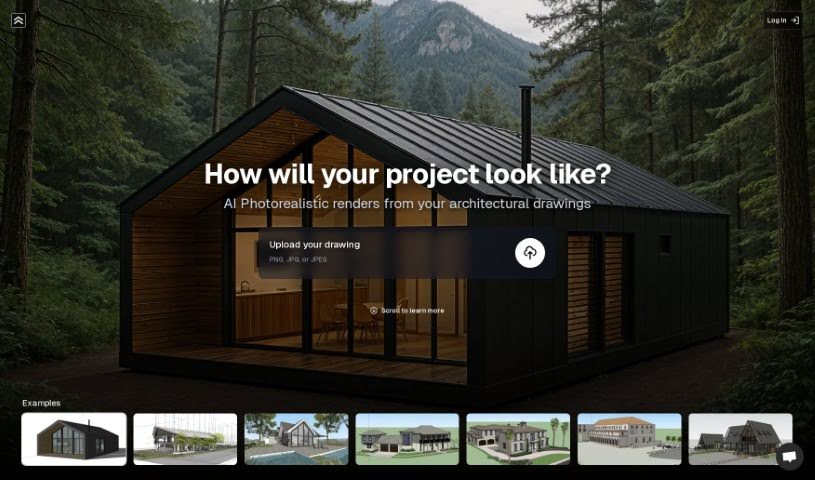
Render A House is a really neat tool that lets you take your architectural drawings or even just simple hand-drawn sketches and turn them into realistic images. It does this quickly and with a lot of precision, which is super helpful. Some of its key features include turning sketches into images, super-fast rendering, letting you preview materials, and it's designed to be really easy to use, even if you're not a tech whiz. This makes it great for architects, designers, homeowners, and property developers who want to play around with designs, get ideas down fast, or quickly set up a visual for a project.

Stay Updated with AI Tools

Get weekly updates on the latest AI tools, trends, and insights delivered to your inbox

Join 25,000+ AI enthusiasts. No spam, unsubscribe anytime.