AI Tools for Chatbots

Discover the best Chatbots AI tools to enhance your productivity and creativity.

Page 34 of 38 • 447 total tools

The world of AI chatbots has really changed a lot lately. What started as simple tools for interaction has grown into a whole ecosystem of conversational agents. You can now use different models, each with its own strengths, all designed to improve how we talk to machines.

Today’s chatbots can have more meaningful chats, remember what you’ve talked about before, and even offer personalized help just for you. Instead of being stuck with one option, you’ve got tons of choices right at your fingertips.

To save you from sifting through endless reviews and downloads, I’ve done the hard work. After testing out a bunch of chatbots myself, I’ve put together a list of the ones that really stand out. Whether you’re looking for a fun companion, a helpful assistant, or a tool to create content, there’s something here for everyone.

With technology moving so fast, it’s important to keep up. The chatbot market is growing quickly, and new features pop up all the time. Let’s look at the AI chatbots that are making a real impact right now and see which one might be the best fit for you.

The best AI Chatbots

  1. ChatGPT for real-time travel help
  2. DeepSeek for smart customer support chats.
  3. Gemini for engaging customer support conversations
  4. Claude for integrating customer support chatbots
  5. Grok for smart FAQ answers for users.
  6. Microsoft Copilot for resolving customer support questions.
  7. DeepAI for creating images for chatbot avatars
  8. Meta AI for conversational customer support agents
  9. Chat Blackbox for improving user support with automated chatbots
  10. Monica for smart customer query handling
  11. CHAI for interactive customer support chatbots
  12. Yeschat for interactive customer support chats
  13. You.com for conversational support for user questions
  14. Popai for creating and managing chatbot content
  15. MaxAI.me for customer support automation tools.

How do AI chatbots work?

AI chatbots use smart algorithms and natural language processing (NLP) to understand and reply to what users say. Basically, these chatbots rely on large language models (LLMs) that have been trained on huge amounts of data. This training includes everything from books to articles, which helps the chatbots predict text in a way that makes sense for the conversation.

When you send a message, the chatbot figures out what you mean by looking at the words and phrases. Then, it creates a response by predicting what should come next, based on the patterns it learned during its training. This lets chatbots have conversations that feel smooth and make sense.

Lots of chatbots today use APIs from big companies like OpenAI. This means they use shared models instead of building their own from scratch. Tools like ChatGPT and Google’s Bard are good examples of this, offering powerful chatbot features without needing a lot of in-house development.

To keep users interested, chatbots often add personalization. They can remember past conversations, which makes the experience feel more tailored to you. This ability to keep track of context really adds depth to chats, making them seem more natural and engaging.

Even though they’re pretty advanced, AI chatbots do have limits. They might have trouble with unclear questions or really complex emotions. But as technology gets better and the data they learn from grows, we can expect these tools to get much better at handling all sorts of conversations.

If you’re curious about how they work under the hood, looking into machine learning and NLP resources can give you more details. The way this field is always changing suggests that chatbots will only get better at sounding like they’re having human-like conversations. They have a huge potential to improve customer service, educational tools, and personal assistants.

Our best AI chatbots at a glance

RankNameBest forPlans and PricingRating
1ChatGPTReal-time travel helpN/A4.69 (54 reviews)
2DeepSeekSmart customer support interactions.N/A4.73 (11 reviews)
3GeminiEngaging customer support conversationsN/A4.69 (26 reviews)
4ClaudeCustomer support chatbot integrationN/A5.00 (11 reviews)
5GrokSmart FAQ answers for users.N/A4.36 (11 reviews)
6Microsoft CopilotCustomer support question resolution.N/A4.82 (11 reviews)
7DeepAIImage creation for chatbot avatarsPaid plans start at $5/API call.4.74 (47 reviews)
8Meta AIConversational customer support agentsN/A3.85 (13 reviews)
9Chat BlackboxImproving user support with automated chatbotsN/A4.67 (12 reviews)
10MonicaSmart customer query handlingN/A4.27 (11 reviews)
11CHAIInteractive customer support chatbotsN/A4.30 (10 reviews)
12YeschatInteractive customer support chatsN/A4.18 (11 reviews)
13You.comConversational support for user queriesN/A4.71 (17 reviews)
14PopaiChatbot content creation and managementN/A4.67 (6 reviews)
15MaxAI.meCustomer support automation tool.N/A4.68 (19 reviews)
Screenshot of Text With History

Text With History

Freemium

Text With History is a really neat AI chatbot app. It's designed so you can have fascinating chats with historical figures from all sorts of different times. The goal here is to really bring history to life, offering an experience that's both educational and super engaging. You can talk to famous politicians, brilliant scientists, talented artists, and important world leaders, all thanks to advanced AI technology. Plus, it supports over 100 languages, so you can chat in your own language and explore history from ancient times right up to today. They're always adding new figures and features to make things even better. They do suggest, though, that you double-check the AI's answers against what's publicly available in historical records and writings – just to be sure. It's free to download and use, but if you subscribe to premium, you get access to all the figures and can message without limits. It's a truly unique and fun way to learn about and understand historical events.

Text Generation View Tool →
Screenshot of Therai

Therai

Freemium

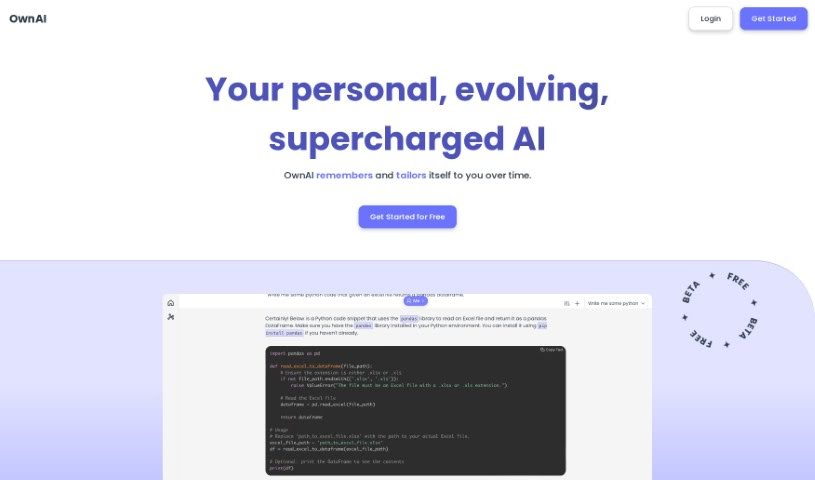
Therai is an AI tool built with a strong focus on giving you personalized interactions and offering a wide range of capabilities. It's designed to understand all sorts of things about you, like your personality traits, what you're interested in, your hobbies, how you think (including cognitive biases), your ethical viewpoints, and your wellness goals. It is a helpful assistant for both your personal life and your work. It offers tailored interactions and advanced features, such as creating images from text and strong controls to keep your data private. As it learns and adapts with every conversation you have, Therai grows into a truly personal AI companion, moving beyond being just another generic AI tool.

Text Generation View Tool →
Screenshot of Thetechbrain Ai

Thetechbrain Ai

Freemium

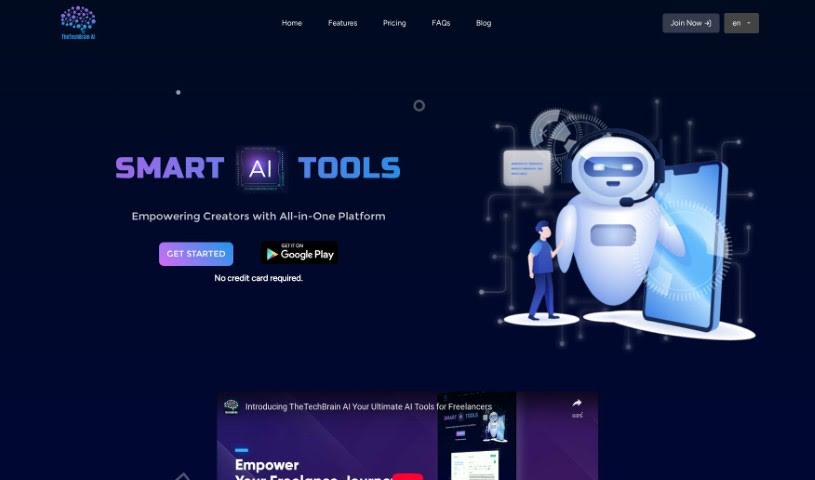
TheTechBrain AI is a really smart platform. It offers a bunch of helpful tools designed specifically for different content creation needs, making the whole process much smoother for creators and businesses alike. One of its standout features is an AI chatbot that uses ChatGPT technology. This means it can have engaging conversations and interact with users effectively. Beyond that, the platform also boasts advanced AI art generation, letting you create stunning artwork with ease. And if you need to turn written words into spoken ones, its text-to-speech solution converts text into natural-sounding audio, which is great for accessibility and improving how people experience your content. With an easy-to-use interface and a simple way to generate content, TheTechBrain AI really aims to be a go-to spot for all your content creation and creative tasks.

Text Generation View Tool →
Screenshot of Thinkbuddy AI

Thinkbuddy AI

Freemium

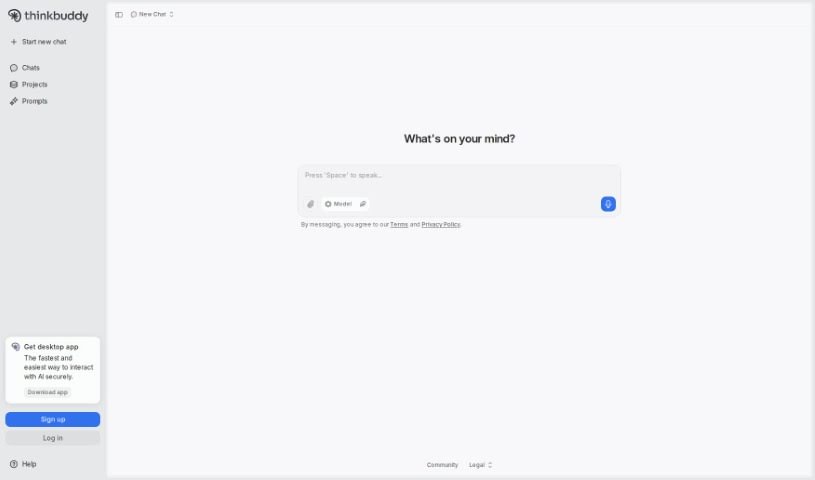
Thinkbuddy AI is a handy tool designed to make using your MacOS much smoother. It lets you talk to AI using your voice, type out questions, select text, or use custom shortcuts. You can pick the AI model that best suits what you need to do on your Mac, making your experience more efficient. Plus, it comes with cool features like AI Generative Art and AI Chatbots, all built to work seamlessly on your Mac.

Text Generation View Tool →
Screenshot of Tinder Ice Breakers

Tinder Ice Breakers

Freemium

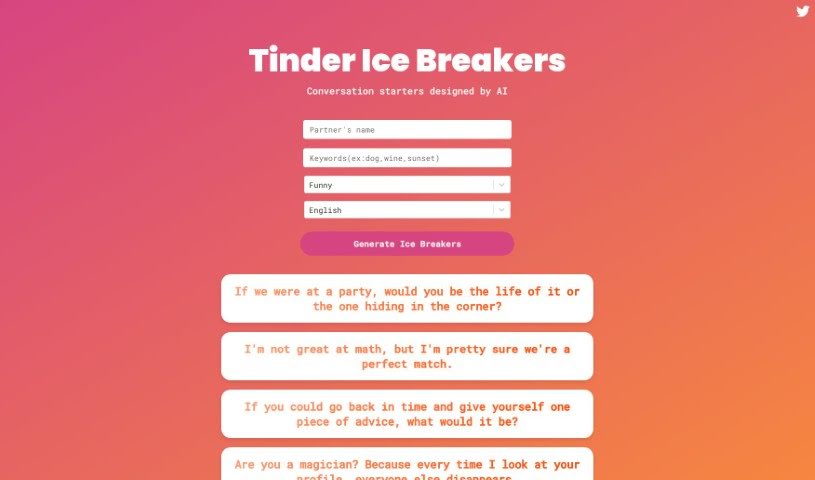
Tinder Ice Breakers AI is a handy tool designed to give you fun and engaging conversation starters for dating apps like Tinder and Bumble. It really helps you get conversations going easily by coming up with all sorts of ice breakers and witty one-liners. These are crafted to grab attention, get a laugh, and encourage more genuine chats. You'll find prompts that cover everything from 'what if' scenarios and personal tastes to playful compliments, giving you a creative edge to stand out and connect with people beyond the usual "hey."

Text Generation View Tool →
Screenshot of Try Astral

Try Astral

Freemium

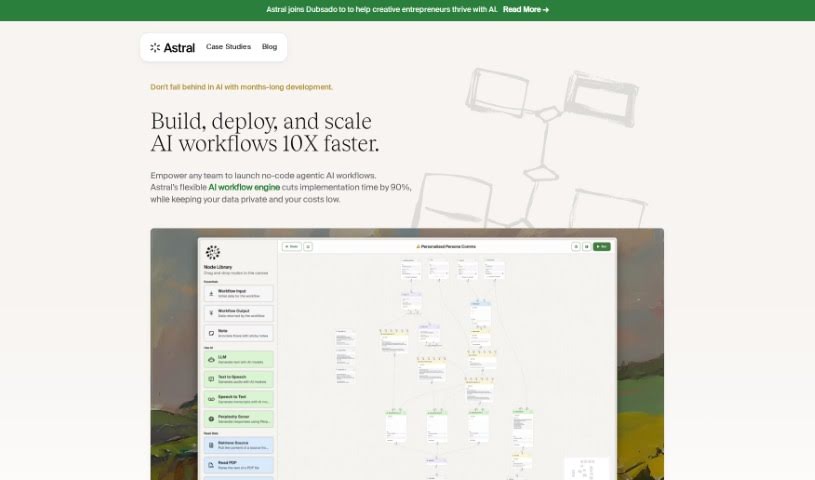
Try Astral is your personal AI assistant, designed to turn your courses, books, articles, and even podcasts into engaging, one-on-one conversations for your clients. It's a smart way for professionals to expand their reach, offer personalized recommendations, and cut down on answering the same questions over and over. Astral's AI learns from the content you trust, so it can respond in a way that sounds just like you, giving your clients a truly personal experience, any time of day. It’s built to save you time on those common queries, scale your expertise, and importantly, it respects your privacy and ownership of your content. Astral isn't meant to replace your personal touch; it's there to enhance it by handling the routine questions, freeing you up for the more in-depth or unique interactions.

Text Generation View Tool →
Screenshot of Twinning

Twinning

Freemium

Twinning is a really neat platform that lets you create a digital AI version of yourself – think of it like your own AI clone! This cool technology means your followers can actually chat with this clone, and it feels just like they're talking to you. Twinning uses smart AI to make sure your digital twin responds in a way that really sounds like you, capturing your personality and how you usually talk. The platform is super easy to use, with simple ways to customize everything, so anyone can jump in, whether you're a content creator, an influencer, or just someone fascinated by AI and how we can interact with it.

Text Generation View Tool →
Screenshot of TypeDream Ellen AI

TypeDream Ellen AI

Freemium

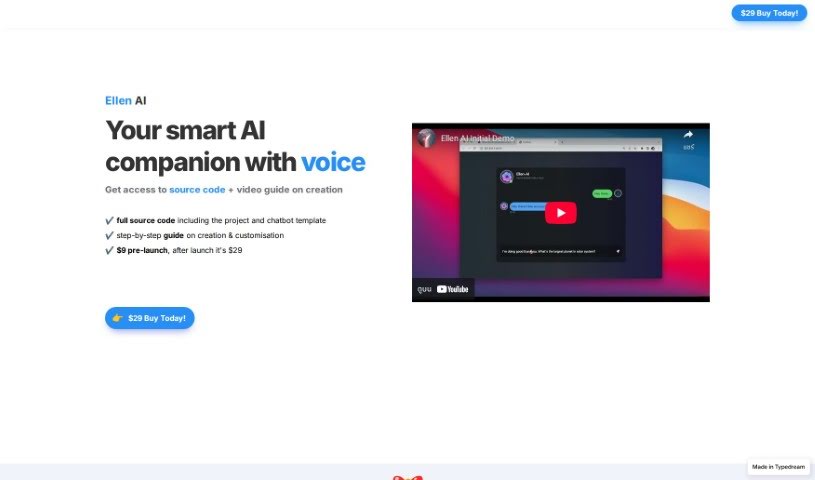
Ellen AI is your personal AI sidekick, complete with voice capabilities! It's designed to give you everything you need to build and customize your own AI projects. You get the full source code, ready-to-go project and chatbot templates, and a clear, step-by-step guide to help you create and tweak everything. You can really make Ellen AI your own by changing the templates and adding your own API keys. The best part? It's a one-time purchase – you pay $9 now before it launches, and it'll be $29 afterward, but once you buy it, it's yours forever. Plus, you're free to modify it, rebrand it, and even resell it however you like. Ellen AI is all about making it easier for you to develop AI products by giving you that flexibility.

Text Generation View Tool →
Screenshot of TypingMind

TypingMind

Freemium

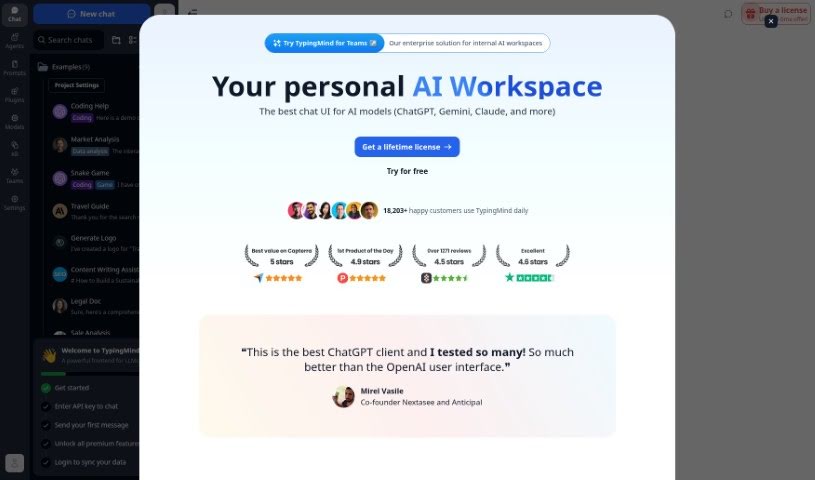
TypingMind is a way to make your experience with ChatGPT even better. It's a platform built to enhance the user interface, aiming for a smooth and efficient chat experience. It boasts a clean, clutter-free design that's also optimized for search engines, meaning it's easier to find. Plus, you get personalized responses in real-time, all while integrating seamlessly with ChatGPT. Essentially, its main strengths are a better user interface, SEO friendliness, real-time personalization, a distraction-free environment, and smooth integration with ChatGPT.

Text Generation View Tool →
Screenshot of Typly

Typly

Freemium

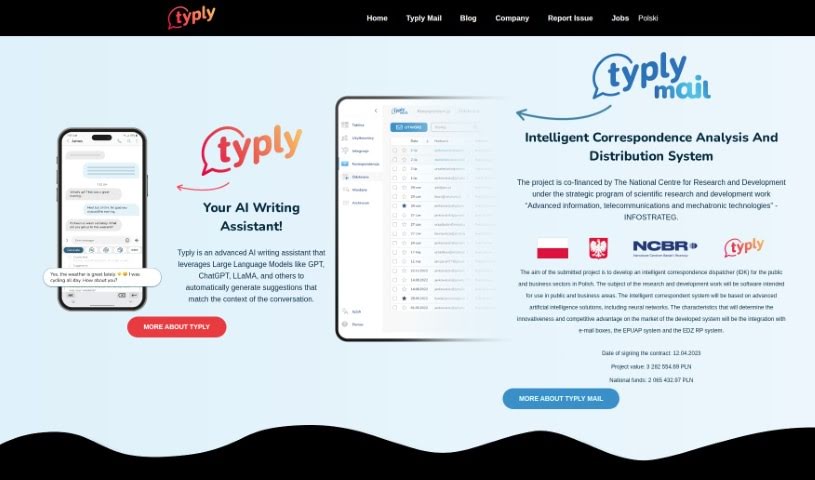
Typly is an AI-powered keyboard app designed to help you manage overwhelming messages and tight schedules, making it easier to respond thoughtfully. It automatically generates sentences that fit the conversation, helping you reply quickly and keep threads going. Typly comes with a state-of-the-art keyboard that features glide typing and illuminated keys for better visibility. Beyond that, it offers several handy functions: Typly Generate provides AI-powered response suggestions, Typly Reply crafts personalized chat responses, and Typly Processing analyzes and corrects your messages. You can also explore Typly Bundles for unique sentence collections from various sources, and even use its Dating Function to improve your interactions on dating apps. Typly is available for download on the App Store and Google Play, offering personalized sentence suggestions and a really easy-to-use interface.

Text Generation View Tool →
Screenshot of UChat

UChat

Freemium

UChat is a chatbot platform built for businesses that want to automate their operations without needing to write any code. It offers a visual interface with a drag-and-drop flow builder, making it easy to connect different parts of your chatbot's conversation. You can also integrate it with various platforms and use AI-powered chatbots to ensure responses are always relevant to the conversation. UChat supports many channels, including popular ones like Facebook Messenger, WhatsApp, and SMS. Plus, it has features like eCommerce integration, live chat, and an inbox system to keep your communication organized and efficient.

Text Generation View Tool →
Screenshot of UPRO AI

UPRO AI

Freemium

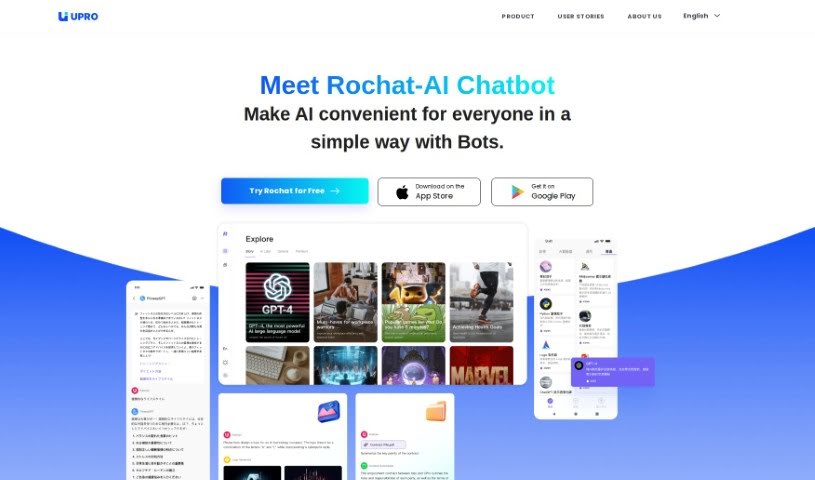
UPRO AI is a smart chatbot tool that uses artificial intelligence to help people work more efficiently in fields like marketing, creative writing, research, and engineering. It can do things like summarize text, translate languages, and write copy. Plus, you can use it with different AI models, including GPT-3.5 Turbo, GPT-4, and DALL-E. What's really neat is that you can even build your own AI bots without needing any special tech skills, and it's about 20 times faster than usual. People who've used it say it's made a big difference in their productivity, giving them fast access to information, helpful suggestions, and ways to solve problems.

Text Generation View Tool →

Stay Updated with AI Tools

Get weekly updates on the latest AI tools, trends, and insights delivered to your inbox

Join 25,000+ AI enthusiasts. No spam, unsubscribe anytime.