AI Tools for App Builders

Discover the best App Builders AI tools to enhance your productivity and creativity.

Page 3 of 8 • 89 total tools

Customer needs change fast these days, so the demand for custom apps has really taken off. The problem is, building apps the old way can take a lot of time and money, which is tough for startups and businesses. That’s where AI app builders come in—they’re designed to make this process simpler and give more power to people with great ideas but not much coding experience.

These AI-powered platforms let you drag and drop elements, helping you build functional and good-looking apps much faster than before. By automating many development steps, businesses can concentrate on what really matters: giving their users value.

Having spent years exploring the tech world, I’ve seen how app development has changed. Today, the best AI app builders don’t just speed up creation; they also include advanced features like machine learning and user customization, offering a truly personalized experience.

If you’re ready to join the app-building movement and bring your ideas to life without getting bogged down in complex back-end details, you’ve come to the right place. Let’s look at the best AI app builders out there to help you make your ideas a reality.

The best AI App Builders

  1. Lovable: Great for improving user onboarding experiences.
  2. Replit AI: Offers code suggestions to speed up app development.
  3. Supabase: Helps with real-time app data synchronization.
  4. Bubble: Ideal for quickly prototyping web applications.
  5. Weights & Biases: Streamlines integrating models into apps.
  6. LangChain: Simplifies testing for LLM applications.
  7. FlutterFlow: Perfect for rapid mobile app prototyping.
  8. Builder AI: Lets you create custom no-code apps.
  9. Dify: Provides customizable AI chat support for apps.
  10. Writer: Helps you quickly develop customized AI applications.
  11. Softr: For no-code app development with custom layouts.
  12. Appy Pie: Lets you build apps without needing to code.
  13. Glif: Streamlines app UI design processes.
  14. Coze: Lets you craft intelligent chatbots for apps.
  15. MyShell AI: Simplifies app creation using AI tools.

How do AI app builders work?

AI app builders simplify app development by using machine learning. They let anyone, no matter their technical skill, create apps through easy-to-use interfaces. Most of these platforms use ready-made templates and drag-and-drop features, so you can put app features together quickly.

Behind the scenes, AI app builders often combine natural language processing with other AI tech. This helps them understand what you type and automatically create the code or app settings needed.

These platforms usually connect to different APIs and data sources. This means you can integrate with existing services and features, letting you build more complex apps without writing tons of code.

To make development even smoother, many AI app builders offer real-time collaboration. This lets multiple people work on the same project at once, boosting productivity and making it easier to share ideas.

If you want to build a more personal app, some platforms offer customization. You can change existing templates or even input specific details to control how your app behaves and looks, making the tool really flexible.

Basically, AI app builders make app creation accessible to everyone. They empower entrepreneurs and businesses to innovate without needing deep technical knowledge. They bridge the gap between creativity and technology, helping anyone with an idea bring it to life.

Our best AI app builders at a glance

RankNameBest forPlans and PricingRating
1LovableImproving user onboarding experiencesN/A4.84 (43 reviews)
2Replit AICode suggestions for rapid app development.N/A4.70 (44 reviews)
3SupabaseReal-time app data synchronizationN/A5.00 (32 reviews)
4BubbleRapid prototyping of web applicationsN/A4.73 (11 reviews)
5Weights & BiasesStreamlining model integration for appsN/A4.50 (12 reviews)
6LangChainStreamlined testing for LLM applicationsPaid plans start at $39/month.4.20 (5 reviews)
7FlutterFlowRapid mobile app prototyping.N/A4.18 (11 reviews)
8Builder AICreating custom no-code appsN/A4.36 (11 reviews)
9DifyCustomizable AI chat support for appsN/A4.73 (11 reviews)
10WriterRapidly develop customized AI applications.Paid plans start at $18/month.4.45 (11 reviews)
11SoftrNo-code app development with custom layoutsPaid plans start at $Free/month.4.33 (6 reviews)
12Appy PieBuild apps with no code required.N/A4.73 (11 reviews)
13GlifStreamlining app UI design processesN/A4.64 (11 reviews)
14CozeCraft intelligent chatbots for apps.N/A4.75 (12 reviews)
15MyShell AIStreamlining app creation with AI tools.N/A4.08 (25 reviews)
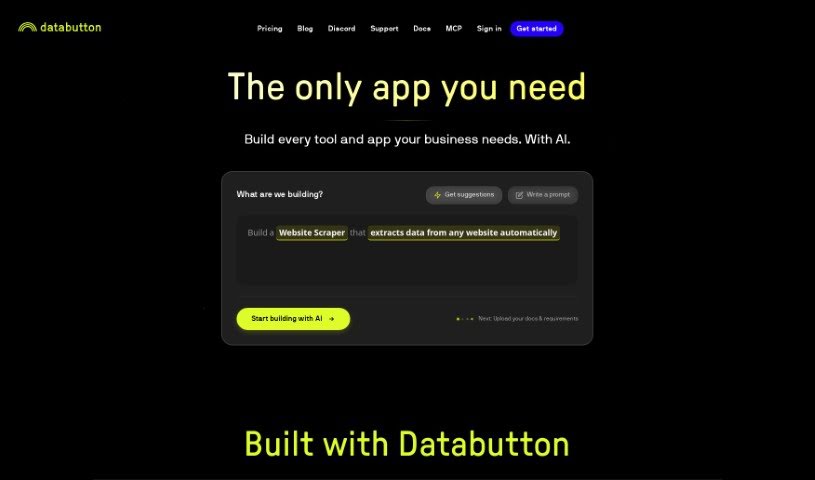
Screenshot of Databutton

Databutton

Freemium

While the term "Databutton" doesn't show up directly in the files I have, based on what's common in the software world, it sounds like a really handy tool or feature built into an application. It is a quick way for users to get to or work with data without a lot of fuss. It probably acts like a shortcut, letting you grab or change specific data sets really easily within a system. The name itself suggests a simple, button-like action for handling data tasks efficiently and in a way that just makes sense. Basically, Databutton seems to be all about making data-related jobs smoother and improving how you use a software program or platform.

Web Development View Tool →
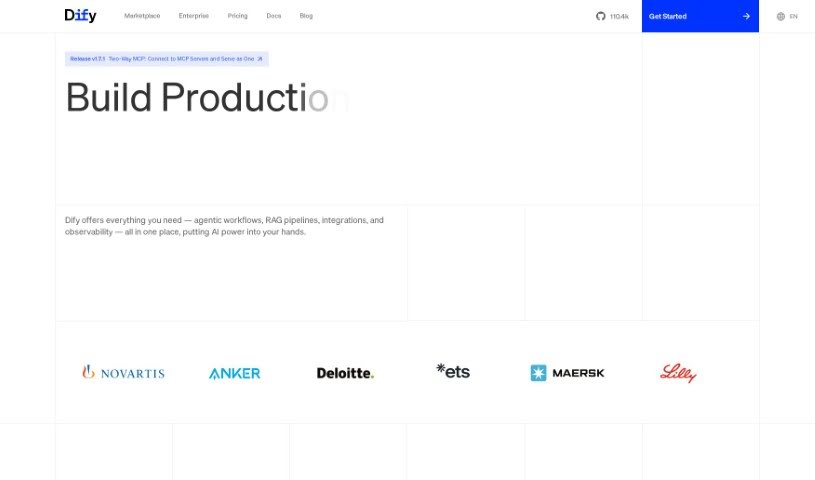
Screenshot of Dify

Dify

Freemium

Dify is an open-source platform designed for LLMOps, making it much simpler and faster to build AI applications powered by various large language models. The core idea behind Dify is to define every part of an AI application – like prompts, contexts, and plugins – using straightforward YAML files. It provides a visual way to manage prompts, operations, and datasets, which means you can either build AI apps from scratch really quickly or integrate LLMs to keep improving your existing applications. With Dify.AI, you can create text generation tools for all sorts of things, such as AI chatbots for websites, question-answering bots, tools that summarize long texts, or even generators for marketing copy.

Web Development View Tool →
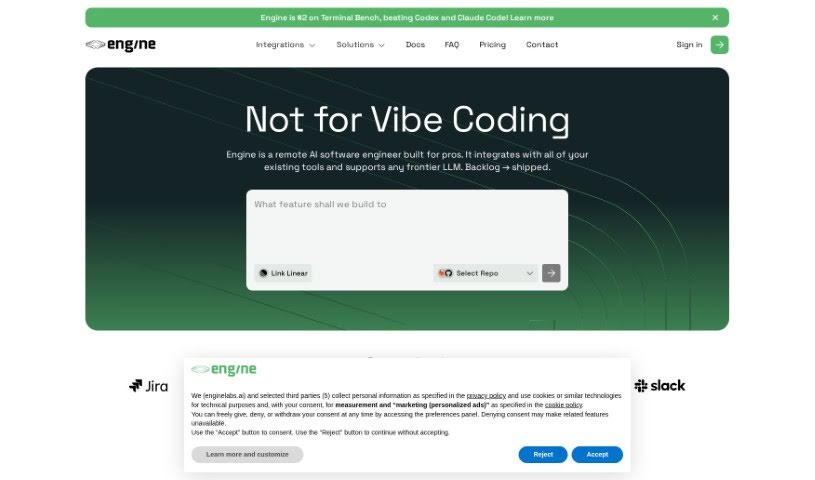
Screenshot of Enginelabs

Enginelabs

Freemium

Enginelabs is a platform that lets you build apps using everyday language, no coding or complex setup required. It's pretty neat because it handles all the backend stuff for you. Here are some of the cool things Enginelabs offers:

Web Development View Tool →
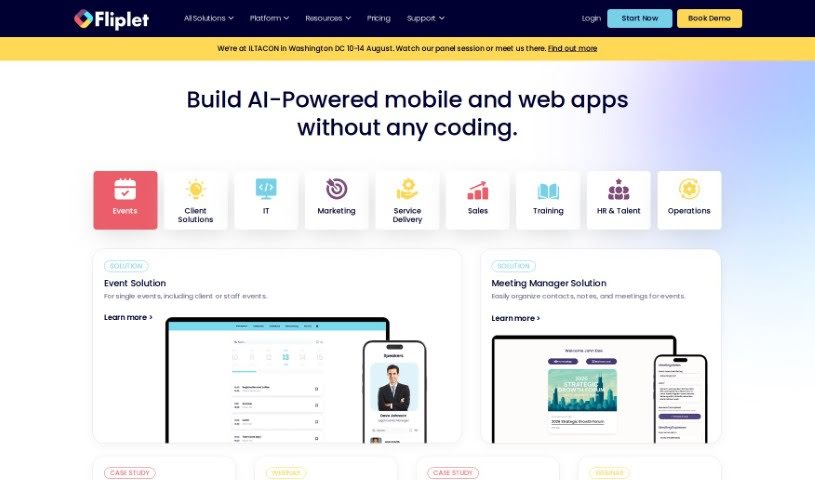
Screenshot of Fliplet

Fliplet

Freemium

Fliplet is a no-code/low-code enterprise App Builder that helps businesses quickly create mobile and web apps. It is a way to build apps without needing to be a coding expert. It offers ready-made solutions that you can easily customize and brand, adding your own unique features. Fliplet covers a lot of ground, with solutions for many different industries. This includes things like managing events, handling emergencies, communicating within communities, capturing data, managing projects, running e-commerce, providing learning resources, creating directories, and fostering innovation.

Web Development View Tool →
Screenshot of FlutterFlow

FlutterFlow

Freemium

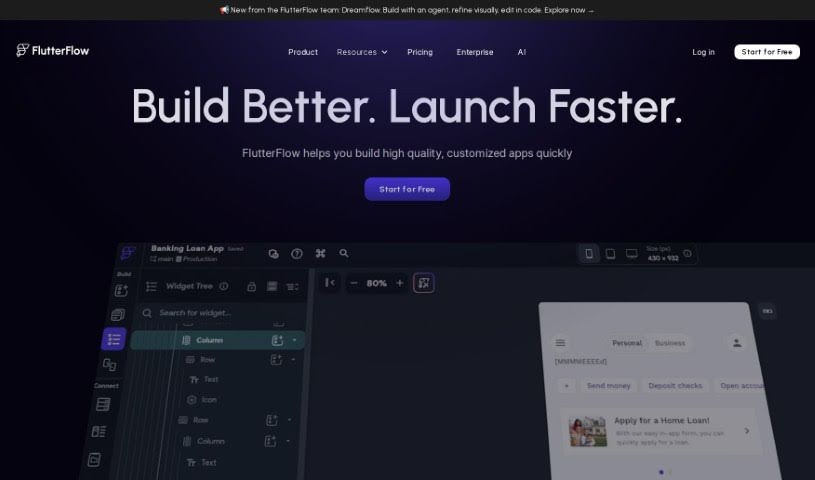
FlutterFlow is a platform that really makes building mobile apps much simpler, especially for designers, developers, and entrepreneurs. It was actually started by some former Google engineers who wanted to streamline the process. It is a visual builder with a drag-and-drop interface – it lets you create fully working apps pretty quickly. What's cool is that it includes things like a visual logic builder, state management, and even GitHub integration, which are all super helpful for app development. Plus, they've got this AI tool called FlutterFlow 4.0. It's designed to make building apps even better by using AI to help generate code styles, set up database schemas, and even suggest page types that fit specific app categories, like banking or e-commerce. You can also find tons of helpful documentation and expert advice, and you can even start building your app for free.

Web Development View Tool →
Screenshot of Forge AI

Forge AI

Freemium

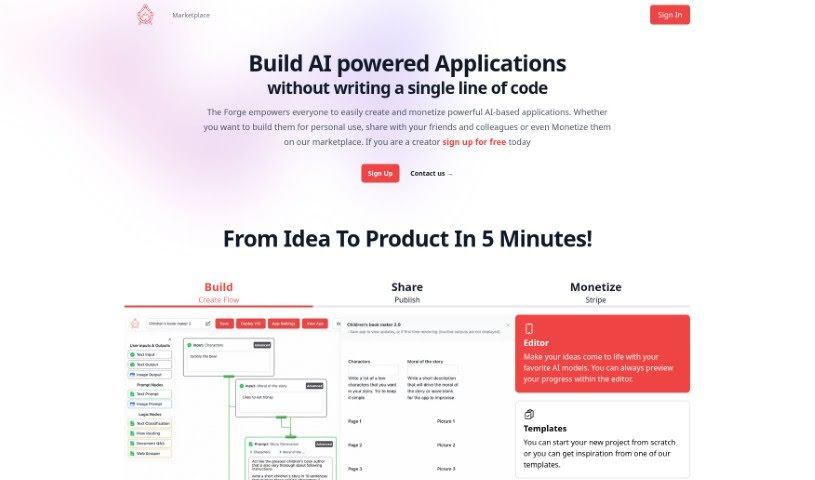
Forge AI is a platform designed to make building, sharing, and selling AI-powered applications super accessible. You don't need any coding skills to use it! It offers a really friendly interface, helpful templates, and ways to handle payments for your creations. It is a toolkit that lets you bring your AI ideas to life. You can build projects using various AI models and templates, see how they're coming along with a preview, connect your apps to other products using APIs, and easily share what you've made. There's even a marketplace where you can buy and sell these AI applications.

Web Development View Tool →
Screenshot of FoxyApps

FoxyApps

Freemium

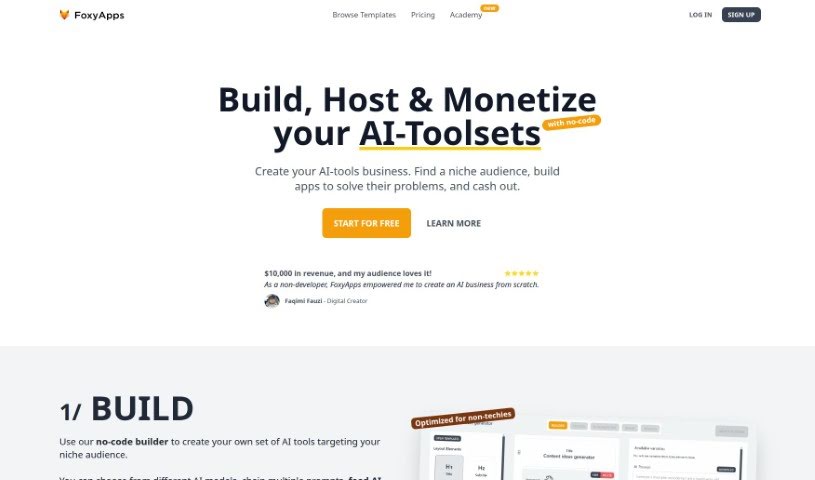
FoxyApps is a really neat no-code app builder. It lets anyone, even prompt writers, create AI-powered applications without needing to code. It is a user-friendly way to bring your AI ideas to life. It works by connecting with ChatGPT technology, so you can easily build forms, write prompts, and even tweak how the AI's output looks. The whole process is broken down into five simple steps: first, you design a form with the inputs your app will need; second, you write a prompt that uses those inputs; third, you style the AI's response to make it look just right; fourth, you add all the necessary app information like its description and icon; and finally, you publish and share your app once it's approved. Lots of different professionals are finding FoxyApps super useful. Developers, marketing agencies, SEO pros, business consultants, content marketers, and sales strategists are all using it to build apps that can actually make money, streamline their tasks, and save them valuable time and resources. Plus, you can even monetize your creations directly through FoxyApps by earning money each time someone uses your app!

Web Development View Tool →
Screenshot of Freeplay

Freeplay

Freemium

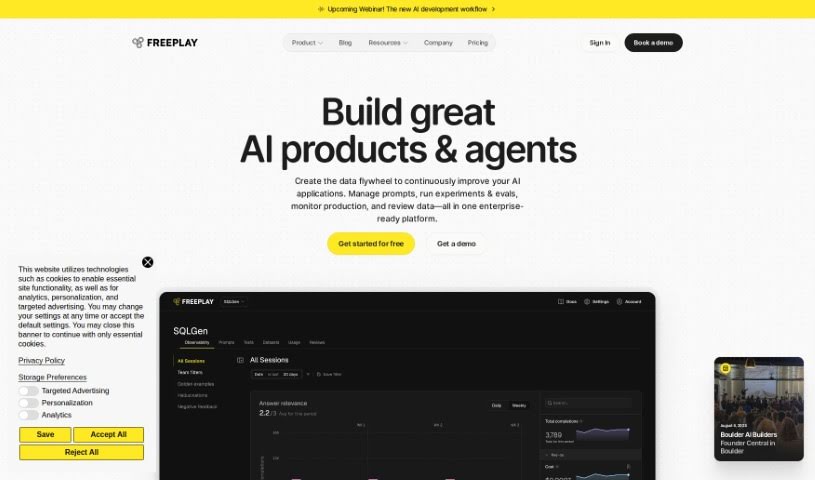
From what I've gathered in the "freeplay.pdf" document, Freeplay is a platform designed to make it super simple to add Large Language Models (LLMs) to your applications. The best part? You don't need to write any code yourself. You can build, test, and then launch apps that use the latest text-generating models. It's as easy as dragging and dropping components, tweaking settings, and watching the results happen in real-time. Freeplay also handles all the tricky stuff like security, making sure your app can scale up, and keeping performance high when using LLMs. This means you can create all sorts of apps, like chatbots that chat naturally, tools that generate content, or even ones that summarize long texts. Plus, Freeplay makes it a breeze to try out different LLMs, play around with their settings, and compare what they produce. It really makes integrating LLMs straightforward and efficient, especially for product teams and developers who want to harness the power of generative AI.

Web Development View Tool →
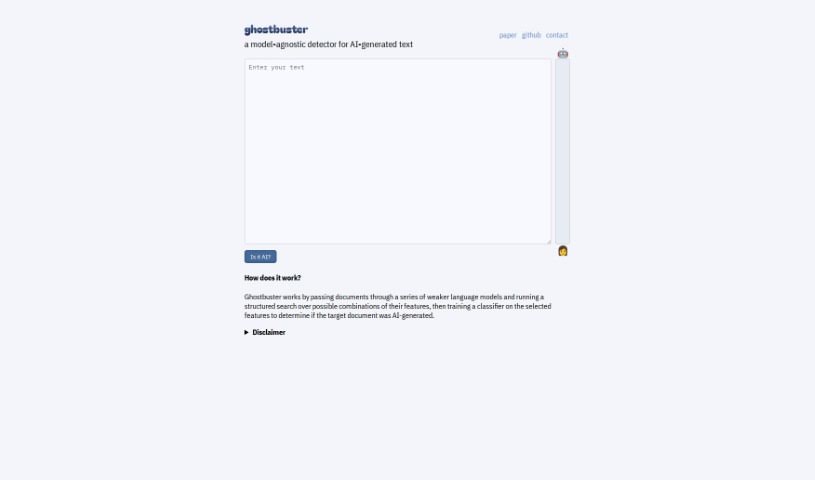
Screenshot of Ghostbuster.app

Ghostbuster.app

Freemium

It looks like Ghostbuster.app is accessible via an API link: `https://ghostbuster-api-gm7xhurxnq-uw.a.run.app/`. Based on the limited information we have, it seems to be a web service or application hosted on Google Cloud Platform. However, without more details or content directly visible on the site, it's tough to give you a full picture of what Ghostbuster.app actually does or its specific purpose. We'd need to dig a bit deeper or get more information to really describe Ghostbuster.app.

Web Development View Tool →
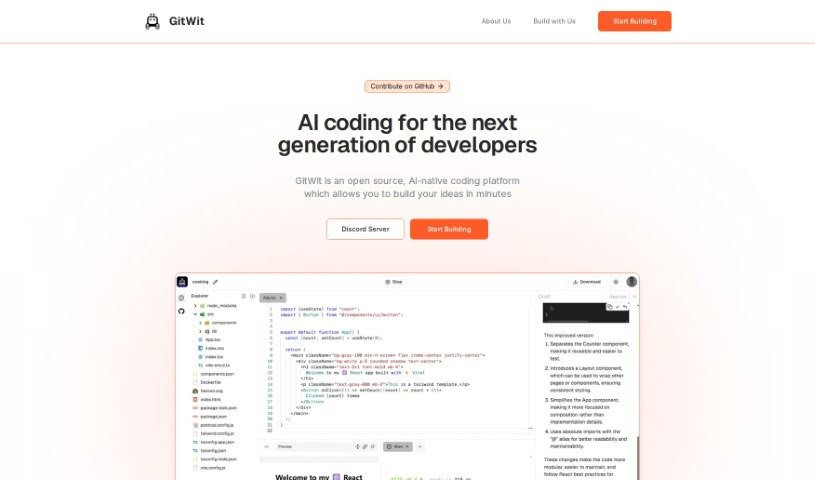
Screenshot of Gitwit

Gitwit

Freemium

GitWit is a platform built to help you create React web applications really fast. It uses AI to give developers a hand, no matter their experience level, so you can get functional apps up and running in record time. Honestly, GitWit can triple your app development speed! It supports popular technologies like React, Tailwind CSS, and Node.js, and it's already being used by over a thousand projects. If you need anything or have questions, you can always reach out to GitWit through their support channel.

Web Development View Tool →
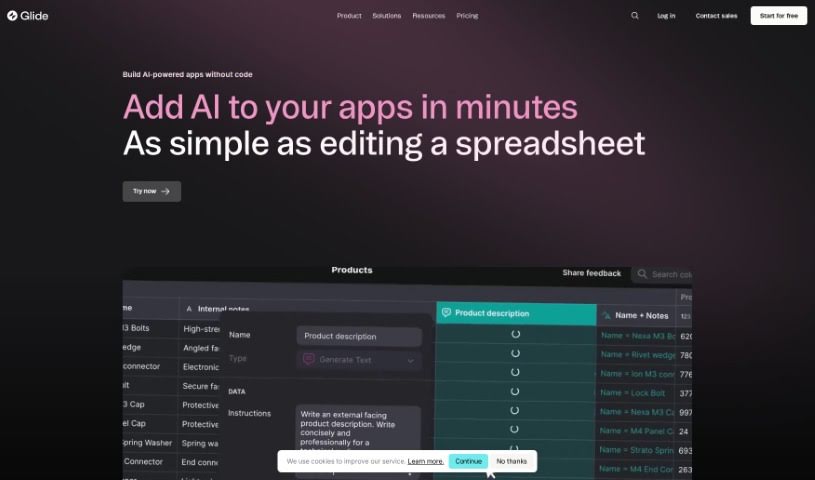
Screenshot of Glide Apps

Glide Apps

Freemium

Glide Apps is a platform designed to help people build and launch their own custom AI-powered apps for their businesses. It really simplifies the whole process by giving you powerful AI tools that you can easily plug into your apps and workflows. You can create, design, and get custom apps with AI features up and running in just minutes. What makes Glide Apps special is how easy it is to use. Adding AI capabilities feels as simple as adding a new column to a spreadsheet, so you don't have to mess with complicated APIs or manage AI models yourself. The platform can handle all sorts of AI tasks, like generating text, pulling text from images, or transcribing audio. Glide Apps smartly picks the best AI model for whatever you're trying to do, caches calls to save money and boost performance, and works smoothly with all the data sources Glide already supports. If you're new to building AI apps, Glide Apps has you covered with templates, guides, video lessons, and a helpful community to get you started fast.

Web Development View Tool →
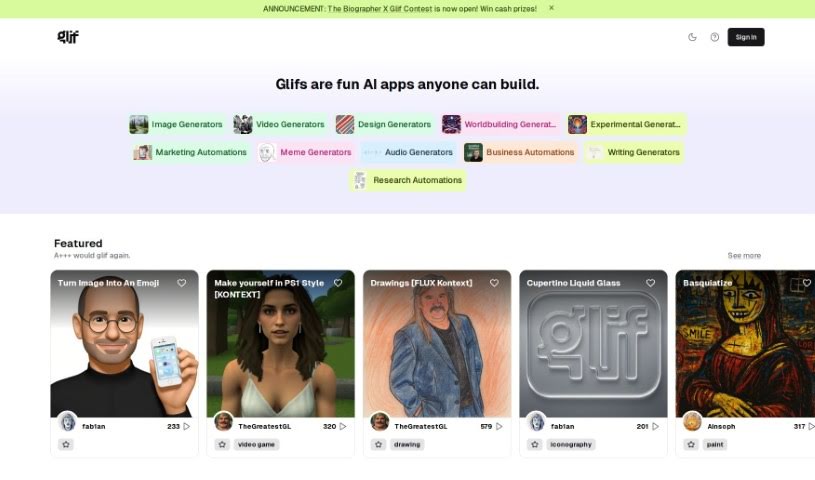
Screenshot of Glif

Glif

Freemium

Glif is a platform built to help teams work together and communicate more smoothly. It offers tools for managing projects, sharing files, and keeping everyone in touch. The main idea behind Glif is to make workflows simpler and boost productivity by bringing together all your tasks, files, and conversations into one central spot. You'll find features like assigning tasks, storing files, messaging your team, and getting real-time updates so everyone stays on the same page. By combining these key elements of project management and team collaboration, Glif really aims to simplify how you work and make your team more efficient.

Web Development View Tool →

Stay Updated with AI Tools

Get weekly updates on the latest AI tools, trends, and insights delivered to your inbox

Join 25,000+ AI enthusiasts. No spam, unsubscribe anytime.