AI Tools for Video Enhancer & Upscalers

Discover the best Video Enhancer & Upscalers AI tools to enhance your productivity and creativity.

Page 2 of 2 • 15 total tools
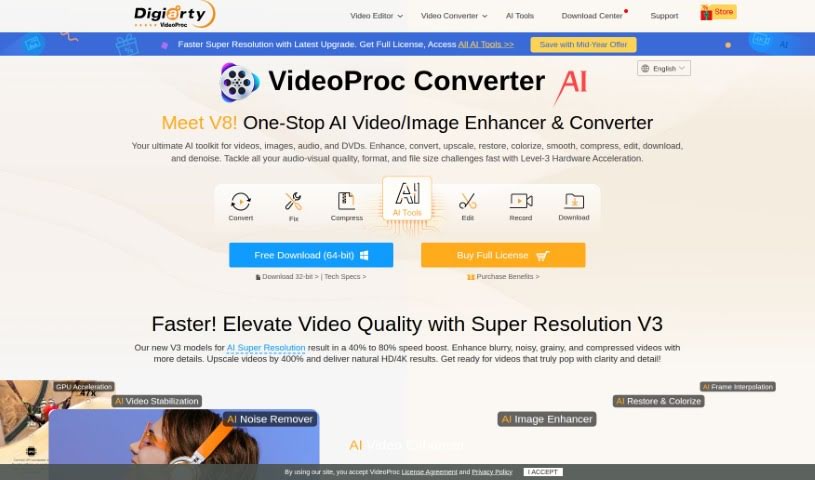
Screenshot of Videoproc Video Converter

Videoproc Video Converter

Freemium

VideoProc Converter is a really versatile software tool that uses AI to make your videos better. It is an all-in-one solution for editing, converting, downloading, recording, enhancing, and even compressing your video files. It's packed with features like Super Resolution, which can upscale your footage to stunning 4K quality, and Frame Interpolation to make playback super smooth. If your videos are a bit shaky, its Video Stabilization feature can help fix that. Plus, with Level-3 Hardware Acceleration, it processes all sorts of formats – like MP4, 4K, and 8K – really efficiently. It also supports many different devices and languages, so it's easy for people all over the world to use.

Video Generation View Tool →
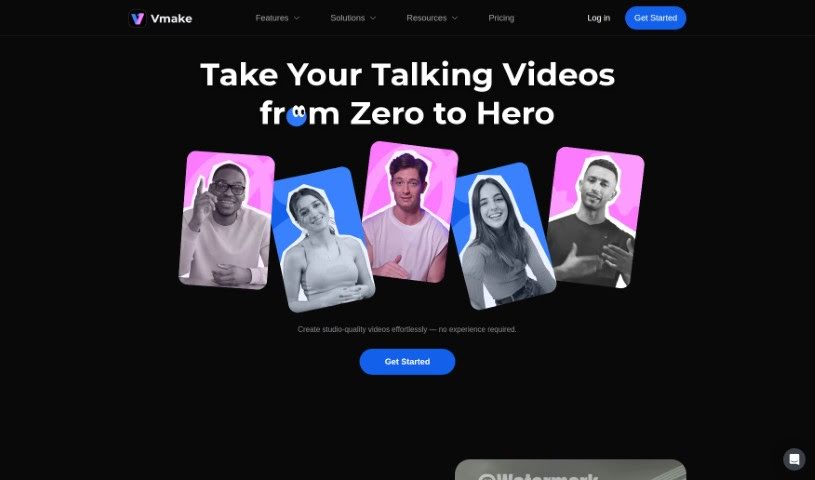
Screenshot of Vmake

Vmake

Freemium

Vmake is a software tool designed to help you create, manage, and deploy virtual machines. It's built with a user-friendly interface, making it simple for anyone to configure and customize their virtual machine settings. With Vmake, you can easily set up virtual machines precisely how you need them – think about choosing the operating system, how much memory it gets, and how much storage space it needs. This really simplifies the whole process of creating virtual machines, making it accessible even if you're not a tech wizard. Beyond creation, Vmake also makes managing these virtual machines a breeze. You can keep an eye on their performance, make tweaks when necessary, and securely deploy them wherever you need them to run. All in all, Vmake is a fantastic tool for making virtual machine operations smoother and boosting productivity across different computing setups.

Video Generation View Tool →
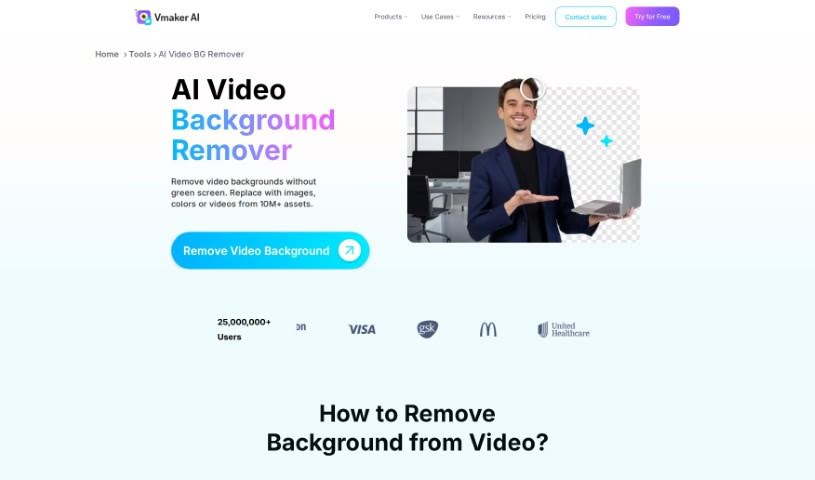
Screenshot of Vmaker AI AI Video Background Remover

Vmaker AI AI Video Background Remover

Freemium

An AI Video Background Remover is a smart tool that uses artificial intelligence to automatically cut out the background from your videos. It's super quick, usually just needing a few clicks. Vmaker AI's version, specifically, is really good at spotting the main subject and the background in a video. This means it can remove backgrounds precisely, even if you don't have a green screen. The best part? It leaves no trace of the old background, so your video quality stays top-notch. You can use this for all sorts of videos, whether it's someone talking directly to the camera or live-action footage. It's really versatile for professional work, and it also has strong privacy and security features built-in. Plus, no green screen needed makes it incredibly convenient, no matter where you're filming.

Video Generation View Tool →
Previous 2 of 2 Next

Stay Updated with AI Tools

Get weekly updates on the latest AI tools, trends, and insights delivered to your inbox

Join 25,000+ AI enthusiasts. No spam, unsubscribe anytime.