AI Tools for Deepfakes

Discover the best Deepfakes AI tools to enhance your productivity and creativity.

Page 3 of 3 • 31 total tools

Deepfakes have gone from a niche interest to something everyone’s talking about, sparking both wonder and worry. The tech behind making them is getting better fast, making it simpler for anyone to create videos that look and sound like real people. While they can be fun, deepfakes also bring up ethical questions we’re still figuring out.

The good news is, there are now lots of easy-to-use apps and platforms for making deepfakes. These tools let you create your own digital illusions, whether for creative projects, marketing, or just for a laugh. With a little guidance, making a deepfake can be a cool learning experience.

As I looked into the top deepfake makers, I tried out a bunch of options for different skill levels—from beginners just curious about the tech to more experienced users wanting advanced features. This guide covers the best tools to consider, explaining what they do and how easy they are to use.

As we explore the world of deepfakes, it’s important to use this technology carefully and understand its impact. Let’s dive into the best deepfake makers that can help you get creative and explore this fascinating digital space.

The best AI Deepfake Makers

  1. AI Face Swap: Great for making lifelike deepfake videos.
  2. Face Swapper: Perfect for realistic character animation in videos.
  3. Deepswap: Ideal for creating synthetic characters.
  4. Deepfakes Web: Use this for creative character customization in games.
  5. Deep Swapper: Make viral content with deepfakes here.
  6. Fakeface: Merge your face with celebrities in videos.
  7. Wefaceswap: Swap faces effortlessly for your deepfake projects.
  8. Picsi: Get realistic face swaps for video editing.
  9. Kapwing AI Deepfake: Create personalized video parodies.
  10. Tavus Ethical Deepfake Video Maker: Make personalized marketing videos.
  11. Wavel Deepfake Maker: Create realistic character animations.
  12. AI Face Studio: Craft authentic video characters.
  13. InsightFace AI: Swap faces in videos creatively.
  14. Deepfaceswap: Seamlessly replace faces with celebrities.
  15. Content Credentials: Authenticate your realistic media creations.

How do AI deepfake makers work?

Deepfake makers use advanced AI, mostly through something called deep learning. Basically, these tools look at thousands of pictures and videos of a person. This information helps the AI learn their facial expressions, how they move, and their mannerisms.

Once the AI has learned from all this data, it can create new content where the person’s likeness is changed significantly. The AI generates frames one by one, producing outputs that look so real, they can sometimes be hard to tell from the original.

The technology uses a type of neural network called Generative Adversarial Networks, or GANs. GANs have two parts: a generator that makes fake images and a discriminator that checks if they’re real. The generator tries to make convincing content, and the discriminator judges it, which helps the generator get better and better.

Deepfakes work best when they blend smoothly with the original video. The AI carefully adjusts lighting, camera angles, and even syncs the audio, making the final result seem believable. This attention to detail is key to making them hard to spot.

As deepfake tech gets more advanced, it brings up ethical questions about fake news and privacy. While it has great uses in entertainment and education, the potential for misuse means we need to keep talking about rules and responsible use. It’s important to balance new ideas with ethical concerns as this interesting but controversial technology moves forward.

Our best AI deepfake makers at a glance

RankNameBest forPlans and PricingRating
1AI Face Swapcreating lifelike deepfake videos.N/A4.70 (10 reviews)
2Face Swapperrealistic character animation for videosPaid plans start at $29/year.4.75 (12 reviews)
3Deepswapsynthetic character creationN/A4.20 (5 reviews)
4Deepfakes Webcreative character customization for games.Paid plans start at $4/hour.4.71 (14 reviews)
5DeepSwappercreating viral content with deepfakesPaid plans start at $Unbeatable price/N/A.4.20 (10 reviews)
6Fakefacemerging faces with celebrities in videosN/A4.69 (36 reviews)
7Wefaceswapeffortless face swaps for deepfake projectsPaid plans start at $19.99/month.4.67 (6 reviews)
8Picsirealistic face swaps for video editingN/A4.77 (26 reviews)
9Kapwing AI Deepfakecreating personalized video parodiesN/A4.73 (11 reviews)
10Tavus Ethical Deepfake Video Makerpersonalized marketing video content.N/A4.80 (5 reviews)
11Wavel Deepfake Makercreating realistic character animationsN/A4.78 (27 reviews)
12AI Face Studioauthentic video character creationPaid plans start at $9.99/month.4.60 (5 reviews)
13InsightFace AIface swapping in videos creatively.N/A4.88 (26 reviews)
14Deepfaceswapseamless celebrity face replacements.N/A4.20 (5 reviews)
15Content Credentialsauthenticating realistic media creations.N/A4.73 (11 reviews)
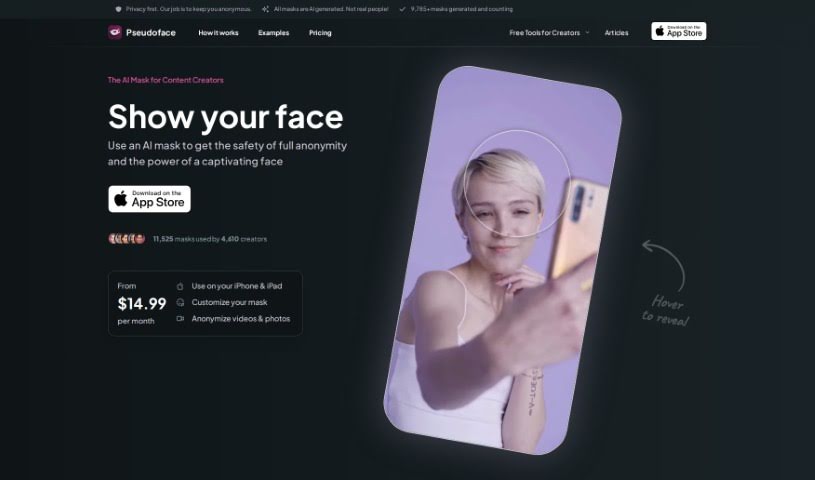
Screenshot of Pseudoface

Pseudoface

Freemium

Pseudoface is a really neat AI filter app designed specifically for creators who prefer to stay anonymous. It lets you swap out your real face for an AI-generated one, which is a fantastic way to protect your privacy and keep your identity under wraps. The cool part is that these AI faces are customized to match your own facial features, so they look natural and aren't based on any real person. This tool is a game-changer for creators looking to keep their audience engaged, boost their income, and build their brand recognition, all while staying completely anonymous. Pseudoface is all about using AI responsibly and makes it clear they don't want their services misused.

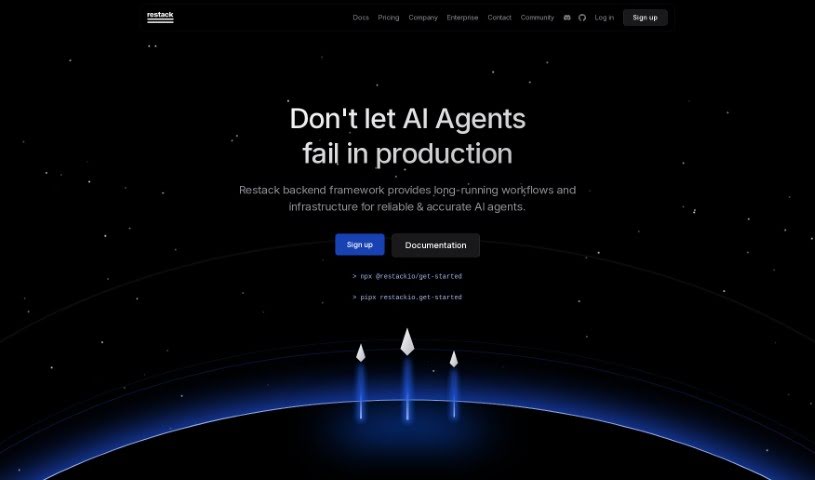
Screenshot of Restack AI Deepfake Maker

Restack AI Deepfake Maker

Freemium

Restack AI's Deepfake Maker is a tool built to help you create deepfake content. It is software that lets you generate synthetic media – like videos or images – where you can swap one person's face for another's, all thanks to artificial intelligence. With growing concerns about deepfake technology and how it might be misused, tools like this can be used for all sorts of things. It's great for entertainment, video production, and even for research into AI and digital media manipulation. You might find it offers features to tweak facial expressions, change voices, and alter other characteristics to make your deepfakes look and sound incredibly realistic.

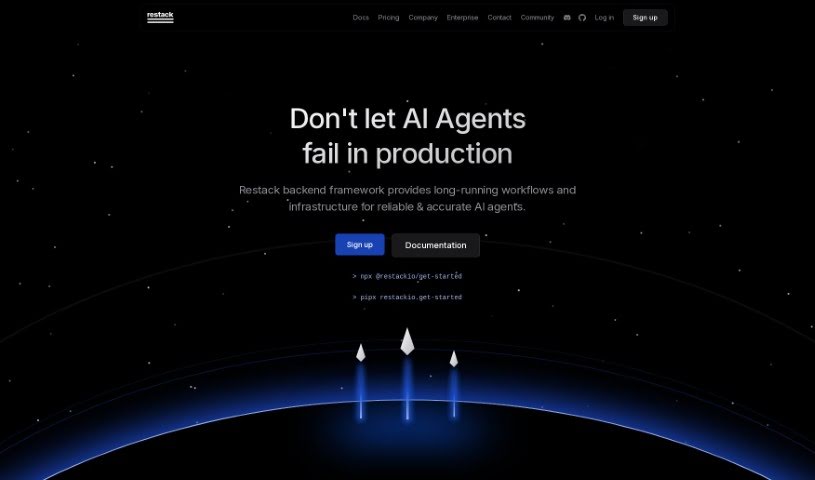
Screenshot of Restack AI Deepfake Video

Restack AI Deepfake Video

Freemium

Restack AI Deepfake Video is a component of the broader autonomous intelligence framework developed by Restack AI. Essentially, it's about creating and altering videos using sophisticated deep learning algorithms to make them look incredibly real, even though they're fabricated. This technology has a wide range of uses – think entertainment, marketing campaigns, and yes, even less savory applications like spreading misinformation. Restack AI offers documentation and practical examples to help you implement deepfake video solutions within their system. It's a chance to explore and use this cutting-edge technology in ways that are both innovative and responsible.

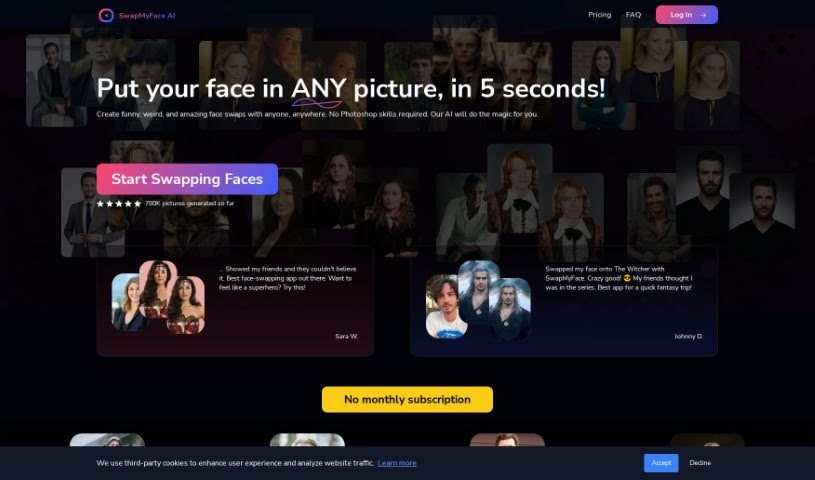
Screenshot of SwapMyFace

SwapMyFace

Freemium

SwapMyFace is a really fun and easy-to-use app that lets you create amusing and unique face swaps without any hassle. You can swap faces with anyone, anywhere, and you don't need to be a Photoshop whiz to do it, thanks to the AI technology behind the app. People have been loving SwapMyFace because it's so simple to use and the results are genuinely impressive. It's entertaining to merge your face with all sorts of images, like movie characters, historical figures, or even famous paintings. Plus, the app has a handy Chrome extension, so you can quickly swap faces right from your browser. This makes it super convenient to create your own custom images in just a few seconds. And to get you started, SwapMyFace gives you 5 free generations to play around with before you decide if you want to subscribe.

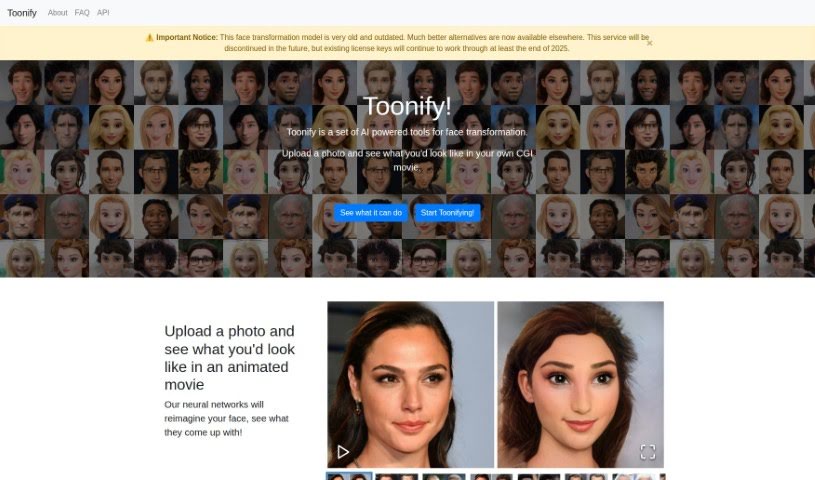
Screenshot of Toonify

Toonify

Freemium

Toonify is a neat AI platform that lets you turn your photos into all sorts of fun styles – think caricatures, emojis, comic book heroes, or even horror characters. You just upload your picture to their website. Then, you can play around with sliders to tweak things like age, smile, or anger, really personalizing the look. It uses neural networks to reimagine your features in the uploaded image. They offer both SD and HD models, depending on how much detail you want in your transformed image. The Toonify Classic model is totally free and you can use it as much as you like. However, for their other transformation styles, you'll need to get a license, which is priced based on how many images you plan to transform. For the best results, they recommend uploading clear, sharp photos where the face is the main focus, facing the camera, and isn't blocked by anything. Toonify has a few different transformation styles available, including caricatures, emojis, comic book heroes, and horror characters, so you can pick the one that best suits your taste.

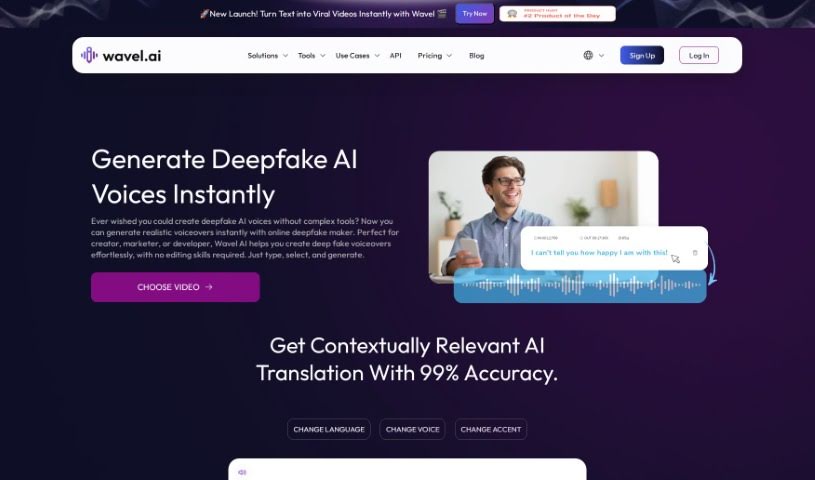
Screenshot of Wavel Deepfake Maker

Wavel Deepfake Maker

Freemium

Wavel Deepfake Maker, a creation of Wavel AI, is a straightforward software application designed to help you create deepfake videos using advanced technology. What's great about it is that it's completely free to use, making it really accessible. Whether you're just starting out or you've been doing this for a while, Wavel Deepfake Maker offers plenty of ways to customize your videos. You can change facial expressions, adjust voices, and much more. It's a flexible tool that fits all sorts of needs, whether you're making something for fun, for a class project, for marketing, or for other professional work. This versatile tool really lets you explore your creativity with deepfake videos without a lot of hassle.

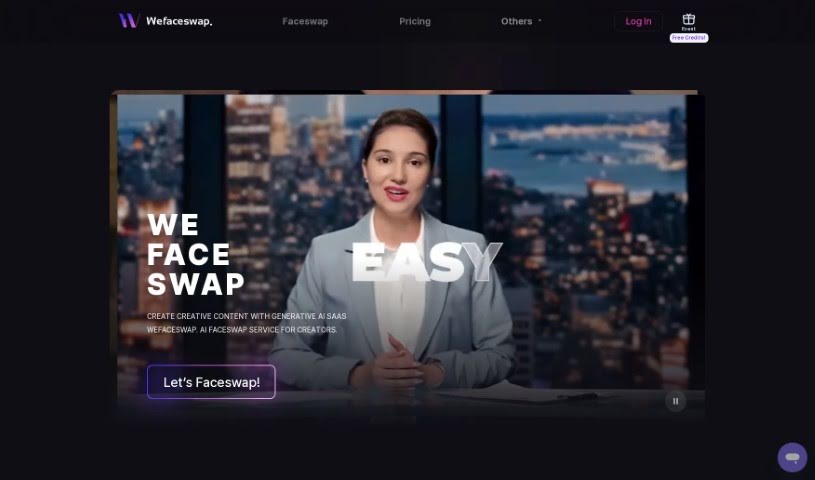
Screenshot of Wefaceswap

Wefaceswap

Freemium

Wefaceswap is a fantastic AI faceswap service designed specifically for SaaS creators. It really shines by offering high-quality, super easy, and quick transformations for your photos, videos, and even GIFs. You get to start off with 2 free credits, which is a nice way to dive in. Plus, it boasts some great features like legit and safe swaps, high-resolution output, and the best part? No installation is needed at all! They also have some really affordable pricing plans, from a basic option to a Creator Pro plan for those who really want to dive deep.

Previous 3 of 3 Next

Stay Updated with AI Tools

Get weekly updates on the latest AI tools, trends, and insights delivered to your inbox

Join 25,000+ AI enthusiasts. No spam, unsubscribe anytime.