Making engaging presentations can feel like both an art and a science. It’s easy to feel overwhelmed by the pressure to turn your ideas into visually appealing slides, especially when you’re short on time. That’s where AI-powered PowerPoint generators come in – they’re really changing how we design and present information.
Forget spending hours on tedious slide creation. These smart tools use artificial intelligence to help you craft impressive presentations in a fraction of the usual time. From automatic design suggestions to content generation, their capabilities are quite remarkable.
I’ve spent a good amount of time exploring the best AI PowerPoint generators out there. Each one offers unique features to make the process simpler and help your audience connect more with your content. Whether you’re a business professional trying to impress stakeholders or a student presenting research, there’s an AI tool that can fit your needs.
As presentation design keeps evolving, it’s smart to stay on top of things. In this article, I’ll share some of the top AI PowerPoint generators that can really boost your presentations and help you get your message across with style. Let’s get started!
The best AI Powerpoint Generators
- Presentationsai: for rapidly creating stunning presentations.
- Ai PPT: for generating professional investor pitches.
- Slides GPT.com: for quickly creating stunning presentation slides.
- Mindshow: for streamlined slide deck production.
- Slide Speak AI Powerpoint Generator: for swiftly creating impactful presentations.
- Journey: for effortlessly creating dynamic presentations.
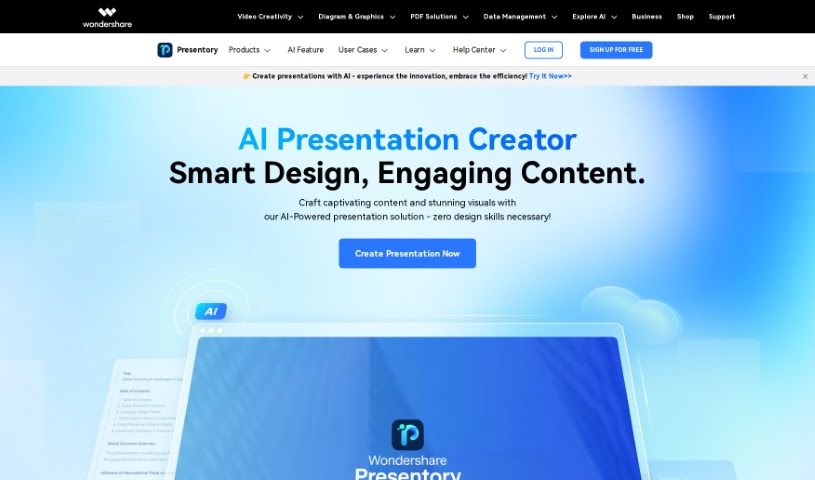
- Wondershare Presentory: for effortlessly creating impactful presentations.
- Powerpresent AI: for rapidly generating polished PowerPoint slides.
- Slides Wizard: for effortlessly creating tailored PowerPoint slides.
- Artificin: for automating slide creation for presentations.
- STORYD: for branded multimedia presentation creation.
- Glimmer AI: for instant slide design and content creation.
- Presentation GPT: for creating stunning slides instantly.
- Gpt For Slides: for creating engaging presentation outlines.
- Slider AI: for instant slide deck creation for pitches.
How do AI powerpoint generators work?
AI PowerPoint generators have become really popular because they use smart algorithms to make creating presentations much easier. Basically, these tools use large language models and machine learning to understand what you’re asking for and what your content needs are. This lets them design slides that fit your topic and desired style, so you don’t have to start from scratch.
When you give the AI a topic or an outline, it processes that information. It looks at tons of data and existing presentation formats to figure out what works best. Then, it creates content that’s relevant and looks good, including text, images, and even charts. This automation really speeds things up for users, saving both time and effort.
How well these generators work depends on their ability to learn from patterns in huge amounts of data, like existing presentations and relevant visuals. By using what they learn, these tools can often guess what kind of content will be most effective for different audiences and goals.
Many AI PowerPoint tools don’t just generate text; they also suggest design layouts, color schemes, and images. This helps ensure your presentation looks consistent throughout. Users often find these features super helpful because they make it easier to share information effectively while keeping your audience interested.
If you’re curious to see how AI can help with presentation design, give some of these popular tools a try. They usually have easy-to-use interfaces and can integrate with your existing workflow, making it simple to boost your presentation process with less effort and more creativity.
Our best AI powerpoint generators at a glance
| Rank | Name | Best for | Plans and Pricing | Rating |
|---|
| 1 | Presentationsai | Rapidly creating stunning presentations. | N/A | 4.52 (21 reviews) |
| 2 | AiPPT | Generating professional investor pitches. | N/A | 4.79 (24 reviews) |
| 3 | SlidesGPT.com | Quickly creating stunning presentation slides. | N/A | 4.72 (25 reviews) |
| 4 | Mindshow | Streamlined slide deck production. | N/A | 4.86 (28 reviews) |
| 5 | SlideSpeak AI Powerpoint Generator | Swiftly creating impactful presentations. | N/A | 4.72 (29 reviews) |
| 6 | Journey | Effortlessly creating dynamic presentations. | Paid plans start at $39/month. | 4.91 (11 reviews) |
| 7 | Wondershare Presentory | Effortlessly creating impactful presentations. | N/A | 3.33 (21 reviews) |
| 8 | Powerpresent AI | Rapidly generating polished PowerPoint slides. | N/A | 3.42 (12 reviews) |
| 9 | Slides Wizard | Effortlessly creating tailored PowerPoint slides. | Paid plans start at $2.50/presentation. | 4.71 (24 reviews) |
| 10 | Artificin | Automating slide creation for presentations. | N/A | 4.75 (24 reviews) |
| 11 | STORYD | Branded multimedia presentation creation. | Paid plans start at $24/month. | 4.76 (25 reviews) |
| 12 | Glimmer AI | Instant slide design and content creation. | N/A | 4.75 (12 reviews) |
| 13 | PresentationGPT | Creating stunning slides instantly. | Paid plans start at $4.99/one-time fee. | 4.76 (29 reviews) |
| 14 | Gpt For Slides | Creating engaging presentation outlines. | N/A | 3.45 (11 reviews) |
| 15 | SliderAI | Instant slide deck creation for pitches. | N/A | 4.74 (23 reviews) |