10Web
Web Development Website Builders
Learn More
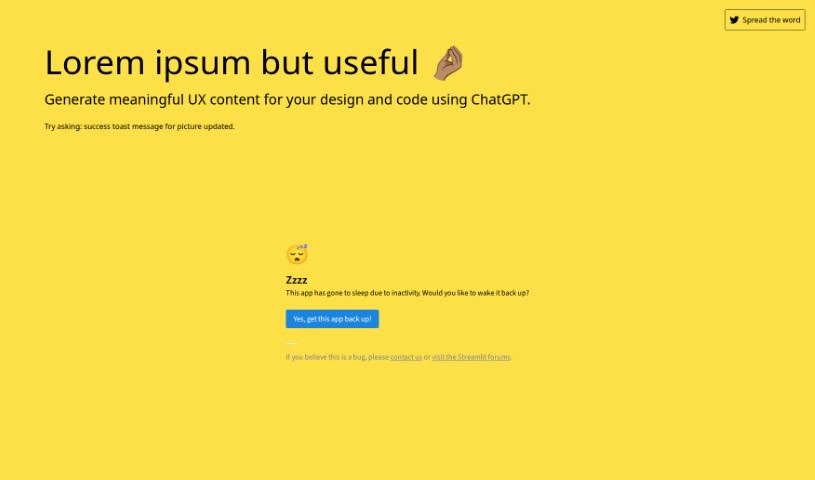
Discover what Usefulloremipsum is and how to use it effectively in 2025. We'll explore its features and see how it stacks up against other UI/UX tools.
Usefulloremipsum is a guide for creating really useful UX content. It shows you how to use ChatGPT to generate practical text for your designs and code. For instance, you could ask it for a “button for cancel newsletter.” Essentially, it takes the idea of placeholder text, like the classic Lorem Ipsum, and makes it actually meaningful for UX design and development. It’s all about crafting content that really speaks to user interactions and the overall experience.
This handy tool was created by @iprithvitharun. If you’re curious to learn more about the founder or the company behind it, you can check out their Twitter profile right here: https://twitter.com/iprithvitharun .
Using Usefulloremipsum is pretty straightforward. Here’s a simple breakdown:
openai.error.RateLimitError, how to create your OpenAI API key, how to keep that key safe, and even how to fix issues if the app isn’t working in Safari on your iPhone.Ctrl + D to bookmark, Ctrl + ↑/↓ to jump to the top or bottom of the page, and Ctrl + ←/→ to sort content chronologically or alphabetically.By following these steps, you’ll be able to use Usefulloremipsum really effectively to generate valuable content for all your design and coding projects.
Discover more tools in similar categories that might interest you
Get weekly updates on the latest AI tools, trends, and insights delivered to your inbox
Join 25,000+ AI enthusiasts. No spam, unsubscribe anytime.