What is Snapy AI?
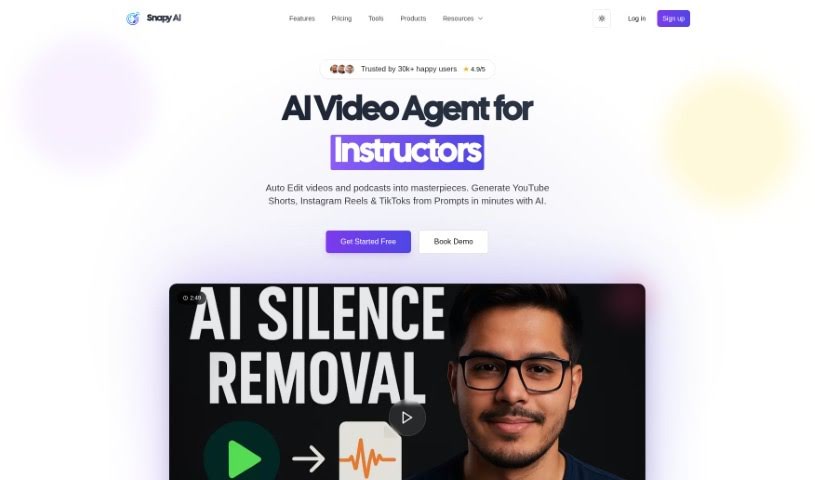
Snapy AI is a platform packed with AI tools designed to help content creators with tasks like editing audio and video. It is your AI assistant for making content creation smoother. It’s got features like an AI Shorts Generator to quickly whip up short videos, a Video Silence Removal tool that makes editing much more efficient, and an Audio Trimmer for those precise cuts you need in podcasts. Basically, Snapy AI aims to simplify your workflow and make your editing experience better by offering tools that save you a ton of time.
Beyond that, Snapy AI also offers tools to add voice to images with its AI Text to Speech Avatar, improve your audio quality using the AI Background Noise Remover, create perfect loops with the AI Audio Looper, combine audio files easily with the AI Audio Merger, and adjust audio speed without any fuss using the AI Audio Speed Changer. People seem to really like it, often mentioning how useful it is for video editing and content creation, and how it can really simplify and improve the whole video production process.
Who created Snapy AI?
Snapy.ai Overview:
Founder: Snapy.ai was actually started by a full-time YouTuber. They noticed just how much time it took to remove silence from videos and audio files. Because of their own experience as a creator, they developed Snapy.ai. It began by focusing on automating silence removal, but it’s grown into a much bigger platform with all sorts of AI tools for people like us who make content.
Company Details: Snapy.ai now offers more than 10 powerful tools. You’ll find things like an AI Video Clipper, AI Audio Looper, Audio Merger, Text-to-Speech Video Avatars, and an Auto Subtitle Generator. The whole idea behind the platform is to make content creation easier by using smart AI to handle those tedious, repetitive tasks. This way, creators can spend more time actually making great content.
What is Snapy AI used for?
- Creating short videos for YouTube, Reels, and TikTok with AI Shorts Generation.
- Saving editing time by using Video Silence Removal.
- Getting sharp podcast cuts with the Audio Trimmer.
- Making your content more engaging by automatically trimming and editing silent parts of videos and audio.
- Turning prompts into short videos using the AI Shorts Generator.
- Condensing long videos into short, captivating clips with the AI Video Clipper.
- Achieving precise audio looping with the AI Audio Looper.
- Seamlessly combining multiple audio files using the AI Audio Merger.
- Effortlessly removing quiet sections from videos with the AI Video Silence Remover.
- Bringing images to life with voice using the AI Text to Speech Avatar.
- Removing silence from videos.
- Clipping videos with AI.
- Looping audio with AI.
- Merging audio files.
- Creating video avatars from text to speech.
- Generating subtitles automatically.
- Making short videos with AI.
- Merging audio files again (it’s a popular feature!).
- Removing background noise with AI.
- Changing audio speed with AI.
- Using AI to duck audio levels.
- Generating video subtitles with AI.
- Creating short videos with AI (another mention, showing its importance).
- Adjusting audio speed.
Who is Snapy AI for?
- Anyone who creates content.
- Video editors looking for efficiency.
- Podcasters who need clean audio.
- Musicians working with audio.
- Teachers and educators creating learning materials.
- Business owners who use video for marketing or communication.
- Advertisers needing quick video production.
- Creators of educational content.
- People working in customer support who might use video.
- Creators focused on short-form video.
- Business professionals needing polished presentations.
- YouTubers aiming for smoother editing.
How to use Snapy AI?
Using Snapy.ai is pretty straightforward. Here’s a simple breakdown:
- Head over to Snapy.ai: First, visit the Snapy.ai website. You’ll find a whole range of AI tools there for content creation, like the AI Video Clipper, AI Audio Looper, Auto Subtitle Generator, and others.
- Pick the right tool: Choose the tool that matches what you need to do. Whether you’re trimming videos, making audio sound better, adding subtitles, or creating short videos, there’s likely a tool for it.
- Upload your file: Once you’ve picked your tool, upload your video or audio file. For example, if you’re using the “Audio Silence Remover,” just upload the audio file you want to clean up.
- Let the AI do its thing: Take advantage of the AI features. For instance, the AI Video Clipper is great because it automatically finds the best moments in long videos to create engaging short clips.
- Edit and polish: Use the tool to edit and enhance your content easily. The AI Short Video Editor, for example, can trim videos, remove filler words or repeated sentences, and even add subtitles, giving you a professional finish.
- Save and download: When you’re happy with how everything looks and sounds, save your edited content and download it to your computer or device.
- See what others say: It’s always a good idea to check out reviews and feedback from other users. You can get some great insights into how effective Snapy.ai’s tools are and what they can really do.
By following these steps, you can really make the most of Snapy.ai’s AI tools. They’re designed to help you create engaging videos, podcasts, and more, all while saving you time and effort.