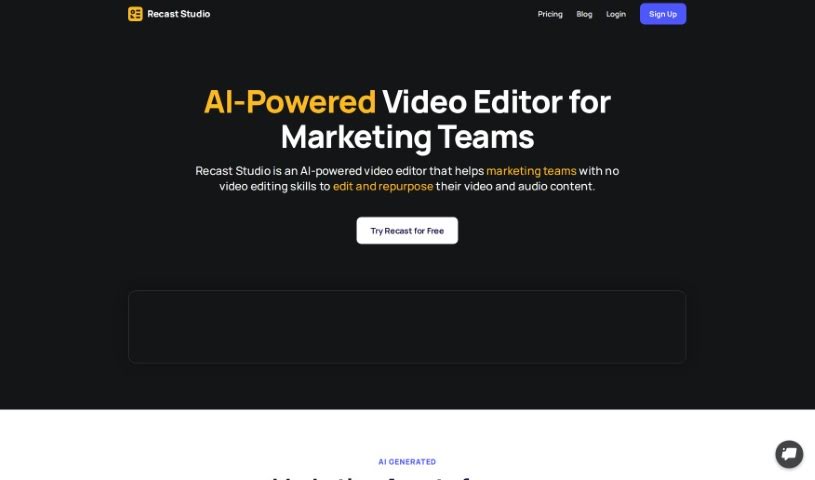
Screenshot of Recast Studio

Recast Studio

Discover what Recast Studio is and how to use it effectively in 2025. We'll explore its features and see how it stacks up against other video editing tools.

Screenshot

What is Recast Studio?

Recast Studio is an AI-powered tool designed to help podcasters market their episodes more effectively. It is your personal content creation assistant. Within minutes, this tool can take your podcast episodes and turn them into all sorts of promotional material. You can get short video clips, detailed show notes, blog posts that are great for SEO and easy to read, social media posts for platforms like LinkedIn, Twitter, and Instagram, and even engaging emails that summarize your podcast and highlight key takeaways.

It uses generative AI to find the most interesting parts of your episodes, making it super easy to create video clips ready for social media. Plus, it offers templates with automatic captions that are designed to grab attention online. There’s also a simple editor so you can customize everything to fit your brand perfectly. Basically, Recast Studio saves podcasters a ton of time and effort by automating tasks that would normally take hours of manual work. It’s a complete toolkit for promoting your podcast, from SEO-friendly transcripts, show notes, and blog posts to maximizing your content’s value and boosting your online presence.

Who created Recast Studio?

Recast Studio first launched on July 18, 2024. It was created by a team who wanted to build an AI tool specifically to help podcasters get their message out there more effectively. The core idea is to let users automatically transform their podcast episodes into different kinds of content – like video clips, show notes, blog posts, and social media updates – all in just a few minutes. The tool uses generative AI to pull out the most engaging bits from episodes. It also includes helpful features like automatic captions and an easy-to-use editor for personalization, which really cuts down on the time and effort podcasters usually spend on content creation and promotion.

What is Recast Studio used for?

  • Transforming Episodes: It automatically turns your podcast episodes into various content formats.
  • Video Clips: You can generate short video clips directly from your podcast episodes.
  • Show Notes: It helps you write detailed show notes.
  • Blog Posts: Create blog posts that are optimized for both SEO and readability.
  • Social Media Content: Generate posts for platforms like LinkedIn, Twitter, and Instagram.
  • Email Summaries: Draft engaging emails that include podcast summaries and key takeaways.
  • Highlight Extraction: It’s great at pulling out the most engaging highlights from your podcast episodes.
  • Task Automation: It automates tasks like transcription, creating show notes, and drafting social media posts.
  • Boosting Reach: It helps increase your podcast’s reach by creating viral shorts, posts, and content for blogs or newsletters.
  • Maximizing Value: Ultimately, it helps you get the most out of your podcast content and improve your overall online presence.

Who is Recast Studio for?

  • Podcasters

How to use Recast Studio?

To get the most out of Recast Studio for your podcast marketing, here’s a simple breakdown:

  1. Automatic Content Transformation: Recast Studio is really efficient at turning your podcast episodes into different kinds of content. You can get short video clips, detailed show notes, blog posts that are great for SEO and easy to read, engaging social media posts, and even informative emails with summaries and key takeaways from your podcast.
  2. Generative AI Assistance: The tool uses generative AI to find and extract the most engaging highlights from your podcast episodes. This makes it super easy for you to create video clips that are ready to go on social media.
  3. Customization and Branding: Recast Studio provides templates that come with automatic captions, all designed to help you engage your audience on social media. Plus, there’s a user-friendly editor so you can customize these clips to perfectly match your brand identity.
  4. Saving Time and Effort: By automating tasks like transcription, writing show notes, drafting social media posts, and creating branded audiogram or video clips, Recast Studio saves you a significant amount of time and effort. You won’t have to spend hours doing this manually anymore.
  5. Maximizing Content Value: The tool helps boost your podcast’s reach by generating viral shorts, posts, and content for blogs or newsletters. You can also use an advanced editor to create custom templates with various visual elements. This includes things like animated waveforms, automatic captions, progress bars, animated text, emojis, shapes, and GIFs. On top of all that, Recast Studio helps with SEO optimization by automatically generating transcripts, show notes, and blog posts.

By following these steps, you can effectively use Recast Studio to improve your podcast marketing strategies and make your online presence even stronger.

Related AI Tools

Discover more tools in similar categories that might interest you

Stay Updated with AI Tools

Get weekly updates on the latest AI tools, trends, and insights delivered to your inbox

Join 25,000+ AI enthusiasts. No spam, unsubscribe anytime.