10Web
Web Development Website Builders
Learn More
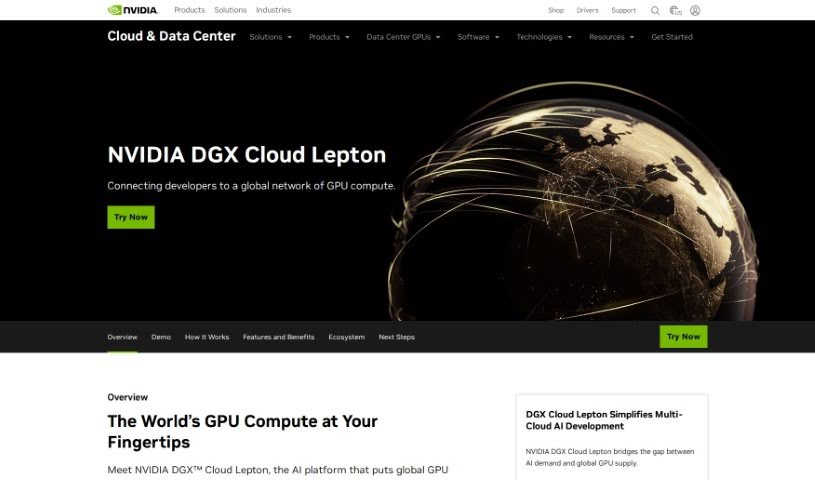
Discover what Lepton AI is and how to use it effectively in 2025. We'll explore its features and see how it stacks up against other Software Development Tools.
Lepton AI is a cloud-native platform designed to make building and running AI applications at scale much simpler and more efficient. It is a way to get your AI models up and running quickly, even if you’re just starting out. You can literally begin with a single line of code, which really cuts down on the complexity of deploying AI models. It gives you access to a variety of language models, like GPT-2, and can handle tasks ranging from speech recognition and QR code generation to creating unique artistic text and generating illusion artwork using Stable Diffusion. Lepton AI also provides plenty of helpful resources and tools to speed up your creative process and inspire new ideas with AI technology. If you’re looking to connect or get updates, you can find them on social channels like Twitter and Discord, or you can even schedule a demo to see how it works. Plus, you can customize AI models to fit exactly what you need.
Lepton AI was developed with the goal of simplifying how we build and deploy AI applications, all thanks to its cloud-native platform. While the specific founder isn’t mentioned in the available documents, the company’s focus is clear: making AI applications scale efficiently. They achieve rapid deployment using their cloud-native infrastructure and give you access to versatile AI models, including GPT-2. What’s really neat is that you can start with just one line of code, making it super user-friendly for tasks like speech recognition, generating QR codes, or creating artistic text.
Getting started with Lepton AI is pretty straightforward. Here’s a quick rundown:
pip install -U leptonai. Once that’s done, you can launch the platform locally by running lep photon run --name gpt2 --model hf:gpt2 --local. This gets you up and running quickly.By following these steps, you can really make the most of Lepton AI’s streamlined, efficient, and user-friendly features. It’s designed to help you build and run AI applications at scale, offering robust resources and tools. Plus, staying connected with the community is a great way to keep up with the fast-paced world of AI technology.
Discover more tools in similar categories that might interest you
Get weekly updates on the latest AI tools, trends, and insights delivered to your inbox
Join 25,000+ AI enthusiasts. No spam, unsubscribe anytime.