10LevelUp
Video Generation Video Editing
Learn more
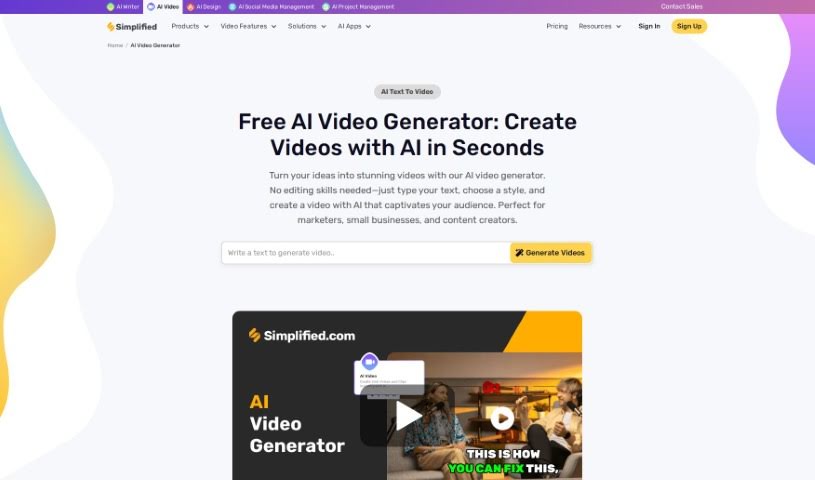
Discover what Simplified's AI Video Generator is and how it turns text into branded videos with AI voices, multiple languages, and custom styling.
Simplified’s AI Video Generator turns text into videos using AI. You enter your text, choose a style and voice, and the tool generates the video — no scripting, filming, or editing required. It supports multiple languages, offers a variety of voices, and lets you customize branding, making it suitable for short-form platforms like YouTube Shorts and Instagram Reels.
The tool was created by Koustubha Deshpande, Founder of Simplified, with co-founder Ajay Yadav. Simplified is based in Covina, California.
Related
Discover more tools in similar categories
Weekly picks of the best AI tools we've researched and added — no spam, unsubscribe anytime.
Join 25,000+ AI enthusiasts. No spam, unsubscribe anytime.