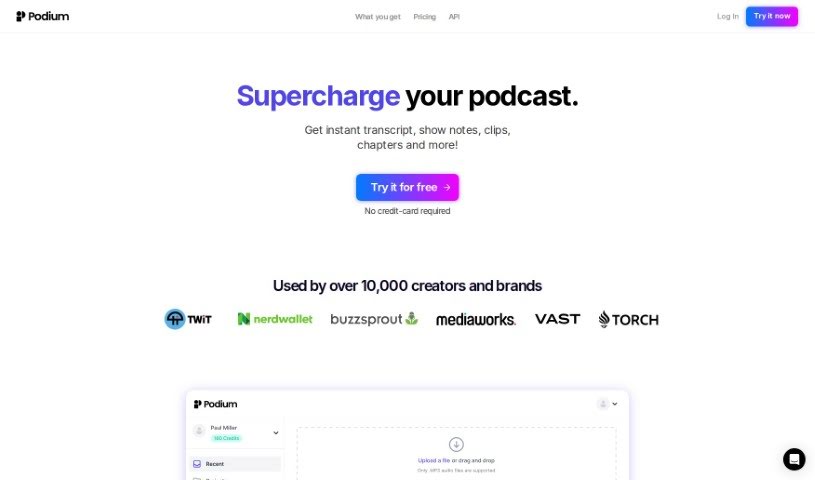
What is Podium?
Podium is a smart AI tool built to help podcasters and creators make their shows better, faster. It is your podcasting assistant! It offers a bunch of helpful features designed to simplify your workflow. You can get automated show notes, easily create segmented chapters for your episodes, generate high-quality transcripts, pull out highlight clips, and even whip up social media posts. It’s all about making the whole process smoother. With over 10,000 users already on board, Podium is known for being quick and effective. It helps you create professional-sounding content while saving you precious time and money. So, whether you’re a podcaster, a producer, or a marketing director looking to promote your show, Podium is a fantastic way to elevate and share your podcast with the world.
Who created Podium?
Jesse Ulrich and his team are behind Podium. You can see their dedication in the testimonials where users really praise the platform. Podium itself is an AI tool focused on making podcast creation easier and more efficient. It provides features like automated show notes, segmented chapters, high-quality transcripts, highlight clips, and social media posts. Creators and brands widely use it because it’s fast and efficient, helping them save time and money on content creation.
What is Podium used for?
Podium helps you with a variety of tasks to make your podcast shine:
- Social Media Posts: Create engaging posts about your episodes, ready to share on platforms like Twitter, Facebook, and Instagram.
- Automated Show Notes: Podium automatically generates a clear, organized summary of each episode, making it super easy to create compelling show notes.
- Segmented Chapters: You can easily divide your episodes into key topics, creating chapters that work perfectly for platforms like Spotify and YouTube.
- High-Quality Transcripts: Get accurate transcripts in .TXT and .VTT formats. This makes your podcasts more accessible and easier for people to search.
- Highlight Clips: Podium finds the best moments in your episodes for you, complete with timestamps, so you can share them easily.
- Social Media Posts: Create engaging posts about your episodes, ready to share on platforms like Twitter, Facebook, and Instagram.
- Automated Show Notes: Podium generates a concise and organized summary of each podcast episode making it easy to create engaging show notes.
- Segmented Chapters: Users can divide their episodes into core topics and create chapters ready for platforms like Spotify and Youtube.
- High-Quality Transcripts: Podium provides high-quality transcripts in .TXT and .VTT formats, making podcasts more accessible and searchable.
- Highlight Clips: Podium automatically generates timestamps and transcripts of the best moments for easy sharing.
Who is Podium for?
Podium is a great tool for anyone involved in podcasting:
- Podcasters
- Producers
- Marketing Directors
- Podcasters
- Producers
- Marketing Directors
How to use Podium?
Here’s a simple guide to get the most out of Podium:
- Sign Up: First, create your account on Podium to start using all its features.
- Choose a Plan: Pick the plan that best fits your needs. You can choose from Creator, Studio, Enterprise, or even Credit Packs if you need more usage.
- Make the Most of Top Features:
- Automated Show Notes: Let Podium create those neat summaries for each episode.
- Segmented Chapters: Easily break down your episodes by topic and get chapters ready for Spotify or YouTube.
- Quality Transcripts: Grab your transcripts in .TXT and .VTT formats to make your podcast accessible and searchable.
- Highlight Clips: Quickly share the best parts of your episodes with automatic timestamps.
- Social Media Posts: Craft engaging posts for platforms like Twitter and Facebook to promote your content.
- Explore Pricing Options: Take a look at the pricing structure. You can also get credit packs if you need extra usage beyond your monthly plan.
- Tasks to Accomplish:
- Podcast Production: Use these AI tools to really boost your podcast creation process.
- Time-saving: You’ll save hours of manual work thanks to these efficient workflows.
- High-quality Content: Effortlessly create content that looks and sounds professional.
- Support: Check out the FAQs if you have any common questions about how Podium works or its features.
- Creator Testimonials: Hear from other creators about how Podium has helped them out.
By following these steps, you can really make Podium’s AI tools work for you. It’ll help streamline how you create podcasts, save you time, and ensure you’re producing high-quality content efficiently.