10LevelUp
Video Generation Video Editing
Learn more
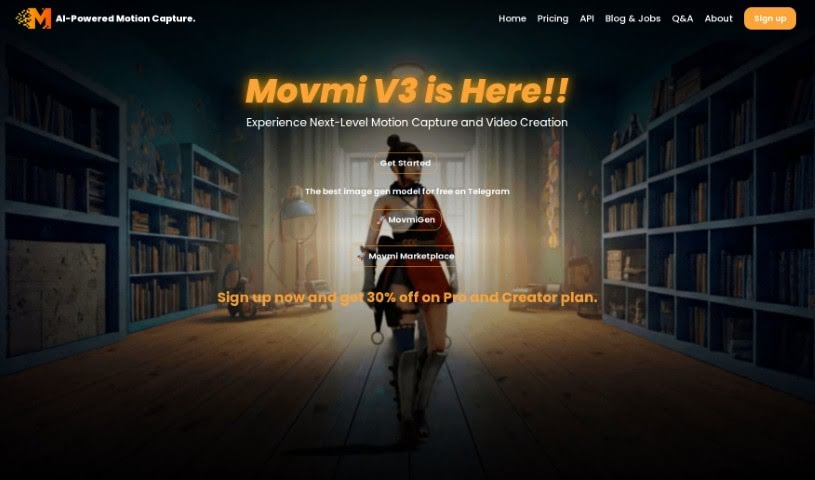
Discover what Movmi is and how it captures 3D human motion from 2D videos and images, no special hardware required.
Movmi is an AI-powered motion capture tool built for 3D animators. It captures human motion from regular 2D videos or images, with no special hardware or motion capture suits required. Because it runs in the cloud, you don’t need a powerful computer to use it.
The AI estimates human 3D motion from 2D media such as videos and photos. It works with footage from any camera, whether a smartphone or a professional setup, and handles the processing through cloud computing.
Movmi offers three membership tiers: Bronze, Silver, and Gold. Each tier provides access to different features, and the Gold membership adds an ad-free experience along with premium features. Captured motion is exported as FBX files, which work in any 3D software, giving animators flexibility in their existing workflows.
The tool also includes the Movmi Store, a library of textured, pre-animated characters and character rigs (armatures) that can be used in 3D projects.
Movmi was founded by Ahmed Askar, whose goal was to build computer vision technology that turns 2D media into 3D human motion estimates. The company is based at 701 Tillery Street Unit 12-1794, Austin, Texas 78702, United States. Its mission is to make the animation process faster and smoother for animators and game developers by capturing human movements and expressions with computer vision algorithms.
Since the capture process is cloud-based and works with many camera types, it fits easily into existing animation workflows. The web version is accessible from any device, and you can upgrade your membership at any time if you need more features.
Related
Discover more tools in similar categories
Weekly picks of the best AI tools we've researched and added — no spam, unsubscribe anytime.
Join 25,000+ AI enthusiasts. No spam, unsubscribe anytime.