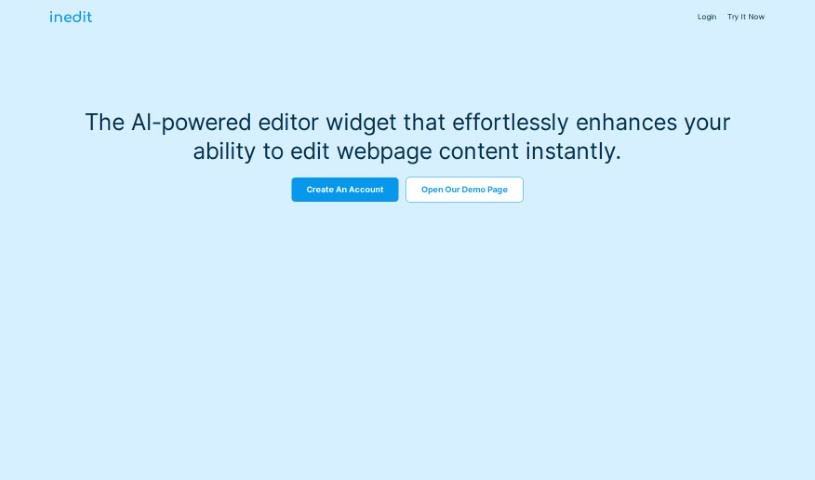
Screenshot of Inedit

Inedit

Discover what Inedit is and how to use it effectively in 2025. We'll explore its features and compare it to other website builders.

Screenshot

What is Inedit?

Inedit is a smart editor widget, powered by AI, that lets you change your webpages right as you see them. It’s built to make customizing your website easier, speed up how you edit content, and generally make you more productive. You can even tweak the AI to fit what you need, and you’re always in charge of creating content because you can switch to manual editing whenever you want. The tool also includes handy features like a ‘review before publishing’ option and staging sites, so you can get a good look at your content before your clients do. Plus, it gives you a clearer picture of how your webpages are put together and connects smoothly with all sorts of CMS platforms.

Who created Inedit?

OpenAI developed Inedit. They first launched it on October 28, 2023. This company offers an AI-powered editor widget that lets you edit webpage content in real-time. It uses OpenAI’s GPT models, like GPT-3 and GPT-4. With Inedit, you can switch to manual mode to fix any AI-generated content, tailor the AI to your specific requirements, and manage the entire content creation process. This includes previewing and editing features. Inedit also provides insights into your webpage structures and integrates easily with different CMS platforms.

What is Inedit used for?

  • It helps you edit webpage content in real-time.
  • It speeds up content editing using AI technology.
  • You can switch to manual mode to fix any mistakes in content the AI creates.
  • You can customize the AI to match what you need.
  • It gives you control over content creation with a ‘review before publishing’ feature.
  • You can add staging sites to preview content.
  • It lets you look closely at webpage structures to understand layouts better.
  • It connects easily with various CMS platforms.
  • It makes your workflow more efficient and boosts productivity.
  • It changes how you create digital content.

Who is Inedit for?

  • Web Developers
  • People who know HTML well
  • Anyone who has a basic grasp of HTML and how web development works

How to use Inedit?

Inedit is an AI-powered editor widget that really changes how website content editing is done. Here’s a simple, step-by-step guide to using this tool effectively:

  1. Use the Embedded Widget Editor: You can use the widget editor that’s built right in to make changes directly on your website as you see it. This makes customizing your site much more convenient and efficient.
  2. Benefit from AI Integration: Take advantage of advanced AI technology, specifically from OpenAI’s GPT models like GPT-3 and GPT-4. This connection makes content editing smoother, increases productivity, and really improves your digital experience.
  3. Switch to Manual Mode: If you need to, you can switch to manual mode. This is great for fixing any errors in content the AI might have generated and lets you take full control of the content creation. You can even customize the AI by adjusting how prompts are structured and how the GPT models work to better suit your specific needs.
  4. Maintain Content Control: Make sure your content creation process is well-managed. Features like ‘review before publishing’ and the ability to add staging sites for content previews give you complete control over what your audience sees.
  5. Gain Deeper Insights: Take a closer look at your webpage structures. You’ll get valuable insights into the layout and how things are modified. This is especially helpful if you already know HTML and web development.
  6. Integrate with CMS Platforms Easily: Connecting Inedit with different Content Management System (CMS) platforms is straightforward. This makes it more accessible for people using various systems.

By following these steps, you can really get the most out of what Inedit offers. It’s a great way to improve your website’s content editing with AI-driven efficiency and control.

Related AI Tools

Discover more tools in similar categories that might interest you

Stay Updated with AI Tools

Get weekly updates on the latest AI tools, trends, and insights delivered to your inbox

Join 25,000+ AI enthusiasts. No spam, unsubscribe anytime.