10Web
Web Development Website Builders
Learn more
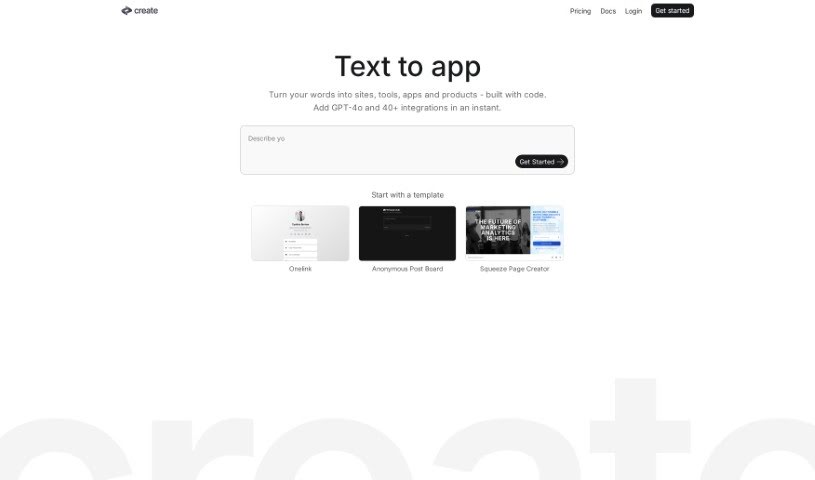
Discover what Create is and how it turns plain text into websites, apps, and components with AI, complete code included, no coding required.
Create is an AI app builder that helps you build websites, applications, and individual components quickly — with the full code included. You describe what you want, and your app comes to life in real time. Create uses AI models including GPT-4-Vision to simplify the process, making it easy to tweak projects, collaborate with others, and publish your apps.
Key capabilities include:
Create was founded by a team that prefers to stay behind the scenes, operating under the company Create, Inc. Their goal is to make creating sites, apps, and components fast and automatic using artificial intelligence. The platform uses AI models like GPT-4 and works with popular tech stacks such as Next.js and React. Templates are available for many use cases, so you don’t need to be a coding expert to get started.
Create can be used to build a broad range of projects, including:
Create suits developers, designers, marketers, writers, entrepreneurs, students, service providers, photographers, fundraisers, and business professionals — essentially anyone who wants to build sites, apps, or components without writing code from scratch.
Related
Discover more tools in similar categories
Weekly picks of the best AI tools we've researched and added — no spam, unsubscribe anytime.
Join 25,000+ AI enthusiasts. No spam, unsubscribe anytime.