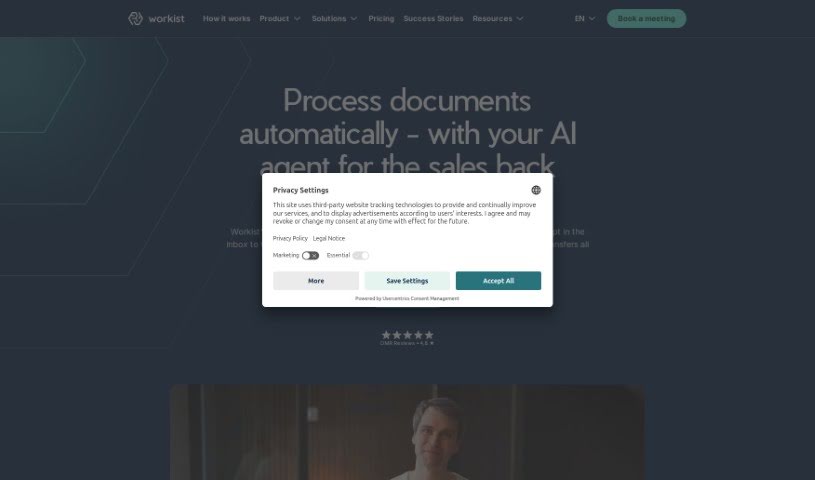
What is Workist?
Workist is an AI solution designed to automate B2B transactions. It really changes how businesses handle documents, cutting down costs and saving a lot of time through automation. By using automation, Workist lets people focus on more important work instead of manual tasks, helping businesses make their transactions much more efficient. Workist’s AI, called WorKI, can process all sorts of documents. It integrates quickly, saves you considerable time, cuts down on errors, and fits right into your current systems using the latest EDI technology. Essentially, this automation tool is all about making your workflows run smoother, extracting data more effectively, and optimizing processes so your business communication and productivity get a real boost.
Who created Workist?
Phillip König, who heads up Business Process Optimization at Zentis, led the team that created Workist. The company’s main goal is to transform how businesses communicate by automating B2B transactions with AI. This makes things more efficient and cost-effective. Workist’s AI, WorKI, has already processed over a million documents. It offers quick integration, saves a significant amount of time, and reduces errors by matching master data. The company wants to empower people by taking away repetitive tasks, so they can concentrate on work that truly matters.
What is Workist used for?
- It automates B2B transactions, making it easy for business customers, distributors, and suppliers to connect.
- You can cut costs and save time because automation drastically reduces the need for manual work.
- Expect about a 90% time saving, which means you’ll see a fast return on your investment.
- Error rates drop by 80% thanks to its master data matching capabilities.
- It integrates with your existing systems using the latest EDI technology.
- Workist handles the entire order process, from when it’s entered all the way through confirmation and integration with your ERP system.
- You get rapid integration into your current processes, and it works with all common ERP systems.
- It significantly cuts down the time you spend processing orders.
- By using master data matching, it reduces errors by 80%.
- It boosts efficiency by automating document processing and order confirmations.
Who is Workist for?
- Anyone focused on optimizing business processes.
- Teams looking to automate document handling.
- Those aiming for better process optimization.
- Anyone needing to improve data extraction.
- Businesses wanting to boost workflow efficiency.
- Companies involved in document processing.
How to use Workist?
To get the most out of Workist, just follow these straightforward steps:
- Automate B2B Transactions: Workist is an AI solution that really smooths out B2B transactions. It connects business customers, distributors, and suppliers seamlessly.
- Understand Your Documents: With over a million documents processed, Workist’s AI is excellent at understanding them. This leads to high automation rates, which significantly lowers costs and processing time.
- Save Time and Money: You’ll save about 90% of your time with Workist, ensuring a quick return on investment. This automation guarantees you’ll be more efficient by cutting down on manual work.
- Reduce Errors: Workist uses master data matching to spot and fix order mistakes, cutting error rates by 80%. This frees up your customer service team and makes your data much more accurate overall.
- Top Features:
- Quick Integration: It integrates smoothly into your existing processes and works with all common ERP systems.
- Scalable AI: Workist’s AI, WorKI, can easily handle growth and different types of documents.
- Efficiency and Accuracy: Workist minimizes errors, which makes customers happier by optimizing processes and allowing for faster responses.
- Future-Proof Your Business: Workist is built to scale and adapt as your needs change. You can handle more documents without needing to hire more people.
- Embrace Automation: Say goodbye to manual tasks! Workist frees up your resources so you can focus on important things like customer satisfaction and growing your business.
By following these steps, you can use Workist effectively to improve automation, efficiency, and accuracy in how you process documents. It’s a great way to transform how you do business.