11Sight
Business Customer Service
Learn more
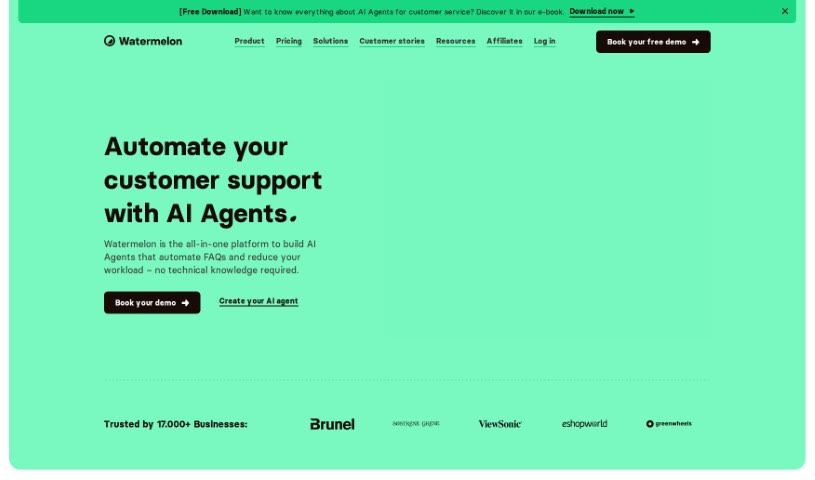
Discover what Watermelon is and how its GPT-4 powered AI chatbots automate customer support, answer FAQs, and personalize customer interactions.
Watermelon is a customer service platform built around GPT-4 powered AI chatbots. Businesses use it to provide 24/7 support and more personal interactions. The chatbots understand everyday language and converse naturally, handling tasks like answering common questions, resolving issues, and suggesting products — freeing human agents to focus on more complex work. Watermelon also provides insights and data to help improve the overall customer experience.
The founder of Watermelon isn’t documented here. For details about the company’s origins, check their official website or press releases.
Watermelon suits customer service representatives, sales representatives, marketing professionals, and businesses automating support. Companies using it include Qander, Directa.nl, HUUS (furniture and interior design), Green Bubble (online plants), PrintAbout (printing services), AFAS Software, Zadkine (study choice guidance), Tourism Veluwe Arnhem Nijmegen, MBOwebshop.nl, and Kiesz (dental care).
Related
Discover more tools in similar categories
Weekly picks of the best AI tools we've researched and added — no spam, unsubscribe anytime.
Join 25,000+ AI enthusiasts. No spam, unsubscribe anytime.