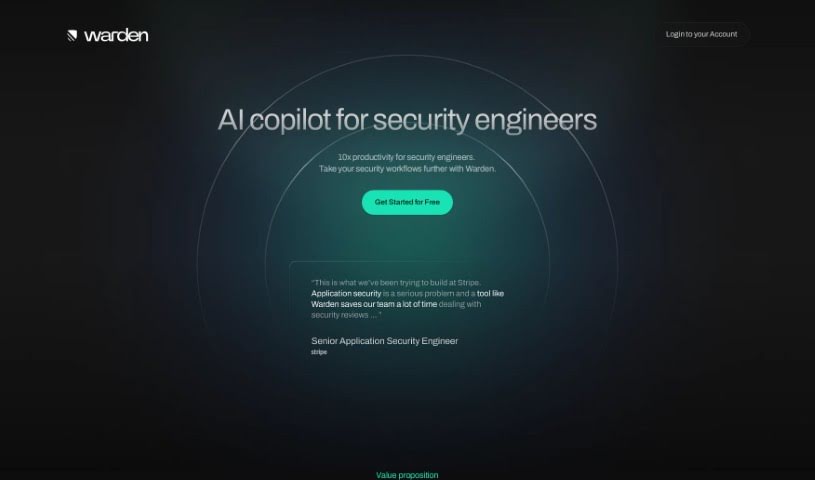
What is Warden?
Warden is an AI copilot built specifically to help security engineers in their day-to-day work. It is a smart assistant that can really boost your productivity. It helps by reducing security vulnerabilities, clearing out those pesky security backlogs, creating technical architecture diagrams automatically, listing out potential risk factors, and even suggesting ways to fix them. What makes Warden stand out are its AI-driven capabilities, like automatically generating those technical architecture diagrams and providing a really thorough breakdown of all the risks involved.
If you’ve got more questions or need more details, just let me know! I’m happy to help.
Who created Warden?
Warden, this AI copilot designed to make security reviews smoother, was developed by a company focused on making security engineers’ jobs more efficient. They built it to help identify risks, offer solutions, and create technical architecture diagrams. It officially launched on December 12, 2023. The tool is quite adaptable – it can be used for pretty much any application. Its main goal is to cut down on security vulnerabilities and clear out the backlogs that often slow down product launches. Plus, Warden offers a 14-day free trial, and it costs $500 per month for each user.
What is Warden used for?
Here’s a rundown of what Warden helps with:
- Minimizing security vulnerabilities – catching them before they become big problems.
- Reducing security backlogs, so projects can move forward faster.
- Automatically generating technical architecture diagrams.
- Identifying potential risks within your systems.
- Providing practical suggestions for mitigating those risks.
- Adapting to different security workflows, no matter your setup.
- Contributing to strong, reliable business operations.
- Boosting the overall productivity of security engineers.
- Creating a detailed list of all identified risk factors.
- Enhancing your available security options.
Who is Warden for?
How to use Warden?
To get the most out of Warden, here’s a step-by-step guide:
- Understand Warden’s Core Functionality: First off, remember that Warden is an AI copilot designed to support security engineers. It’s there to help you minimize vulnerabilities and clear out those backlogs that often hold up product launches. It’s also great for creating technical architecture diagrams, listing out potential risks, and offering ways to fix them.
- Generating Technical Architecture Diagrams: Warden can create technical architecture diagrams for you. You just need to provide your documents and any specific questions about use cases. These diagrams are super helpful for quickly spotting security issues in your project.
- Identifying Risk Factors: Warden digs deep into your project to generate a comprehensive list of risk factors. It uses the technical architecture diagrams it creates to help identify potential problems, giving you a clear picture of what to watch out for.
- Getting Mitigation Suggestions: Once Warden has identified the risks, it provides AI-generated suggestions on how to mitigate them. This feature is a real lifesaver for effectively addressing security concerns.
- Its Adaptability: Warden is designed to work with any application. It’s built to be flexible and adapt to various security workflows, making it a versatile tool for whatever your business needs or workflows might be.
- Pricing and Trial Information: If you’re interested, Warden costs $500 per month per seat. They also offer a 14-day free trial, which is a great way to test out all its features before you decide to subscribe.
- Boosting Productivity: Warden claims to offer ‘10x productivity’ for security engineers, and it aims to significantly increase your output. By automating tasks like risk identification, diagram generation, and providing mitigation ideas, Warden really streamlines the whole security review process.
- Security and Suitability: Warden is suitable for any business, no matter the industry or size. As an AI copilot specifically for security, it’s designed to ensure maximum security.
By following these steps, you can effectively integrate Warden into your security workflow. It’s a great way to boost productivity and build more secure products.