What is Vid2Txt?
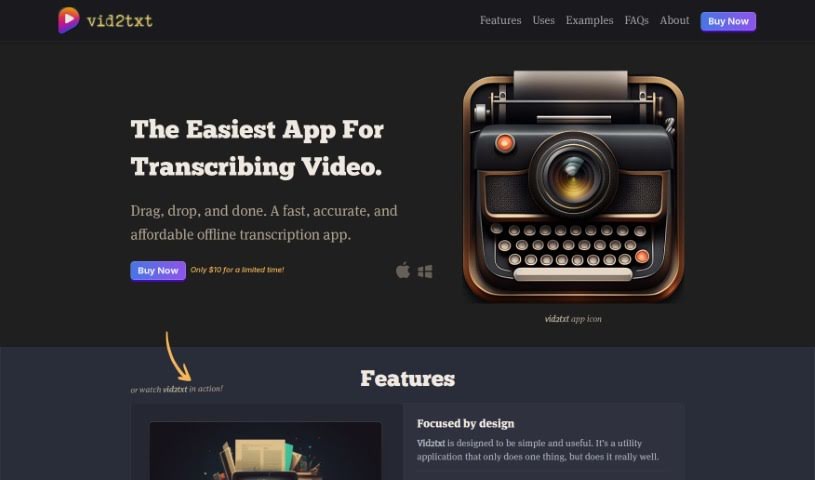
Vid2Txt is a neat little app that transcribes video and audio files right on your computer – no internet needed! You just drag and drop your files into the app, and it gets to work. What’s really great is that it’s fast, accurate, and won’t cost you an arm and a leg. Plus, there are no subscriptions or data sharing involved. You can transcribe as much as you want with a single purchase, so you don’t have to worry about quotas or hidden charges. It’s designed to be super simple, focused, and efficient, making it a fantastic tool for all sorts of people, whether you’re a content creator, journalist, student, business pro, someone who’s hearing impaired, or a researcher.
Who created Vid2Txt?
This app was mostly thought up and coded by ChatGPT. The visual flair – the logo, icons, and artwork – was all thanks to AI. David Suriano then curated and explored these elements, bringing it all together. The goal was always to create a fast, accurate, and affordable way to transcribe files offline, letting users easily convert any video or audio into text.
What is Vid2Txt used for?
Vid2Txt is incredibly versatile:
- Content Creators: Need transcripts for your videos or podcasts? Vid2Txt makes it quick and easy, which is great for SEO and adding closed captions.
- Journalists: Speed up your workflow by transcribing voice memos instantly, so you can spend more time crafting your stories.
- Students: Turn those recorded lectures into editable text. It’s a real game-changer for taking notes.
- Business Professionals: Boost your productivity by converting meetings and webinars into searchable text. You’ll be able to find information in seconds.
- Hearing Impaired Individuals: Access readable transcripts for shows, movies, and podcasts. It really helps you stay connected.
- Researchers: Make data analysis much simpler by searching and analyzing video content just like you would any text document.
- For Everyone: You can transcribe video and audio content efficiently and affordably, all offline.
- For Everyone: Enjoy unlimited transcriptions without any subscription fees.
- For Everyone: Stay connected to the world by getting accurate transcripts of all your media.
- For Everyone: Boost your efficiency by turning all sorts of recorded content into searchable text.
Let’s break down some specific uses:
- Content Creators: Easily create transcripts for videos or podcasts to improve SEO and add closed captioning.
- Journalists: Expedite story writing by quickly transcribing voice memos.
- Students: Transform recorded lectures into editable transcripts to make note-taking much easier.
- Business Professionals: Convert meetings and webinars into searchable text to save time.
- Hearing Impaired: Get readable transcripts for shows, movies, and podcasts.
- Researchers: Analyze video content as easily as text for deeper insights.
Who is Vid2Txt for?
Vid2Txt is a fantastic tool for:
- Content creators
- Journalists
- Students
- Business professionals
- The hearing impaired
- Researchers
How to use Vid2Txt?
Getting started with Vid2Txt is straightforward. Here’s how you can transcribe your files:
- First, you’ll need to purchase and download Vid2Txt from its official website.
- Next, install the application on your computer. It works on MacOS 13+ and Windows 10+.
- Once installed, open up the Vid2Txt application.
- Now, simply drag and drop your video or audio file right into the designated area in the app.
- Vid2Txt will then quickly process the content, transcribing it into a .txt, .srt, or .vtt file format for you.
- After that, you’re free to edit and use the transcribed text however you need.
- The best part? You can enjoy unlimited transcriptions without any subscription fees or worries about data sharing.
- And remember, Vid2Txt operates entirely offline, which really helps with security and keeps your transcription tasks efficient.
By following these simple steps, you can effortlessly transcribe your video and audio files with accuracy and speed using Vid2Txt. It’s a great way to boost your productivity and make content more accessible by converting various types of recorded material into editable text formats.