20Paths
Productivity Documentation
Learn more
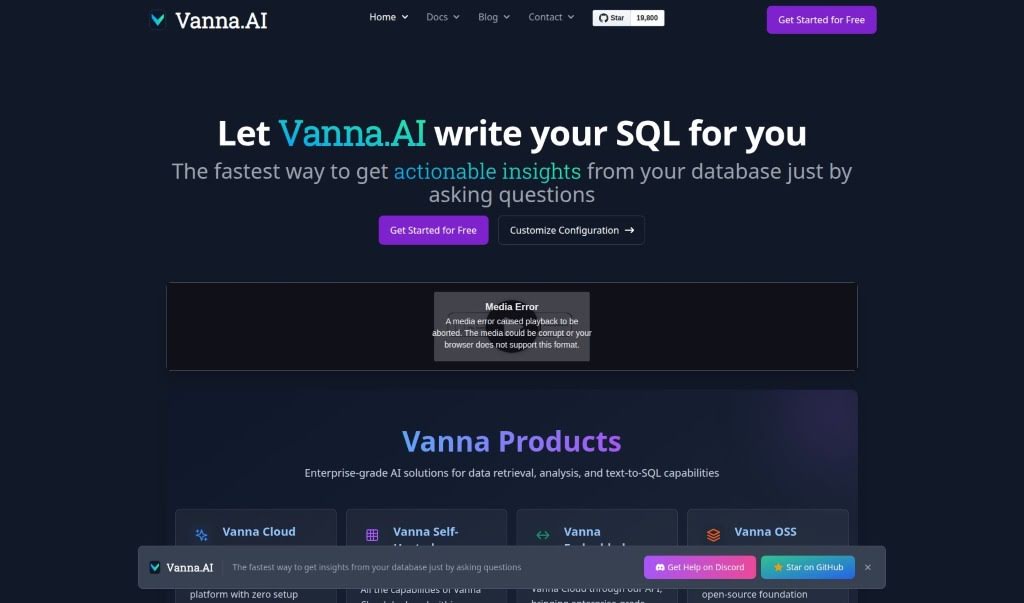
Discover what Vanna.ai is, how it generates SQL queries from plain questions, and why its privacy-focused, personalized AI approach stands out.
Vanna.AI is an AI-powered tool that helps you write SQL queries. Built on a Python-based, open-source SQL agent, it lets you ask a simple question and automatically generates complex SQL queries in seconds. It is designed to be highly accurate, even with tricky datasets.
Privacy is a core principle: Vanna only needs your database schemas and queries — never the actual data itself — so sensitive information stays safe. Its approach uses an isolated, custom model for each user, which keeps improving as you use it. Vanna works with popular databases like Snowflake, BigQuery, and Postgres, and integrates flexibly into your workflow via Jupyter Notebooks, Slackbots, or custom web apps.
Vanna.ai was developed by a team led by Rishit Patel. The platform focuses on AI-assisted SQL query generation, making it simpler to pull insights from databases while keeping data security a top priority.
Vanna.ai suits data analysts, data scientists, database administrators, business analysts, software engineers and developers, and managers who want to speed up SQL writing while keeping their data secure.
Access Vanna.ai: Visit the official website at vanna.ai.
Installation: Install it with pip:
!pip install vanna
import vanna
from vanna.remote import VannaDefault
vn = VannaDefault(model='chinook', api_key='your_api_key_here')
vn.connect_to_sqlite('https://vanna.ai/Chinook.sqlite')
vn.ask('What are the top 10 artists by sales?')

from vanna.flask import VannaFlaskApp
VannaFlaskApp(vn).run()
Ask questions: Use automated SQL generation to write complex queries quickly with AI assistance.
Stay secure: Vanna only needs schemas and queries, never the actual data.
Leverage your custom model: Each user gets a personalized model that improves with use.
Related
Discover more tools in similar categories
Weekly picks of the best AI tools we've researched and added — no spam, unsubscribe anytime.
Join 25,000+ AI enthusiasts. No spam, unsubscribe anytime.